

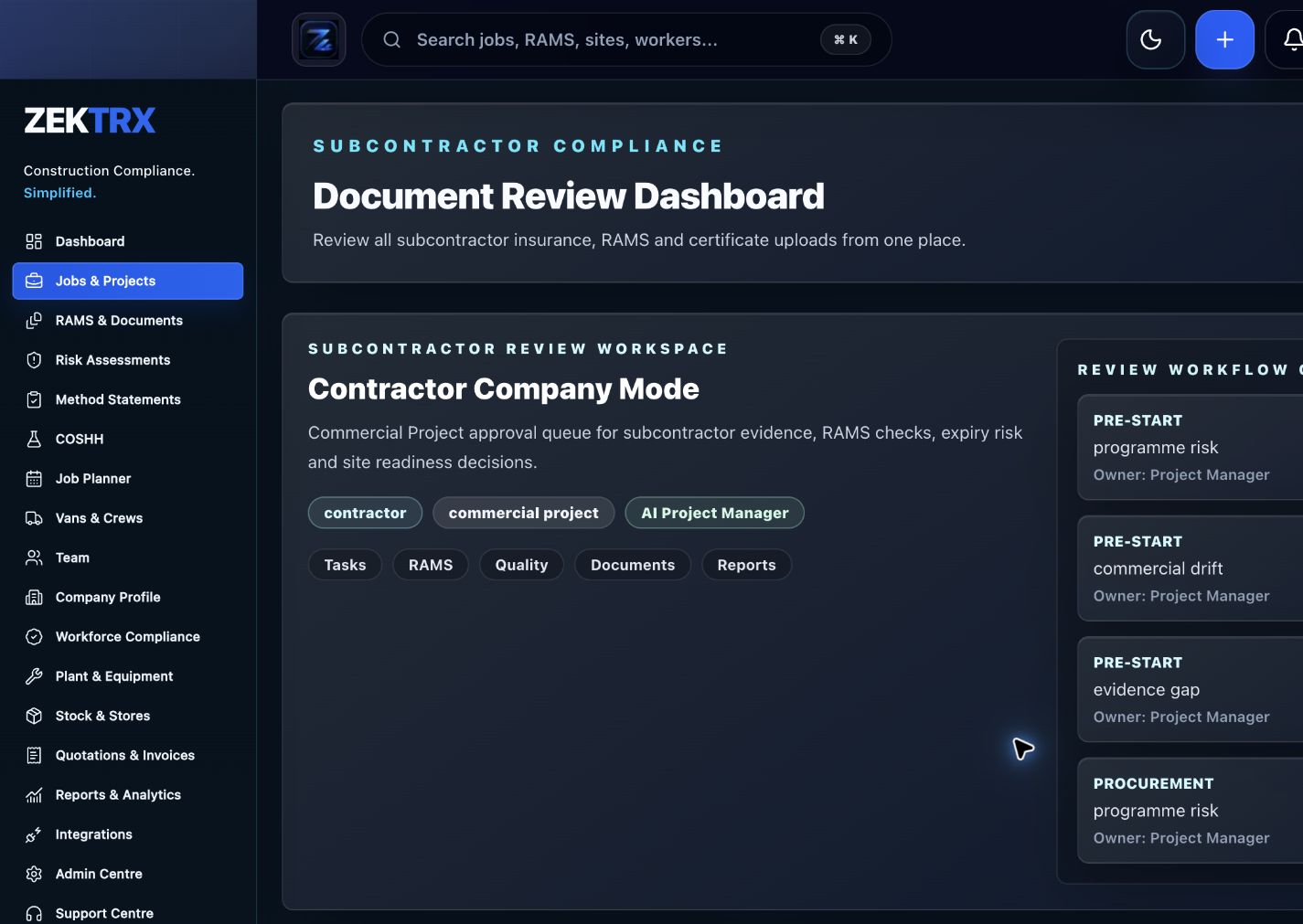
Subcontractors
Start with the right workflow screen
Move the guide from reading into the Zektrx area that can carry the checklist, actions and evidence.
A work breakdown structure, or WBS, splits a construction project into manageable deliverables, packages and tasks. It helps teams turn scope into owners, milestones, dependencies, costs, documents and evidence requirements before work starts.
Subcontractors
Checklist
Break the project into phases, areas, trades, packages or deliverables.
Give each work package a clear owner, scope description and completion standard.
Link each package to programme milestones, dependencies and critical dates.
Attach required RAMS, permits, drawings, inspections, photos and handover evidence.
Track cost codes, variations, subcontractor responsibilities and close-out status.
Review the WBS before delivery so missing scope does not become a late-stage surprise.
A practical work breakdown structure template guide for construction teams planning scope, packages, owners, milestones, evidence and handover.
A work breakdown structure, or WBS, splits a construction project into manageable deliverables, packages and tasks. It helps teams turn scope into owners, milestones, dependencies, costs, documents and evidence requirements before work starts.
Break the project into phases, areas, trades, packages or deliverables.
Give each work package a clear owner, scope description and completion standard.
Link each package to programme milestones, dependencies and critical dates.
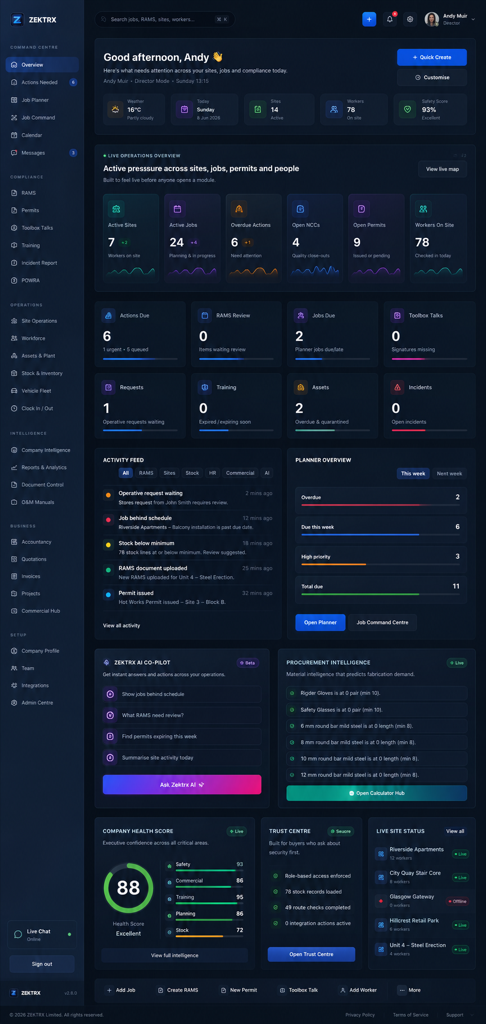
Use live Zektrx screens to manage the checklist, review tasks and supporting evidence.
Subcontractors
Move the guide from reading into the Zektrx area that can carry the checklist, actions and evidence.
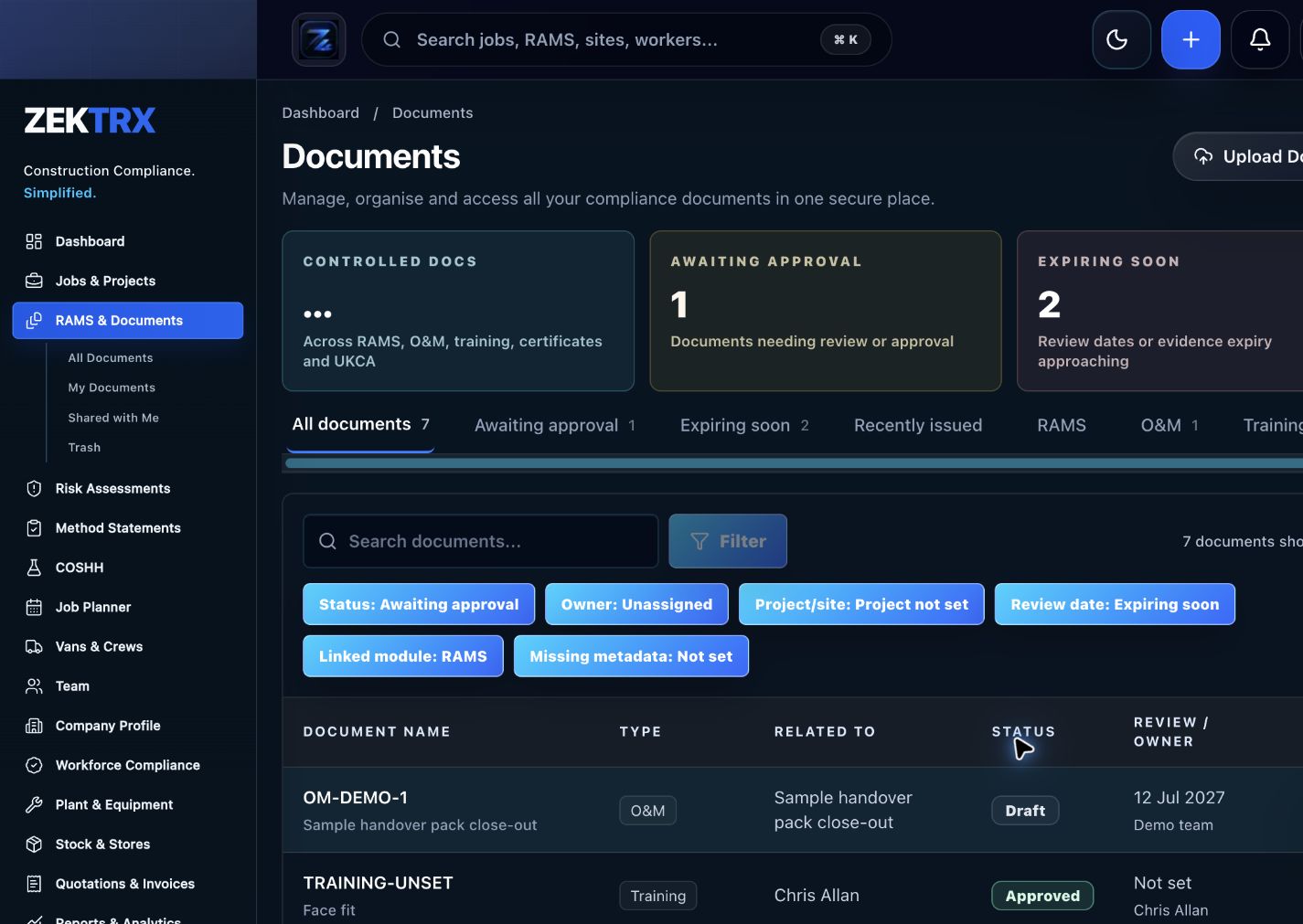
Documents
Keep current versions, review points, approvals and related proof attached to the same process.
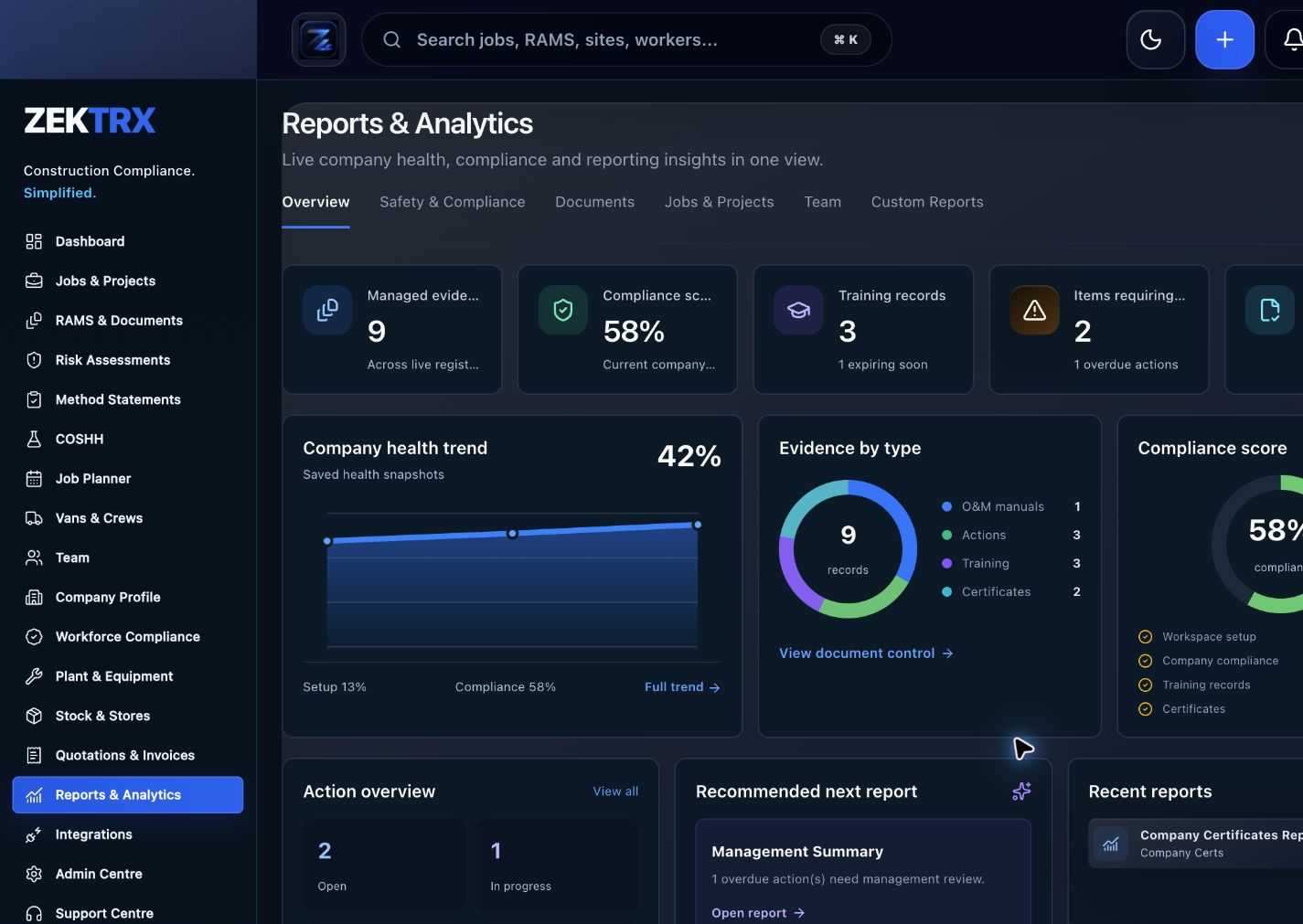
Reports
Use reporting and audit views to turn completed work into a cleaner management or client pack.
See the relevant Zektrx product area, the checks to complete and the practical steps for applying this guidance across your team.
Product area
Zektrx subcontractor onboarding preview
Checklist
Break the project into phases, areas, trades, packages or deliverables.
Implementation
Start by reading the construction planning template against one real project or job.
Related resources
Construction Project Management Software / Construction Scheduling Software
Connect written guidance with site activity, team briefings and the evidence records that show how the work was controlled.

Plan the work
Use each guide to decide the owners, records and review points before work starts.
Recommended check
Break the project into phases, areas, trades, packages or deliverables.

Brief the team
Turn guidance into toolbox talks, instructions and visible actions for the people doing the work.
Recommended check
Give each work package a clear owner, scope description and completion standard.

Keep proof
Connect checks, photos, sign-offs and follow-up tasks to the same operating record.
Recommended check
Link each package to programme milestones, dependencies and critical dates.
Construction scope is easier to control when it is broken into packages that match how the project will actually be delivered. A useful WBS shows what needs to be done, who owns it and what evidence proves completion.
Some projects work best by phase, floor or area. Others work better by trade package, asset, system or handover deliverable. The right WBS makes progress easier to report and problems easier to spot.
A WBS is more valuable when each work package links to drawings, RAMS, inspections, site photos, actions, defects, variations and handover records. That keeps planning and close-out in the same workflow.
A spreadsheet template can help at the start, but it becomes harder to maintain once owners, due dates, changes and completion evidence start moving. Live construction software keeps those changes visible.
Zektrx helps turn repeated checks into owned actions, linked evidence and clear reporting.
Start by reading the construction planning template against one real project or job.
Check whether your current process covers: Break the project into phases, areas, trades, packages or deliverables.
Check whether your current process covers: Give each work package a clear owner, scope description and completion standard.
Check whether your current process covers: Link each package to programme milestones, dependencies and critical dates.
Decide which items should become live actions, approvals, signatures, evidence links or reports.
Evidence question 1
Who owns this record when it is created?
Evidence question 2
What proves the latest version was reviewed or approved?
Evidence question 3
Where are photos, signatures, comments and close-out evidence stored?
Evidence question 4
Can the record be exported for a client, auditor or principal contractor without rebuilding it?
See how resources become live compliance, site, document and reporting workflows.
Explore the operating system for trade businesses managing jobs, evidence and admin.
Move from templates and checklists into controlled RAMS creation, issue and signing.
A WBS, or work breakdown structure, is a way to break a construction project into smaller deliverables, packages or tasks so scope, owners, dates, costs and evidence can be managed clearly.
It should include project phase or area, work package name, scope, owner, dependencies, target dates, cost code, required documents, inspections, evidence and close-out status.
No. A WBS defines the work and deliverables. A schedule places that work on dates and shows timing, sequence and dependencies.
Yes. Zektrx can connect job planning, actions, documents, RAMS, site evidence, reporting and handover records so work packages do not sit in isolation.