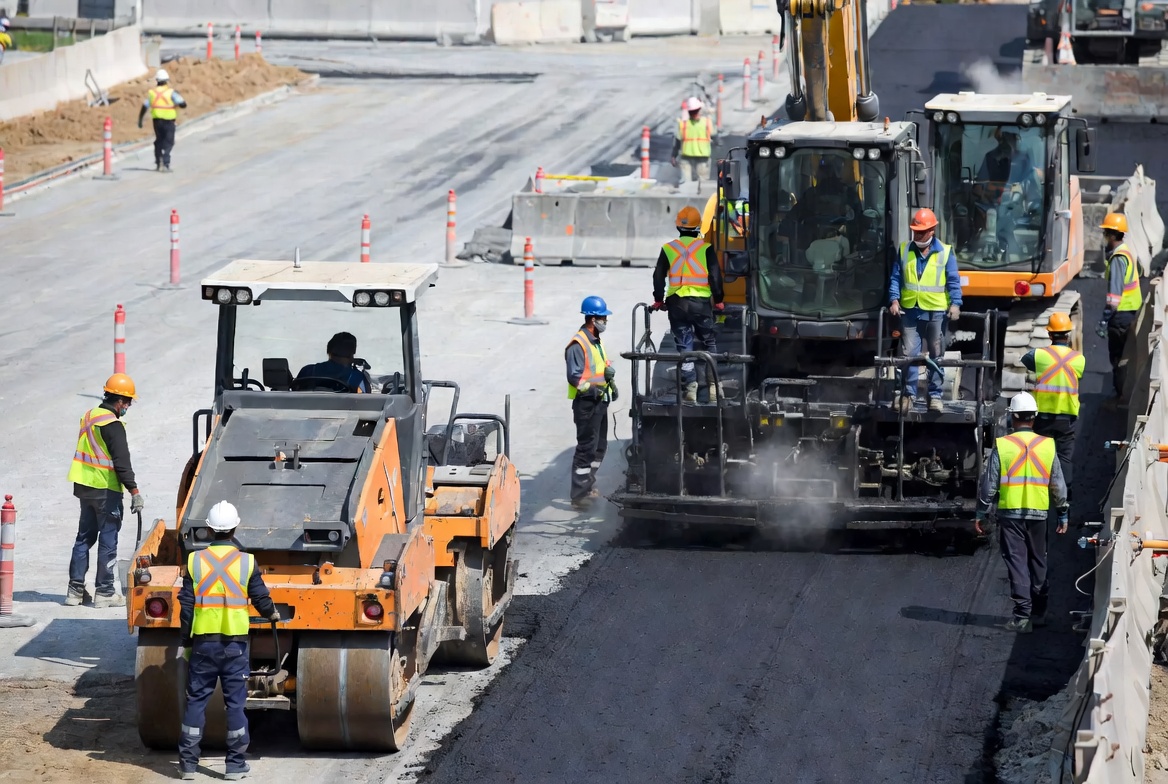
RAMS & Documents
Create professional RAMS, method statements, risk assessments and site documents in minutes.
Learn moreSolutions
Zektrx brings everything construction businesses need into one connected platform. Save time, stay compliant and deliver projects safely and profitably.
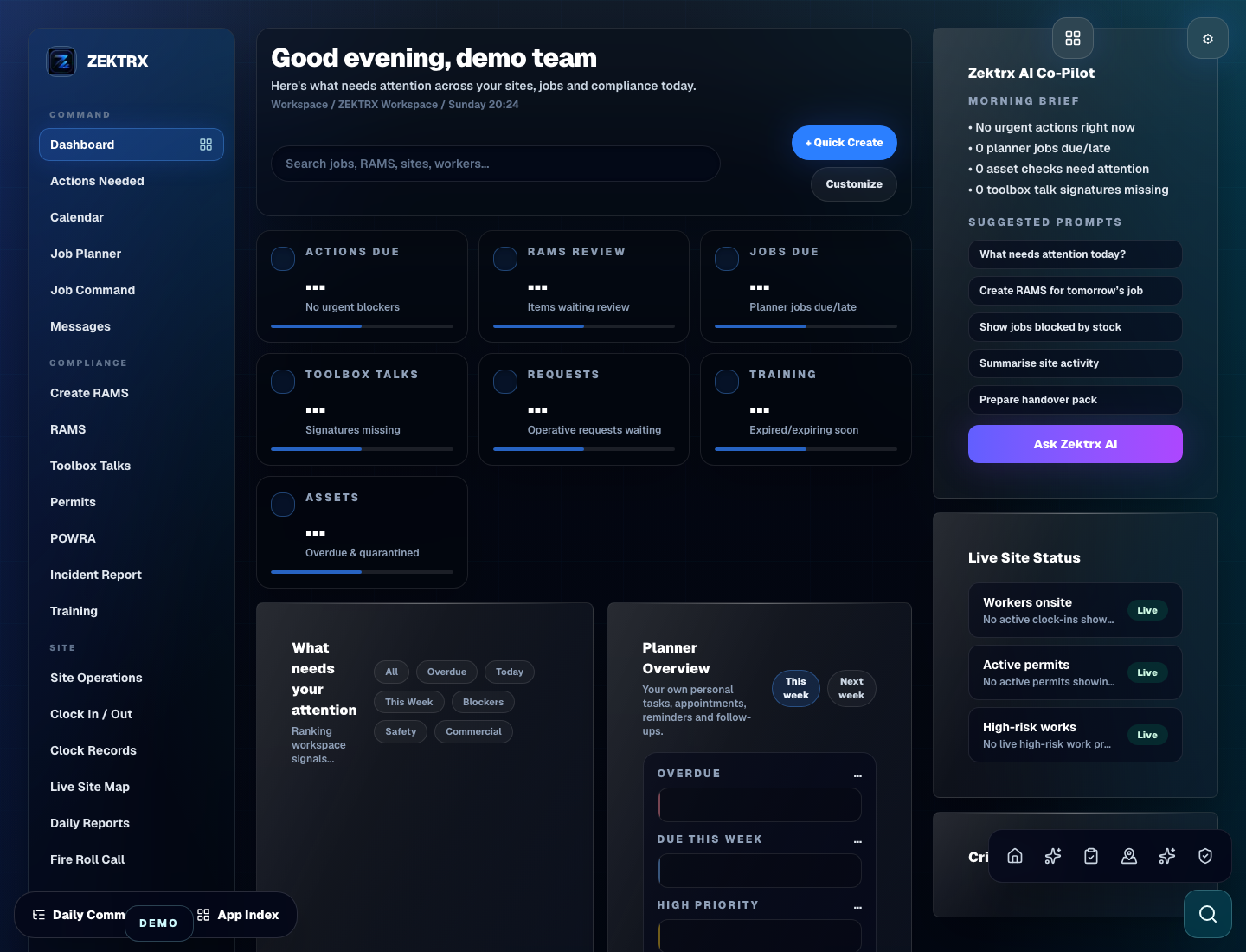
Complete solutions
Powerful tools designed for construction professionals. Built to work together. Designed to save you time.
Create professional RAMS, method statements, risk assessments and site documents in minutes.
Learn morePlan jobs, allocate crews, manage schedules and keep projects on track.
Learn moreManage your vans, operatives and daily schedules from one central hub.
Learn moreTrack materials, manage stock levels and streamline purchasing.
Learn moreCreate quotes, send invoices and get paid faster with integrated billing.
Learn moreTrack skills, training, tickets and certifications. Stay audit ready.
Learn moreManage equipment, schedule inspections and keep everything safe and compliant.
Learn moreStore COSHH data, assess risks and monitor hazards with ease.
Learn moreKeep company details, documents and compliance in one secure place.
Learn moreGain real-time insights with powerful reports and analytics.
Learn moreConnect accounting, cloud storage and the systems your business already uses.
Learn moreControl users, permissions and system settings from a secure dashboard.
Learn moreBuilt for construction
From sole traders to large contractors, Zektrx adapts to the way you work.
Explore further
Browse all of the focused solution paths for your team, workflow and operational challenge.
Role-specific Zektrx workspaces for project teams. The mode controls dashboard, terminology, workflows, navigation and AI guidance; the paid plan controls capacity and enterprise features.
Broad entry points for teams that want one system for compliance, operations, documents, stock, commercial workflows and reporting.
Pages for health and safety teams controlling AI-assisted RAMS, competent review, risk, permits, POWRA, incidents, audits and evidence.
Workflows for site teams, supervisors and managers who need Safety Coach prompts, Field AI capture, offline records, clearer actions and better proof.
Document control, Golden Thread, BIM evidence, Digital Twin records, revision and quality pages for reviewable project records and client-ready packs.
Operational and commercial pages for teams connecting Job Command Centre, multi-company projects, procurement, assets, quotes, invoices and costs.
Pages for teams exploring RAMS AI Agent, Field AI, document automation, admin reduction and alternatives to their current setup.
Feature routes for larger teams needing BIM, Digital Twin, Building Safety Act workflows, portfolio reporting, Power BI, APIs, white-label and global compliance packs.