

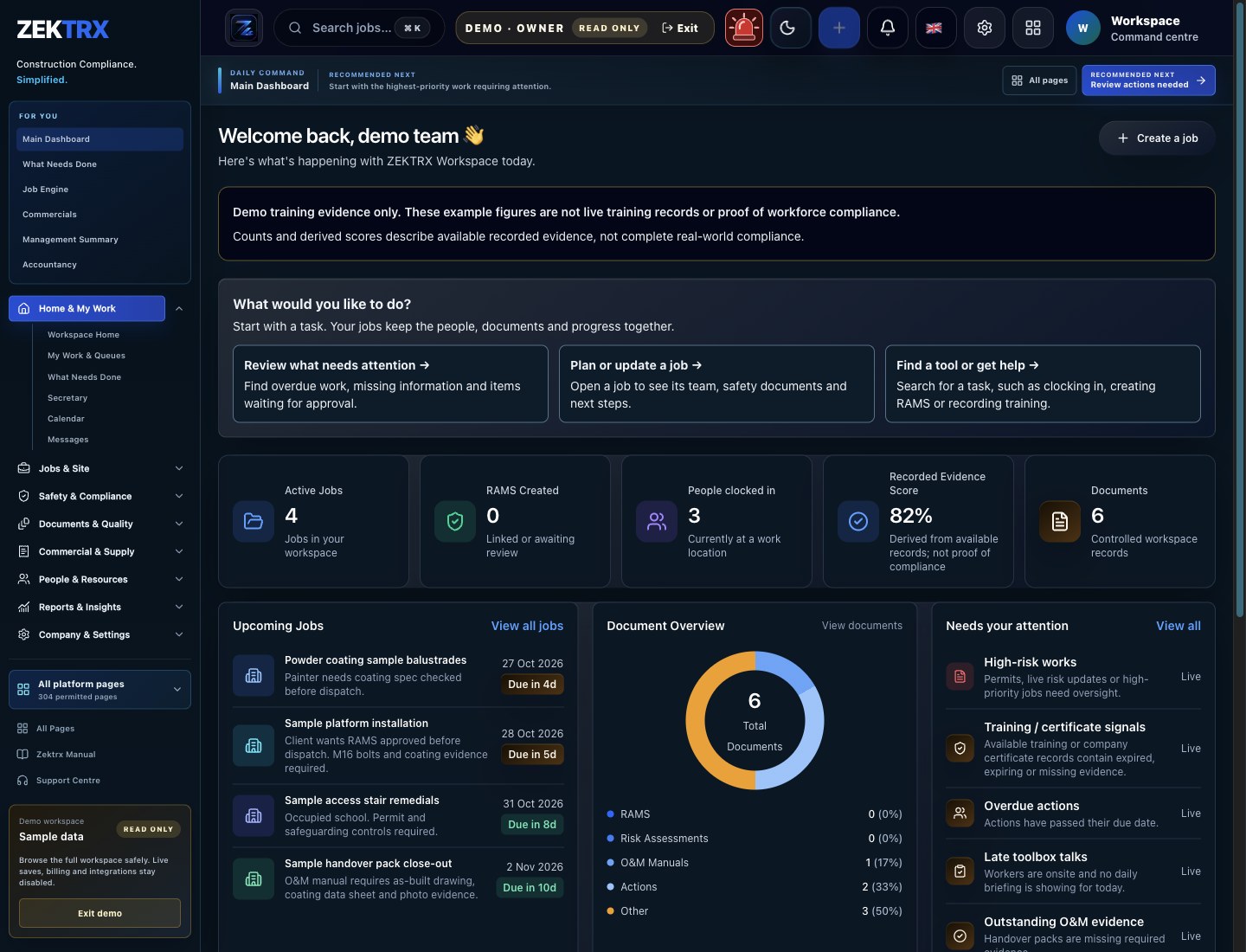
Fast Access
Put the dashboard one tap away.
An installed shortcut gives office and site teams a faster path back to jobs, documents and support.
Download Zektrx for iOS from the Apple App Store, for Android from Google Play, or for Windows from the Microsoft Store. You can also install the public Zektrx web app using the browser guides below.
Install status
A direct install prompt is not available right now. Use the browser instructions below to add the website shortcut.
This shortcut opens the public Zektrx website. Sign in to access your workspace.
View browser installation instructions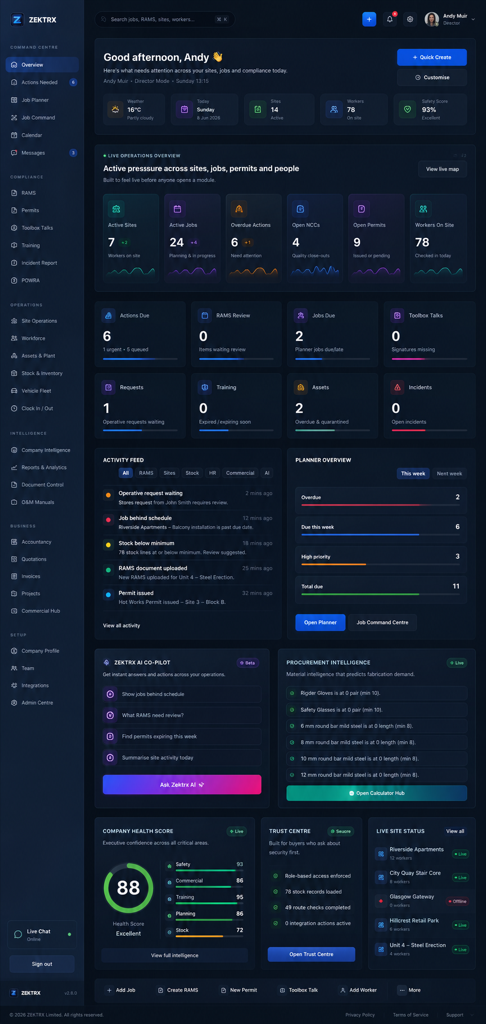
Device guide
Device guide
Chrome, Edge or Android
Use the install button if available, or open the browser menu and choose Install app or Add to home screen.
Safari on iPhone or iPad
Tap Share, then choose Add to Home Screen. Zektrx will launch from your home screen like an app.
Safari on Mac
Open the File menu and choose Add to Dock when available, or keep Zektrx pinned in your browser.
After Install
Add Zektrx to your device for quick access to your workspace, jobs and documents.
Fast Access
An installed shortcut gives office and site teams a faster path back to jobs, documents and support.
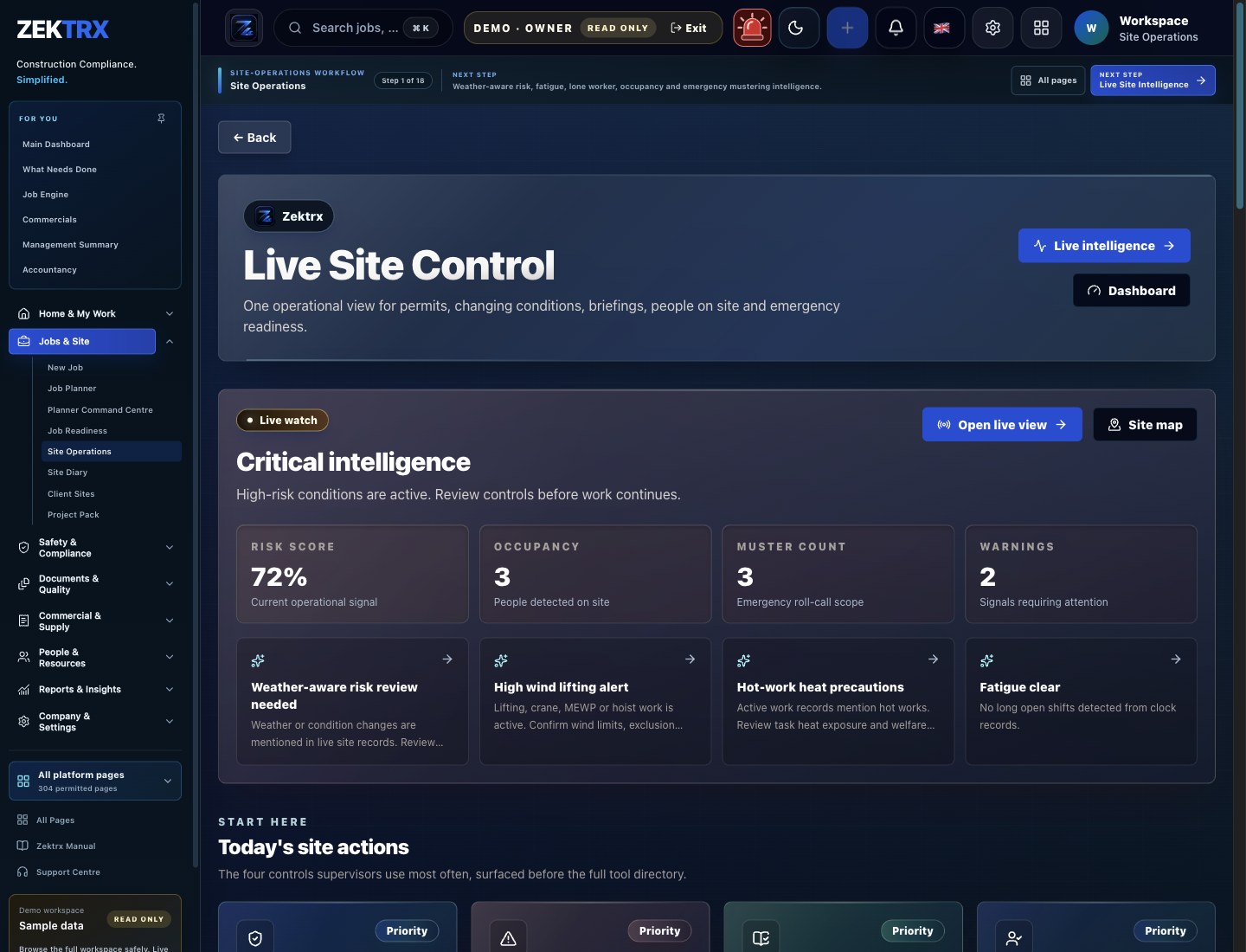
Mobile Rollout
Continue from device setup into the field workflows your team needs after launch.
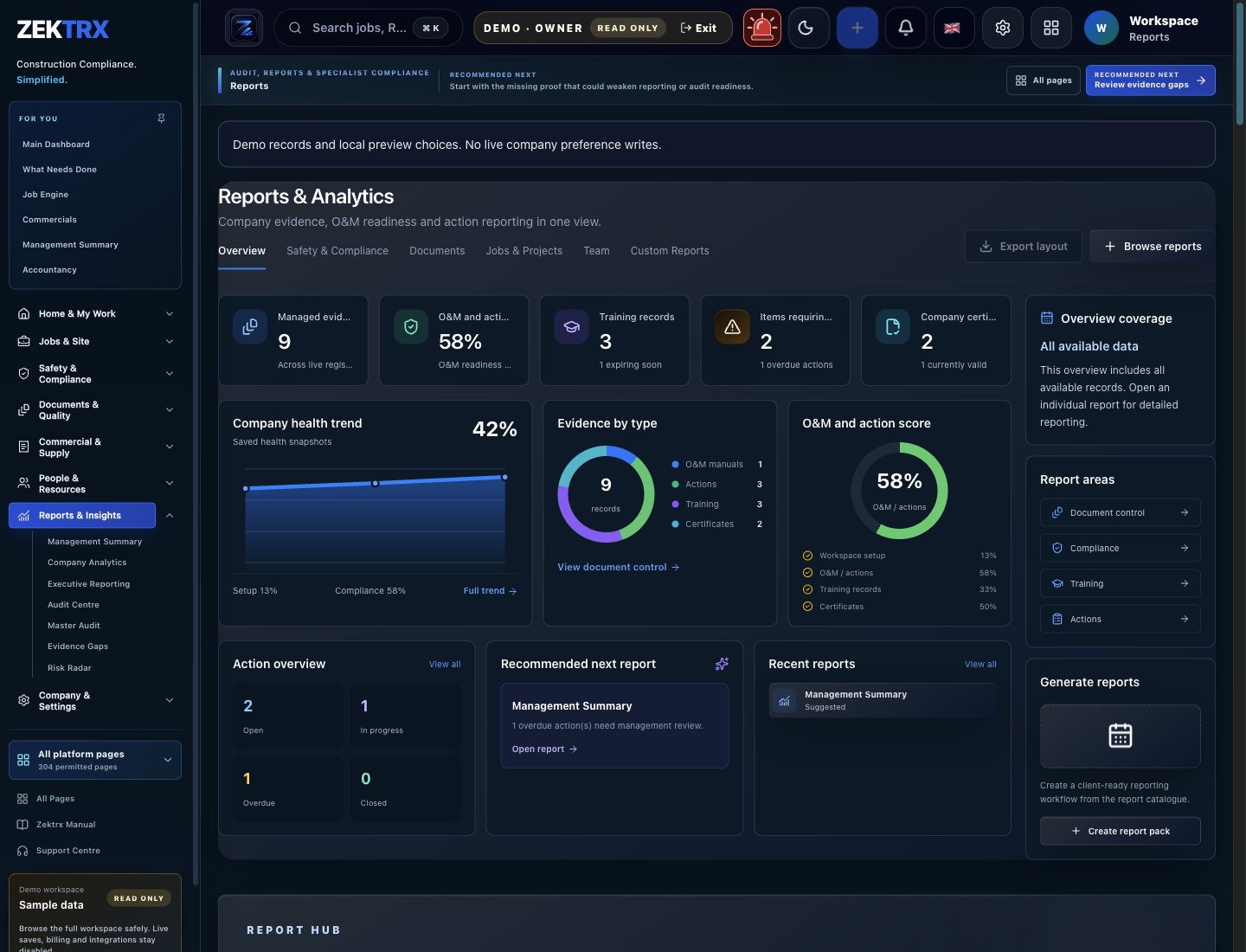
Recovery Route
Find support and service status from the website whenever you need help.
Installation Overview
Connect device setup, team rollout, connection recovery and app access in one clear installation path.
Device fit
Follow the instructions for your browser or device.
Rollout
Connect the shortcut to platform, pricing and wider team setup routes.
Recovery
Keep support, status and offline recovery close before site teams need them.
App path
Open Zektrx from your home screen or desktop to begin your day.
Connect device setup with support, offline recovery and live app access in one rollout path.

Give teams a clear path to status, support, recovery or security without hunting through the site.

Keep operational guidance connected to the documents, evidence and controls that matter on live work.
Help users get back to the app, the right page or the right contact route with less friction.