

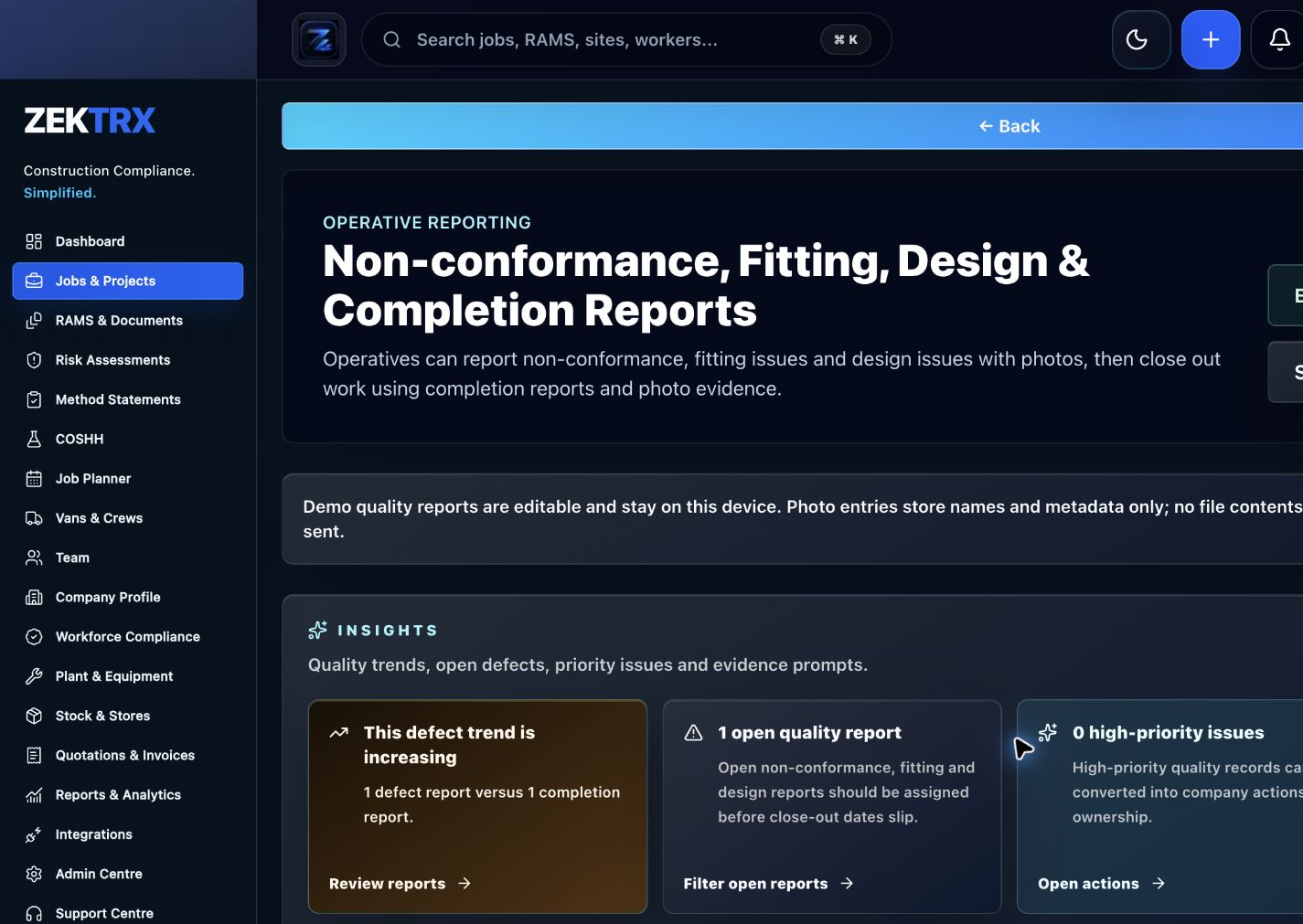
Reports
Start with the right workflow screen
Move the guide from reading into the Zektrx area that can carry the checklist, actions and evidence.
Choosing construction software is easier when you start with the jobs the system must actually do. This guide helps contractors compare platforms around workflows, evidence, adoption and reporting rather than feature lists alone.
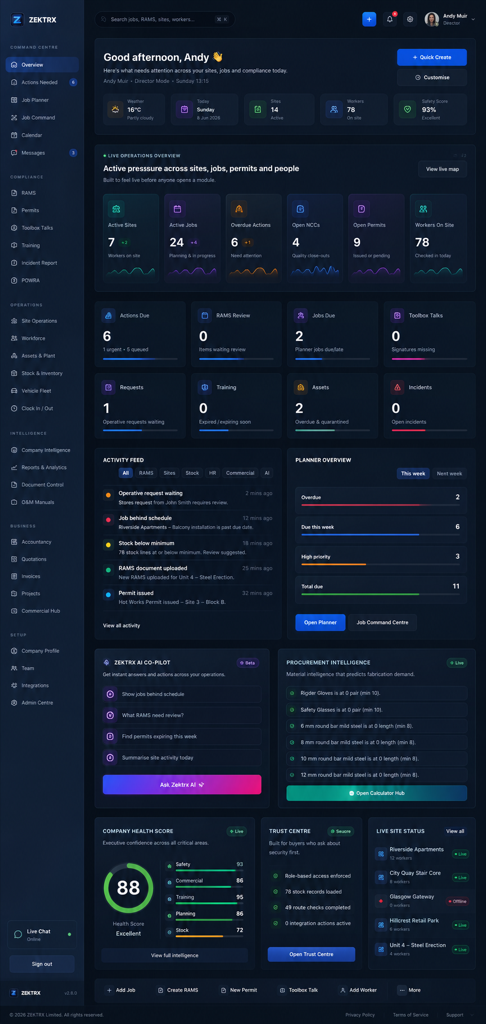
Reports
Checklist
List the workflows you need to control: RAMS, training, documents, site reports, stock, subcontractors, quotes and invoices.
Identify where evidence is currently stored across phones, folders, email, spreadsheets and paper.
Check whether office, workshop, site and field teams can use the system without creating duplicate admin.
Review reporting needs for directors, clients, auditors, supervisors and project managers.
Create a simple scorecard for workflow fit, adoption, reporting, implementation, security and total admin saved.
Ask how permissions, MFA, audit trails, exports, backups and data protection are handled.
Plan implementation around one or two painful workflows before rolling out the full platform.
A practical construction software buyers guide covering workflows, adoption, compliance, reporting, integrations, security and implementation planning.
Choosing construction software is easier when you start with the jobs the system must actually do. This guide helps contractors compare platforms around workflows, evidence, adoption and reporting rather than feature lists alone.
List the workflows you need to control: RAMS, training, documents, site reports, stock, subcontractors, quotes and invoices.
Identify where evidence is currently stored across phones, folders, email, spreadsheets and paper.
Check whether office, workshop, site and field teams can use the system without creating duplicate admin.
Use live Zektrx screens to manage the checklist, review tasks and supporting evidence.
Reports
Move the guide from reading into the Zektrx area that can carry the checklist, actions and evidence.
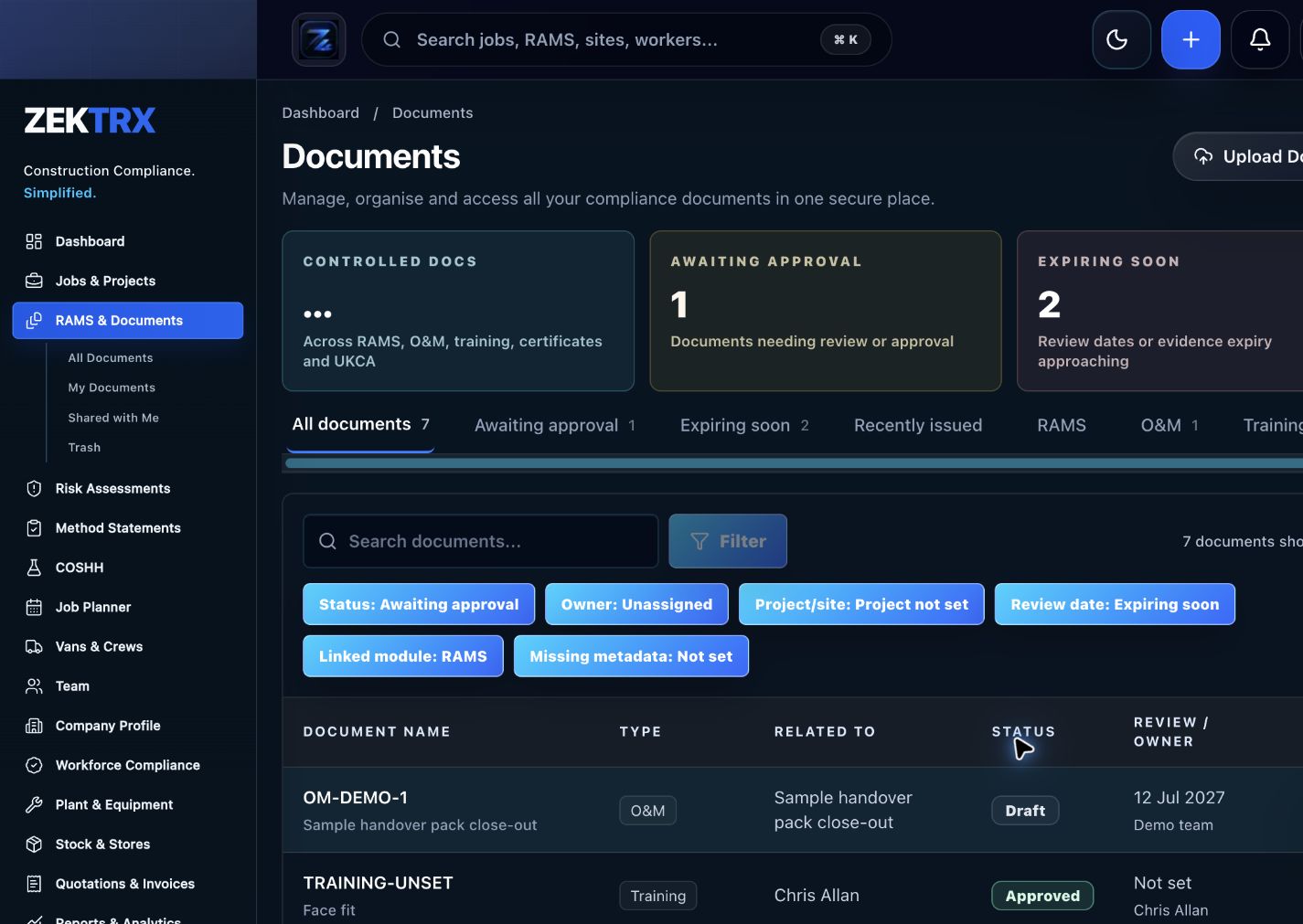
Documents
Keep current versions, review points, approvals and related proof attached to the same process.
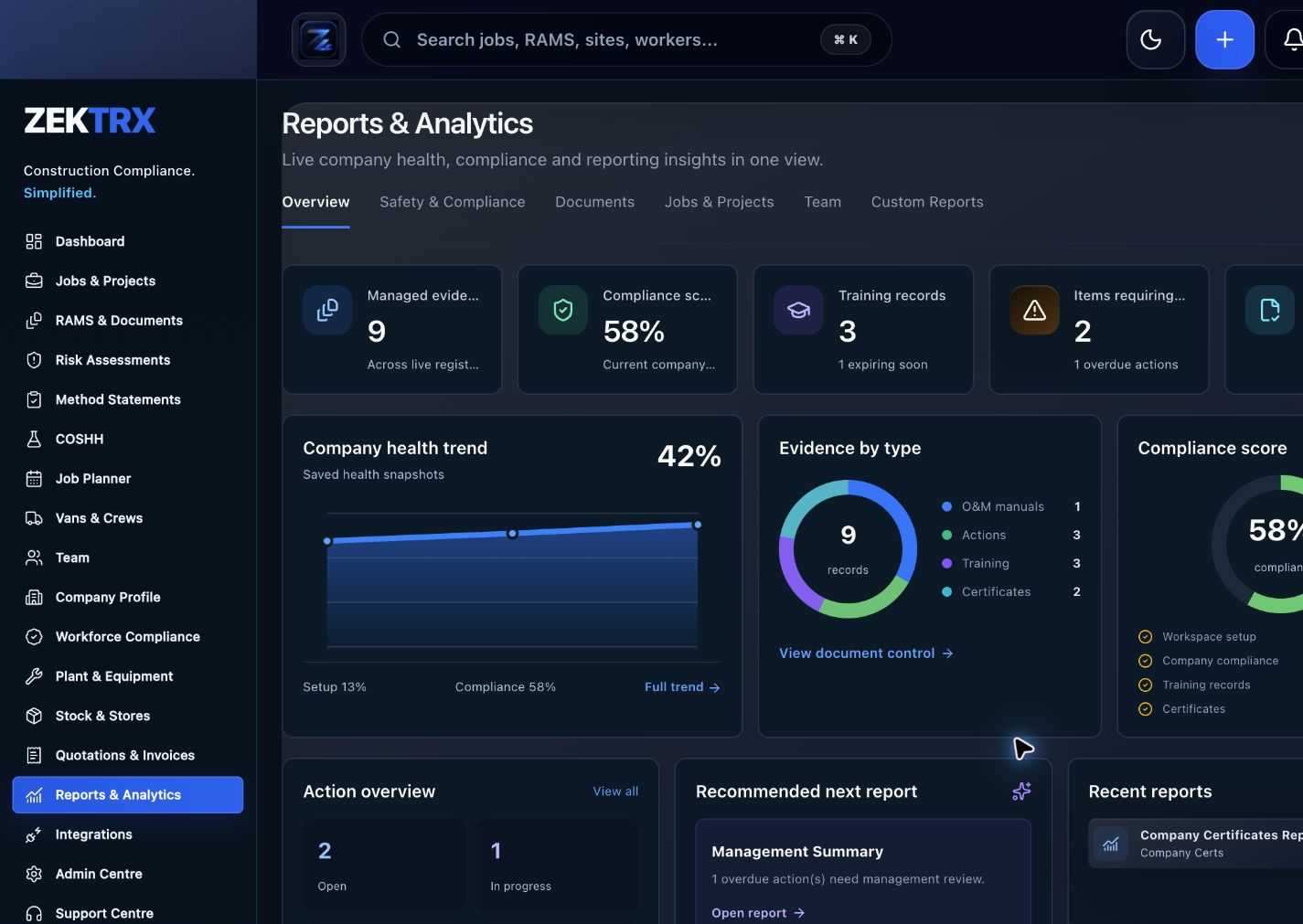
Reports
Use reporting and audit views to turn completed work into a cleaner management or client pack.
See the relevant Zektrx product area, the checks to complete and the practical steps for applying this guidance across your team.
Product area
Zektrx daily report manager preview
Checklist
List the workflows you need to control: RAMS, training, documents, site reports, stock, subcontractors, quotes and invoices.
Implementation
Start by reading the construction software buyers guide against one real project or job.
Related resources
Construction Software / Contractor Software
Connect written guidance with site activity, team briefings and the evidence records that show how the work was controlled.

Plan the work
Use each guide to decide the owners, records and review points before work starts.
Recommended check
List the workflows you need to control: RAMS, training, documents, site reports, stock, subcontractors, quotes and invoices.

Brief the team
Turn guidance into toolbox talks, instructions and visible actions for the people doing the work.
Recommended check
Identify where evidence is currently stored across phones, folders, email, spreadsheets and paper.

Keep proof
Connect checks, photos, sign-offs and follow-up tasks to the same operating record.
Recommended check
Check whether office, workshop, site and field teams can use the system without creating duplicate admin.
The best construction software for a contractor is usually the one that matches the way records are created, reviewed, approved, signed and reported. A broad feature list matters less if site teams still need separate spreadsheets and folders to finish the job.
When comparing options, include the time spent chasing evidence, re-keying information, exporting reports, correcting old templates and proving version history. Those hidden tasks often decide whether software actually improves the business.
A useful comparison scores each vendor against the workflows that matter most to your business, the people who must adopt it, the reports directors need, the trust information procurement expects and the implementation support required to retire old spreadsheets.
Zektrx helps turn repeated checks into owned actions, linked evidence and clear reporting.
Start by reading the construction software buyers guide against one real project or job.
Check whether your current process covers: List the workflows you need to control: RAMS, training, documents, site reports, stock, subcontractors, quotes and invoices.
Check whether your current process covers: Identify where evidence is currently stored across phones, folders, email, spreadsheets and paper.
Check whether your current process covers: Check whether office, workshop, site and field teams can use the system without creating duplicate admin.
Decide which items should become live actions, approvals, signatures, evidence links or reports.
Evidence question 1
Who owns this record when it is created?
Evidence question 2
What proves the latest version was reviewed or approved?
Evidence question 3
Where are photos, signatures, comments and close-out evidence stored?
Evidence question 4
Can the record be exported for a client, auditor or principal contractor without rebuilding it?
See how resources become live compliance, site, document and reporting workflows.
Explore the operating system for trade businesses managing jobs, evidence and admin.
Move from templates and checklists into controlled RAMS creation, issue and signing.
Contractors should look for workflow fit, evidence control, adoption by site teams, reporting, permissions, security, exports and implementation support.
It depends on the business, but one connected platform can reduce duplicated admin when compliance, documents, site records and commercial workflows need to share the same job data.
Use a scorecard that weighs workflow fit, site adoption, reporting, implementation support, security, data handling, pricing clarity and how much duplicated admin the platform removes.
Yes. Contractors can start with focused workflows such as RAMS, training, documents, site evidence or reporting and expand from there.