







Plan
Move the article into an operating plan.
Good guidance should become owned work, review points and clear next actions inside the contractor workspace.
A practical guide to using AI to draft RFIs, summarise change context and keep contractor change-control records reviewable.
Industry News
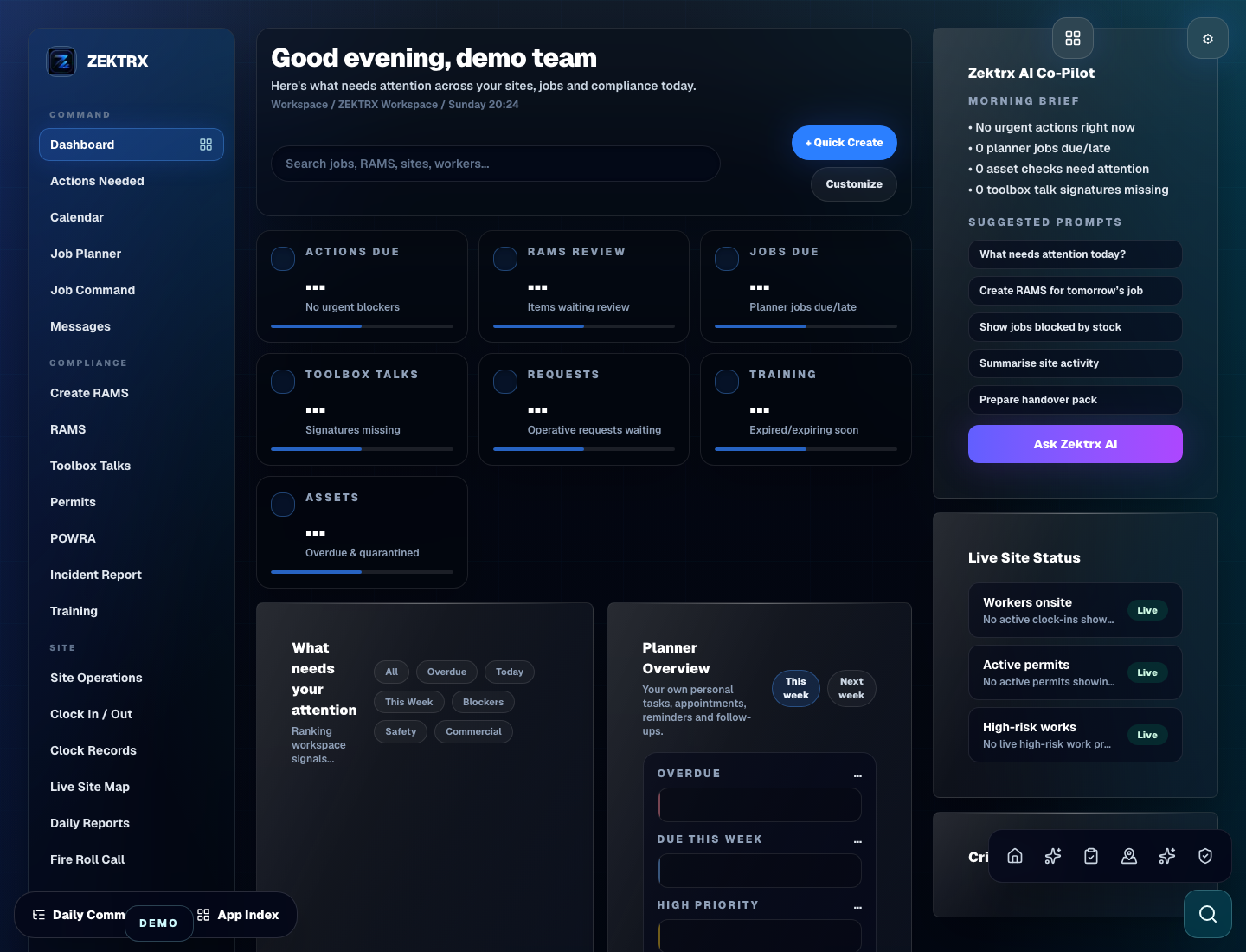
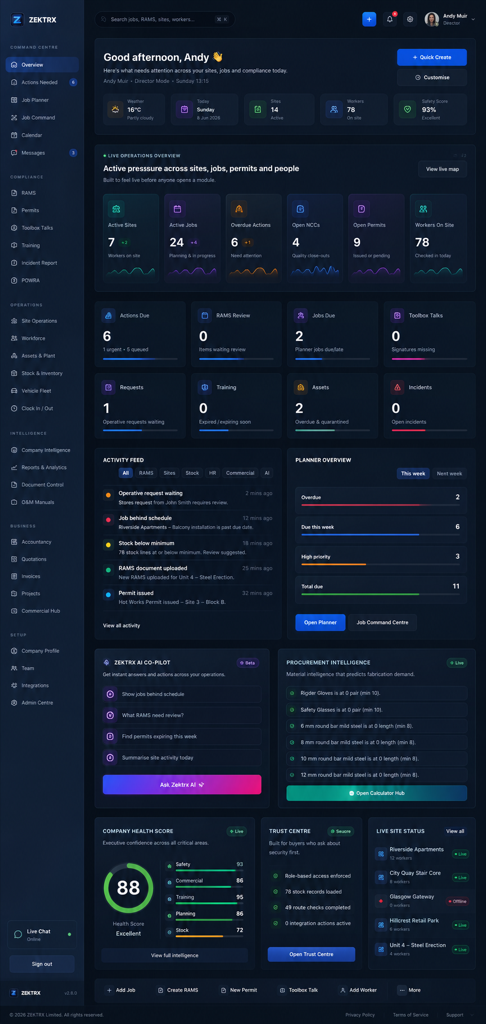
This resource should not sit apart from the product. Zektrx connects the guidance to planning, controlled records and review-ready evidence so teams can act on it.
Plan
Good guidance should become owned work, review points and clear next actions inside the contractor workspace.
Control
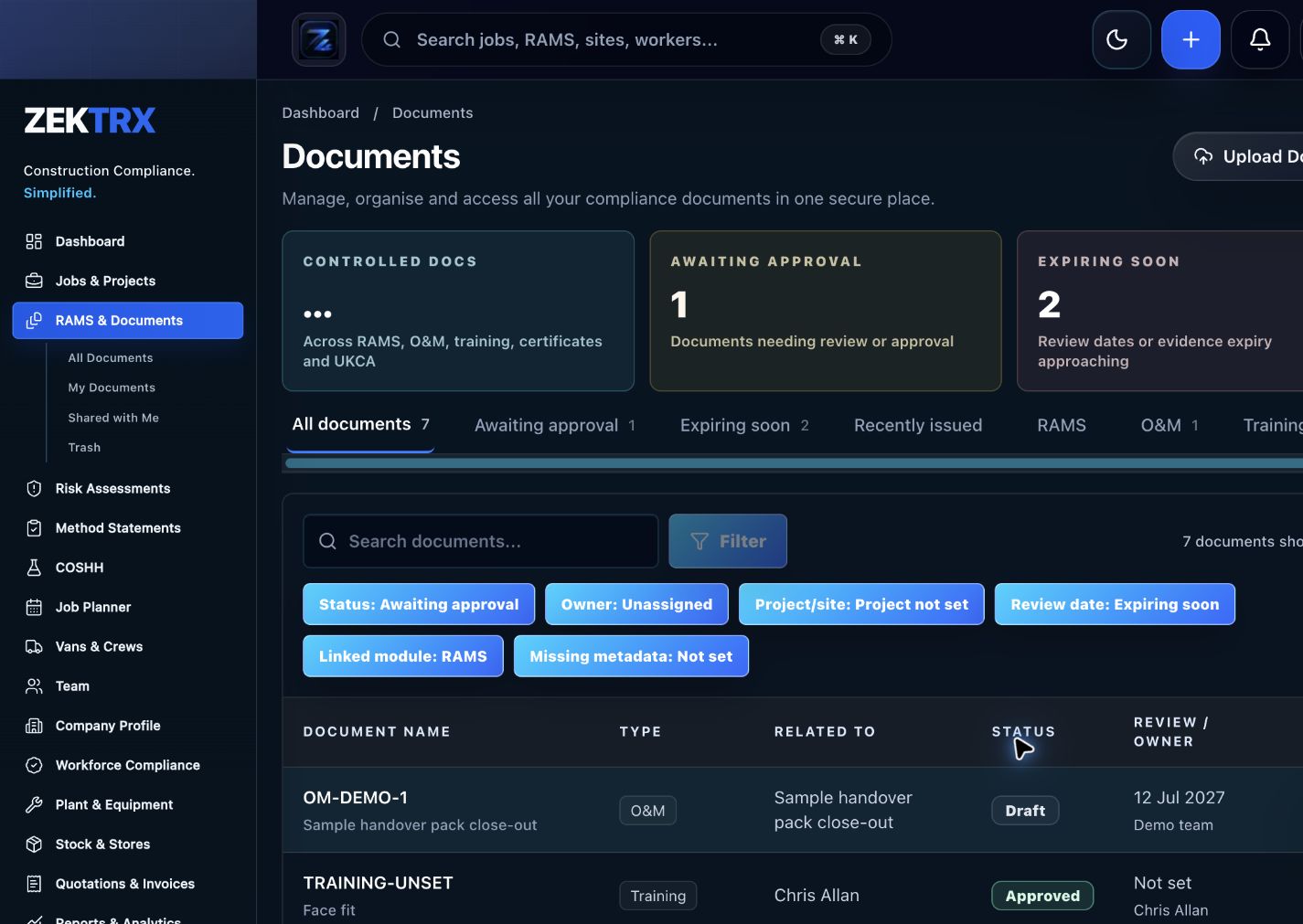
The resource should point into controlled records, current versions, approvals and the proof teams need later.
Review
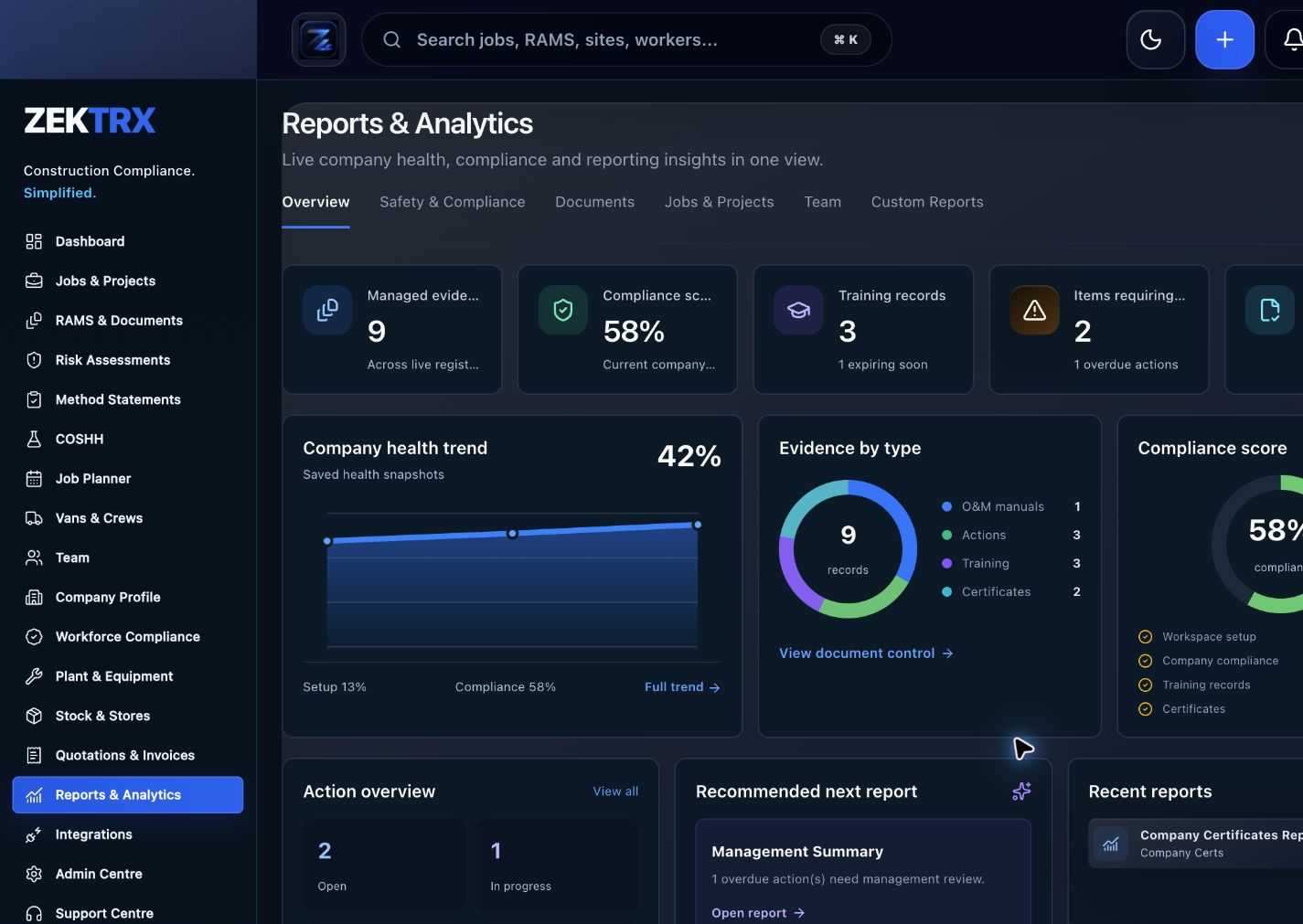
Reports and audit packs make the article practical after the work is complete, not just useful while reading.
Review the topic, reading time, editorial status and related Zektrx workflows before moving into the detailed guidance.
Topic
Industry News
Reading path
5 article sections
Review status
Published 26 June 2026
Connected links
AI Construction Software
RFIs and change notes often start with scattered information: a drawing comment, site photo, email, diary note or client instruction. AI can help turn that context into a clearer first draft, but the record still needs human review before it becomes part of the project trail.
The useful goal is not just faster wording. It is a cleaner workflow that keeps the question, reason, impact, evidence and response history together.
An RFI can become a change only if the team can explain what changed and why. Keep the instruction, response, cost note, programme impact and approval history linked to the same record. This helps avoid rebuilding the story later from emails and folders.
AI-generated text should be clearly checked by the responsible project person. The final issued record should show who reviewed it, what evidence was used and which version was sent.
Zektrx helps contractors connect RFIs, change notes, documents, site evidence, actions and reporting so AI support can sit inside a controlled workflow instead of becoming another disconnected drafting tool.
Related Zektrx workflow
Put it into practice
Start with the £5 for 14 days trial, then connect RAMS, jobs, stock, documents, records and reporting in one place.
1. Learn
A practical guide to AI RAMS, drawing review, RFIs, site diaries, O&M packs and action lists in contractor workflows.
Industry news style guidance on using AI to support RAMS drafting while keeping competent review and site-specific checks in place.
A short industry news style article on why contractors are connecting RAMS, permits, audits, evidence and reporting workflows.
2. Use
A matching calculator or template is being mapped for this topic.
3. Automate
Turn documents, evidence, actions and reviews into a repeatable workflow.
4. Start
Connect resources, calculators, templates, evidence and software modules around the way your contractor team works with the £5 trial.
Start £5 TrialRelated Guides
A practical guide to AI RAMS, drawing review, RFIs, site diaries, O&M packs and action lists in contractor workflows.
Industry news style guidance on using AI to support RAMS drafting while keeping competent review and site-specific checks in place.
A short industry news style article on why contractors are connecting RAMS, permits, audits, evidence and reporting workflows.
This resource is for contractor, site, compliance and operations teams reviewing ai rfi and change control guide for contractors and deciding which records should become controlled workflows.
Yes. Zektrx is designed to turn recurring construction checklists, documents, actions, signatures and evidence into connected workflows.
No. Use this as practical workflow guidance and keep competent legal, safety, engineering or site-specific review where required.