







Plan
Move the article into an operating plan.
Good guidance should become owned work, review points and clear next actions inside the contractor workspace.
Guide to how Zektrx workspace modes change dashboards and workflows while paid plans control capacity and enterprise features.
Industry News
This resource should not sit apart from the product. Zektrx connects the guidance to planning, controlled records and review-ready evidence so teams can act on it.
Plan
Good guidance should become owned work, review points and clear next actions inside the contractor workspace.
Control
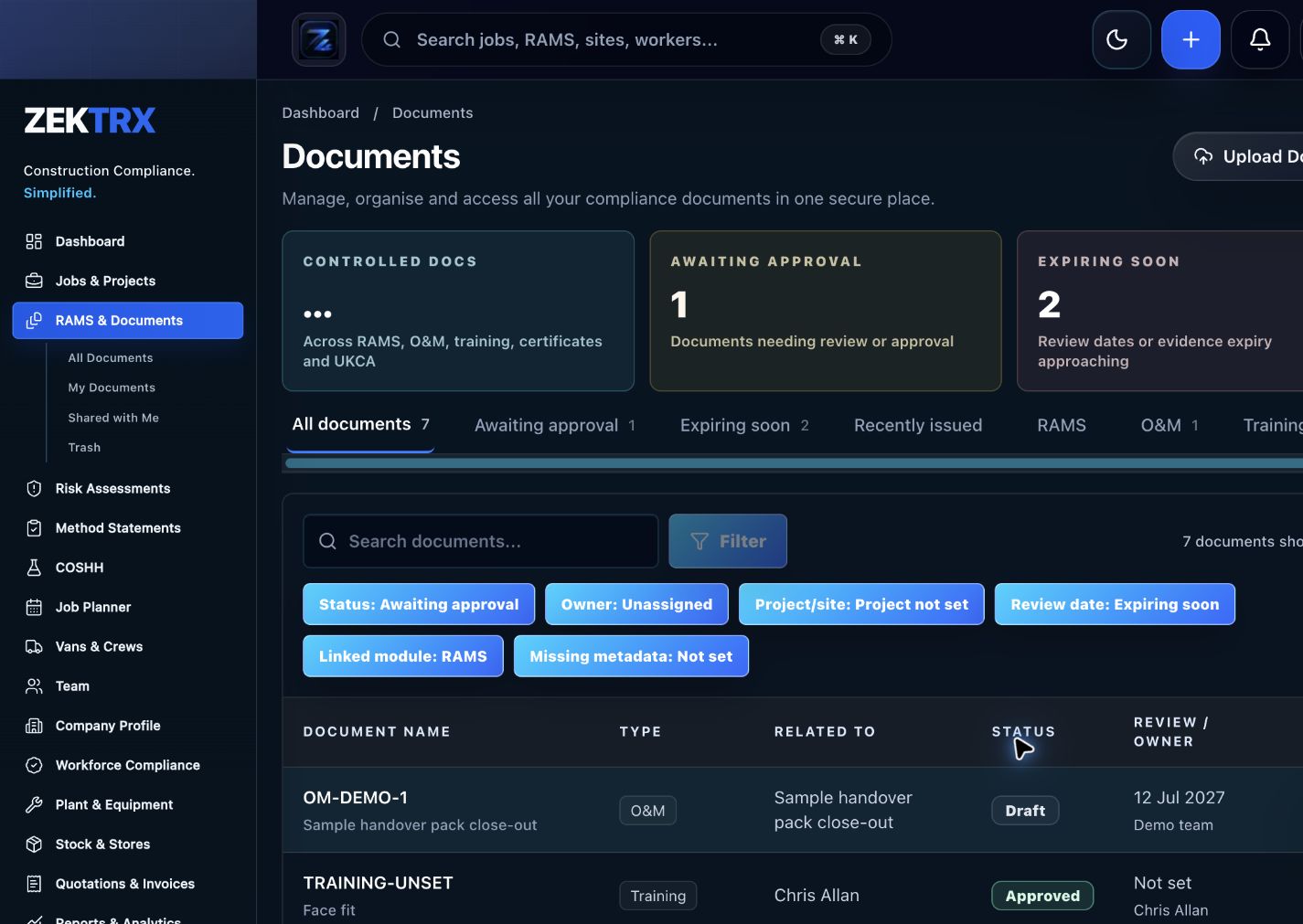
The resource should point into controlled records, current versions, approvals and the proof teams need later.
Review
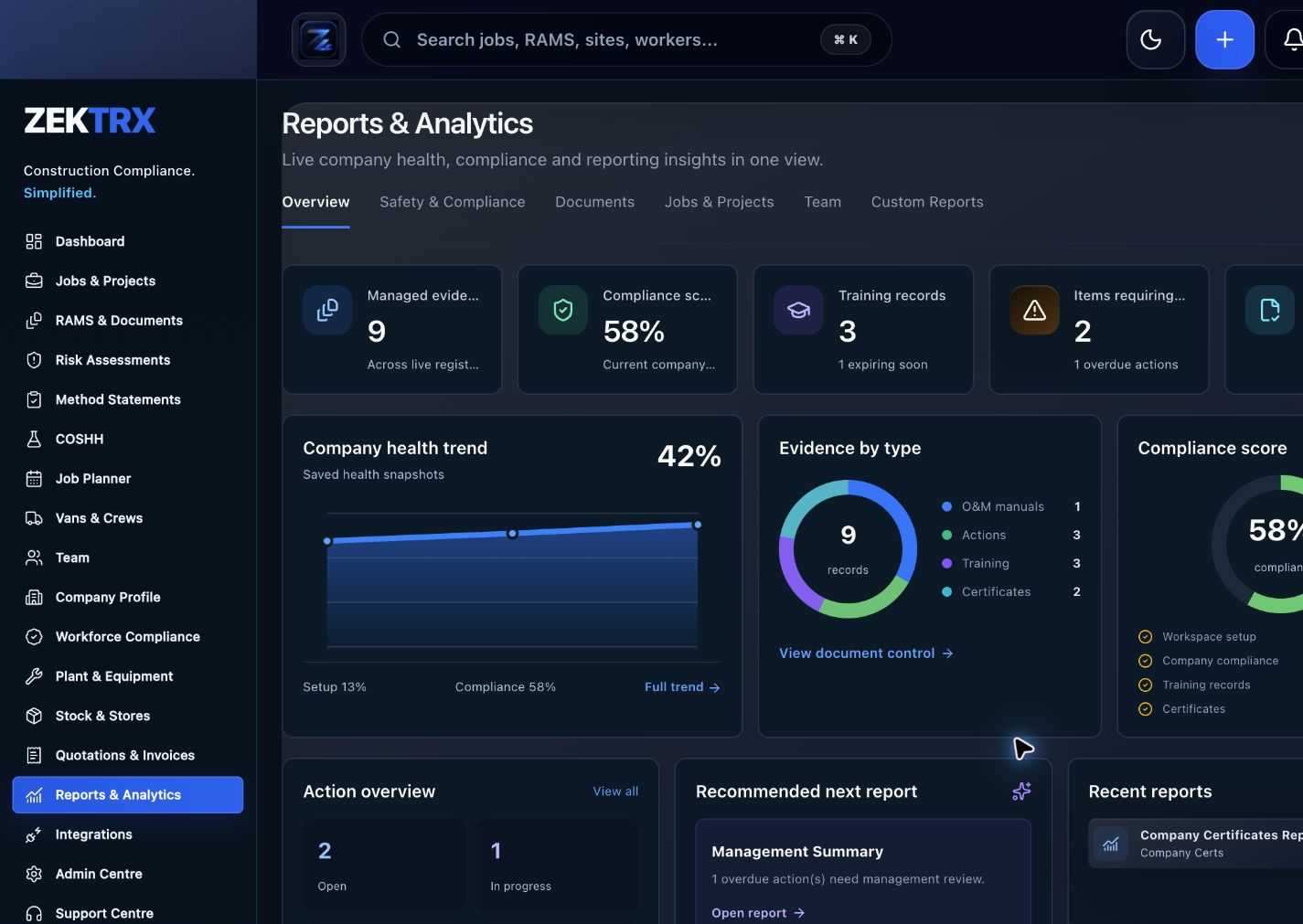
Reports and audit packs make the article practical after the work is complete, not just useful while reading.
Review the topic, reading time, editorial status and related Zektrx workflows before moving into the detailed guidance.
Topic
Industry News
Reading path
6 article sections
Review status
Published 24 June 2026
Connected links
Zektrx Pricing
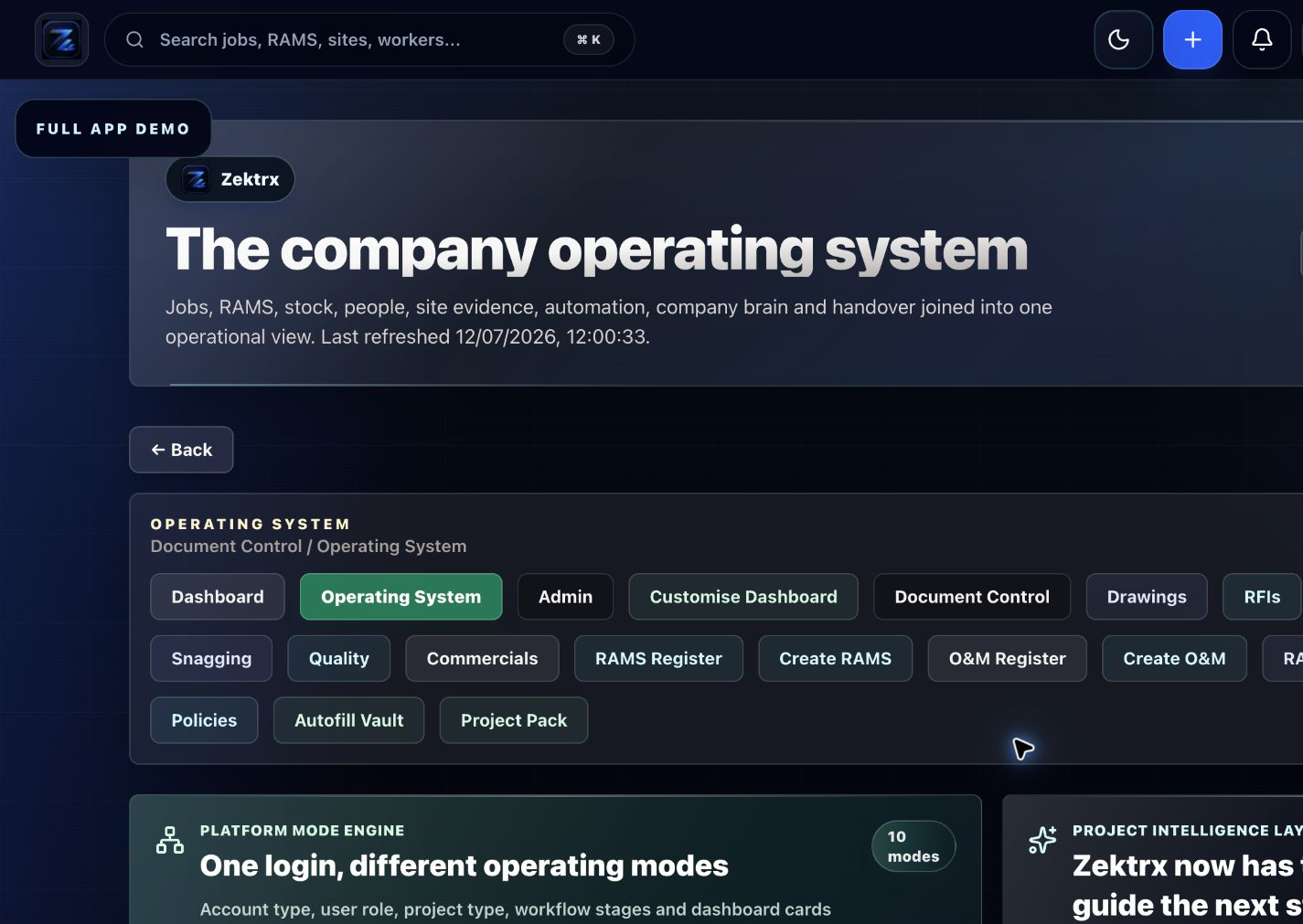
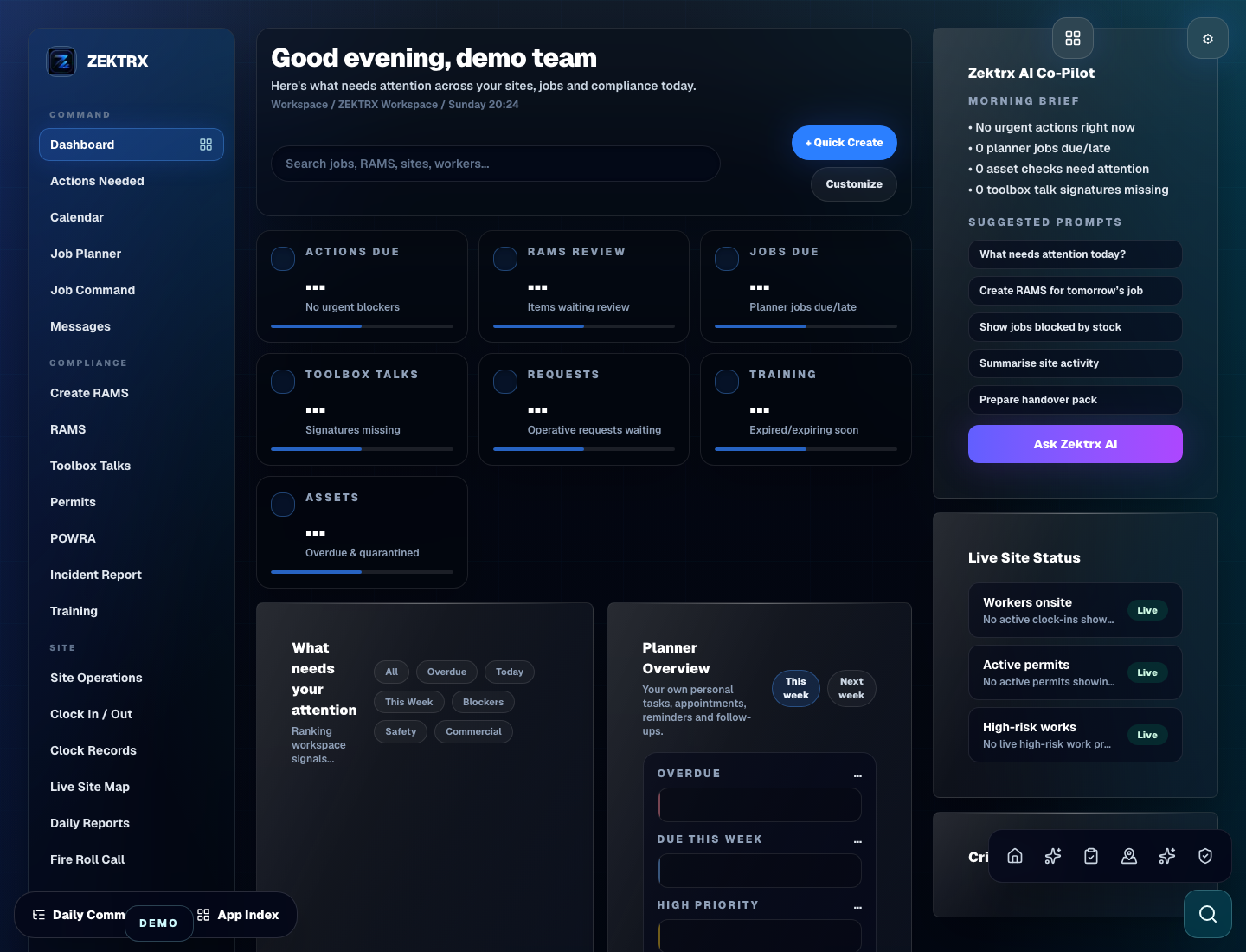
Zektrx workspace modes and paid plans do different jobs. A workspace mode changes the day-to-day experience for a role or company type. A paid plan controls capacity, scale and advanced features.
That means a principal contractor, trade business, fabricator, developer or self-builder should not need a separate paid plan just because the dashboard uses different terminology.
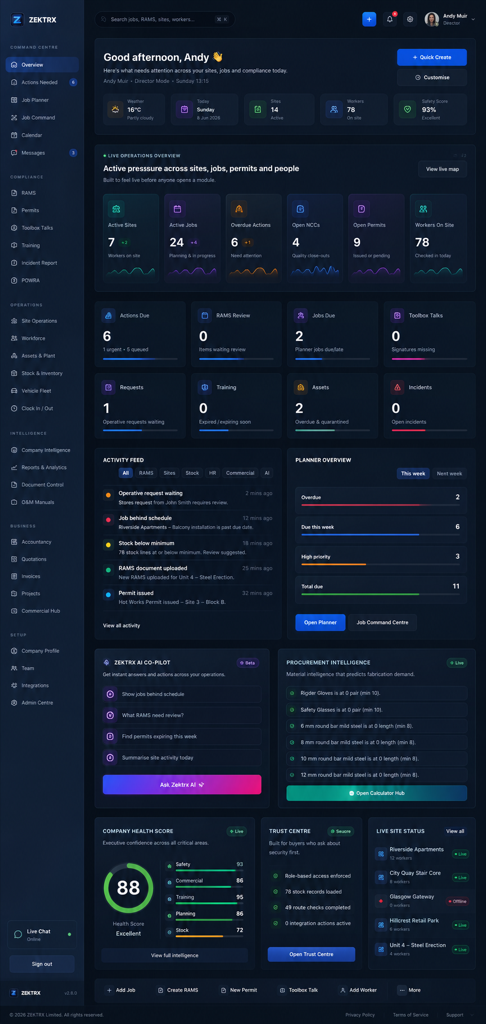
For example, a principal contractor workspace can focus on subcontractors, RFIs, RAMS approvals, permits, quality, commercials and handover. A trade workspace can focus on RAMS, COSHH, drawings, site diary, snagging, workforce and simpler commercial basics.
This keeps pricing easier to understand. Teams choose the workspace mode that matches how they work, then choose the smallest paid plan that gives them enough capacity.
Many construction platforms become confusing because every audience becomes a separate product. That makes procurement harder, onboarding slower and internal support messier.
Workspace modes keep one platform model. The software can still feel specific to a self-builder, tradesperson, contractor company or client portal user without splitting the commercial structure into too many subscriptions.
Start with the role that owns the daily workflow:
Then choose the workspace mode that fits the user experience. The pricing decision and the dashboard decision should support each other, but they should not be the same thing.
Zektrx uses workspace modes to shape dashboard, terminology, workflows, navigation and AI guidance around the project team. Paid plans control capacity and advanced features, so teams can scale without turning every operating style into a separate product.
Related Zektrx workflow
Put it into practice
Start with the £5 for 14 days trial, then connect RAMS, jobs, stock, documents, records and reporting in one place.
1. Learn
Guide to connecting RAMS, drawings, RFIs, site diary, snagging, documents, quality, workforce, procurement, commercials and AI project manager workflows.
A practical guide to AI RAMS, drawing review, RFIs, site diaries, O&M packs and action lists in contractor workflows.
A practical guide to using AI to draft RFIs, summarise change context and keep contractor change-control records reviewable.
2. Use
Calculate selling price and profit from cost and markup percentage. Free online tool for UK construction and trade teams.
Calculate gross profit and margin from revenue and cost. Free online calculator for UK construction and trade teams — fast estimates, no sign-up.
Estimate vehicle fuel cost from mileage, MPG and fuel price. Free online calculator for UK construction and trade teams — fast estimates, no sign-up.
3. Automate
Assign, track and close out actions from audits, inspections and projects.
Connect RAMS, incidents, training, permits, inspections and safety evidence.
Capture inspections, photos, actions, owners and close-out evidence.
4. Start
Connect resources, calculators, templates, evidence and software modules around the way your contractor team works with the £5 trial.
Start £5 TrialRelated Guides
Guide to connecting RAMS, drawings, RFIs, site diary, snagging, documents, quality, workforce, procurement, commercials and AI project manager workflows.
A practical guide to AI RAMS, drawing review, RFIs, site diaries, O&M packs and action lists in contractor workflows.
A practical guide to using AI to draft RFIs, summarise change context and keep contractor change-control records reviewable.
Related Calculators
Calculate selling price and profit from cost and markup percentage. Free online tool for UK construction and trade teams.
Calculate gross profit and margin from revenue and cost. Free online calculator for UK construction and trade teams — fast estimates, no sign-up.
Estimate vehicle fuel cost from mileage, MPG and fuel price. Free online calculator for UK construction and trade teams — fast estimates, no sign-up.
Related Templates
Check waste, spill controls, noise, dust, drainage, storage and environmental actions. Free printable construction template from Zektrx.
Check equipment condition, guards, inspections, certificates, defects and safe use controls. Free printable construction template from Zektrx.
Define hold points, witness points, acceptance criteria and evidence for quality control. Free printable construction template from Zektrx.
Related Features
Assign, track and close out actions from audits, inspections and projects.
Connect RAMS, incidents, training, permits, inspections and safety evidence.
Capture inspections, photos, actions, owners and close-out evidence.
Related Industries
Electrical contractor RAMS, permits, testing evidence, drawings, site records and handover packs. One platform for documents, evidence and compliance.
Groundworks RAMS, permits, site diaries, plant checks, photos, quality records and delay evidence. One platform for documents, evidence and compliance.
Mechanical contractor RAMS, permits, plant records, drawings, inspections and handover workflows. One platform for documents, evidence and compliance.
Related Comparisons
A site diary software buyer guide for construction teams that need daily records, photos, labour, delays, actions and evidence.
Compare Zektrx with SafetyCulture for contractors that need inspections plus RAMS, permits, documents, actions, site diaries and construction evidence packs.
Related FAQs
No. Markup is added to cost, while margin is profit divided by selling price.
From Markup Calculator
No. Treat VAT, taxes and client-specific pricing rules separately.
From Markup Calculator
Include the cost basis your company uses for margin control, and be consistent across jobs.
From Profit Margin Calculator
Yes. If cost exceeds revenue, the result shows a negative margin.
From Profit Margin Calculator
This resource is for contractor, site, compliance and operations teams reviewing workspace modes vs paid plans guide and deciding which records should become controlled workflows.
Yes. Zektrx is designed to turn recurring construction checklists, documents, actions, signatures and evidence into connected workflows.
No. Use this as practical workflow guidance and keep competent legal, safety, engineering or site-specific review where required.