

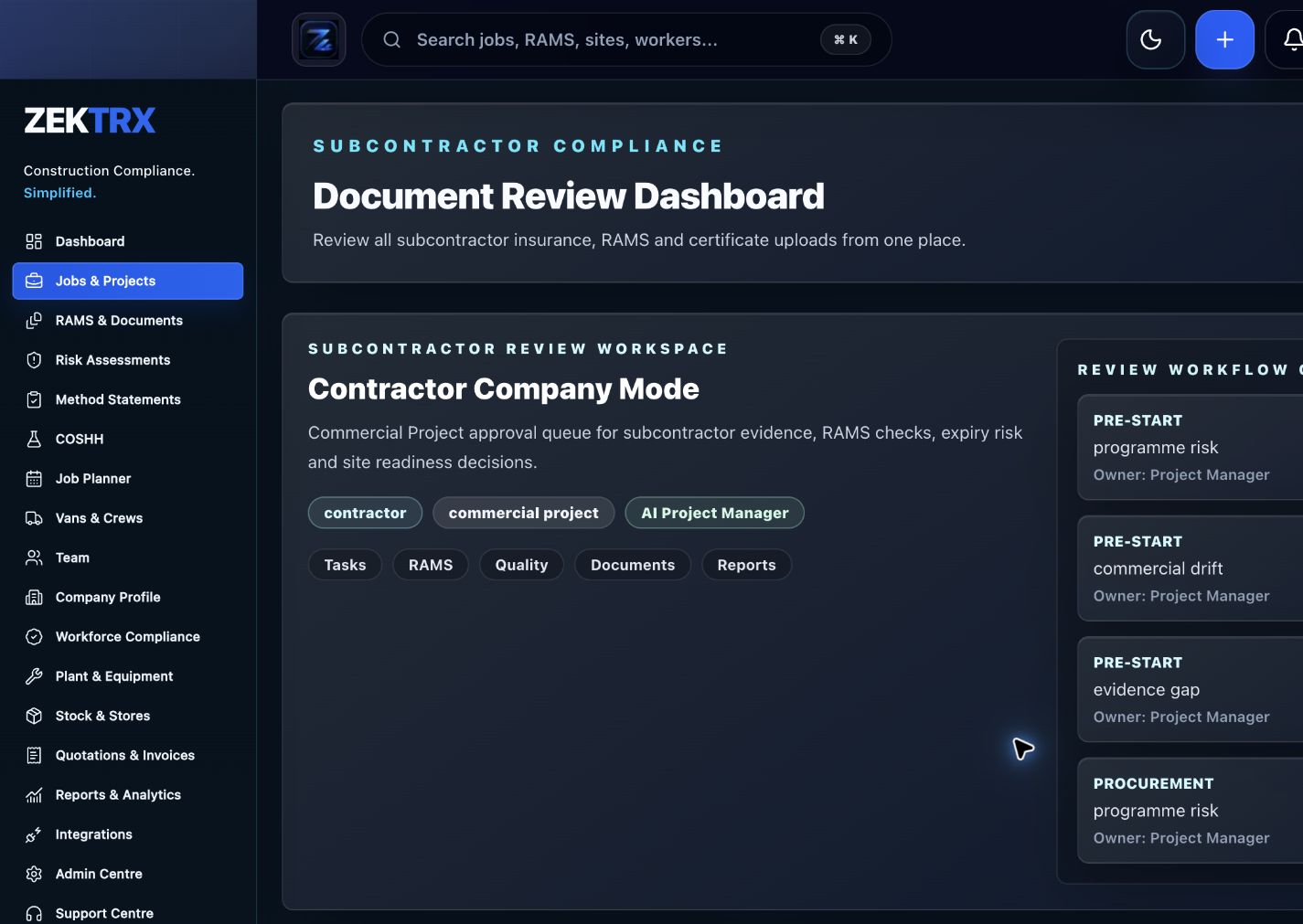
Subcontractors
Start in the main product view
Open the screen that carries this workflow so the page promise has a concrete product home.
Automate contractor compliance workflows across RAMS, training, subcontractors, permits, audits, reports, document control and handover evidence.
For contractors that want compliance actions, evidence, reminders and reports to move through a system instead of manual chasing.
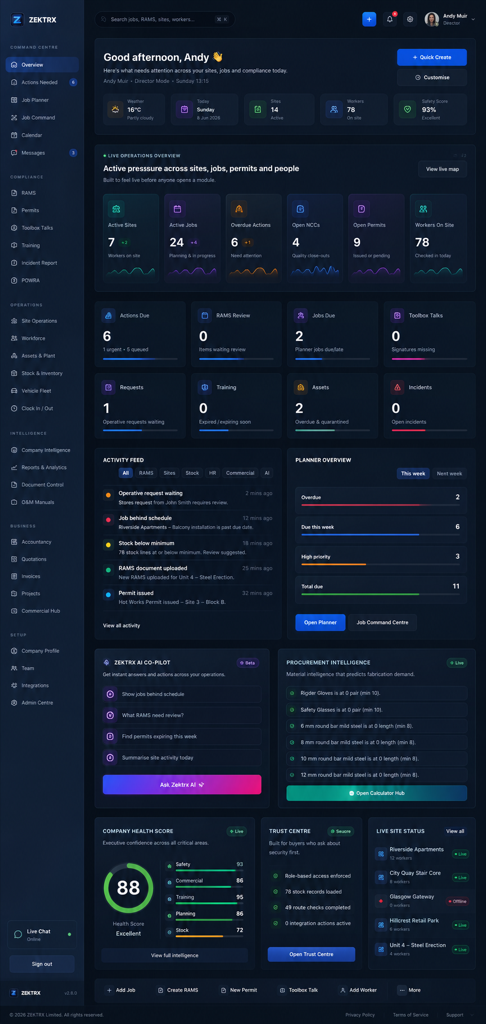
Operating system
Operating system
Surface missing evidence, expiring records, overdue actions and review queues.
Connect RAMS, training, subcontractors, site reports, permits, audits and documents.
Generate summaries, reports and client-ready evidence packs from live records.
Keep approvals, signatures, revisions and audit history connected.
Automate contractor compliance workflows across RAMS, training, subcontractors, permits, audits, reports, document control and handover evidence.
For contractors that want compliance actions, evidence, reminders and reports to move through a system instead of manual chasing.
Automation lifecycle: Detect gap -> Assign action -> Collect evidence.
Surface missing evidence, expiring records, overdue actions and review queues.
Compliance depends on someone remembering to check the right tracker.
See the main module, supporting records and wider operating context for this workflow in Zektrx.
Subcontractors
Open the screen that carries this workflow so the page promise has a concrete product home.
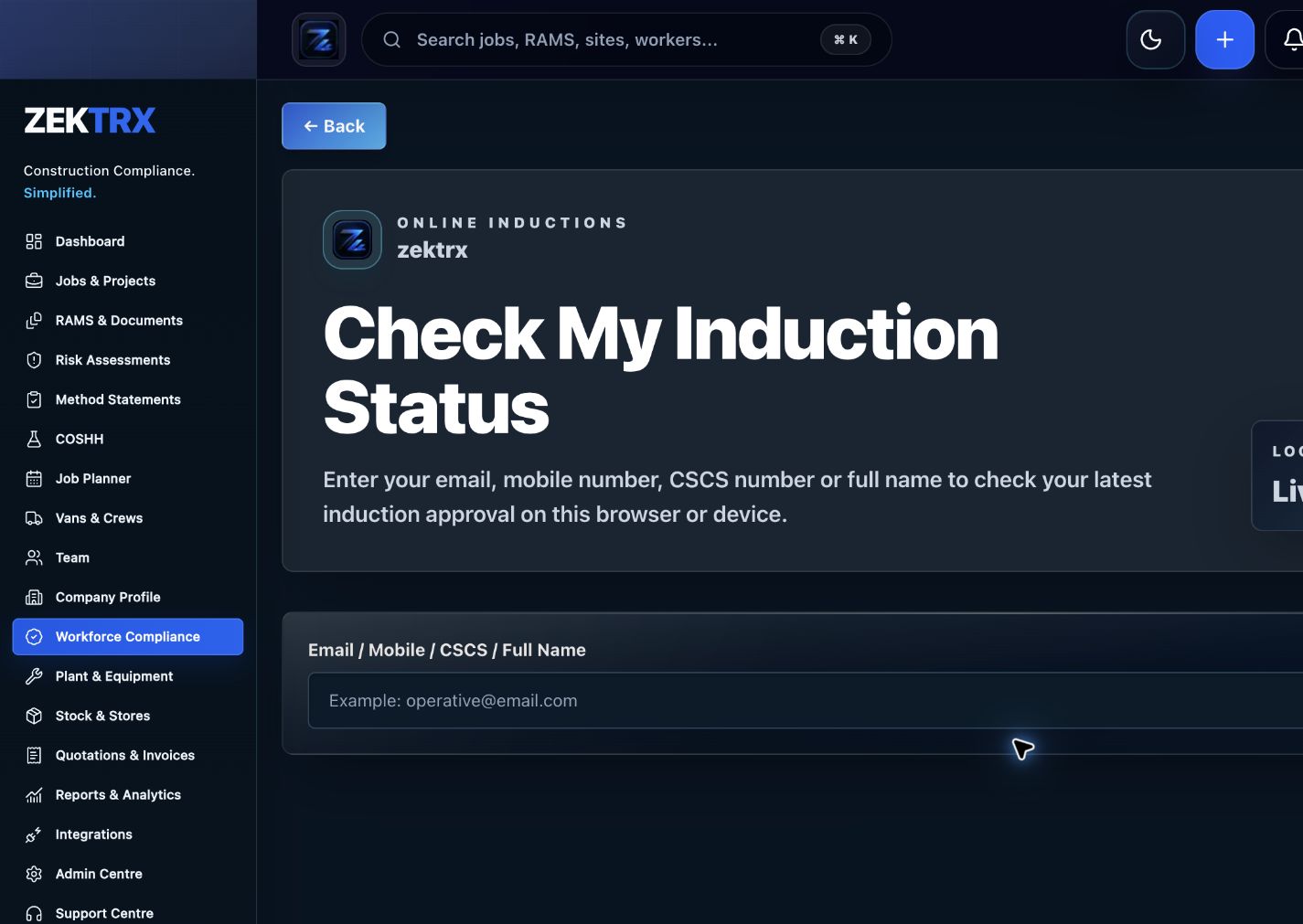
Inductions
Tie the related records, approvals and evidence back to the same operating context.
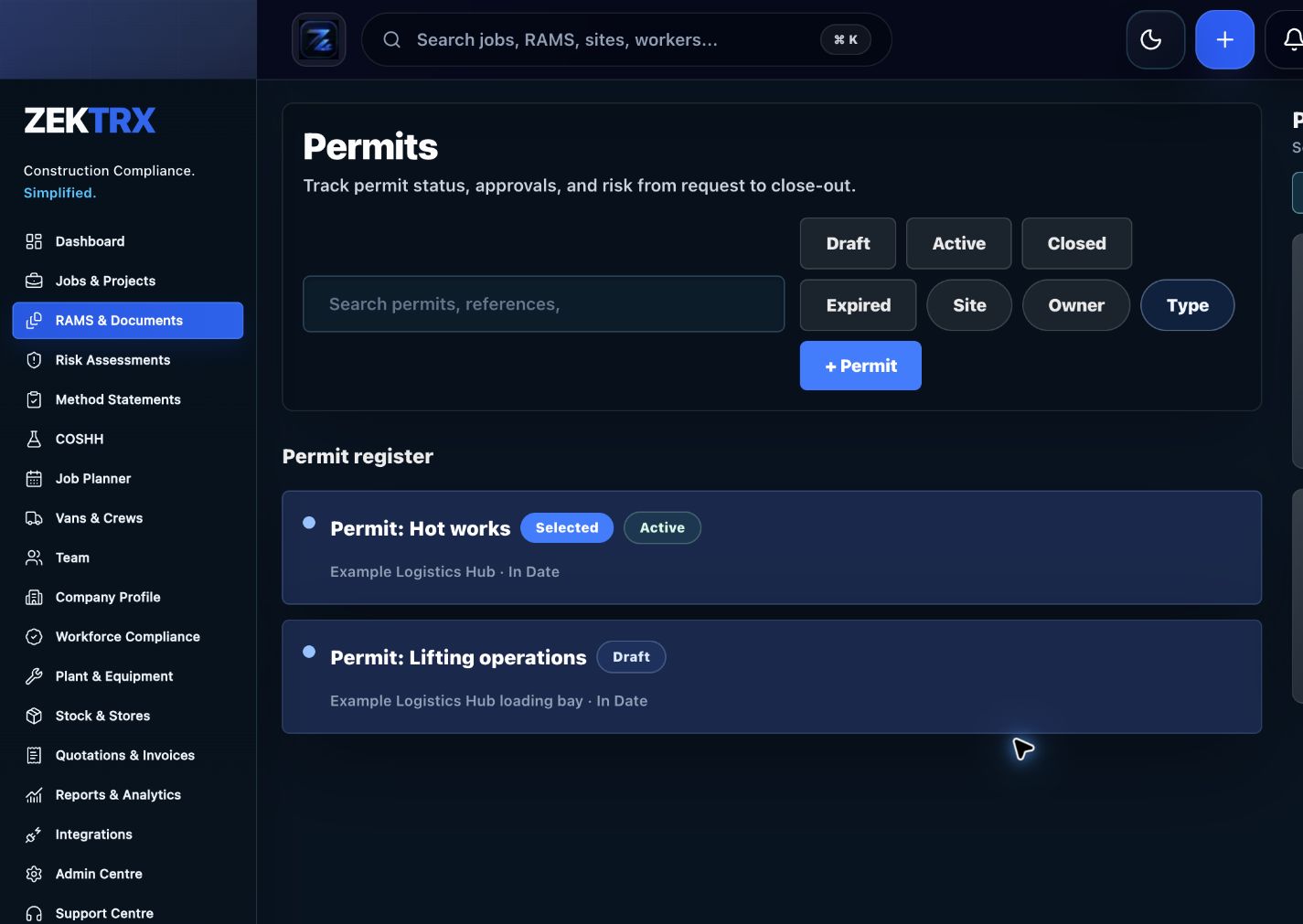
Permits
Connect the module to reporting, dashboards and the wider contractor operating system.
Review the main product area, the steps involved and the checks that support the work, then continue to the most relevant Zektrx capability.
Product area
Zektrx subcontractor onboarding and approval preview
Workflow
Automation lifecycle
Checks included
Compliance automation workflow
Explore next
Continue into the connected workflow path.
Keep the same operating thread running across site evidence, office decisions, stock movement and handover records, so every team sees the context behind the next action.

Site planning
Give teams a clear route from job setup, RAMS and documents into the work happening on site.
Connected workflow
Detect gap

Compliance review
Keep evidence, checks and sign-offs close to the records your office needs to audit.
Connected workflow
Assign action
Materials control
Connect stock, assets and purchase evidence with the jobs that depend on them.
Connected workflow
Collect evidence
Compliance depends on someone remembering to check the right tracker.
Expiry dates, missing evidence and overdue actions are found too late.
Reports take too long because evidence lives everywhere.
Automation still needs accountability, review and audit history.
Step 1
Step 2
Step 3
Step 4
Step 5
RAMS, drawings, revisions, manufacturing planning, quality records and O&M handover evidence.
Permits, isolations, POWRA checks, toolbox talks, certificates, photos and completion reports.
Site fitting plans, installation checks, product data, snagging records and client handover packs.
Trade-specific RAMS prompts, inspection evidence, permits, site reports and operative briefings.
Explore the related Zektrx workflows that connect this process with the wider platform.
Parts of the workflow can be automated, such as reminders, action queues, evidence tracking, reporting and document generation. Competent review is still required.
Yes. Zektrx can help teams surface missing records, expiry risks, actions and compliance gaps.
Yes. Reports, summaries, packs and evidence exports are part of the connected Zektrx workflow.