

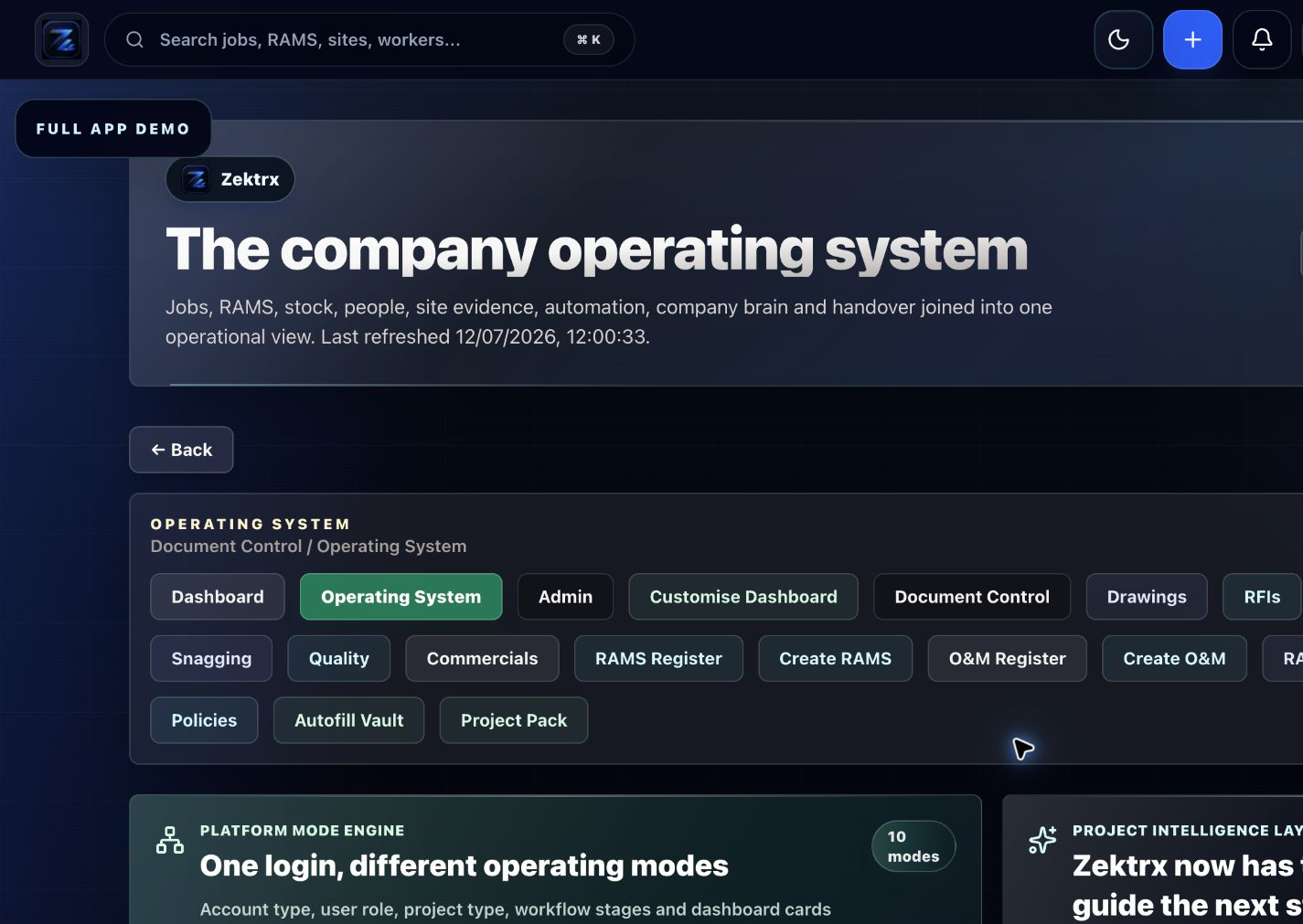
Operating system
Start from the workspace command centre
Give each team a clear operating view before they move into jobs, evidence and reporting.
Zektrx workspace
Give small contractor teams one place to control safety documents, job tracking, materials, quotes, invoices and client evidence.
£5 for 14 days. Full core features with trial usage limits. Renews to Trade at £49/month unless cancelled or another plan is selected before renewal.
Recommended plan
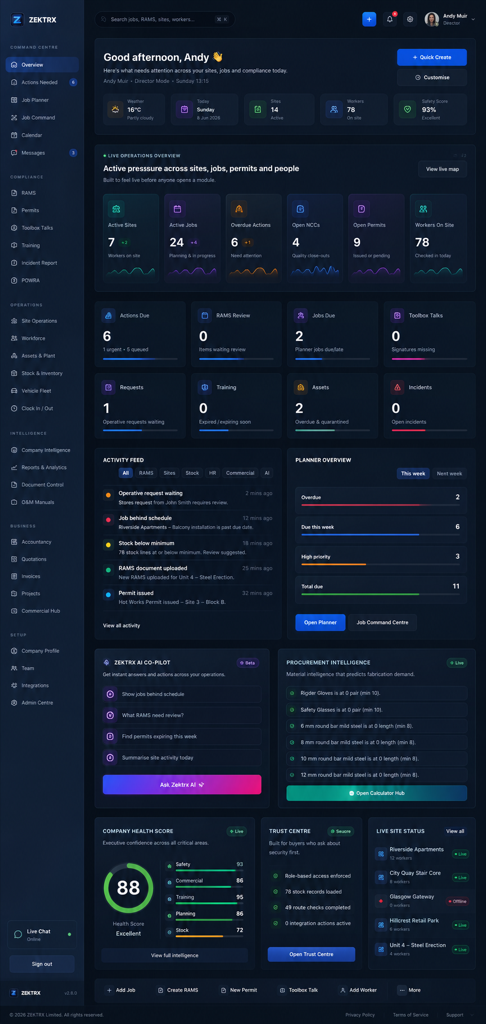
Connect the operating view, job planner and dashboard evidence in one workspace for the team.
Operating system
Give each team a clear operating view before they move into jobs, evidence and reporting.
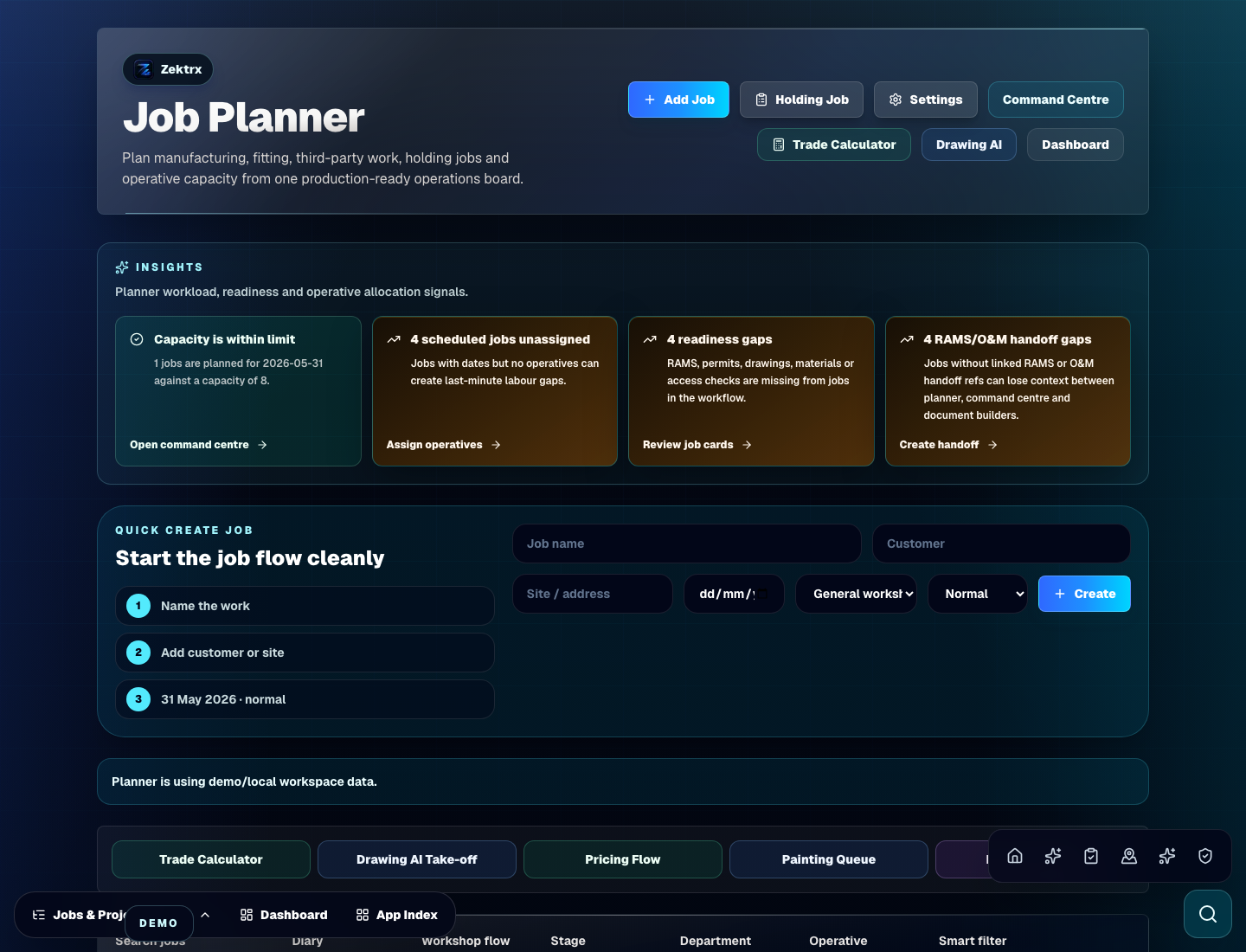
Job planner
Plan tasks, owners and upcoming work while keeping site evidence and follow-up close.
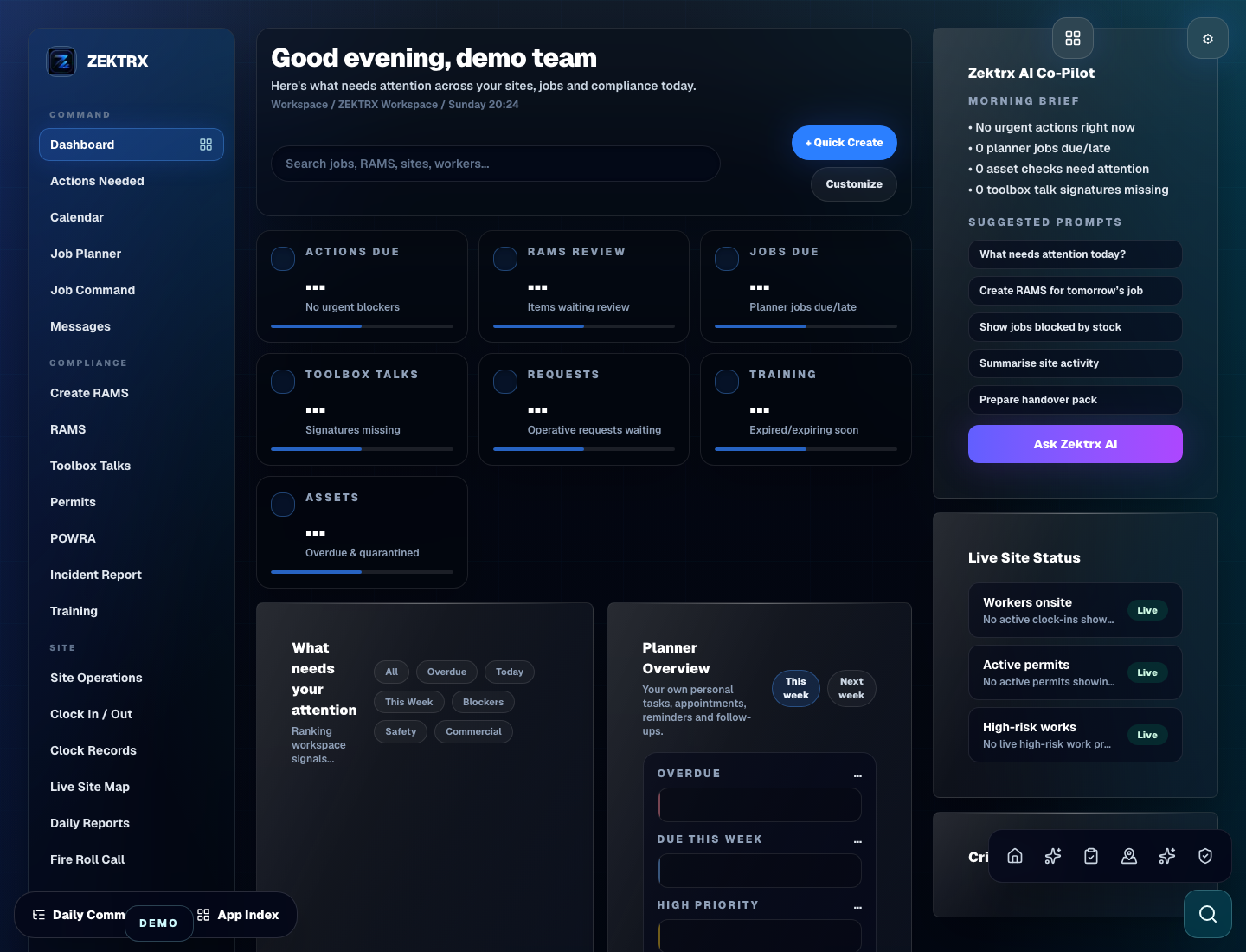
Dashboard
Roll work, documents and evidence back into a dashboard that supports day-to-day decisions.
Workspace Overview
Compare the recommended plan, available control areas, workflow steps and related workspaces before making a decision.
Recommended plan
Trade fits growing contractor teams that need shared templates, branded documents, more users and more connected job admin.
Control areas
Safety documents / Job tracking
Workflow
Create the project and required safety document list.
Related workspaces
Tradesperson Job Management / Contractor Company Software
This is for you if...
What Zektrx helps you control
Safety documents
Job tracking
Workforce planning
Stock control
Purchase requests
Quotes and invoices
Client evidence
Reports
Field to office
Zektrx keeps planning, materials and management review close to the same evidence trail, so teams can move from site activity to office decisions without losing context.

Plan the job
Bring scope, tasks, documents and owners together before work starts.
Workspace control
Safety documents
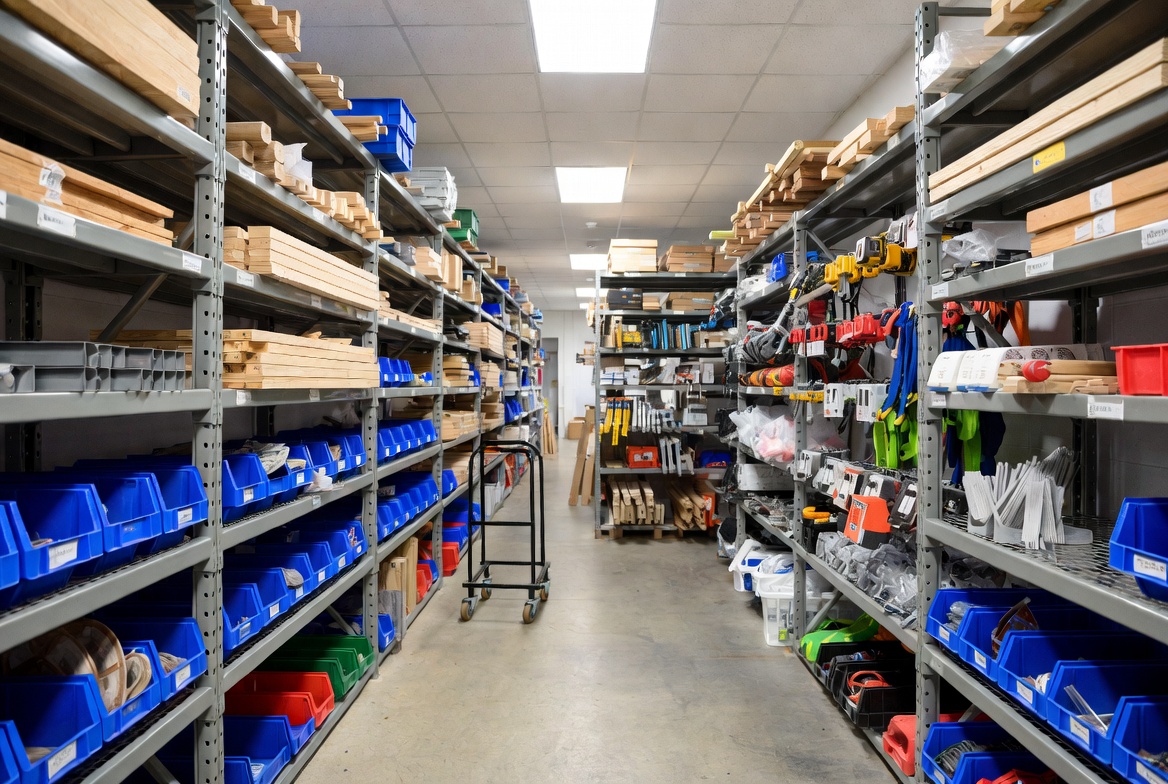
Control materials
Keep stock, assets, purchases and job-ready materials connected to the workflow.
Workspace control
Job tracking

Review performance
Give managers the evidence, costs and progress context needed for cleaner decisions.
Workspace control
Workforce planning
Example workflow
What it replaces
Recommended plan
Available
Small teams needing RAMS, docs and compliance
Best when one person or a small team needs clean safety documents and basic job records.
Recommended
Growing trade businesses
Best when more people need shared templates, branded documents and connected job admin.
Available
Operational teams needing approvals, analytics and mobile workforce
Best when permissions, approvals, reporting and mobile workforce visibility matter.
Available
Larger contractor and principal contractor workflows
Best when multi-site oversight, heavier usage, audit trails and deeper permissions are needed.
AI safety disclaimer
FAQ
Yes. This workspace focuses on smaller teams that need RAMS, jobs, stock and quotes without a complicated rollout.
It can replace many spreadsheet trackers with connected job records, assigned actions, evidence and reports.
Trade is the recommended plan because it gives growing teams more users, storage, templates and branded documents.
Yes. The pricing page shows Starter, Trade, Business and Contractor options so teams can choose the right level.
Keep exploring
Next step
Request a workflow demo for RAMS, job planning, stock, document control, commercial records or contractor operations.
Next step
Download the free Contractor Setup Pack and see what to prepare before moving RAMS, jobs, stock, documents and commercial records into one system.