



Directory Copy
Match approved copy to the right product surface.
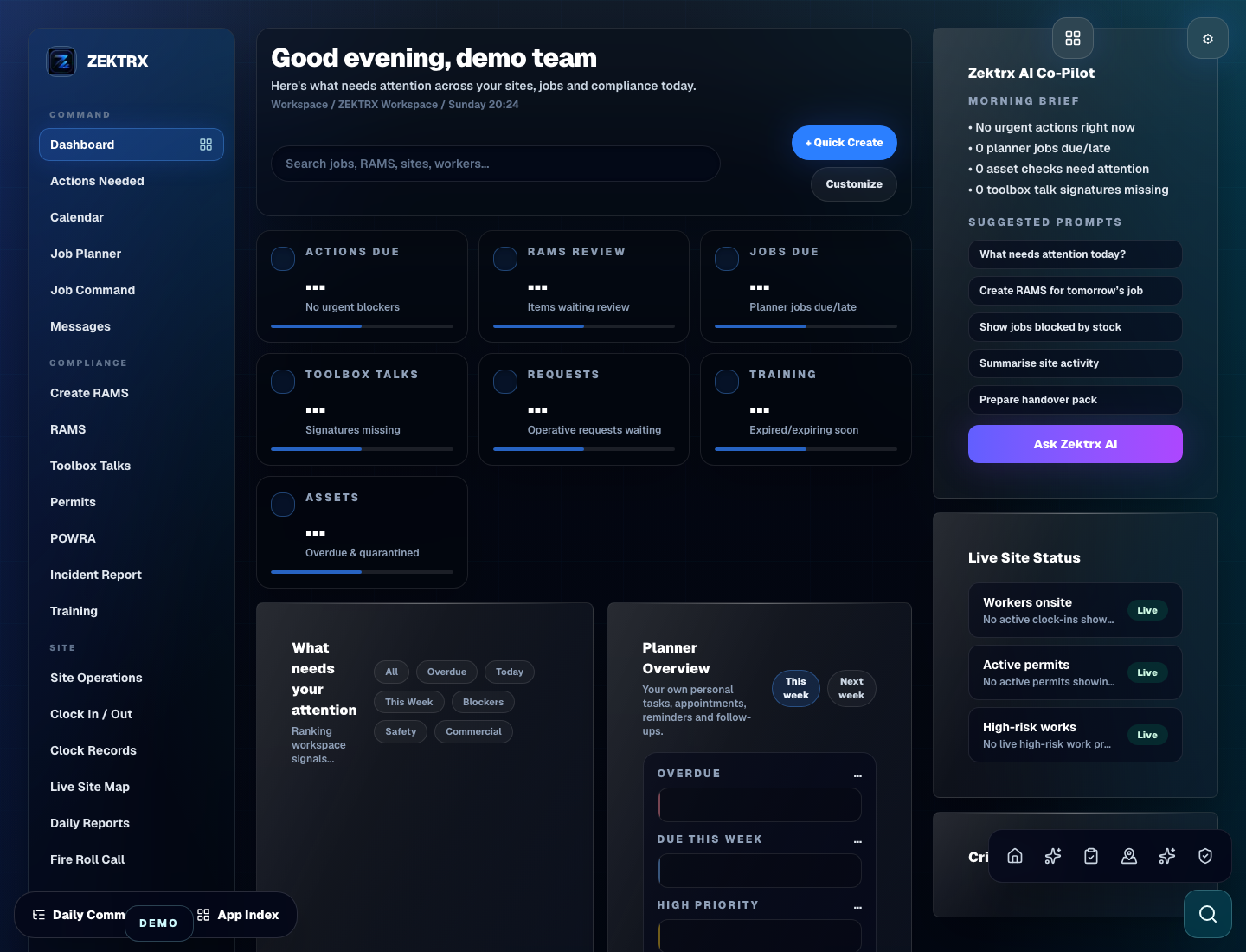
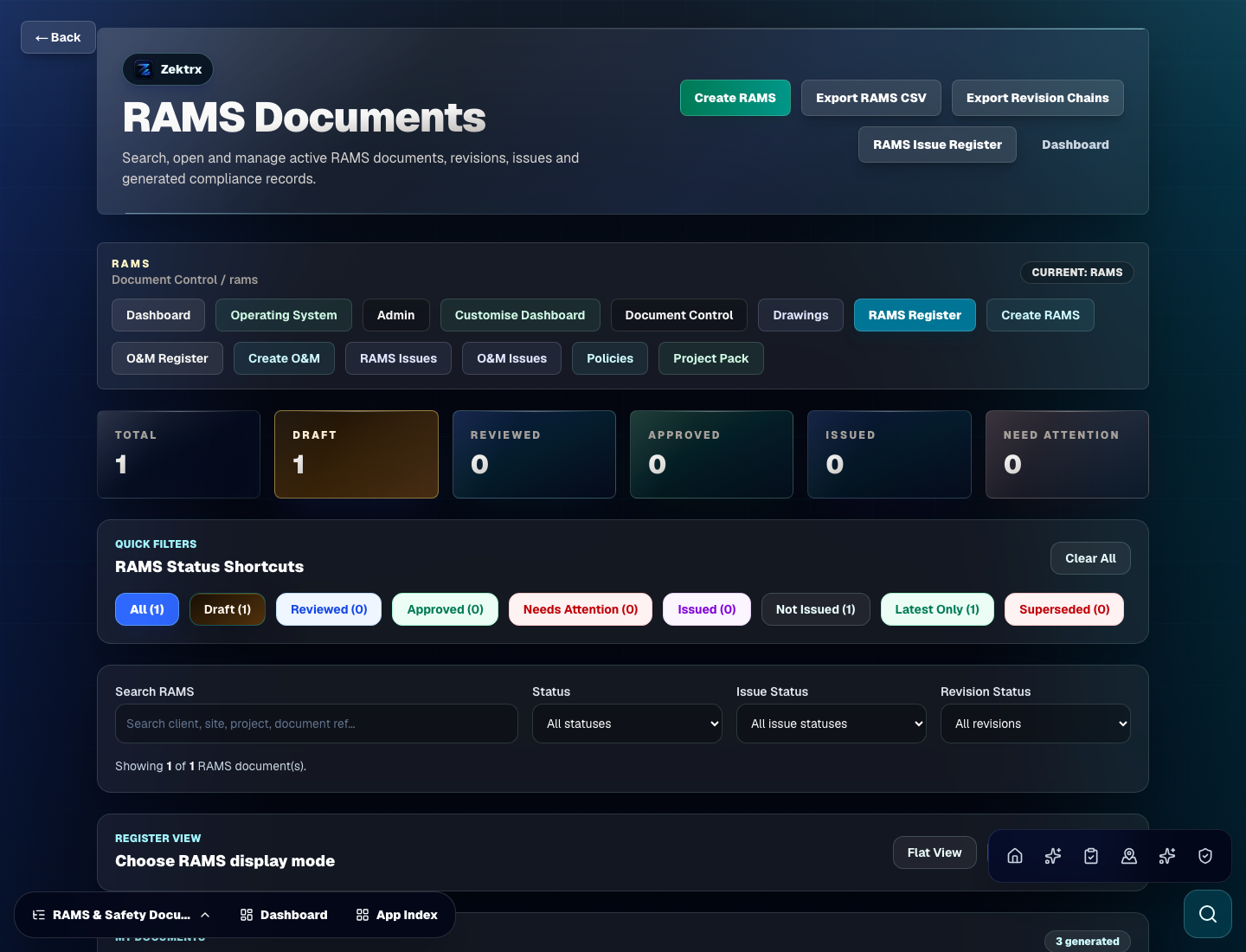
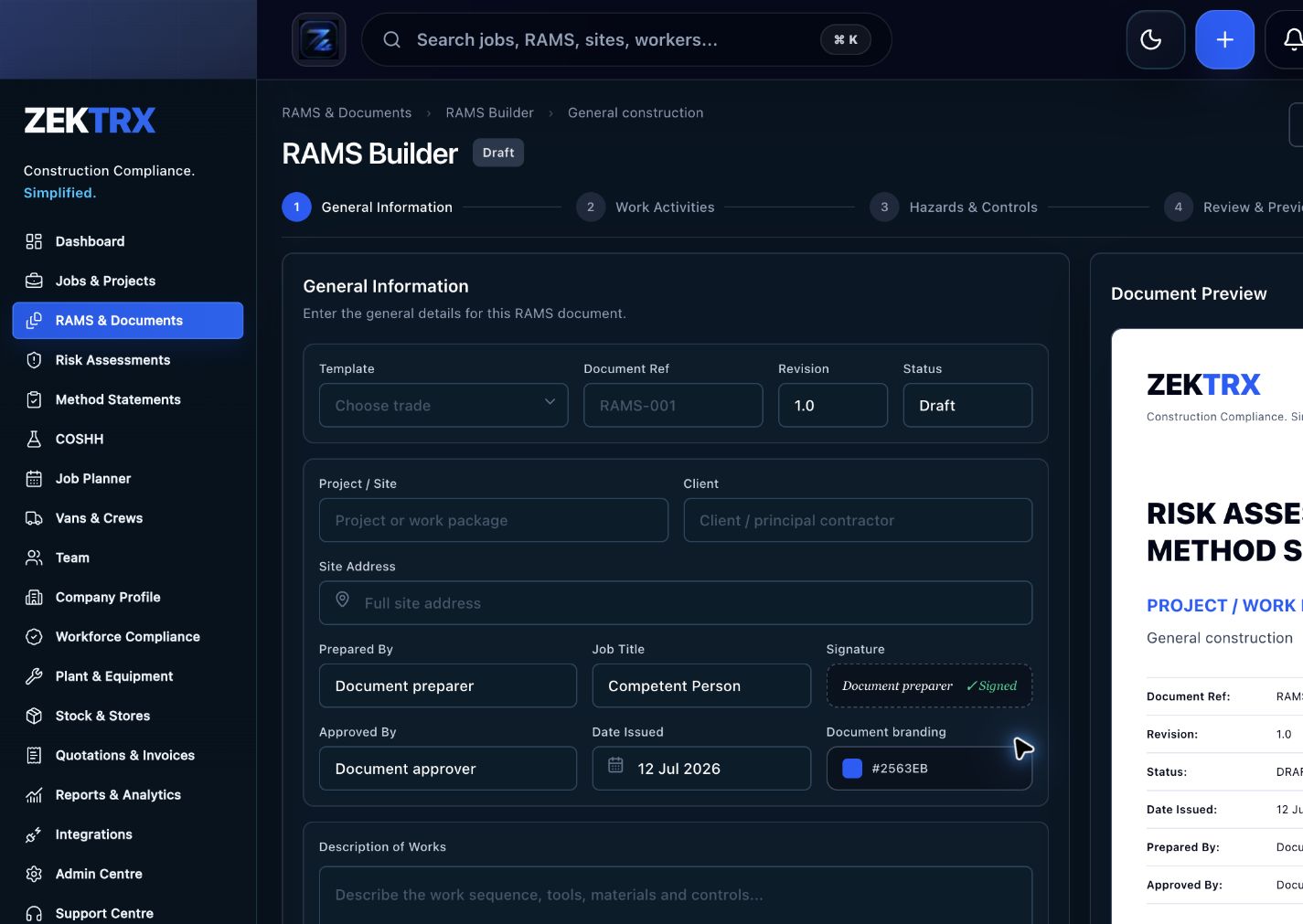
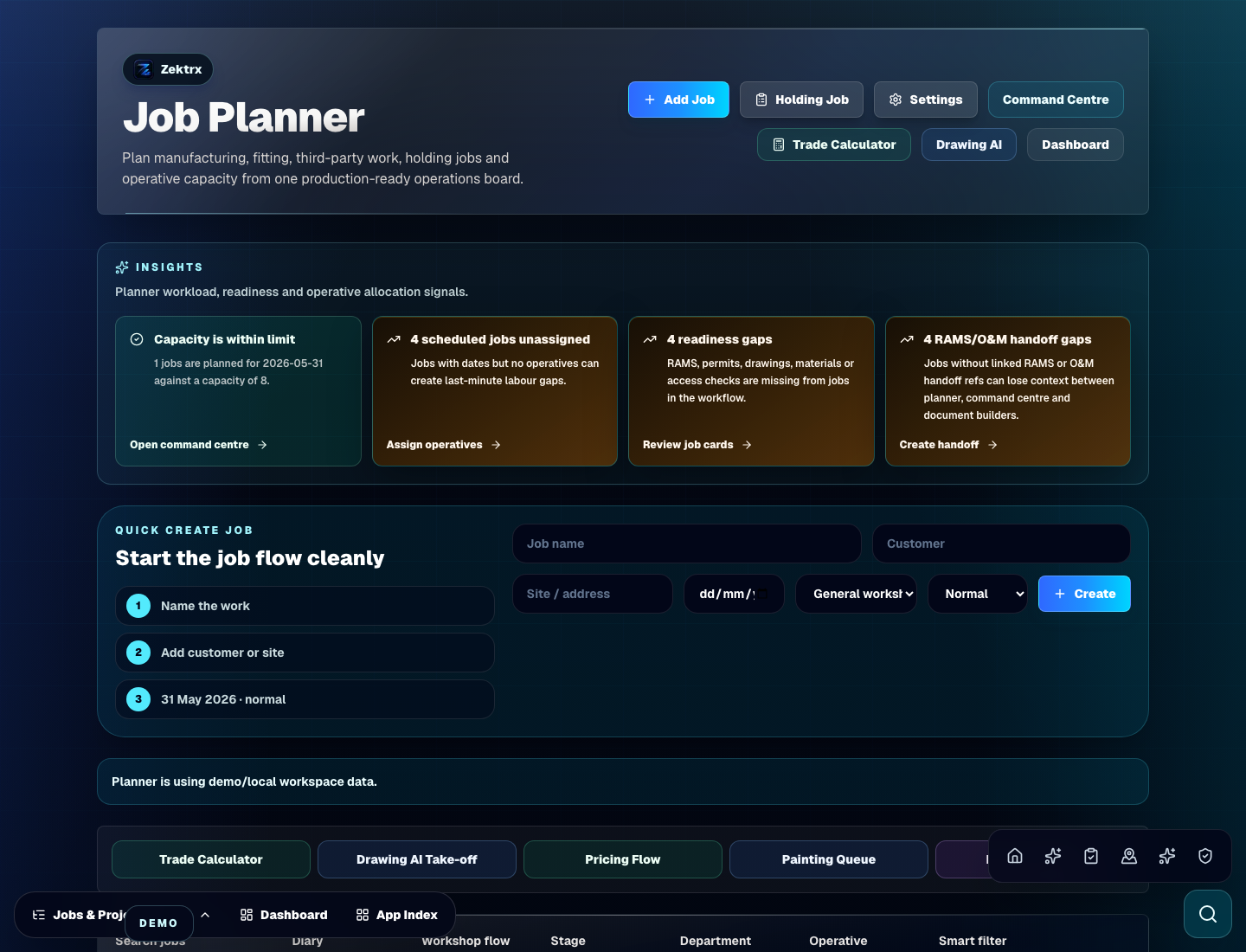
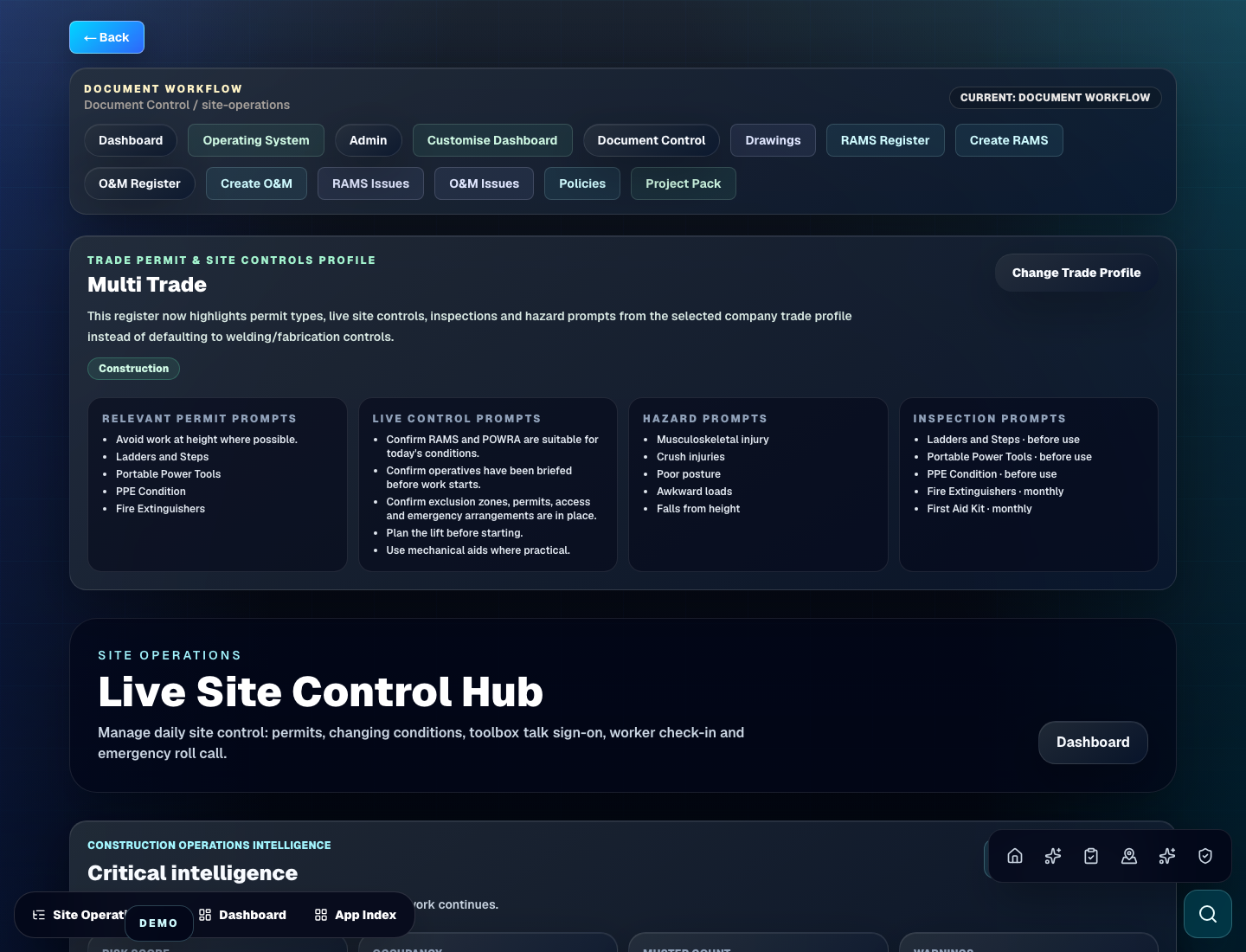
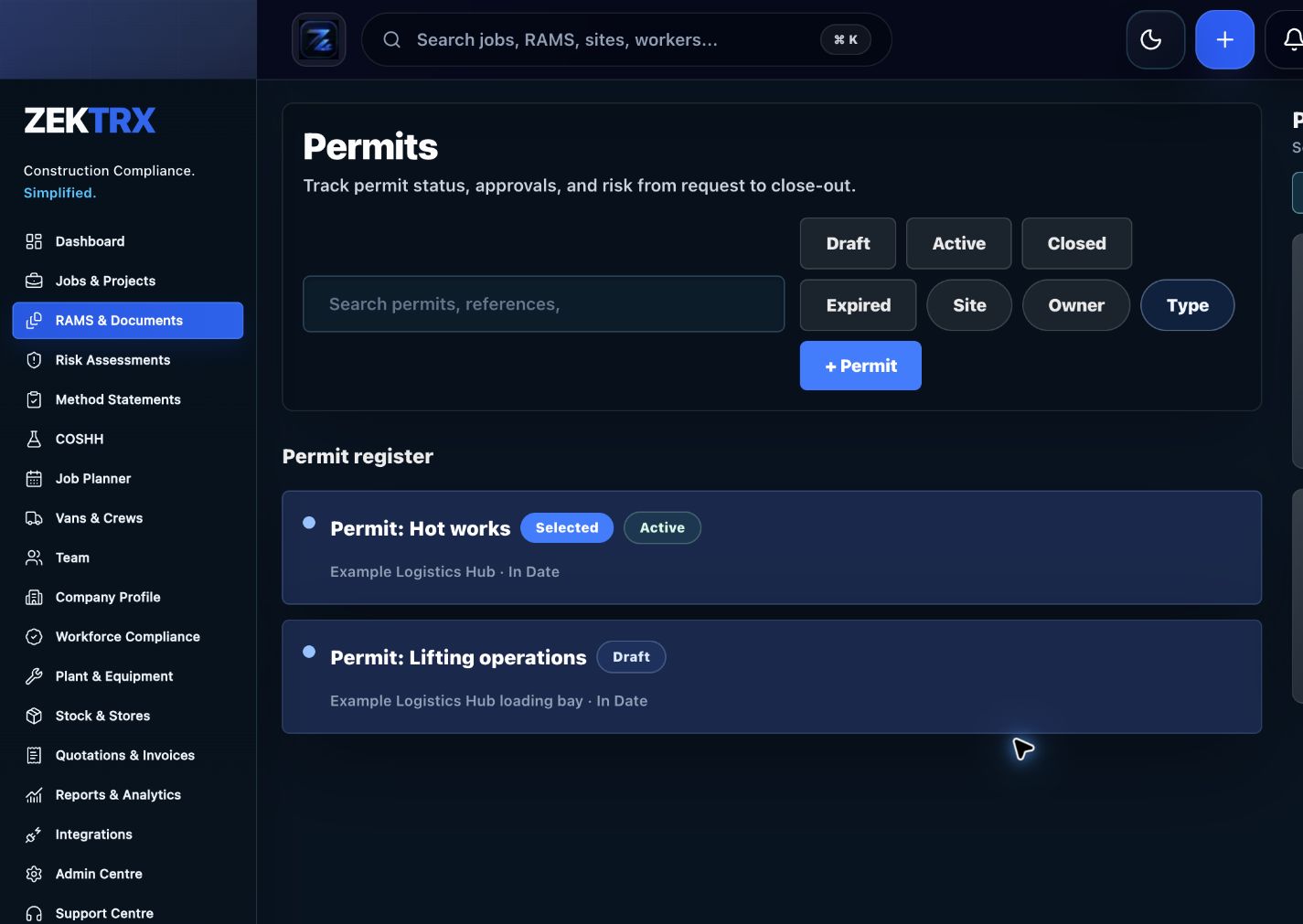
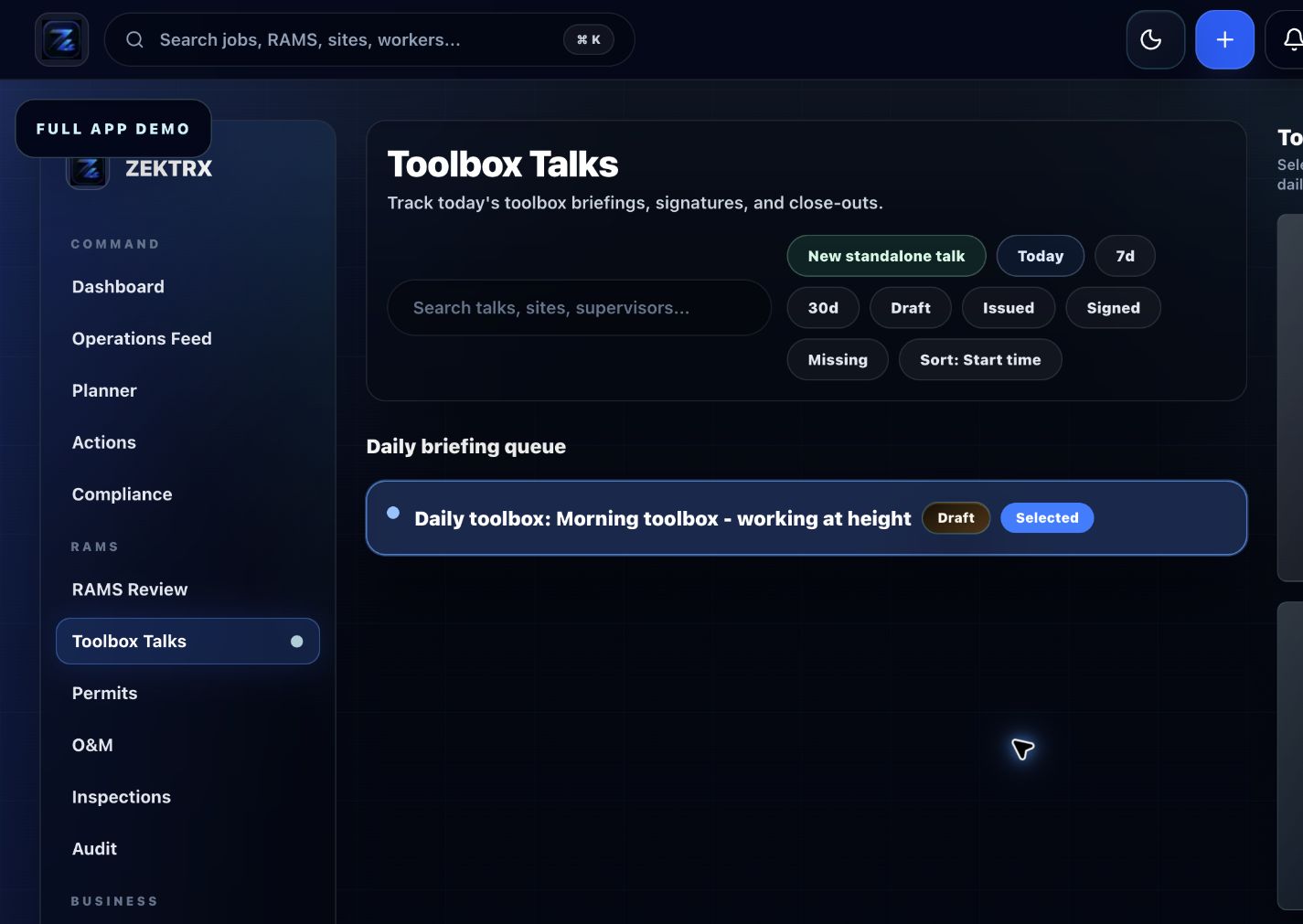
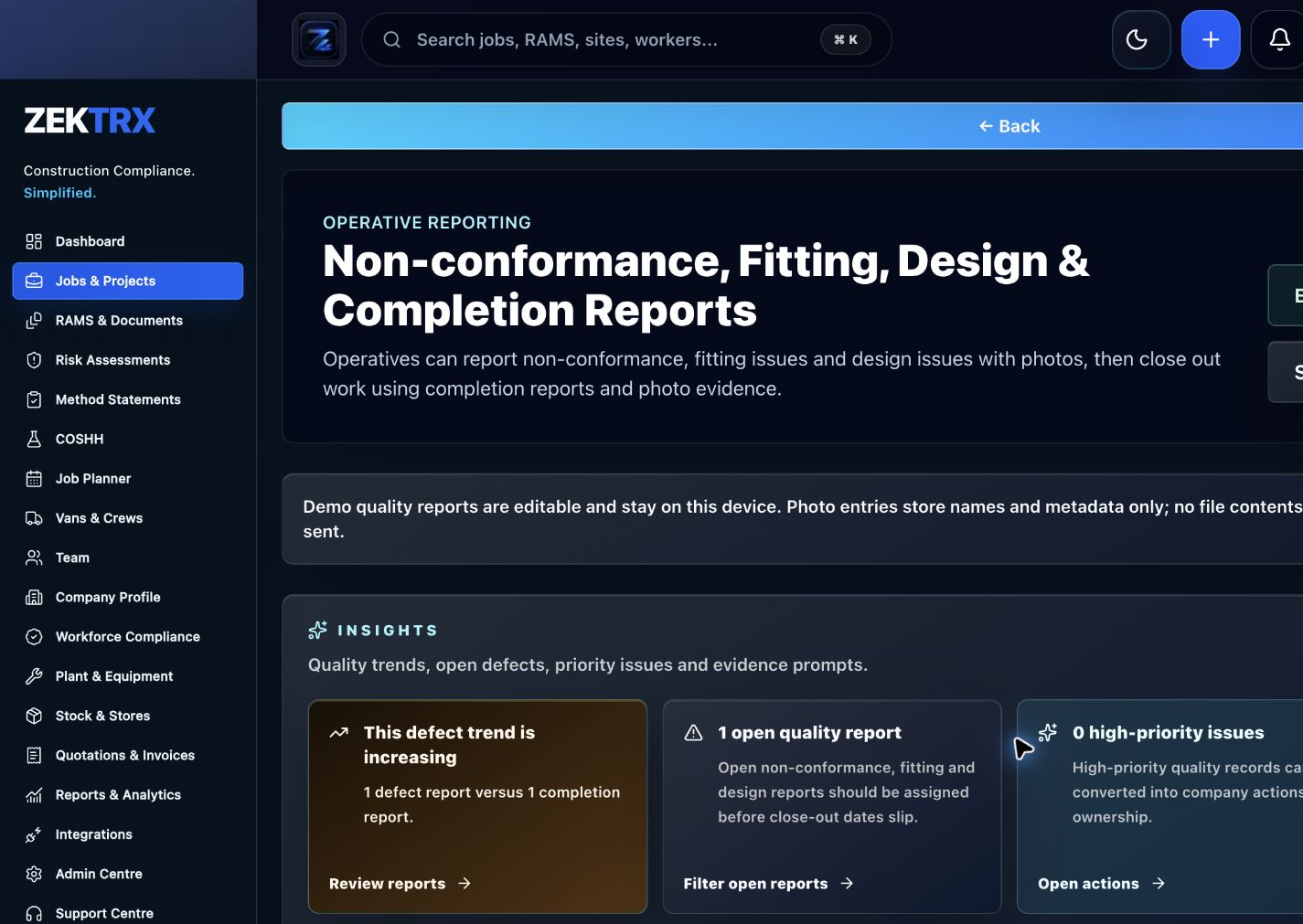
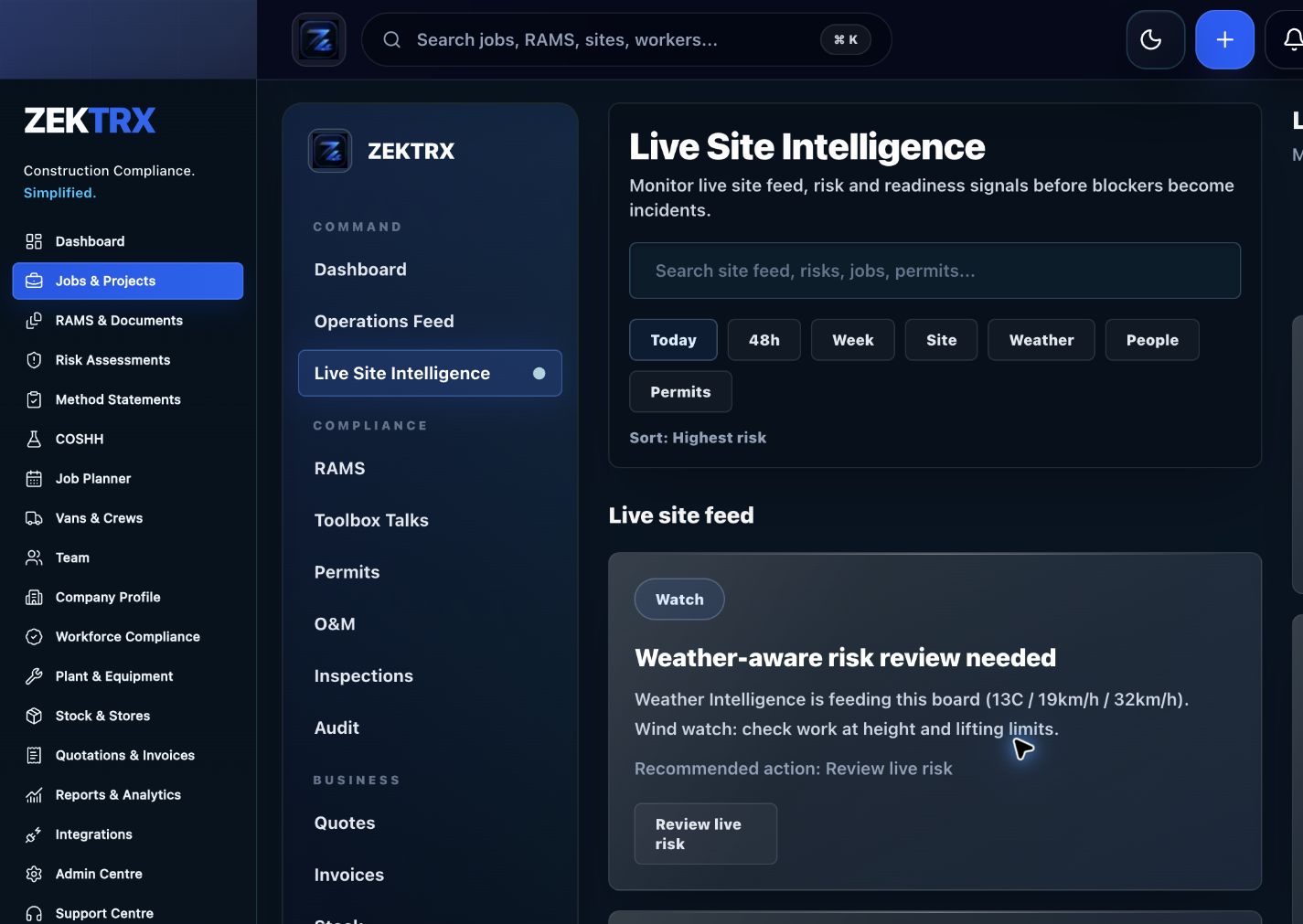
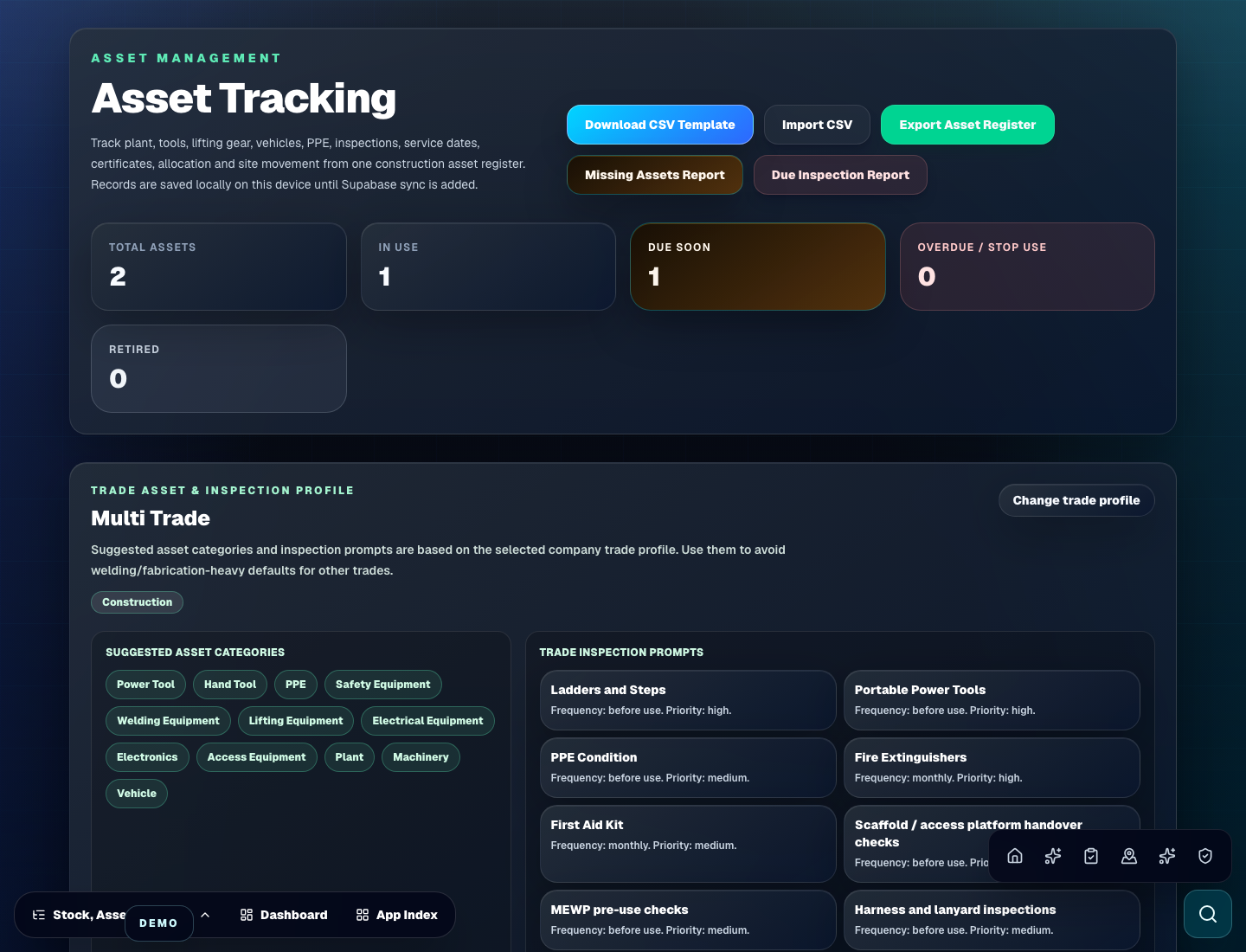
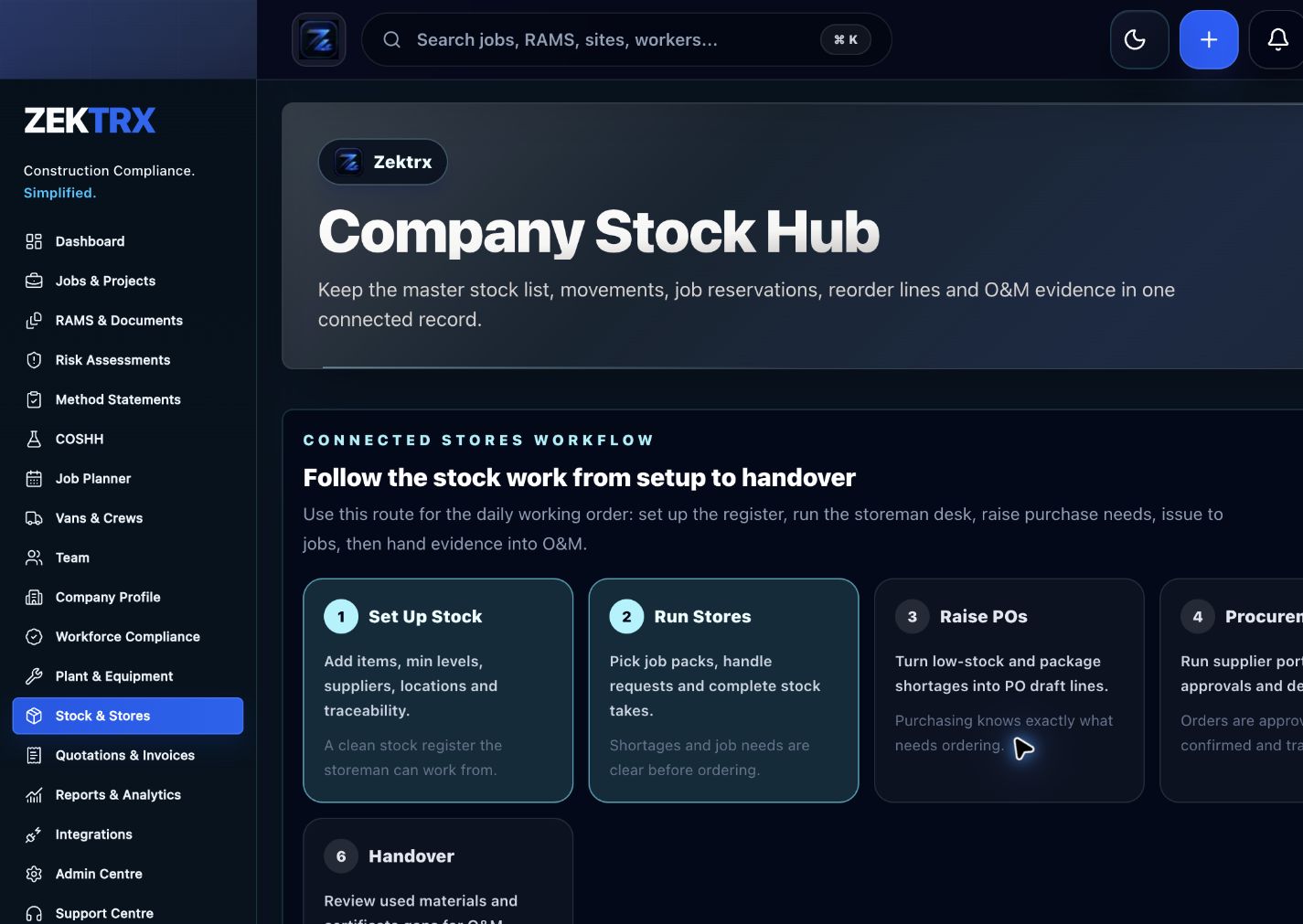
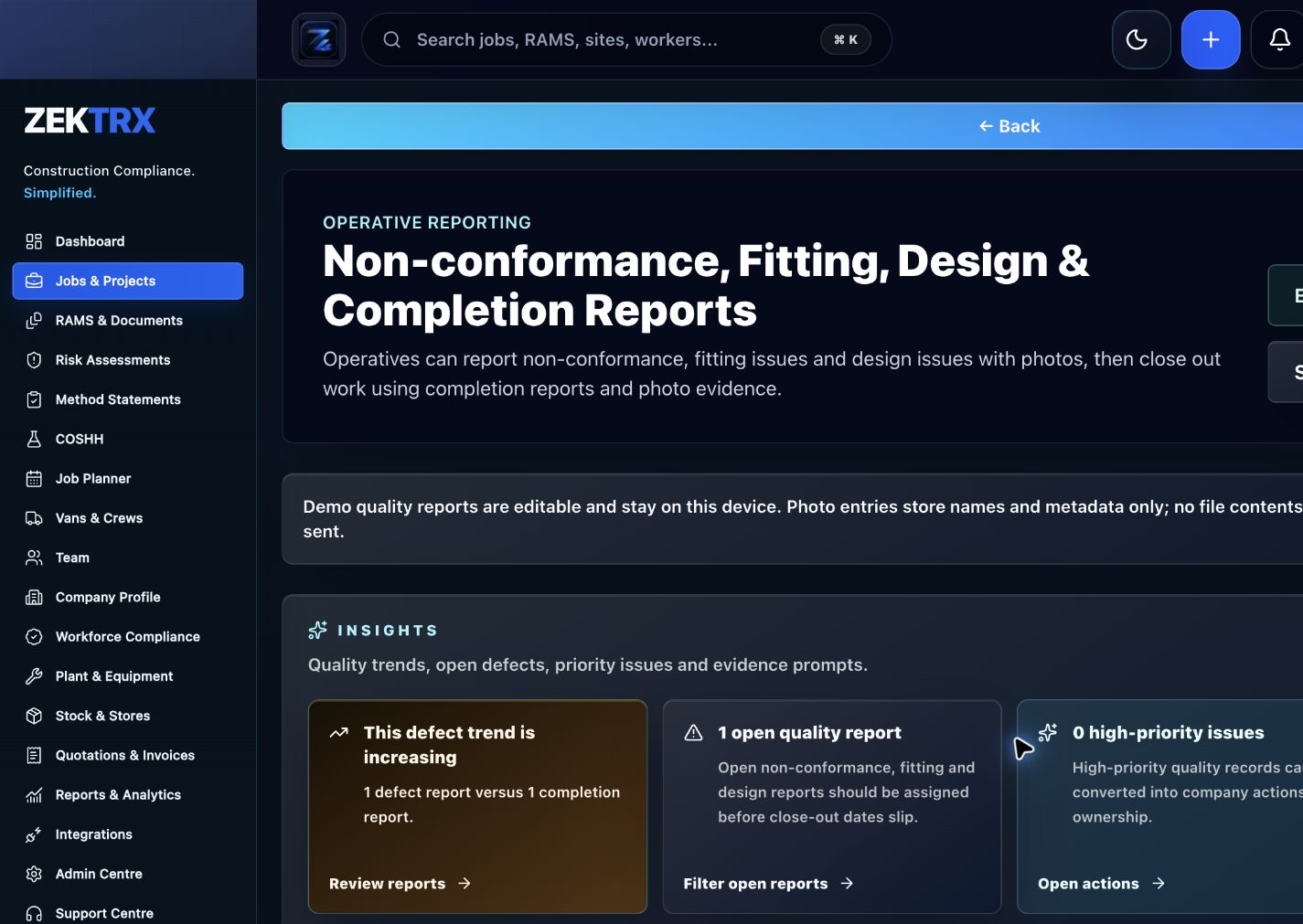
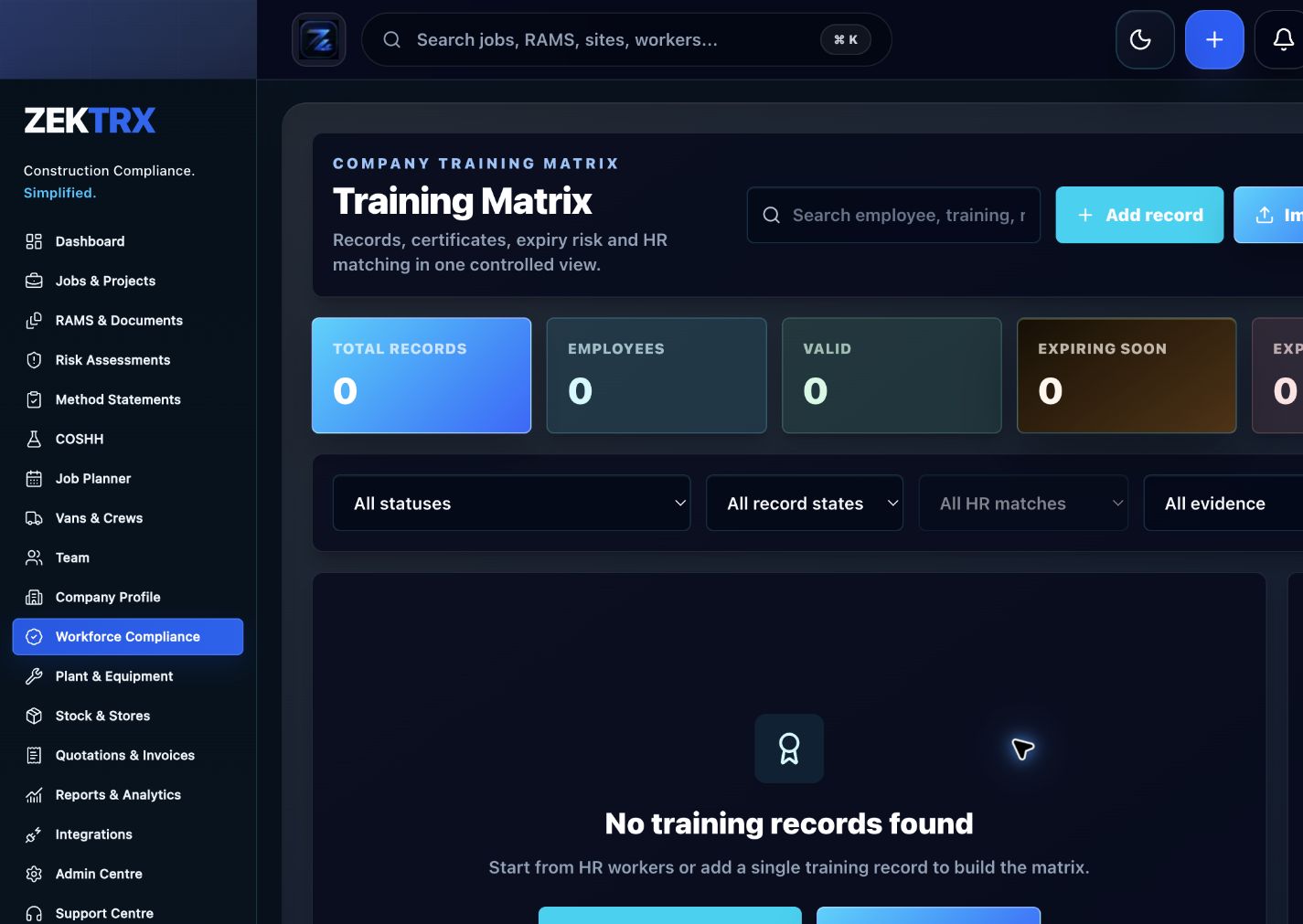
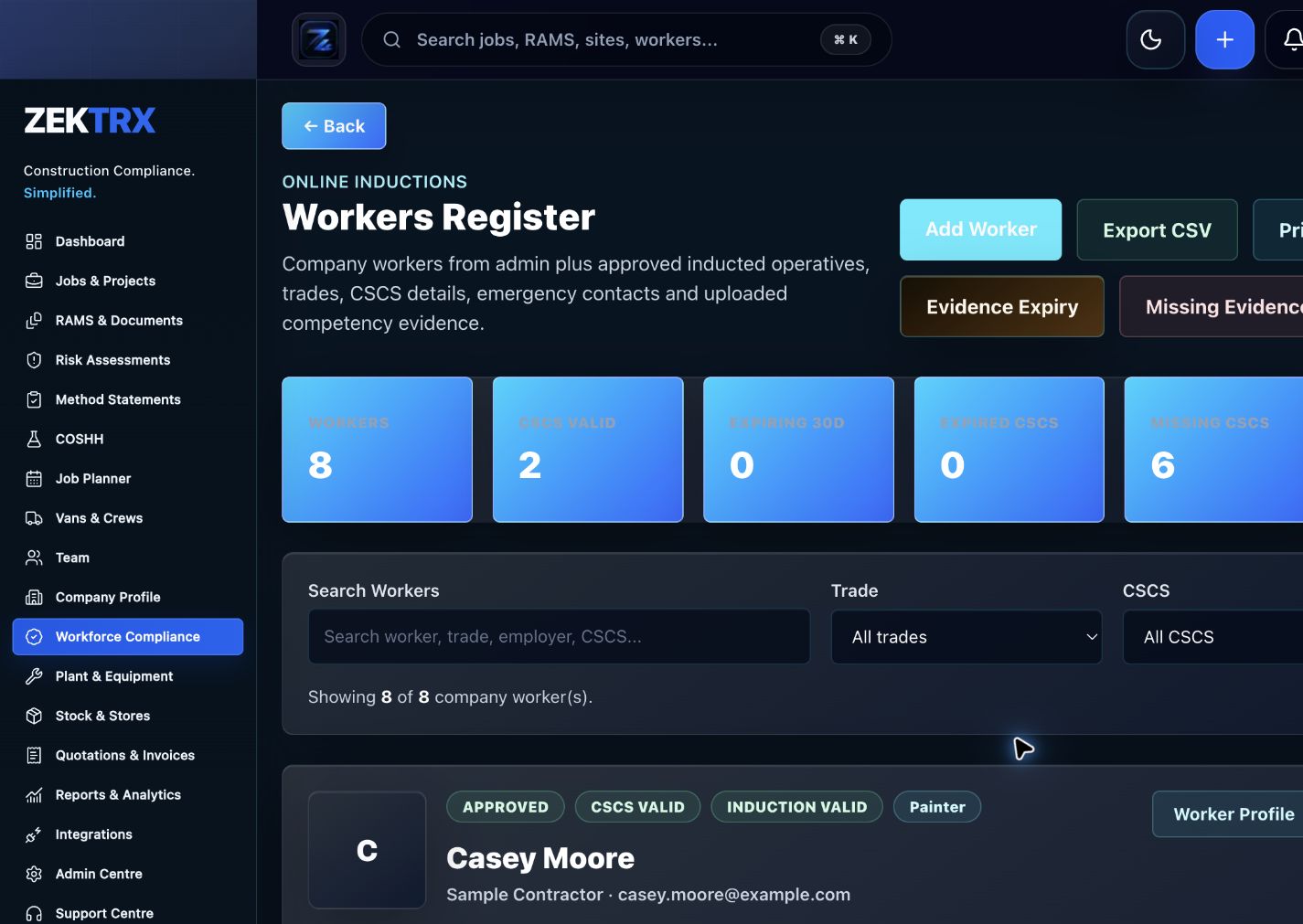
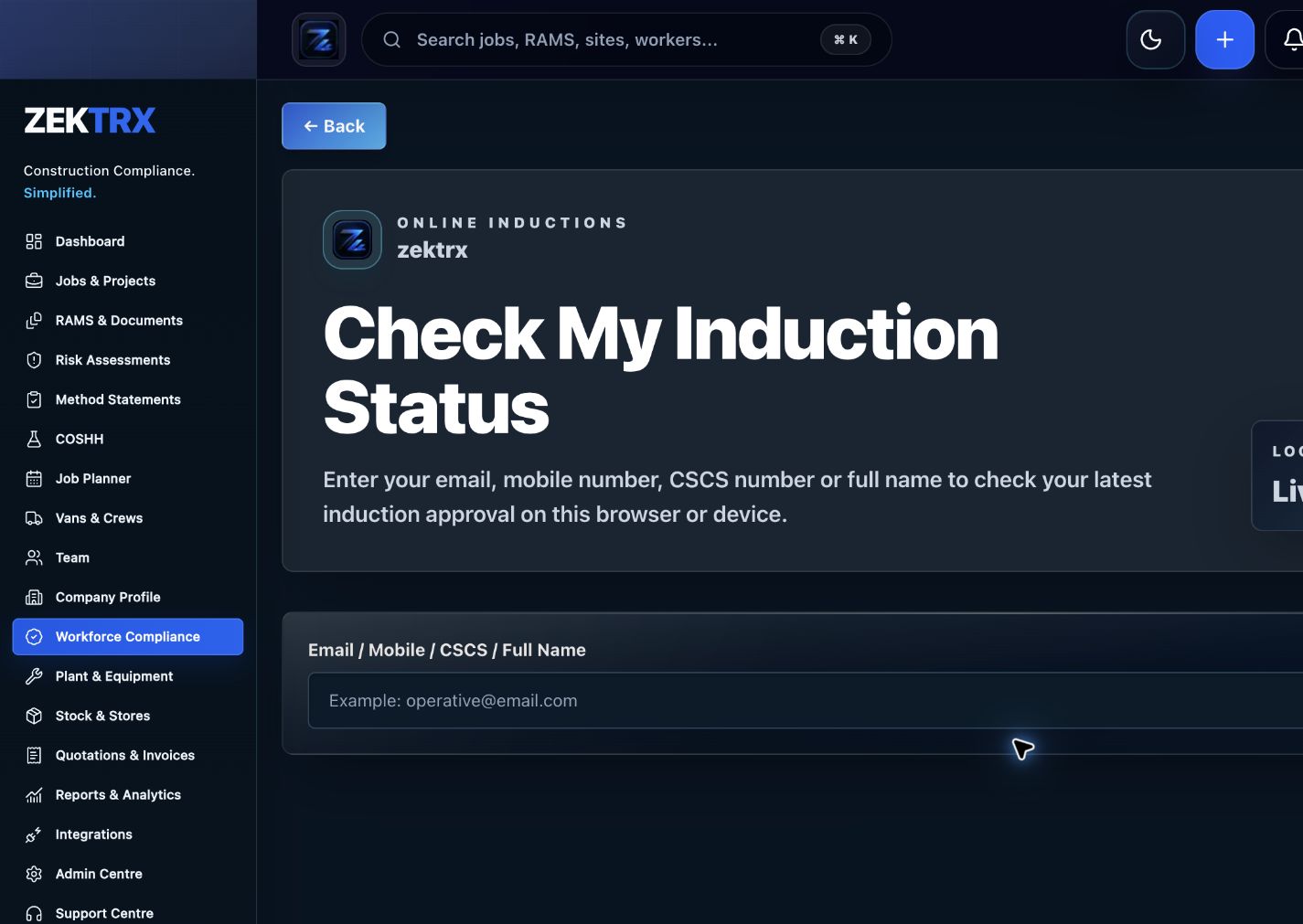
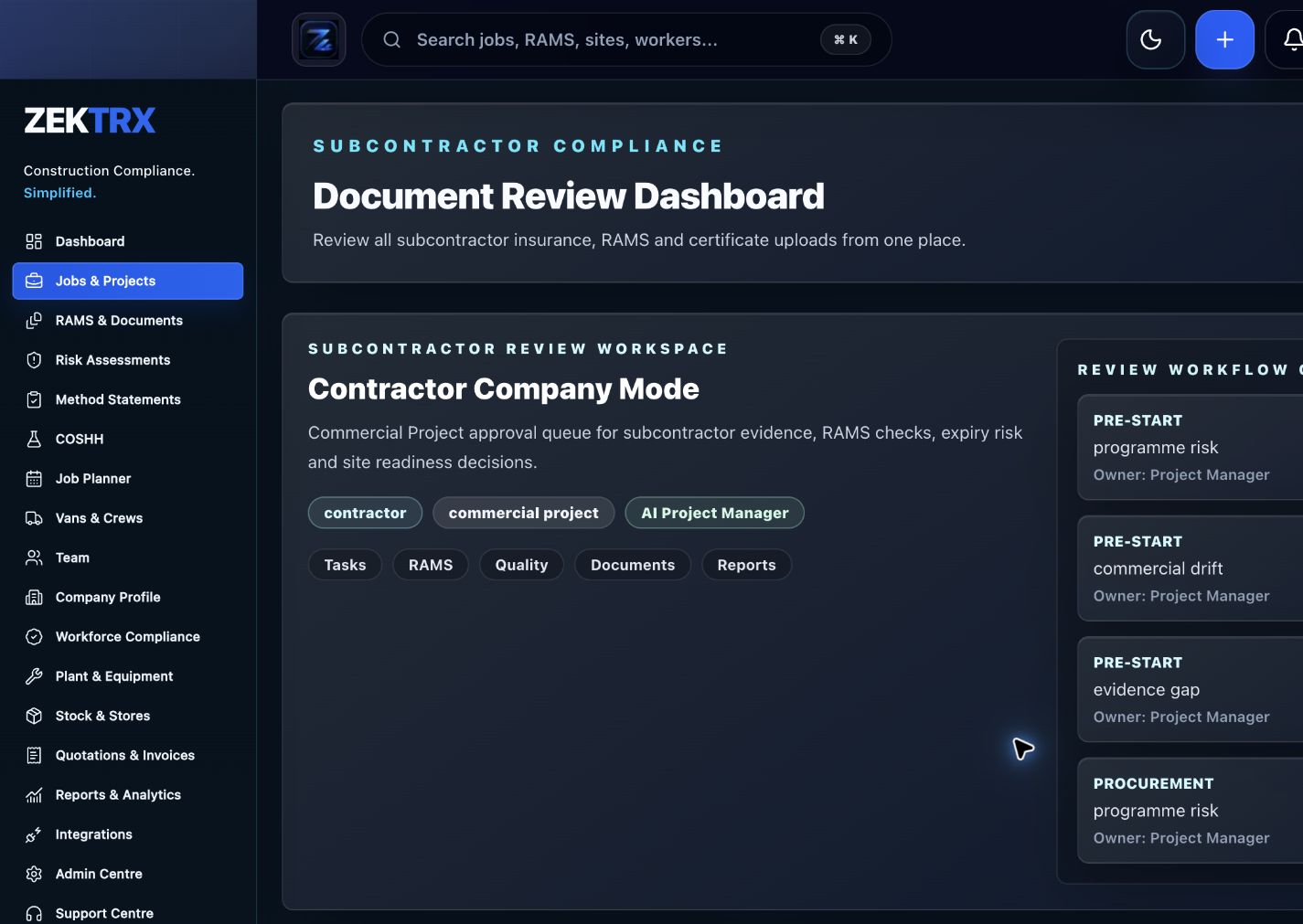
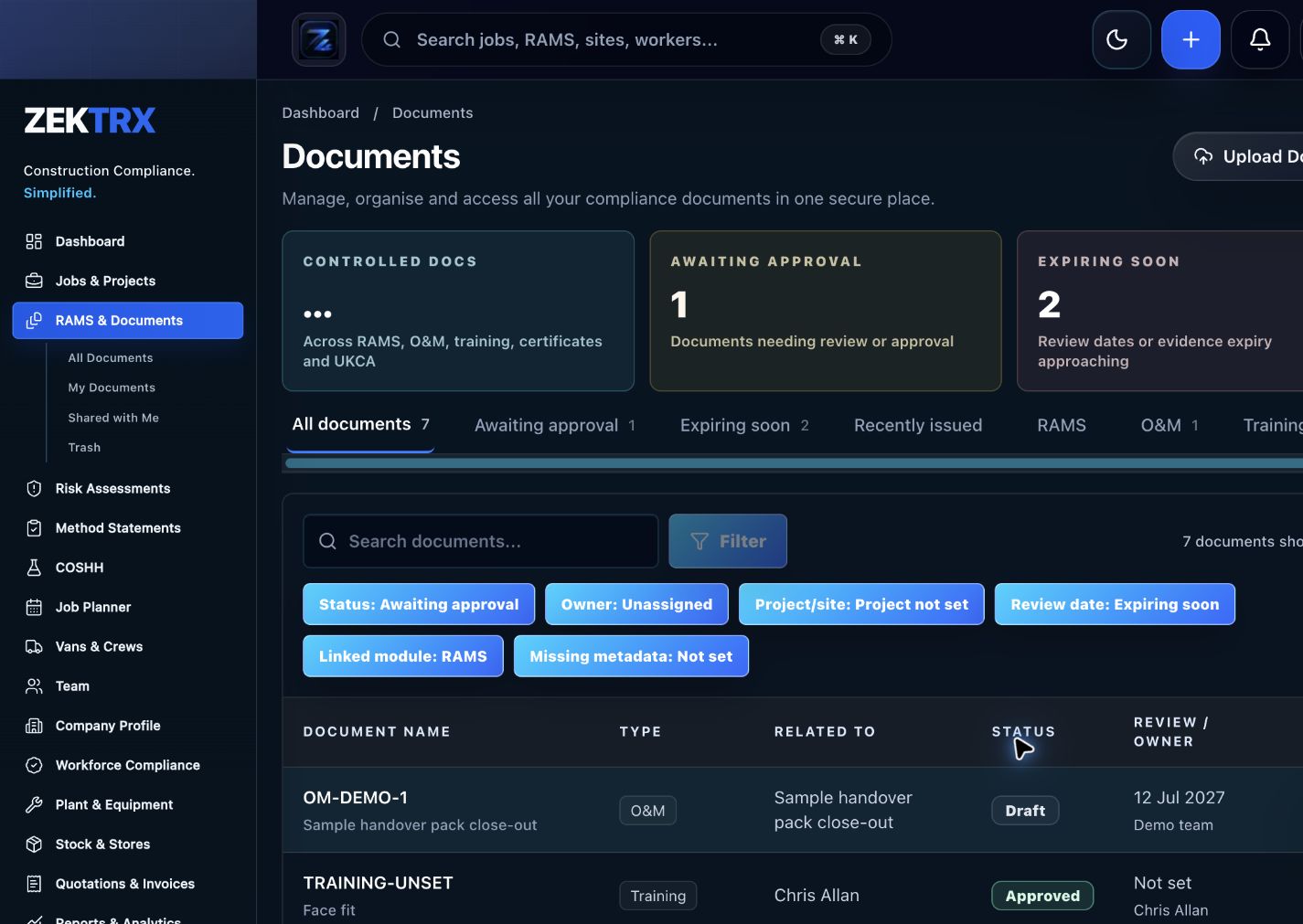
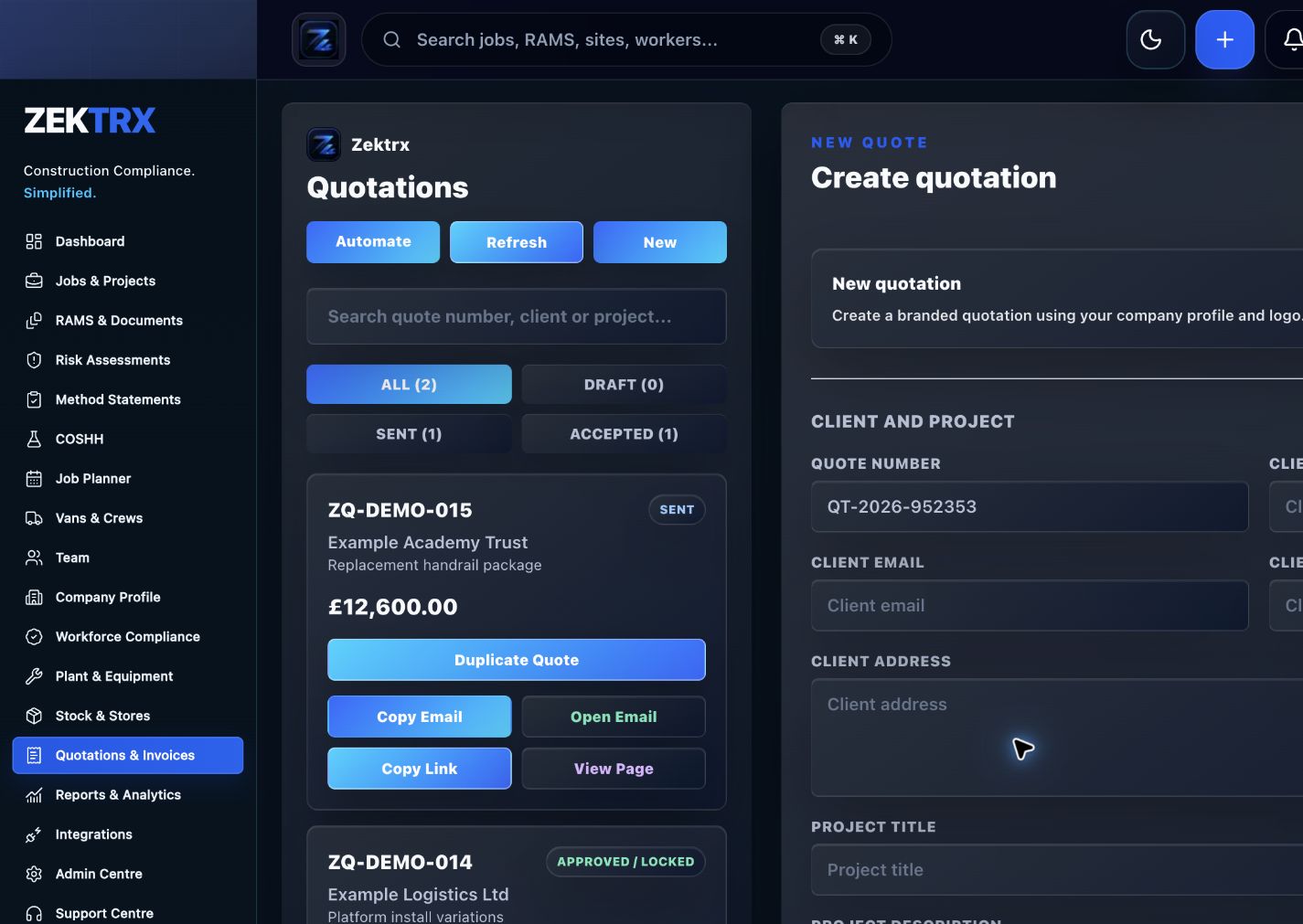
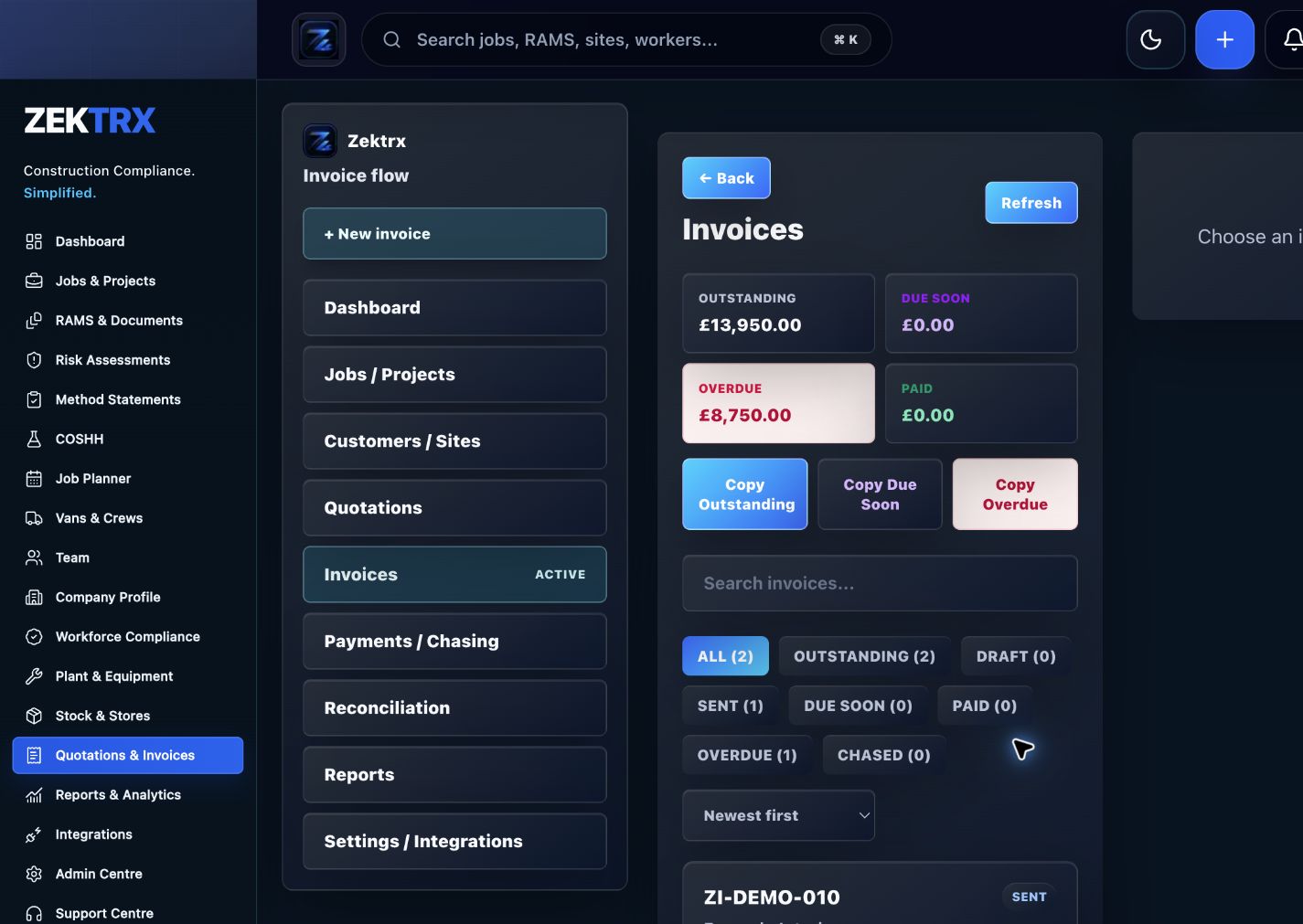
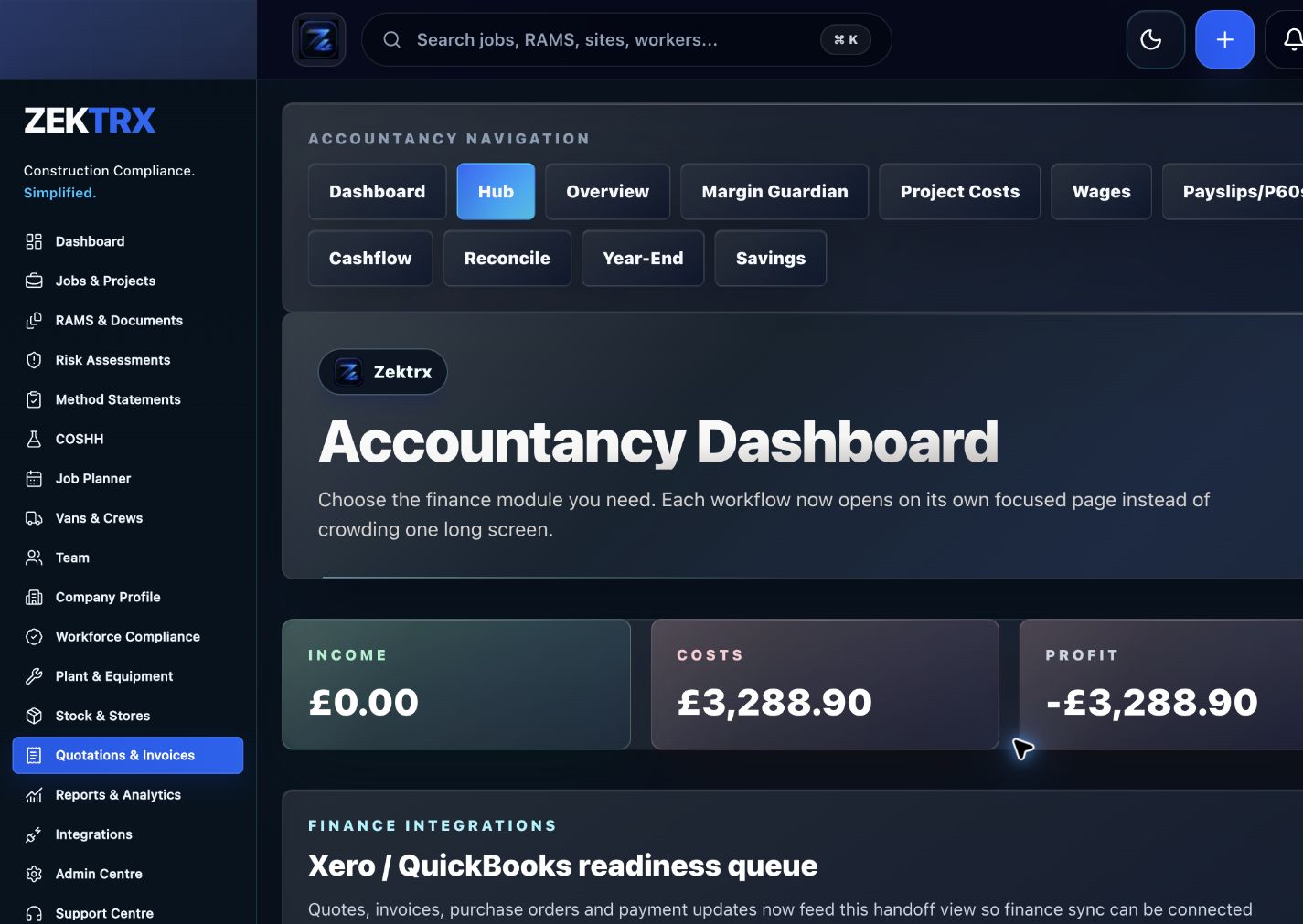
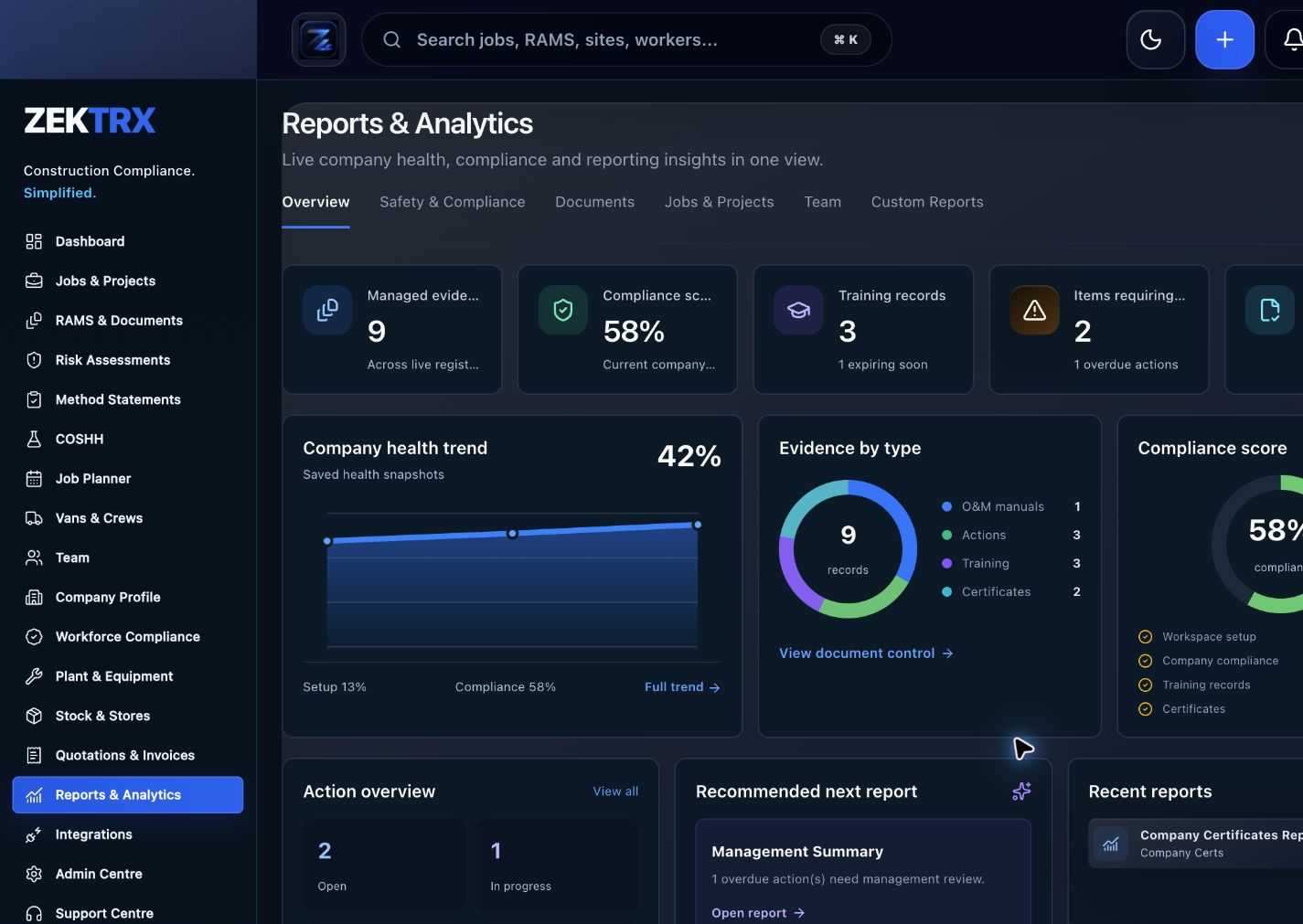
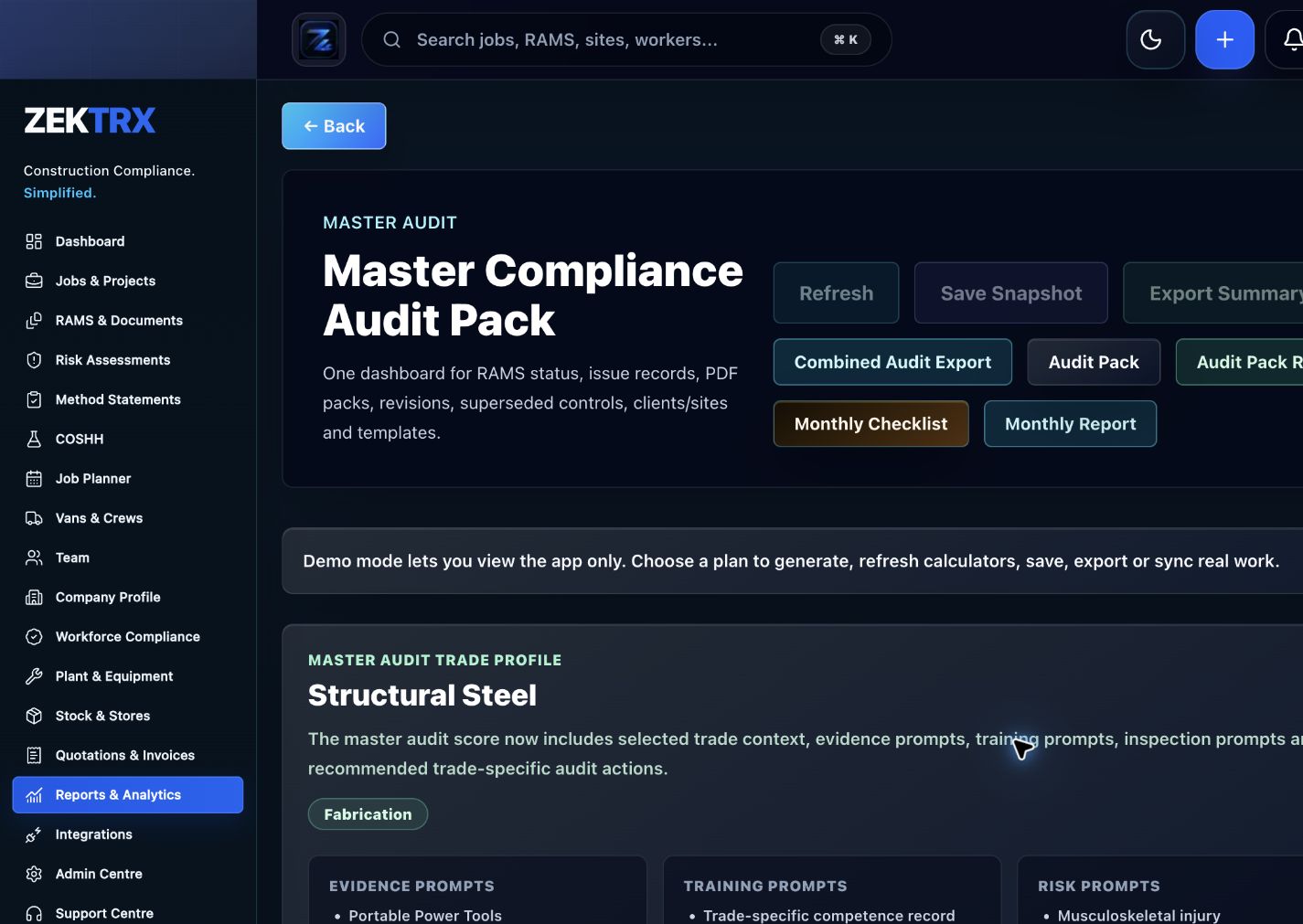
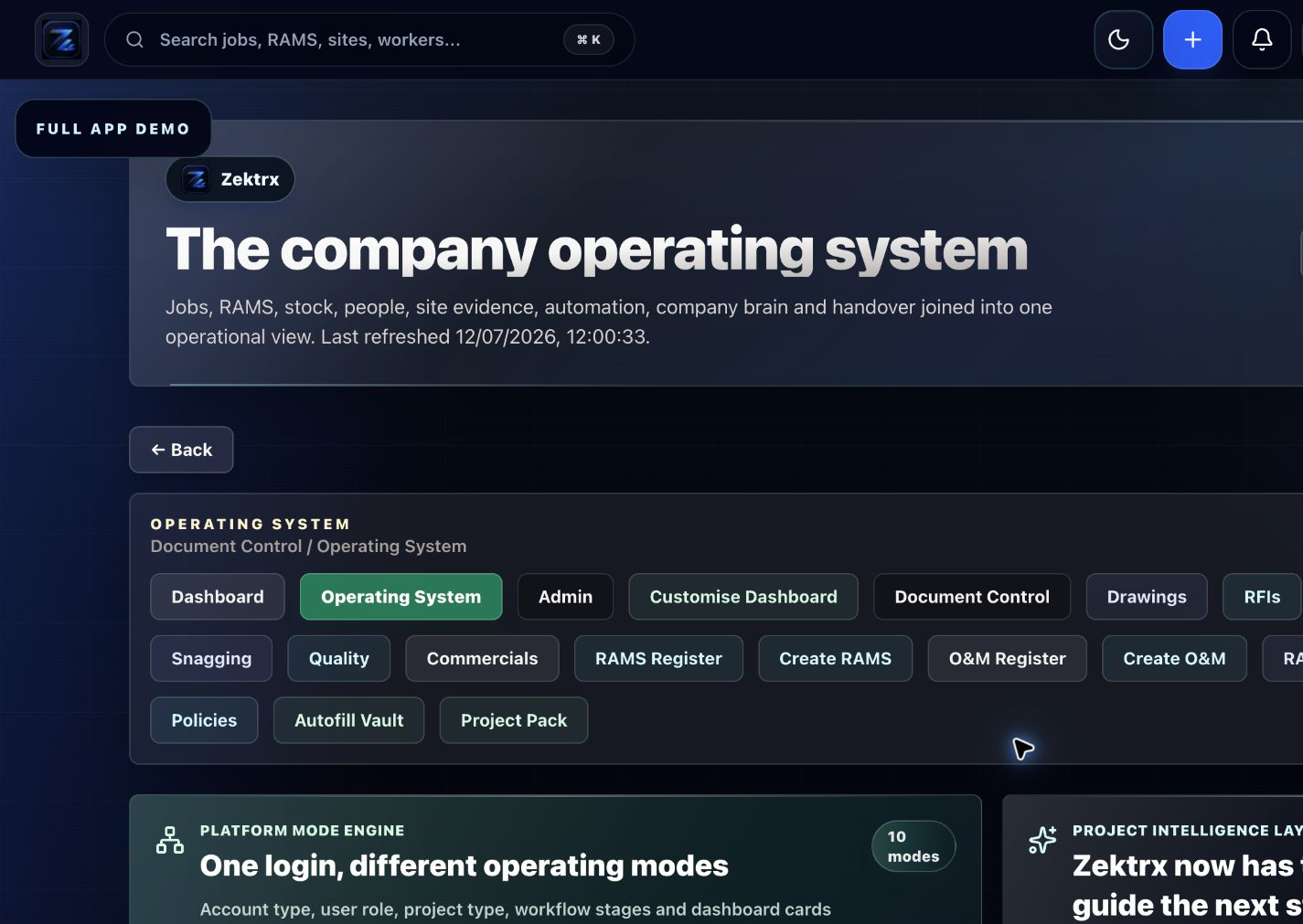
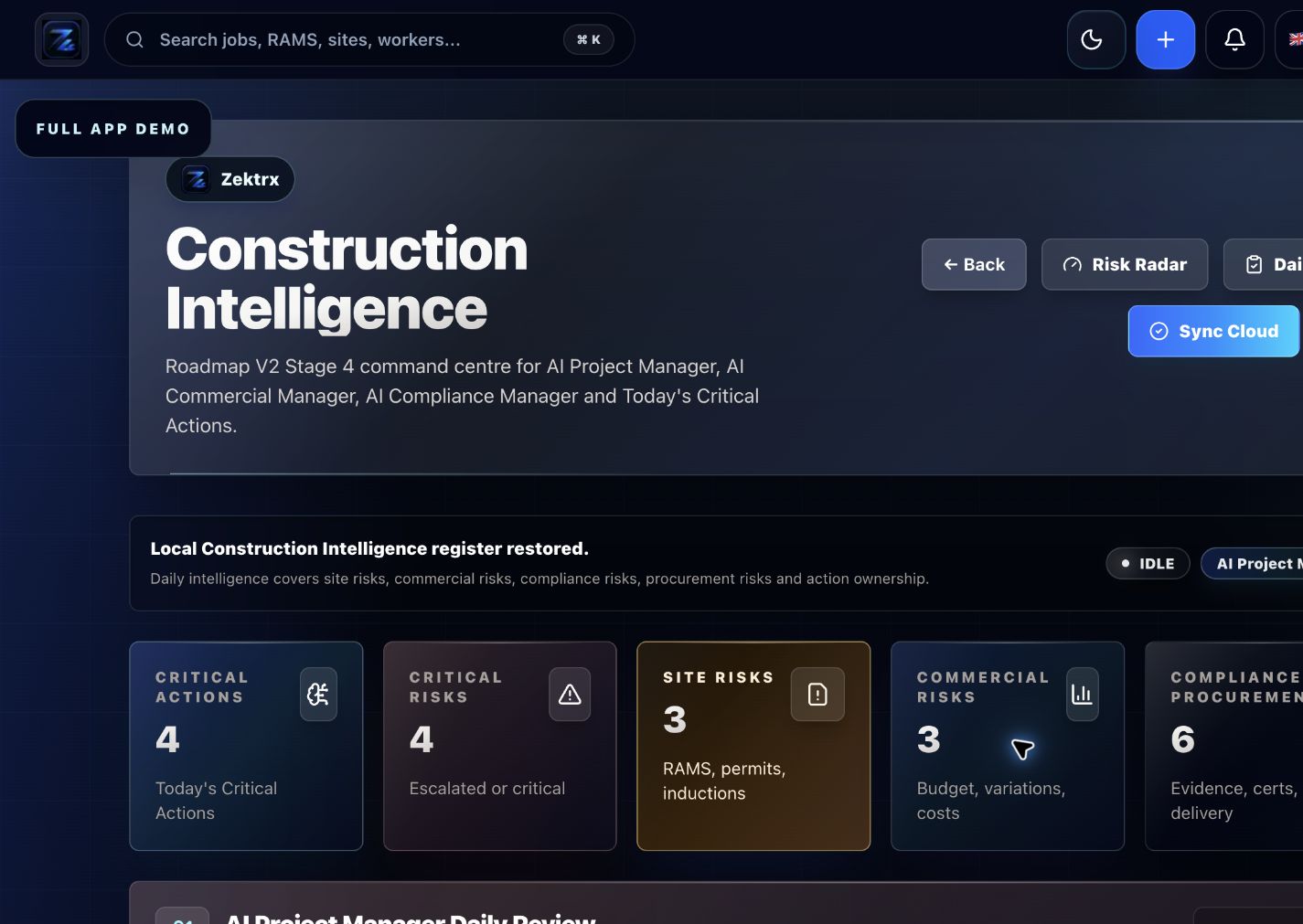
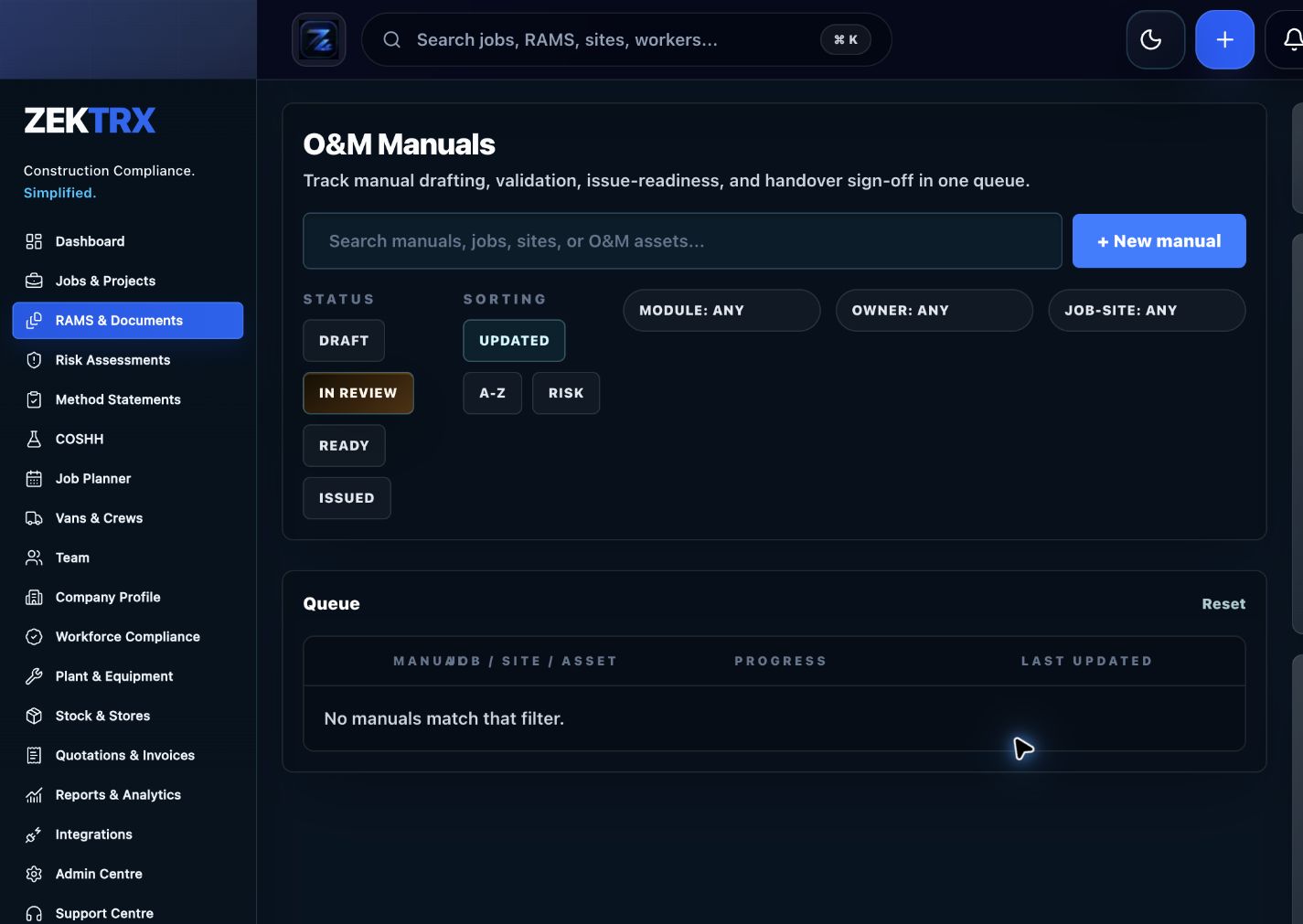
Partner listings land better when approved descriptions point to the workflow screenshots buyers expect to inspect.
Use this page when listing Zektrx in software directories, supplier pages, trade association profiles, partner resources or editorial roundups.
Approved assets
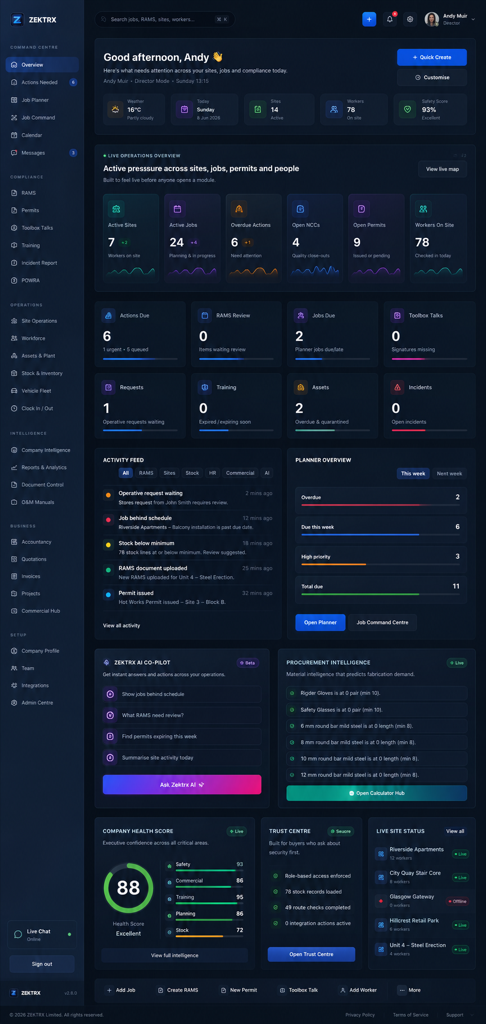
For broad profiles, link to the homepage. For category-specific directories, use the closest approved page below.
Zektrx is a trade operating system for contractors, connecting compliance, RAMS, planning, site operations, documents, stock and commercial workflows.
Zektrx helps construction and trade businesses replace scattered spreadsheets, templates and folders with connected workflows for RAMS, compliance, planning, site records, document control, stock, subcontractors, quotes, invoices and reporting.
Zektrx builds contractor software for trade businesses that need clearer operational control, stronger compliance evidence and less repeated admin across office, workshop, site and field teams.
Submission checklist
A quick quality gate for partners, directories and publications using Zektrx copy, links or product screenshots.
Match the listing to construction software, contractor management, RAMS, compliance, document control or job management based on the directory category.
Choose the homepage for broad profiles, or the most relevant category page when the publication is workflow-specific.
Describe workflows, audiences and operational outcomes without inventing awards, certifications, review scores or legal-compliance guarantees.
Send unusual partner copy, sponsored placements or publication drafts to Zektrx before publishing.
Use these details when a software directory, trade association, supplier page or publication asks for structured company information.
Company name
Zektrx
Website
https://www.zektrx.com/
Regions served
Worldwide
Partner enquiries email
partners@zektrx.com
Sales email
info@zektrx.com
Support email
support@zektrx.com
Demo URL
https://www.zektrx.com/contact
Pricing URL
https://www.zektrx.com/pricing
Logo URL
https://www.zektrx.com/zektrx-icon-512.png
Primary audience
contractors, trade businesses and construction operations teams
Primary category
Construction software
Secondary category
Contractor management software
These are approved examples for editorial links, partner profiles and directory listings.
Use the brand spelling Zektrx.
Choose the most relevant category page instead of always linking to the homepage.
Use natural anchor text and avoid repeated exact-match keyword anchors.
Position Zektrx by category, workflow and operational challenge rather than by another software brand.
Use one relevant destination link per profile or article.
Do not describe Zektrx as legal, safety or engineering advice.
Do not claim review scores, awards, accreditations or certifications unless Zektrx has provided them.
Best fit: directories, trade associations, publications and partner pages with contractor, construction, compliance or trade-business audiences.
Good anchor examples: Zektrx, Zektrx contractor software, Zektrx construction software or the plain URL.
Best article topics: RAMS checklists, audit evidence, document control, handover, training matrix, site records and reducing contractor admin.
Avoid: keyword stuffing, copied descriptions across many sites, brand-comparison copy and exaggerated compliance claims.
Use these shortcuts when claiming software directories, company databases, trade association profiles or editorial roundups.
Use the construction software or health and safety software pack, then add screenshots, pricing URL and the Trust Centre link.
Use the short description, homepage URL, logo URL and product category language for SaaS/company profile claims.
Use contractor-specific copy, avoid exaggerated compliance claims, and link to the contractor or RAMS page when the profile is safety-led.
Use the RAMS or compliance pack, lead with useful evidence or templates, and send editors one natural destination link.
These packs keep directory submissions, supplier profiles and association listings consistent while varying the target URL and anchor text naturally.
Zektrx helps construction and trade businesses connect compliance, RAMS, site records, document control, stock, planning, reporting and commercial admin in one contractor-focused platform.
Anchor: Zektrx construction software
Best link: https://www.zektrx.com/construction-softwareZektrx is built for contractors and trade businesses that need job records, compliance evidence, documents, site operations, materials, quotes, invoices and reporting connected across office, workshop and site teams.
Anchor: Zektrx contractor software
Best link: https://www.zektrx.com/contractor-softwareZektrx supports RAMS, method statements, risk assessments, COSHH, toolbox talks, permits, operative signing, review workflows and audit evidence for contractor teams.
Anchor: Zektrx RAMS software
Best link: https://www.zektrx.com/rams-softwareZektrx publishes trust, privacy, DPA, security, status, vulnerability reporting and review information to support procurement checks and buyer confidence.
Anchor: Zektrx Trust Centre
Best link: https://www.zektrx.com/trustUse these when a directory asks for a product image, logo, gallery screenshot or launch asset.
Use approved copy, category links, media assets and product screenshots consistently across directories and publications.
Directory Copy
Partner listings land better when approved descriptions point to the workflow screenshots buyers expect to inspect.

Category Links
Construction, contractor, RAMS and trust listings can each point to a relevant product or procurement route.

Media Assets
Directories and publications can use approved product visuals without inventing claims or mismatching the page topic.
Listing Standards
Use approved copy, destination links, assets and supportable claims to keep partner listings accurate and consistent.
Copy
Keep directory descriptions, partner bios and category claims consistent.
Links
Choose homepage, construction, contractor, RAMS or trust routes by listing context.
Assets
Use logos and screenshots that match the workflow being described.
Review
Avoid invented awards, certifications, review scores or compliance guarantees.