

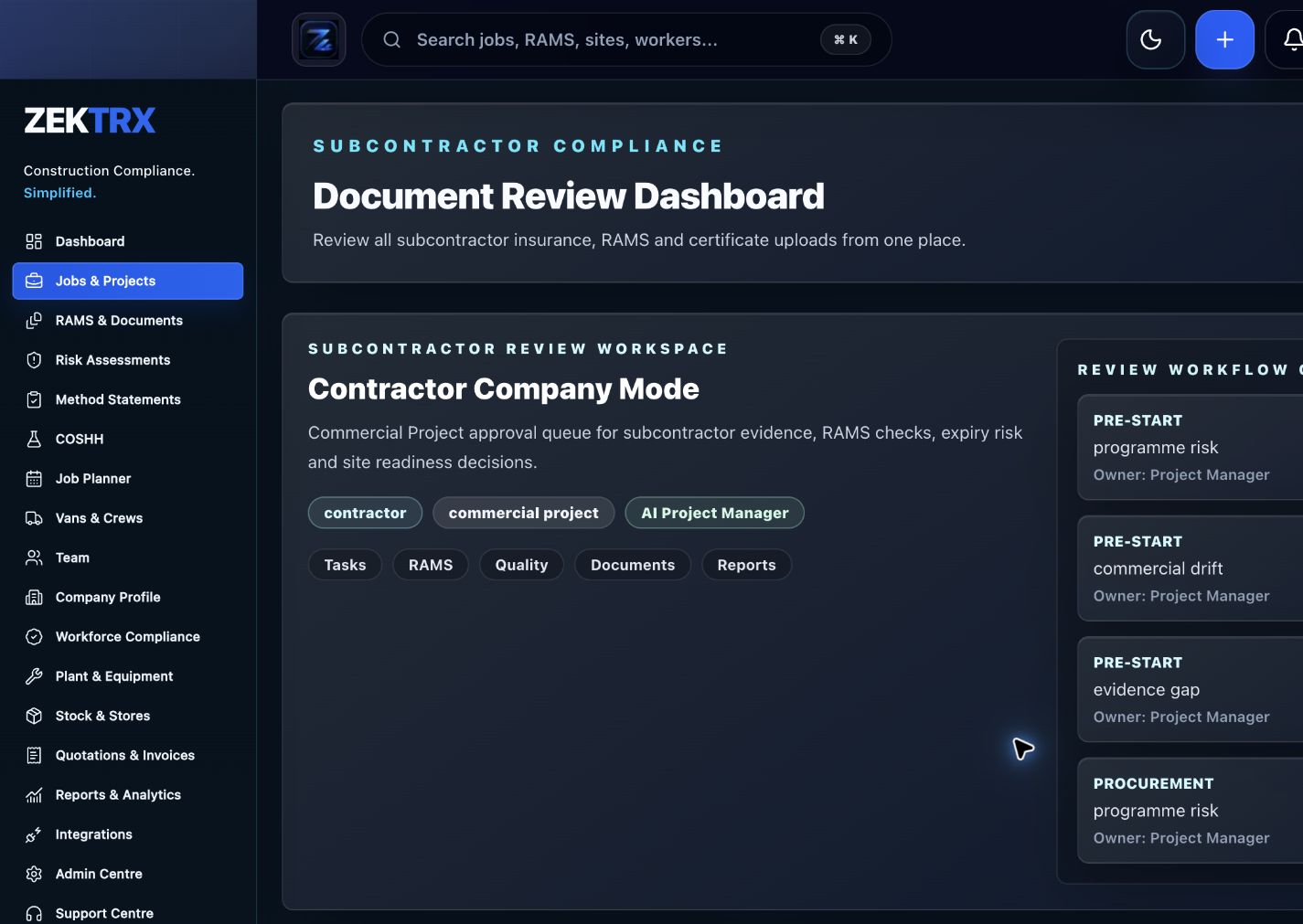
Subcontractors
Start with the right workflow screen
Move the guide from reading into the Zektrx area that can carry the checklist, actions and evidence.
RAMS software should do more than produce a document. It should help contractors create suitable job-specific RAMS, control reviews and revisions, issue the right version and prove that operatives have been briefed.
Subcontractors
Checklist
Check how job details, activities, hazards, controls and PPE are captured.
Review method statement, risk assessment, COSHH and permit links.
Confirm review, approval, revision history and superseded version controls.
Check operative issue, signing, briefing evidence and mobile access.
Ask whether AI drafting can be reviewed and adapted by a competent person.
Check how AI-assisted drafts are marked, reviewed, approved, revised and reissued before operatives sign.
Ask vendors to demonstrate rejected drafts, superseded RAMS, missed signatures and client audit exports.
Confirm supervisors can see unsigned, expired, superseded or pending RAMS before work starts.
Review whether closeout notes, incidents and lessons learned can improve future RAMS packs.
Compare the time to create, review, approve, issue, sign and retrieve a RAMS pack during the demo.
Check onboarding support for migrating templates, training supervisors and piloting the process on live jobs.
Confirm client-ready evidence packs can include RAMS, COSHH, permits, signatures, revisions and briefing records.
Ask for role permissions, audit logs, retention controls and supplier security evidence for procurement review.
Check whether RAMS link to permits, training records, subcontractors, assets and job schedules.
Test mobile access for QR codes, shared devices, low-signal sites, signatures and supervisor follow-up.
Confirm notifications alert reviewers, supervisors and managers when RAMS are overdue, rejected or unsigned.
Check subcontractor access for invite links, company ownership, temporary access and offboarding.
Check how company standards, client rules and project-specific controls are reused without creating stale templates.
Review management reporting for overdue reviews, unsigned RAMS, repeated hazards and project-level compliance trends.
Confirm retention, archive search and export controls for RAMS records after projects close.
Check whether revisions show change summaries and trigger re-briefing for affected operatives.
Confirm exports, client issue packs, audit evidence and reporting.
A RAMS software buyers guide covering RAMS creation, review, signatures, revisions, COSHH, permits, templates, AI drafting and audit evidence.
RAMS software should do more than produce a document. It should help contractors create suitable job-specific RAMS, control reviews and revisions, issue the right version and prove that operatives have been briefed.
Check how job details, activities, hazards, controls and PPE are captured.
Review method statement, risk assessment, COSHH and permit links.
Confirm review, approval, revision history and superseded version controls.
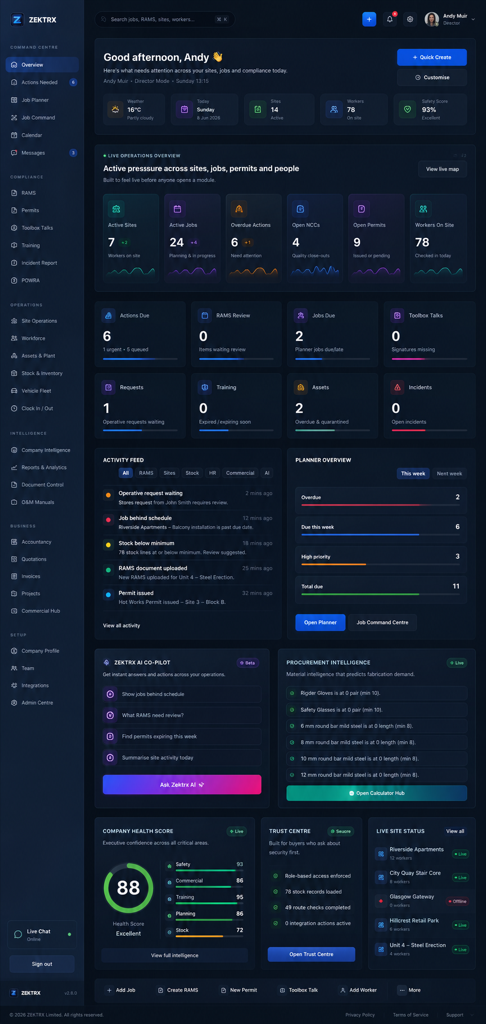
Use live Zektrx screens to manage the checklist, review tasks and supporting evidence.
Subcontractors
Move the guide from reading into the Zektrx area that can carry the checklist, actions and evidence.
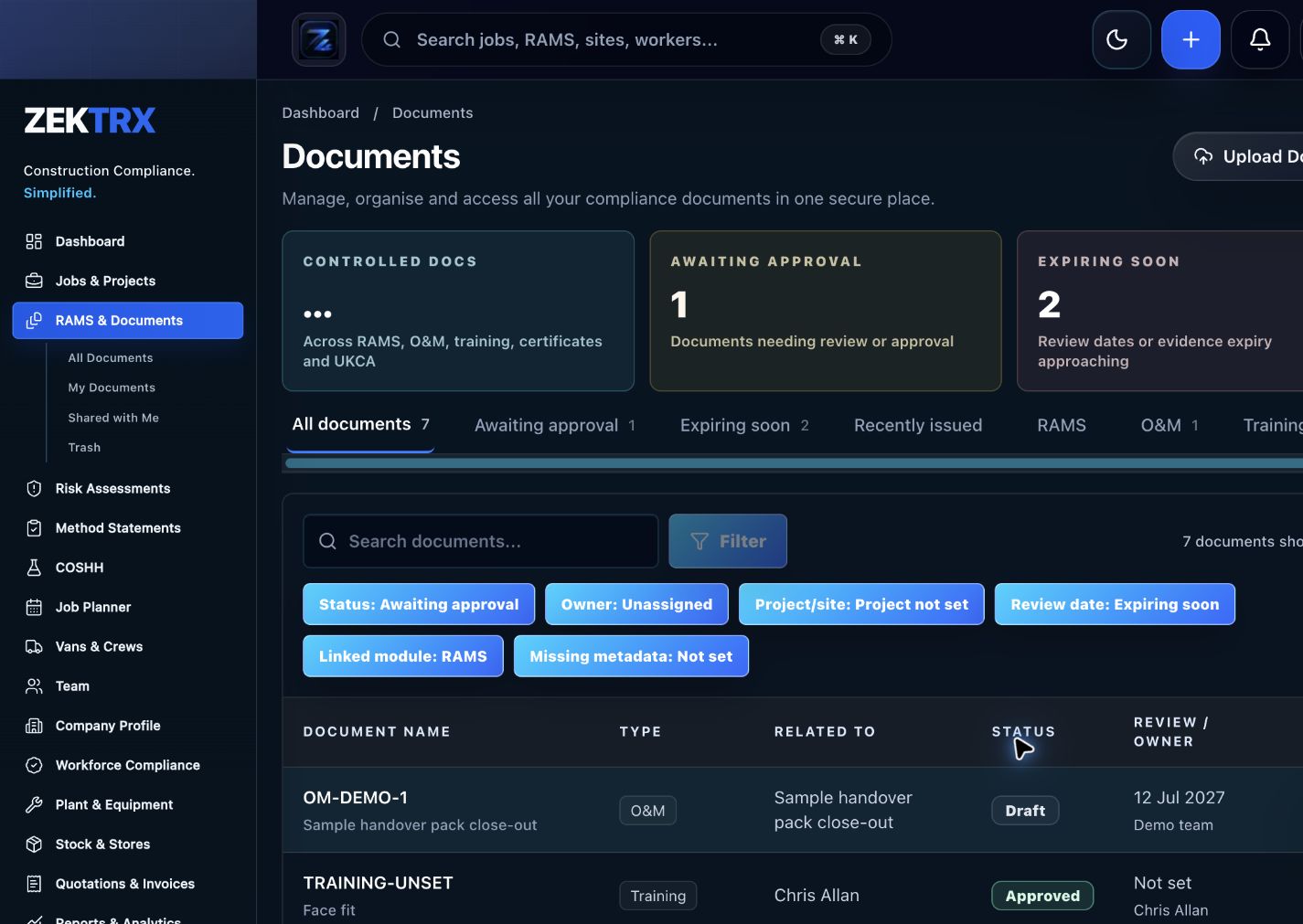
Documents
Keep current versions, review points, approvals and related proof attached to the same process.
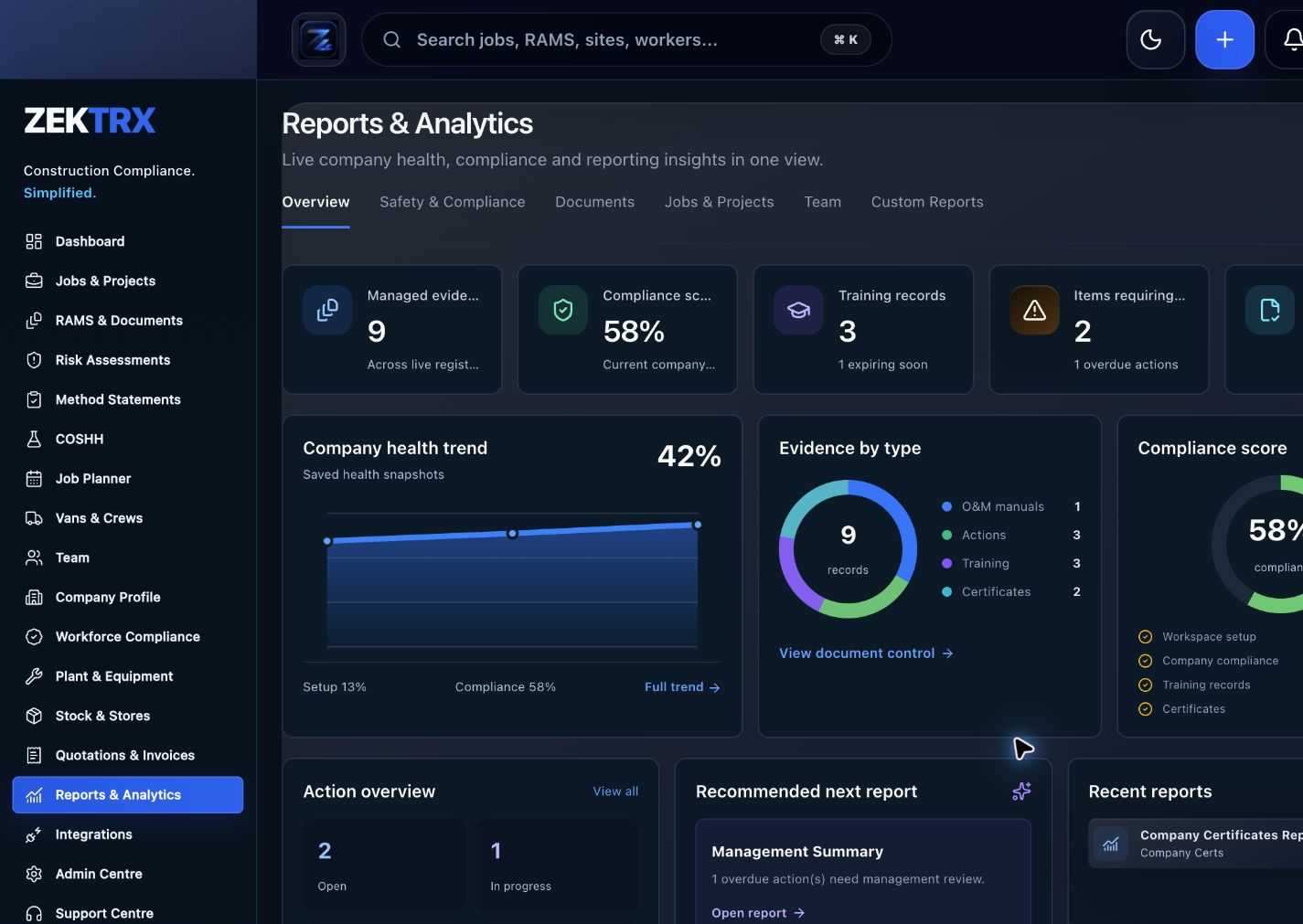
Reports
Use reporting and audit views to turn completed work into a cleaner management or client pack.
See the relevant Zektrx product area, the checks to complete and the practical steps for applying this guidance across your team.
Product area
Zektrx subcontractor onboarding preview
Checklist
Check how job details, activities, hazards, controls and PPE are captured.
Implementation
Start by reading the rams software buyers guide against one real project or job.
Related resources
RAMS Software / RAMS Features for ISO 45001
Connect written guidance with site activity, team briefings and the evidence records that show how the work was controlled.

Plan the work
Use each guide to decide the owners, records and review points before work starts.
Recommended check
Check how job details, activities, hazards, controls and PPE are captured.

Brief the team
Turn guidance into toolbox talks, instructions and visible actions for the people doing the work.
Recommended check
Review method statement, risk assessment, COSHH and permit links.

Keep proof
Connect checks, photos, sign-offs and follow-up tasks to the same operating record.
Recommended check
Confirm review, approval, revision history and superseded version controls.
Word templates are useful at the beginning, but repeated copying can create stale wording, missing revisions and separated signatures. RAMS software should help keep the live record controlled.
AI can speed up drafting, but RAMS still need competent review, site-specific judgement and a clear issue process. Buyers should check how drafts are reviewed before they reach site teams.
The safest RAMS workflow makes draft status obvious, routes review to a competent person, records changes, reissues the approved version and keeps operative signatures tied to the version they actually received.
A polished draft is not enough. Ask vendors to show what happens when a RAMS pack is rejected, a revision is issued after signatures, a subcontractor joins late or a client asks for proof that the right people received the right version.
RAMS software should help supervisors spot missing signatures, expired documents, superseded versions and pending reviews without hunting through folders. The buying test is whether the system turns compliance gaps into clear actions before work begins.
The best RAMS process does not end when a document is signed. Buyers should look for ways to capture closeout notes, incidents, near misses, supervisor feedback and client comments so future RAMS are more specific and less repetitive.
A fast RAMS generator is useful, but the commercial case usually comes from fewer review loops, faster approvals, cleaner site issue, fewer missed signatures and quicker evidence retrieval when a client or auditor asks for proof.
RAMS software lands best when contractors migrate the most-used templates first, train supervisors on issue and signatures, pilot the workflow on active jobs and agree how old document packs will be retired without confusing site teams.
When a principal contractor or client asks for proof, teams should not have to stitch files together by hand. Strong RAMS software should make it simple to export the approved RAMS, COSHH records, permits, revision history, briefing evidence and signatures in one clean pack.
Larger contractors often need evidence of access controls, audit logs, retention rules, data handling and supplier security before software can be approved. Asking those questions during the RAMS demo helps avoid a promising workflow getting stuck after the safety team has already bought in.
RAMS are easier to trust when they sit alongside the permits, training records, subcontractor details, assets, inspections and job schedule they depend on. Buyers should check whether the software creates one connected site record instead of another disconnected document store.
A RAMS workflow can look tidy in the office and still fail on site. Buyers should test QR access, phone layouts, shared-device sign-in, poor-signal behavior, briefing confirmations and how supervisors chase missing signatures before work starts.
RAMS workflows should not rely on someone checking a folder at the right moment. Look for notifications, overdue review queues, rejected-draft alerts and supervisor reminders so missing approvals or signatures are visible before crews arrive.
Subcontractors need fast access to the right RAMS without leaving sensitive project records open forever. Buyers should check invite links, company-level access, temporary permissions, signature ownership and offboarding when a subcontractor leaves the job.
Reusable company standards are useful, but RAMS still need site-specific controls. Buyers should check whether templates, client rules, trade packs and approved wording can be reused while still forcing teams to review the actual task, location, sequencing and residual risks.
RAMS software should help managers spot more than a single missing signature. Useful reporting shows overdue reviews, repeated hazards, projects with late approvals, subcontractors who need chasing and where site teams keep changing the same controls.
RAMS records often matter long after the job has finished. Buyers should check archive search, retention rules, export permissions and whether teams can find the approved version, briefing record and signature trail by project, date, trade or subcontractor.
Changing a RAMS pack should create a visible change summary, mark earlier versions as superseded and prompt re-briefing for affected operatives. Buyers should test how the workflow handles late changes after signatures have already been collected.
Zektrx helps turn repeated checks into owned actions, linked evidence and clear reporting.
Start by reading the rams software buyers guide against one real project or job.
Check whether your current process covers: Check how job details, activities, hazards, controls and PPE are captured.
Check whether your current process covers: Review method statement, risk assessment, COSHH and permit links.
Check whether your current process covers: Confirm review, approval, revision history and superseded version controls.
Decide which items should become live actions, approvals, signatures, evidence links or reports.
Evidence question 1
Who owns this record when it is created?
Evidence question 2
What proves the latest version was reviewed or approved?
Evidence question 3
Where are photos, signatures, comments and close-out evidence stored?
Evidence question 4
Can the record be exported for a client, auditor or principal contractor without rebuilding it?
See how resources become live compliance, site, document and reporting workflows.
Explore the operating system for trade businesses managing jobs, evidence and admin.
Move from templates and checklists into controlled RAMS creation, issue and signing.
RAMS software should support job-specific drafting, hazards, controls, method statements, COSHH links, review, approval, revision history, issue and operative signatures.
AI RAMS drafting can be useful when it is reviewed by competent people and adapted to the actual work, site, controls and company procedures.
AI-generated RAMS should remain drafts until a competent person reviews the hazards, controls, method, site conditions, revisions and issue history before operatives sign the approved version.
Contractors should ask to see rejected drafts, version changes, late operative signatures, subcontractor issue records, audit exports and how superseded RAMS are blocked from being used on site.
RAMS software can help supervisors by highlighting unsigned RAMS, superseded versions, expired supporting documents, pending approvals and missing briefings before operatives start work.
Yes. Closeout notes, near misses, incidents and supervisor feedback can help improve future RAMS, reduce repeated mistakes and make templates more relevant to real site conditions.
Contractors should compare the total time spent drafting, reviewing, approving, issuing, signing, revising and retrieving RAMS evidence, not just the time taken to generate the first document.
Contractors should start with high-use templates, train supervisors and reviewers, pilot the issue and signature workflow on live jobs, then retire old document packs once the approved digital process is working.
A RAMS evidence pack should include the approved RAMS, linked COSHH records, permits, revision history, issue dates, briefing records, operative signatures and any client-ready audit exports.
Buyers should ask about role permissions, audit logs, data retention, export controls, supplier security evidence, support ownership and how access is removed when staff or subcontractors leave.
Connected RAMS help teams prove that permits, training records, subcontractor details, assets, inspections and job schedules match the work being carried out instead of sitting in separate folders.
Mobile access matters because RAMS briefings, signatures, revisions and supervisor follow-up usually happen on site, often on phones, QR links, shared devices or low-signal locations.
Yes. Alerts and reminders help reviewers, supervisors and managers act on overdue approvals, rejected drafts, missing signatures, superseded versions and unbriefed operatives before work starts.
RAMS software should support controlled subcontractor invitations, company-level access, temporary permissions, signature tracking and simple offboarding when a subcontractor no longer needs job records.
RAMS software should let teams reuse company standards, client rules and approved wording while still requiring site-specific review of the task, location, sequencing, controls and residual risks.
Managers should look for reports covering overdue reviews, unsigned RAMS, repeated hazards, late approvals, subcontractor follow-up, superseded versions and project-level compliance trends.
RAMS software should help teams archive closed projects, apply retention rules, search old records, control exports and retrieve approved versions, briefing records and signature trails when evidence is needed later.
RAMS software should mark earlier versions as superseded, show a clear change summary, notify reviewers and supervisors, and trigger re-briefing or re-signing for affected operatives.
Yes. Zektrx helps move RAMS from repeated document templates into structured drafting, review, issue, signature and evidence workflows.