
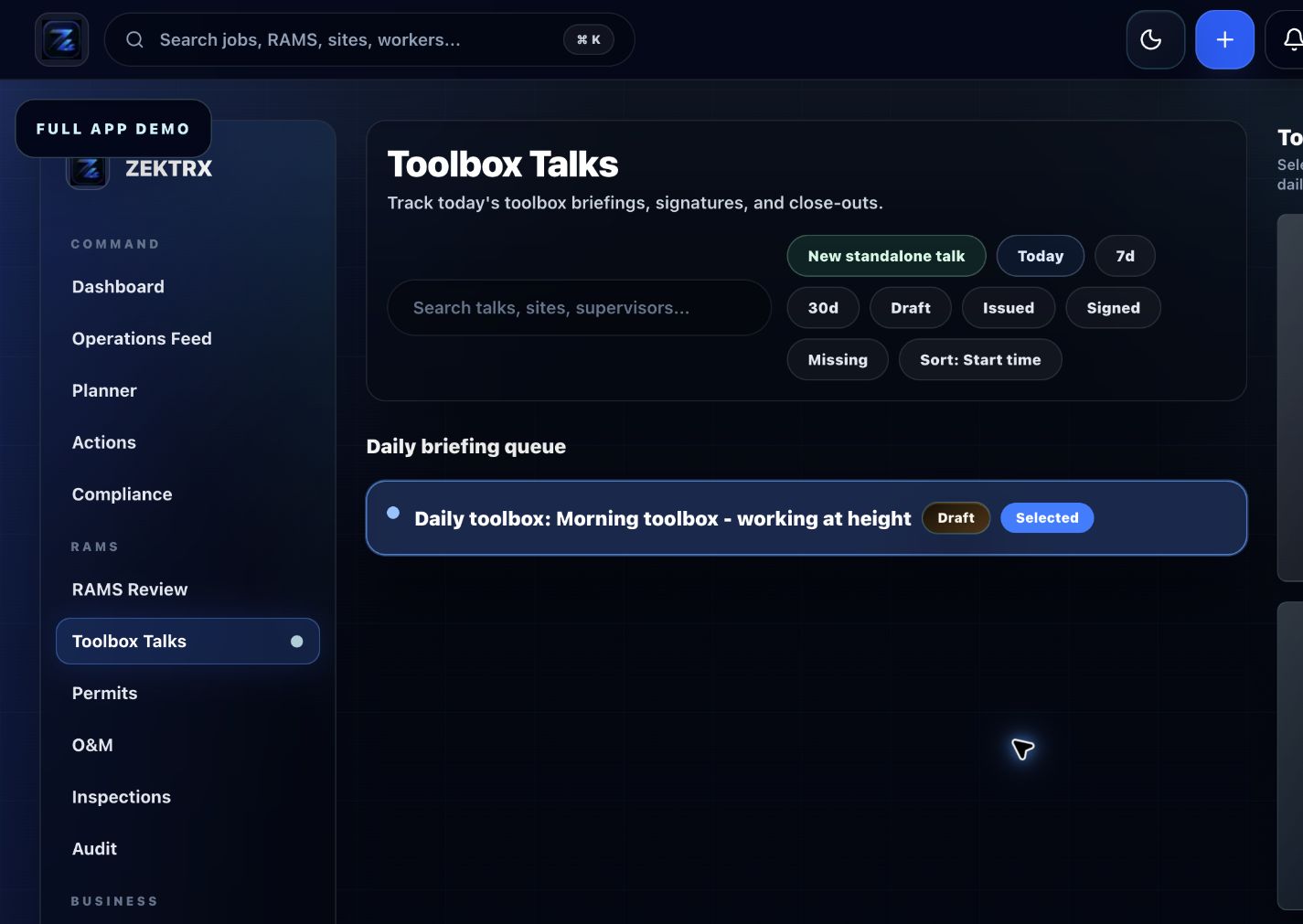
Toolbox
Start with the right workflow screen
Move the guide from reading into the Zektrx area that can carry the checklist, actions and evidence.
A risk assessment template helps standardise how hazards and controls are recorded. It still needs competent review and site-specific detail.
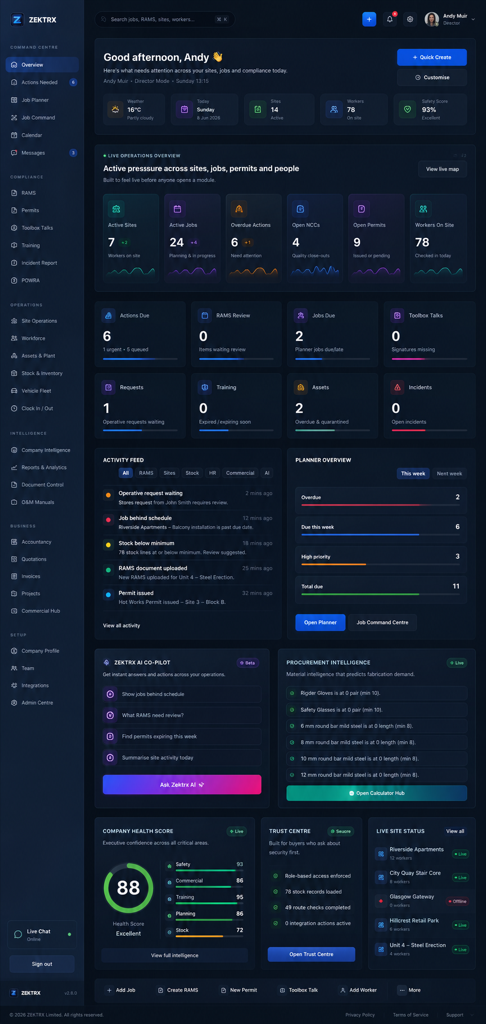
Toolbox
Checklist
Task, site, trade, workers affected and assessor details.
Hazards, who may be harmed and how.
Initial risk rating and existing controls.
Additional control measures, PPE and supervision.
Residual risk rating and action owner.
Review date, approver, revision and briefing evidence.
Use this construction risk assessment template guide to record hazards, risk ratings, controls, PPE, residual risk, review and evidence.
A risk assessment template helps standardise how hazards and controls are recorded. It still needs competent review and site-specific detail.
Task, site, trade, workers affected and assessor details.
Hazards, who may be harmed and how.
Initial risk rating and existing controls.
Use live Zektrx screens to manage the checklist, review tasks and supporting evidence.
Toolbox
Move the guide from reading into the Zektrx area that can carry the checklist, actions and evidence.
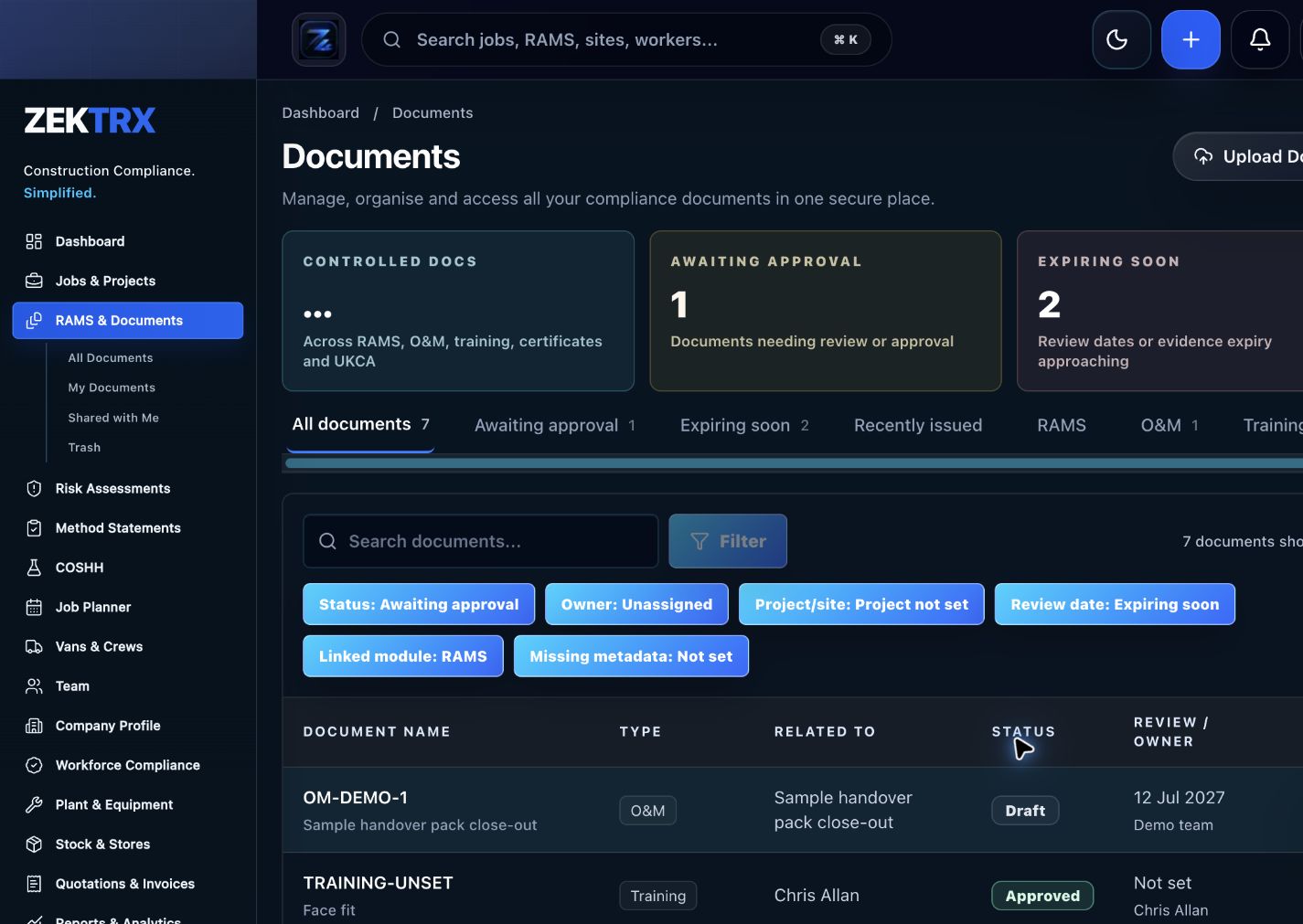
Documents
Keep current versions, review points, approvals and related proof attached to the same process.
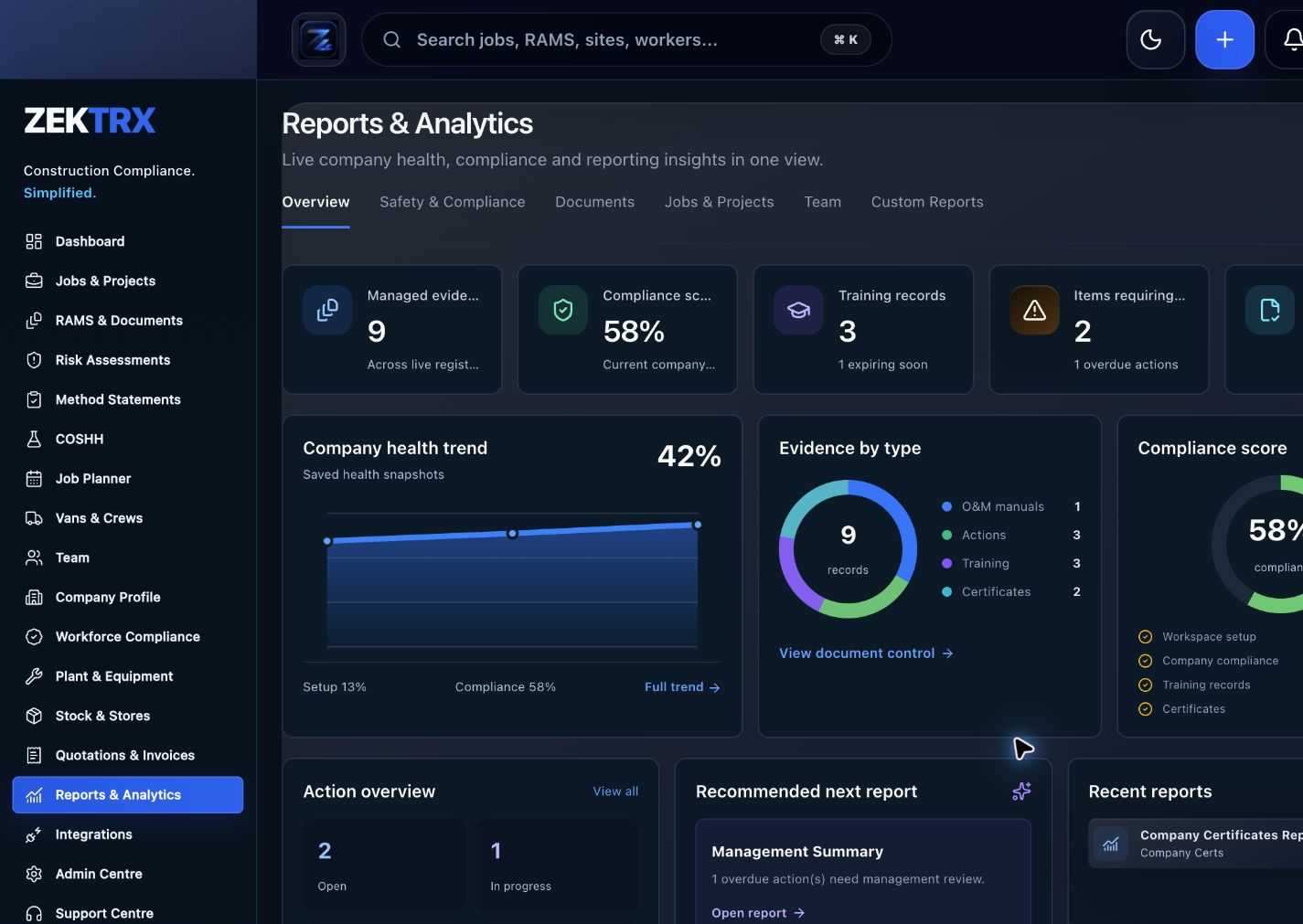
Reports
Use reporting and audit views to turn completed work into a cleaner management or client pack.
See the relevant Zektrx product area, the checks to complete and the practical steps for applying this guidance across your team.
Product area
Zektrx toolbox talk register preview
Checklist
Task, site, trade, workers affected and assessor details.
Implementation
Start by reading the construction risk assessment template against one real project or job.
Related resources
Risk Assessment Software / RAMS Software
Connect written guidance with site activity, team briefings and the evidence records that show how the work was controlled.
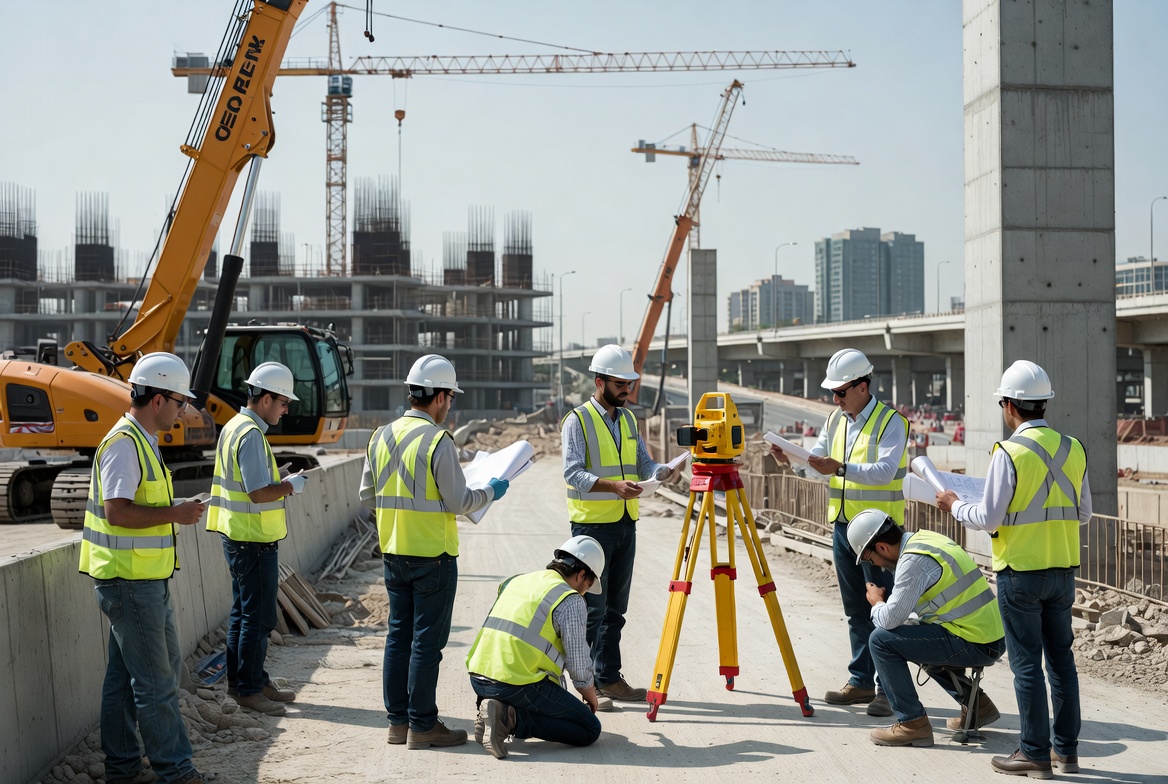
Plan the work
Use each guide to decide the owners, records and review points before work starts.
Recommended check
Task, site, trade, workers affected and assessor details.
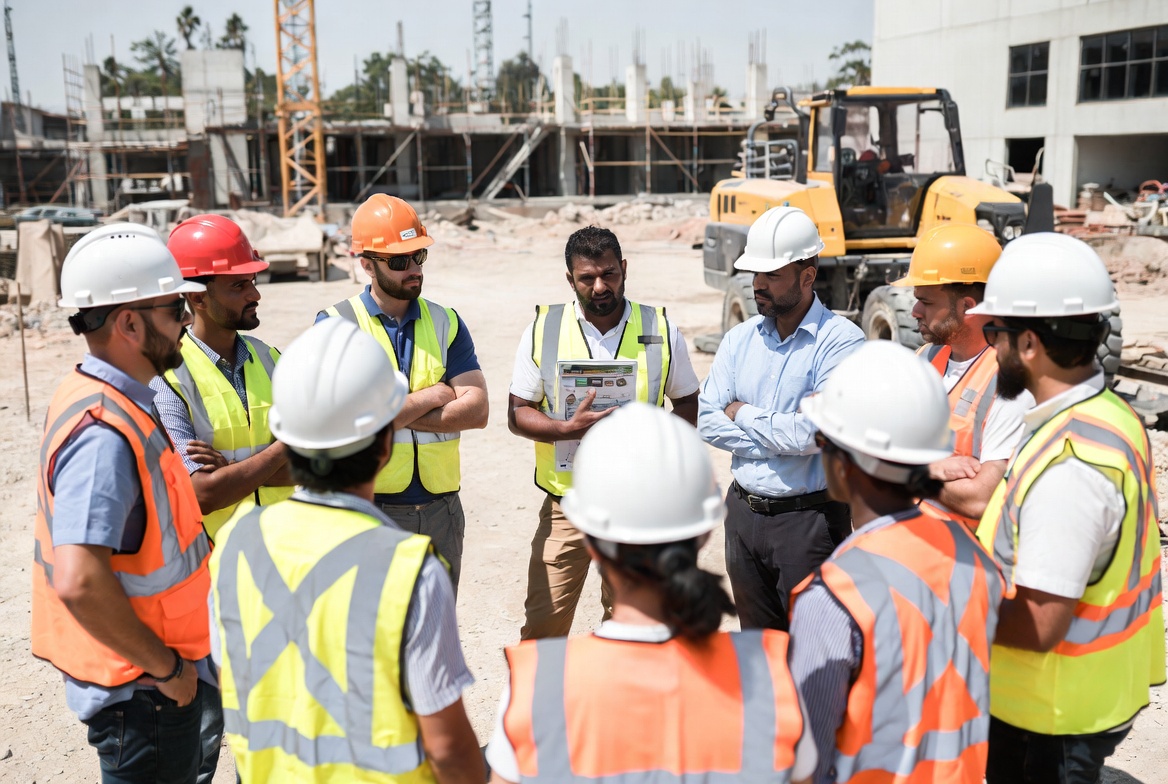
Brief the team
Turn guidance into toolbox talks, instructions and visible actions for the people doing the work.
Recommended check
Hazards, who may be harmed and how.

Keep proof
Connect checks, photos, sign-offs and follow-up tasks to the same operating record.
Recommended check
Initial risk rating and existing controls.
A good risk assessment is specific enough to guide the work and clear enough for operatives to understand.
Risk records are stronger when they connect to method statements, COSHH, permits, POWRA and toolbox talks.
Zektrx helps turn repeated checks into owned actions, linked evidence and clear reporting.
Start by reading the construction risk assessment template against one real project or job.
Check whether your current process covers: Task, site, trade, workers affected and assessor details.
Check whether your current process covers: Hazards, who may be harmed and how.
Check whether your current process covers: Initial risk rating and existing controls.
Decide which items should become live actions, approvals, signatures, evidence links or reports.
Evidence question 1
Who owns this record when it is created?
Evidence question 2
What proves the latest version was reviewed or approved?
Evidence question 3
Where are photos, signatures, comments and close-out evidence stored?
Evidence question 4
Can the record be exported for a client, auditor or principal contractor without rebuilding it?
See how resources become live compliance, site, document and reporting workflows.
Explore the operating system for trade businesses managing jobs, evidence and admin.
Move from templates and checklists into controlled RAMS creation, issue and signing.
Only as a starting point. It must be reviewed and adapted for the actual site, task, people, equipment and current conditions.
Residual risk is the risk remaining after control measures have been applied.
Yes. Zektrx helps create, review, connect and track construction risk assessments.