

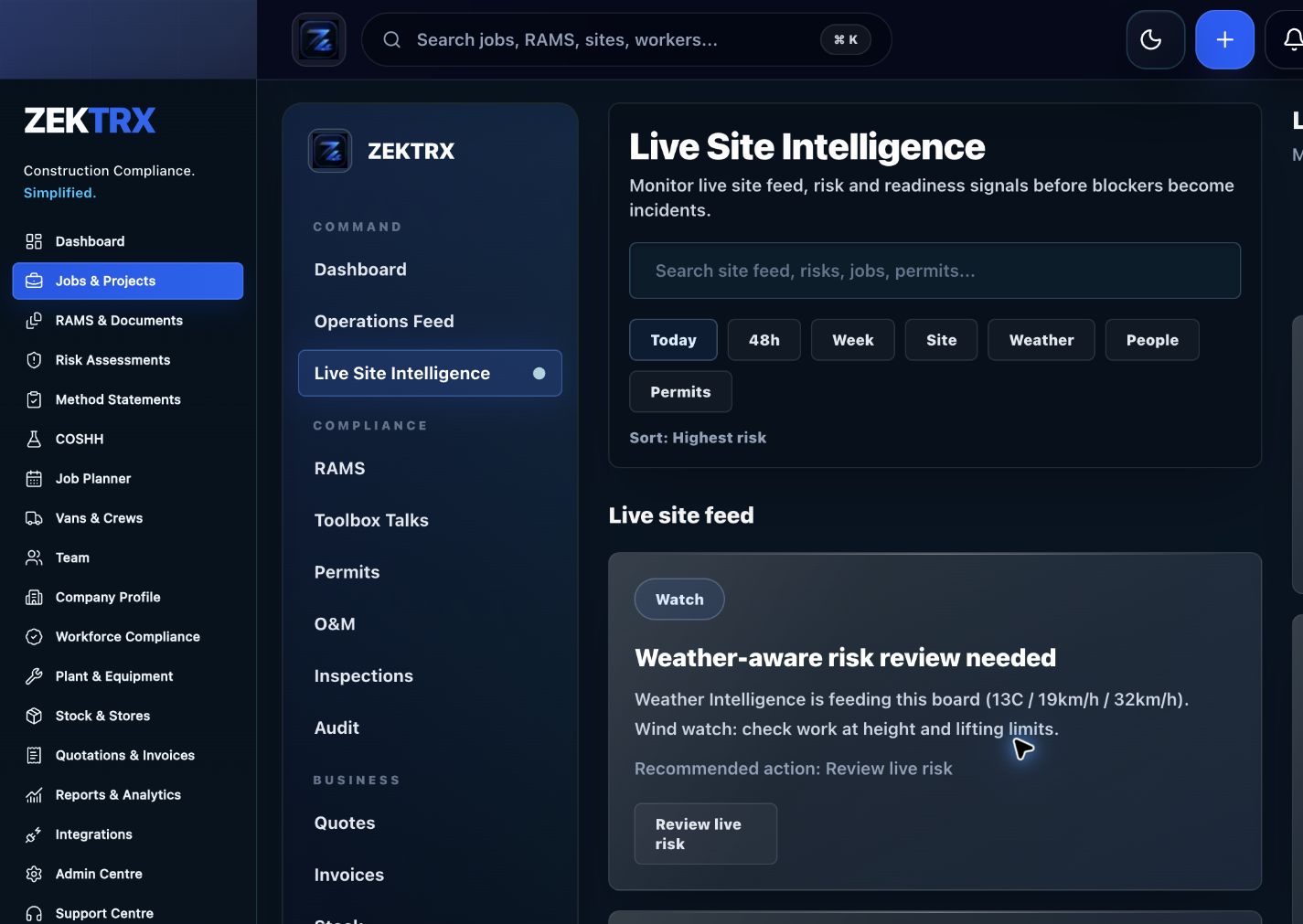
Live Site
Start in the main product view
Open the screen that carries this workflow so the page promise has a concrete product home.
Track site check-ins, GPS clock-in and clock-out, clock records, operative calendars, fire roll call and attendance evidence inside Zektrx.
For contractors that need clearer site presence records connected to operations, safety, workforce planning and reporting.
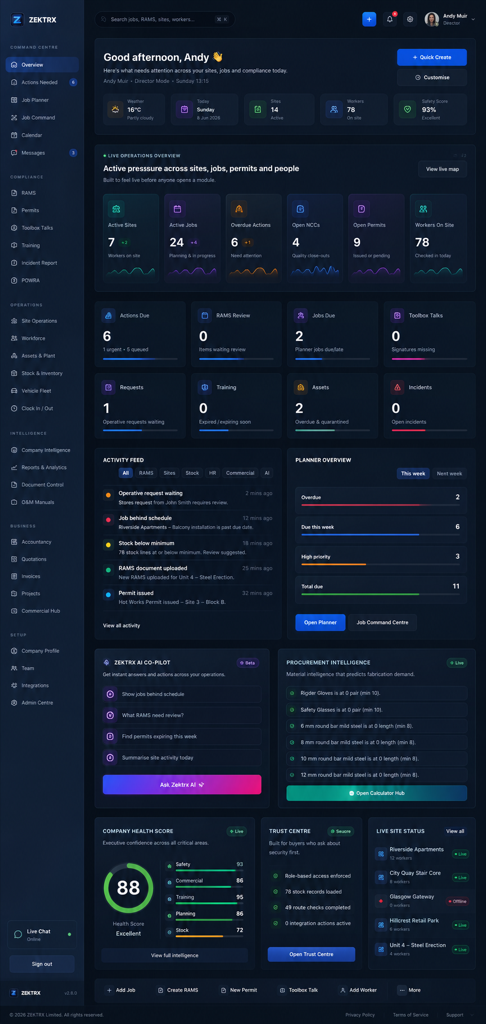
Operating system
Operating system
Capture clock-ins, clock-outs, site check-ins and attendance records.
Review workforce timesheets, daily hours, missed clock-outs and approval status.
Connect worker presence to operative calendars, reports and fire roll call.
Review clock records by site, worker, job or date range.
Use attendance evidence to support supervisors, payroll checks, competency readiness and site safety.
Track site check-ins, GPS clock-in and clock-out, clock records, operative calendars, fire roll call and attendance evidence inside Zektrx.
For contractors that need clearer site presence records connected to operations, safety, workforce planning and reporting.
Attendance lifecycle: Check in -> Clock time -> Review records.
Capture clock-ins, clock-outs, site check-ins and attendance records.
Site attendance records are often split between paper sheets and messages.
See the main module, supporting records and wider operating context for this workflow in Zektrx.
Live Site
Open the screen that carries this workflow so the page promise has a concrete product home.
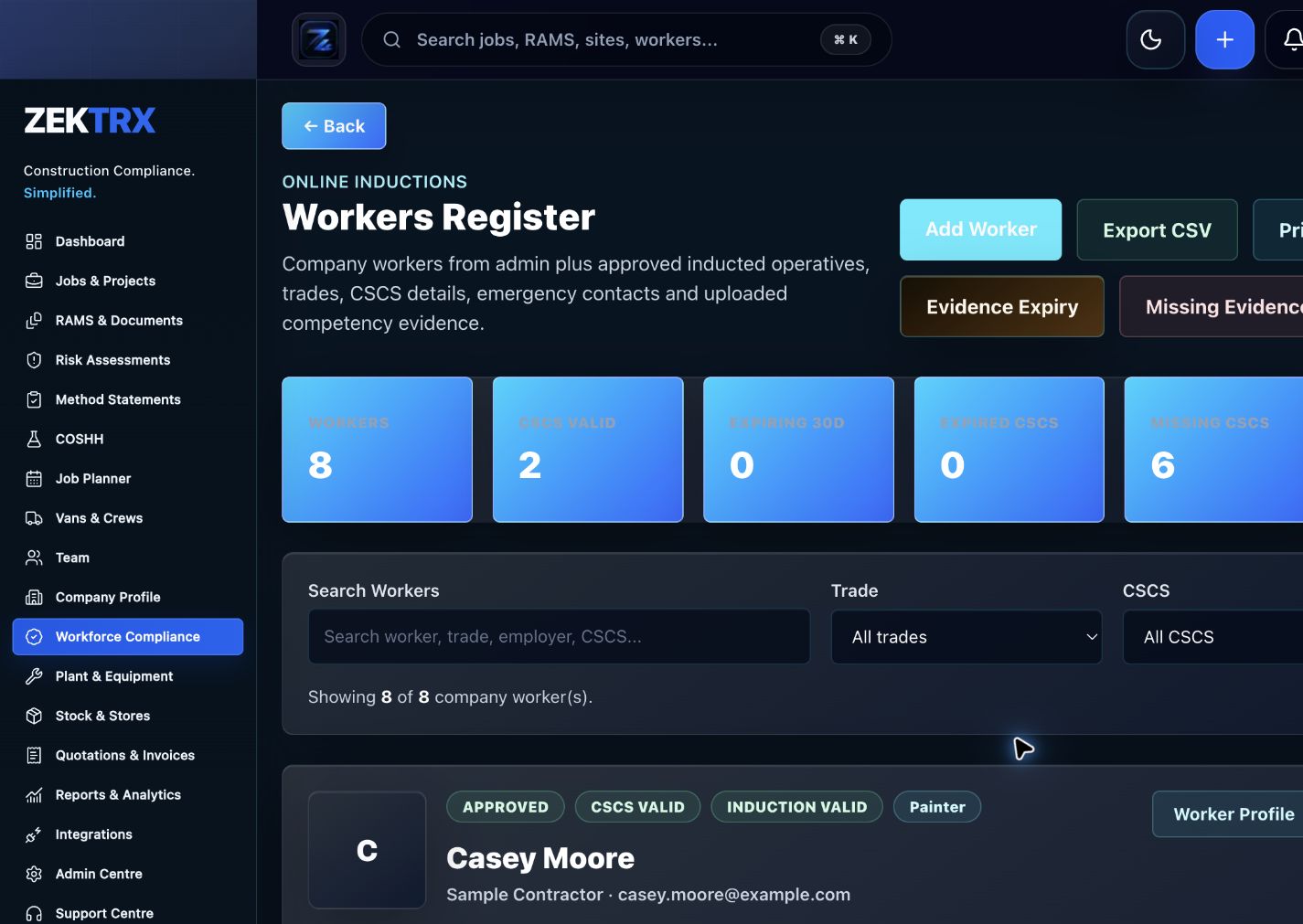
Workers
Tie the related records, approvals and evidence back to the same operating context.
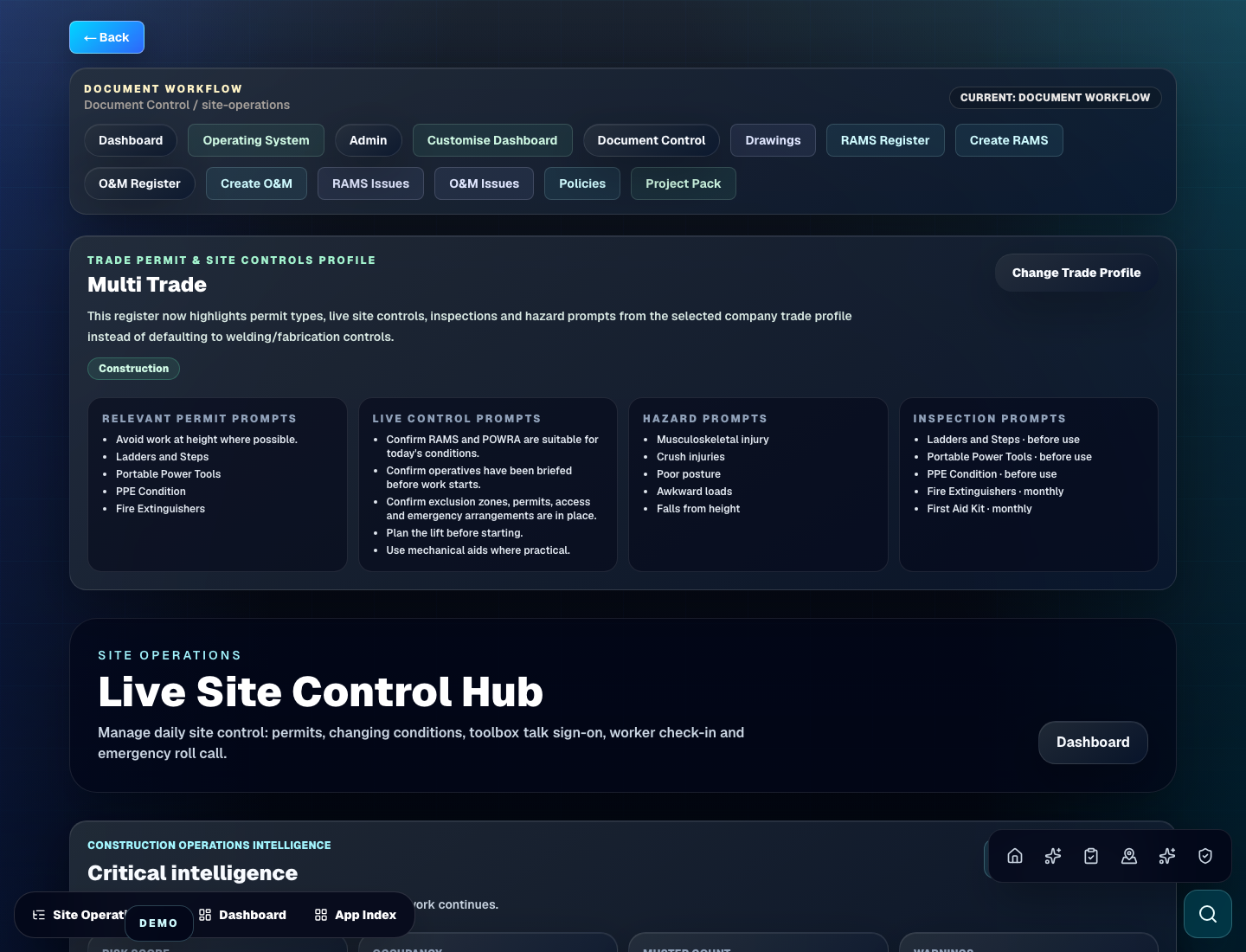
Site Ops
Connect the module to reporting, dashboards and the wider contractor operating system.
Review the main product area, the steps involved and the checks that support the work, then continue to the most relevant Zektrx capability.
Product area
Zektrx live site map and worker pin preview
Workflow
Attendance lifecycle
Checks included
Attendance workflow
Explore next
Continue into the connected workflow path.
Keep the same operating thread running across site evidence, office decisions, stock movement and handover records, so every team sees the context behind the next action.

Site planning
Give teams a clear route from job setup, RAMS and documents into the work happening on site.
Connected workflow
Check in

Compliance review
Keep evidence, checks and sign-offs close to the records your office needs to audit.
Connected workflow
Clock time
Materials control
Connect stock, assets and purchase evidence with the jobs that depend on them.
Connected workflow
Review records
Site attendance records are often split between paper sheets and messages.
Supervisors need a clearer view of who is on site now.
Clock records should support reporting and emergency roll call.
Operative calendars and site presence need to stay connected.
Step 1
Step 2
Step 3
Step 4
Step 5
RAMS, drawings, revisions, manufacturing planning, quality records and O&M handover evidence.
Permits, isolations, POWRA checks, toolbox talks, certificates, photos and completion reports.
Site fitting plans, installation checks, product data, snagging records and client handover packs.
Trade-specific RAMS prompts, inspection evidence, permits, site reports and operative briefings.
Explore the related Zektrx workflows that connect this process with the wider platform.
Yes. Zektrx includes site check-in, GPS clock-in and clock-record workflows as part of site operations.
Yes. Site presence and fire roll call workflows are part of the live site operations area.
Yes. Clock records and site attendance evidence can be reviewed and reported through Zektrx.