
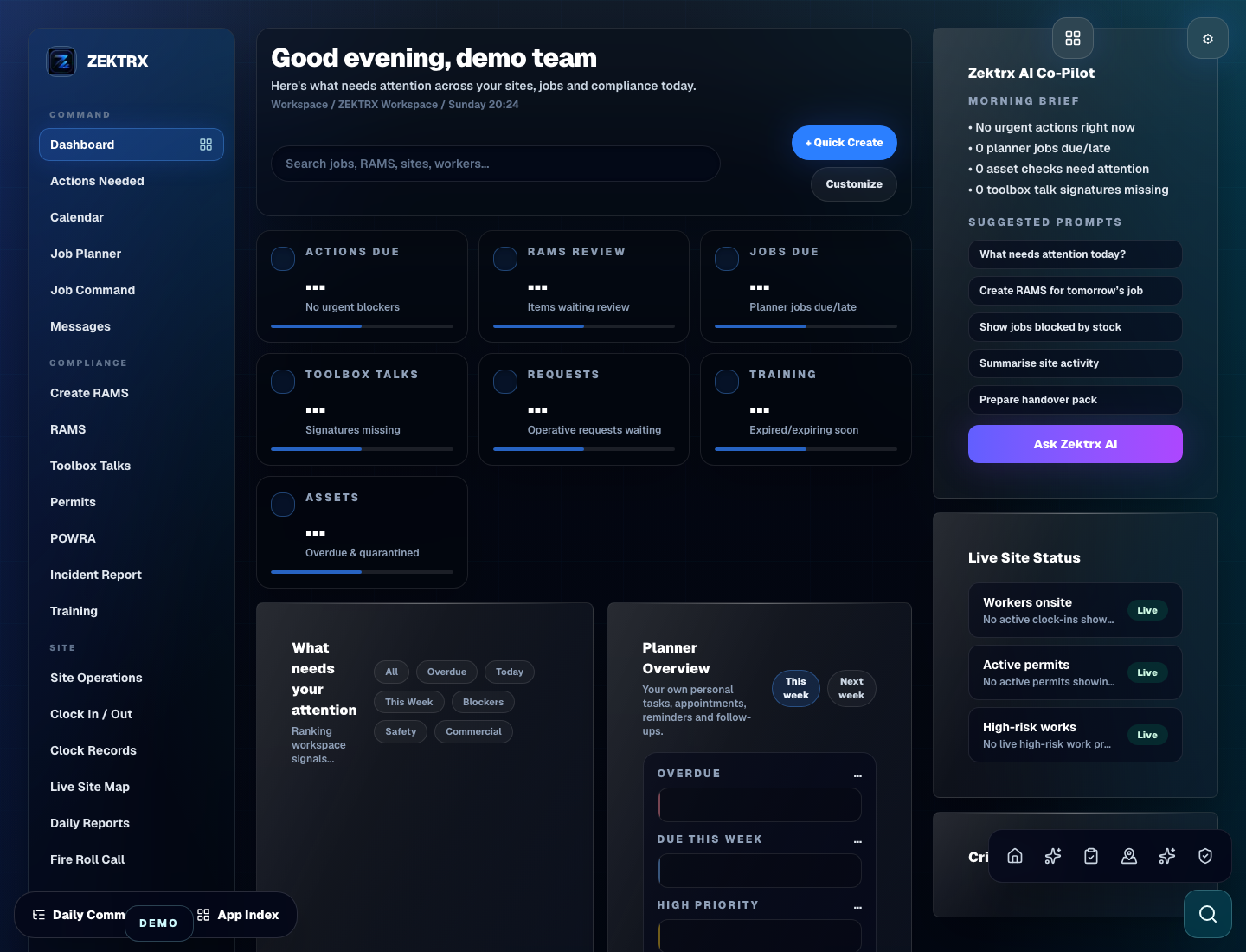
Workspace
Start with the company workspace.
Create a workspace for your jobs, documents, team and business records.

Continue to the secure Zektrx app to create your account, confirm plan details and set up your company workspace.
Create your secure company workspace in the Zektrx app.
Choose users, plan access and the workflows your team needs first.
Start with RAMS, training, jobs, stock, documents and commercial records in one place.
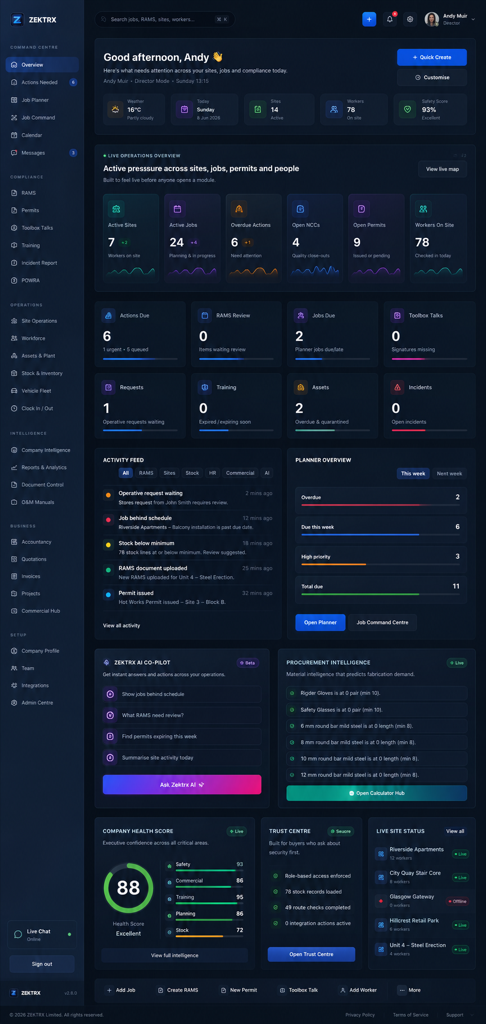
Workspace preview
Get started
Workspace
Company setup
Access
Role-based users
Billing
Review before paying
Support
Onboarding ready
Read: Terms of Service and Privacy Policy.
Trial onboarding
After starting the £5 for 14 days trial, use the guided setup to choose your workspace, add company basics and create a first useful workflow.
Explore account setup£5 for 14 days. Full core features with trial usage limits. Renews to Trade at £49/month unless cancelled or another plan is selected before renewal.
You can review your plan and payment details before starting.
Continue from signup into company setup, user access and the first controlled workflow.
Workspace
Create a workspace for your jobs, documents, team and business records.
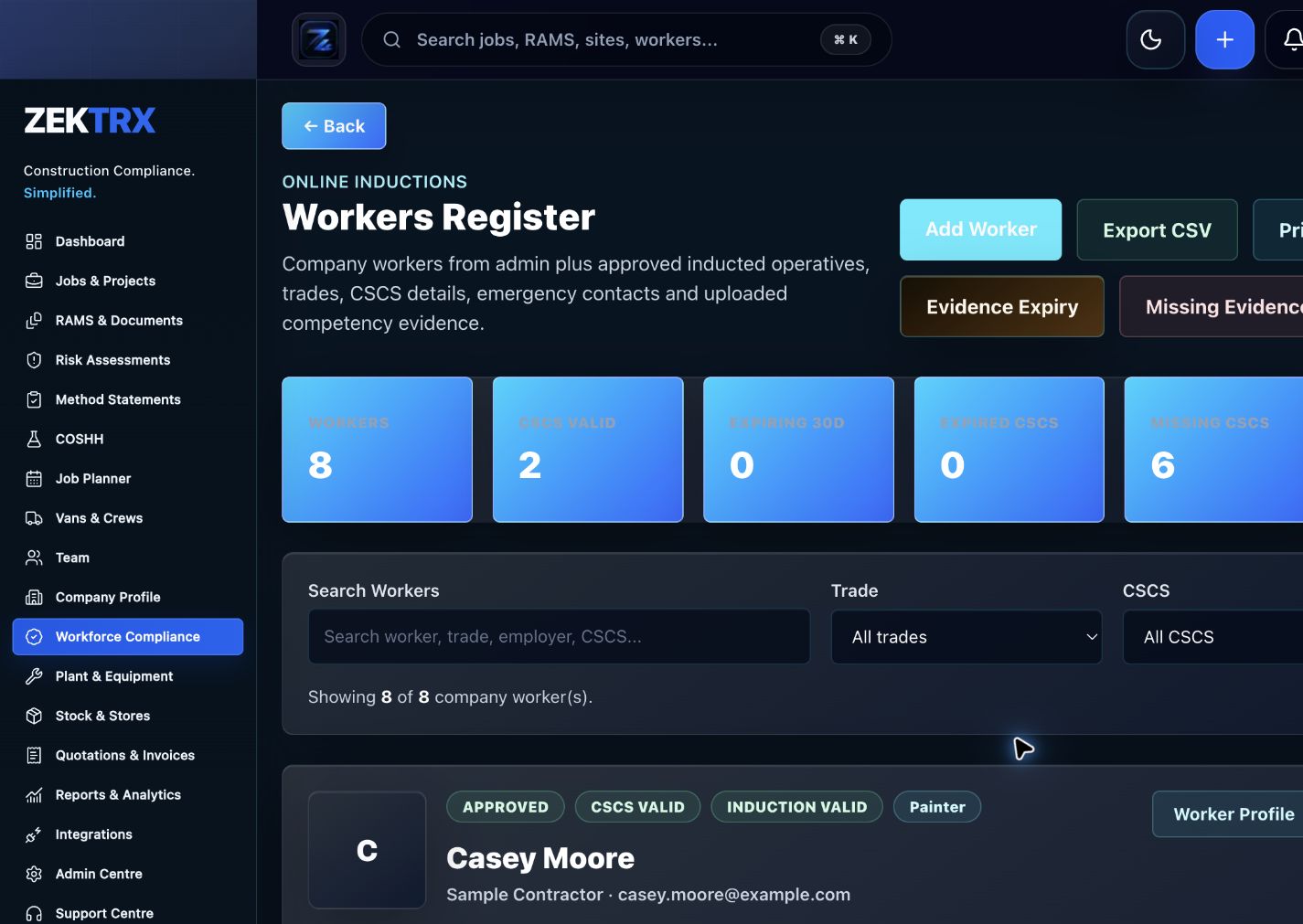
Users
The first useful setup path is role-based access, company basics and the workflows a team needs on day one.
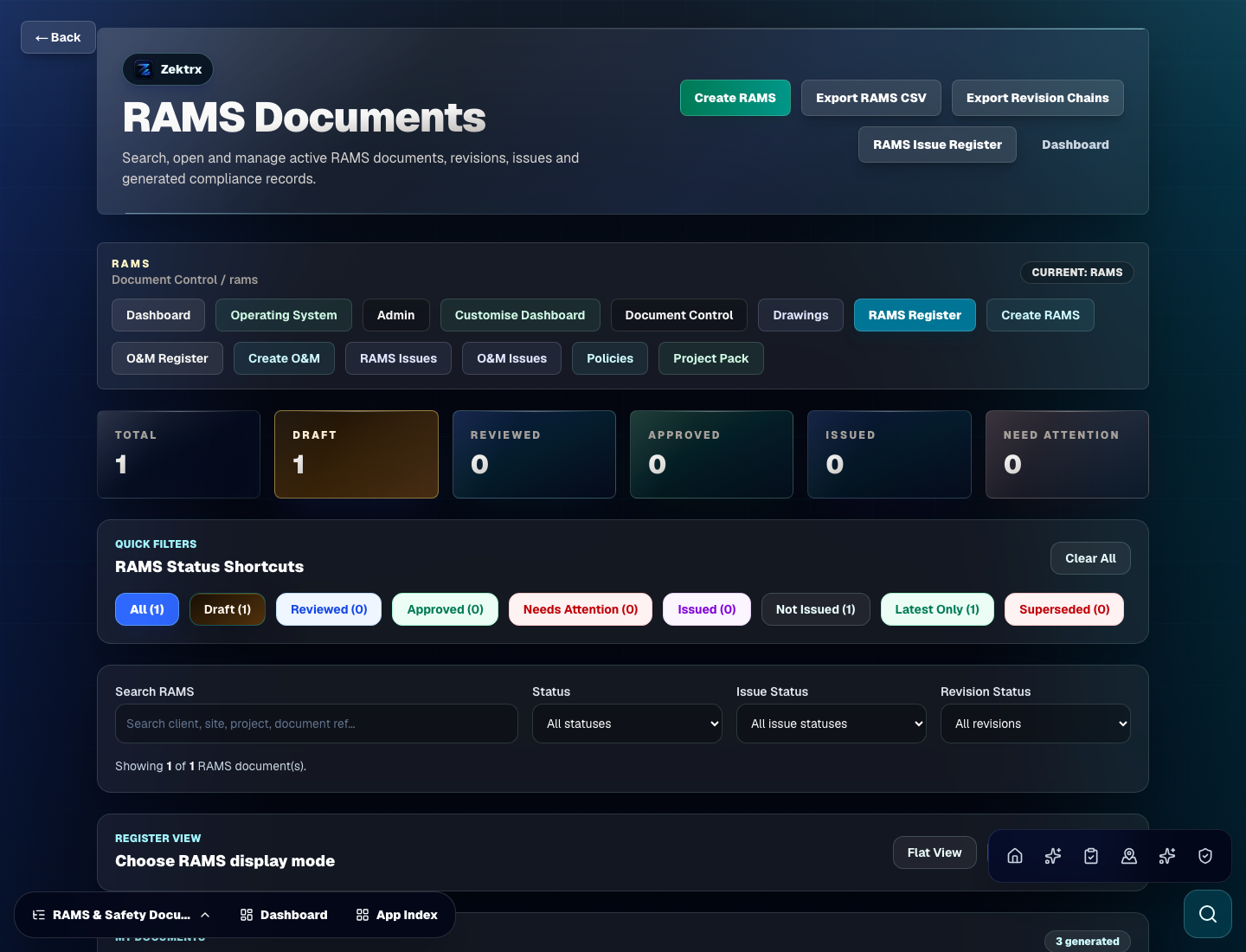
First Workflow
Choose the first workflow you want to set up: RAMS, jobs, stock, documents or commercial records.
Account Setup
Create your account in the app, review your plan and set up your company details, team access and first workflow.
Account
Create your account and review your plan before paying.
Plan
Review your selected plan, pricing and terms before you start.
Users
Add your company details, invite your team and choose their permissions.
Workflow
Route new accounts into RAMS, jobs, stock, documents or commercial records quickly.