

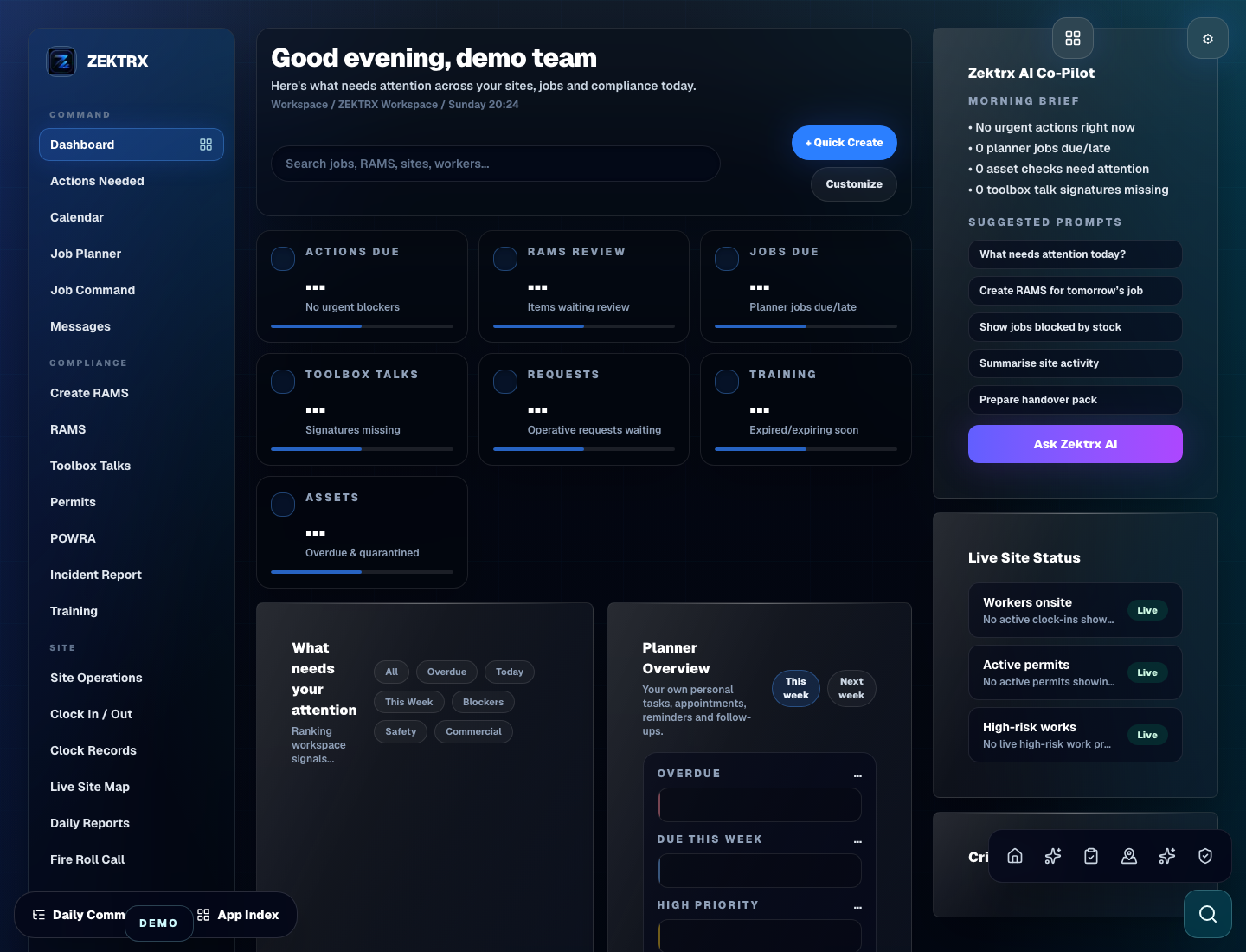
Enterprise Setup
Scope the workspace before a wider rollout.
Customer Success starts with the company structure, controls, limits and records teams need before they go live.
Enterprise is for teams that need BIM, Golden Thread, API, white label, global compliance packs and custom limits. Customer Success helps scope the right plan, onboarding and controls before rollout.
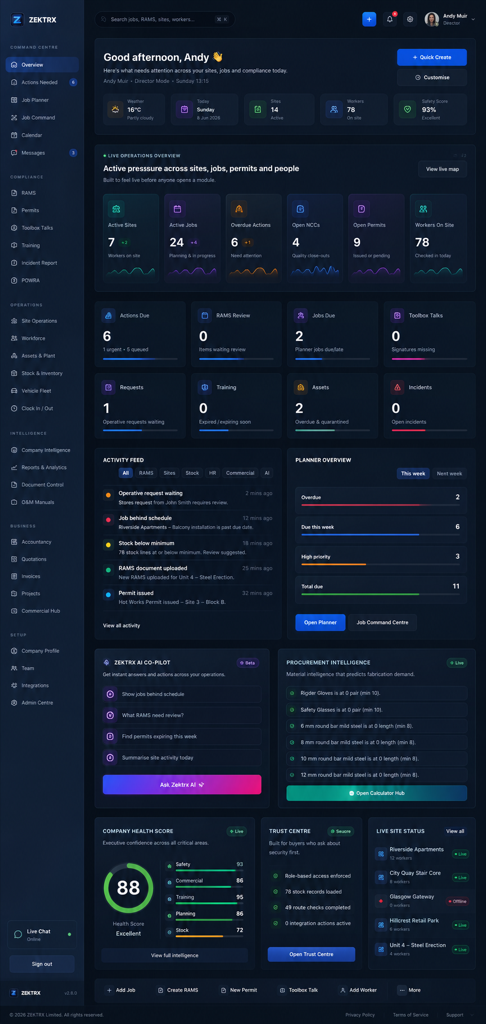
Customer success

Enterprise planning
Map users, integrations, reporting, security controls and rollout support before the wider team goes live.
BIM Viewer
Digital Twin
Golden Thread
Portfolio Reporting
Power BI
API Marketplace
White Label Platform
Global Compliance Packs
Mobile Offline Mode
Custom SLA, storage, users and AI limits
Plan your rollout, reporting and integrations with support from the Zektrx team.
Enterprise Setup
Customer Success starts with the company structure, controls, limits and records teams need before they go live.
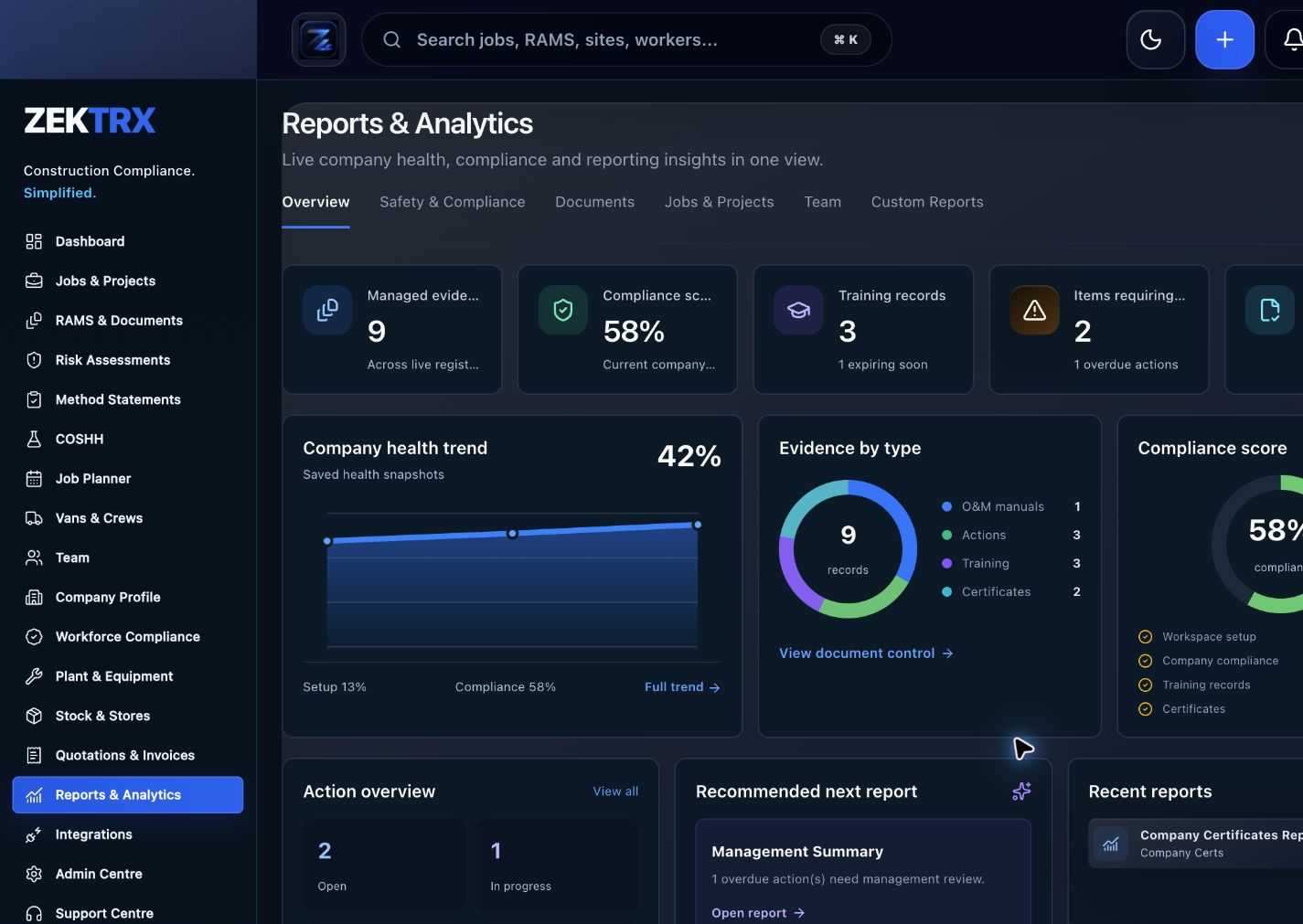
Portfolio Reporting
Enterprise conversations can connect reporting, Power BI and portfolio views to the records teams maintain every day.
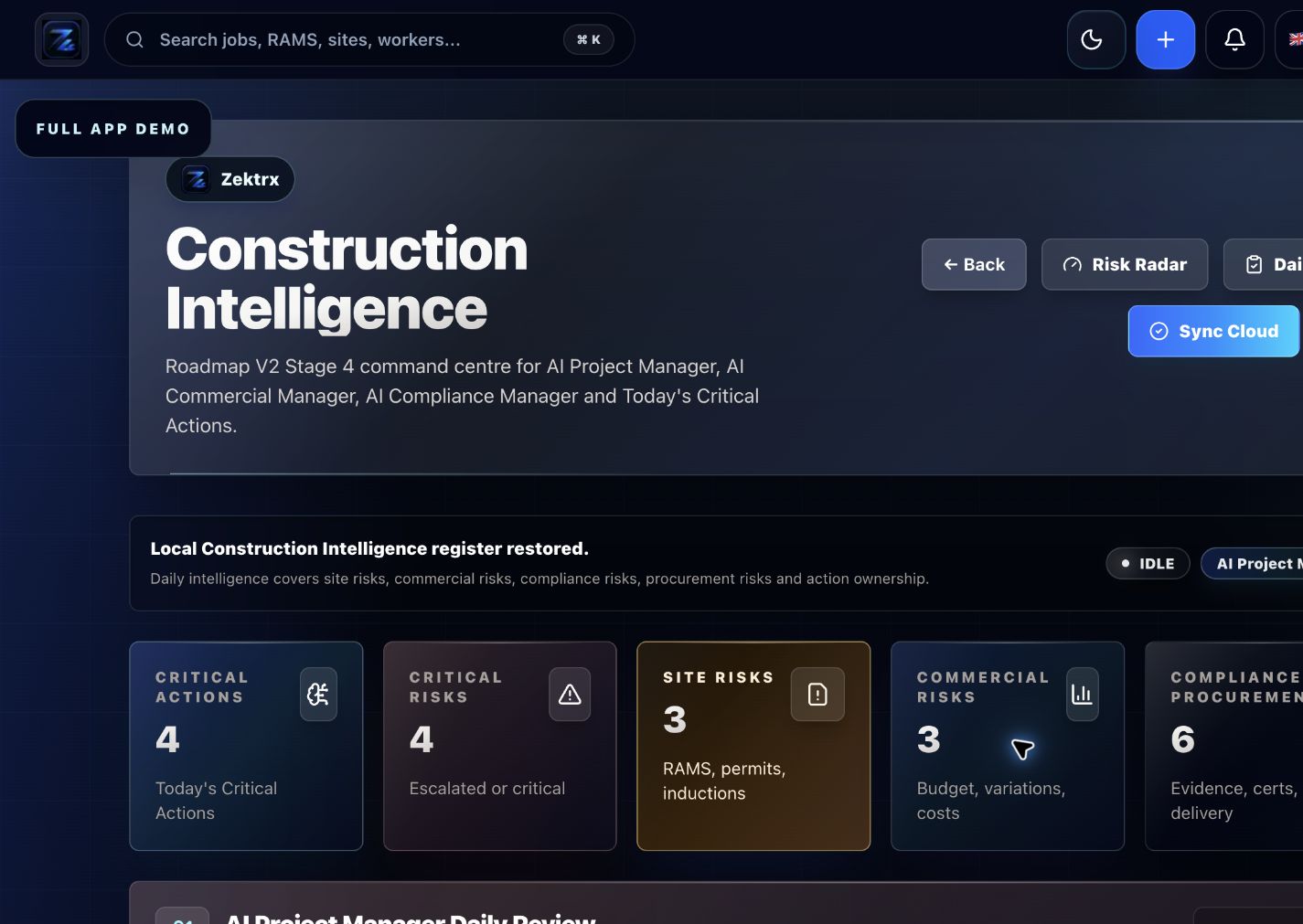
Integration Route
Plan custom limits, API access and support requirements alongside the enterprise workspace.
Success Planning
Keep scope, reporting, integrations and launch support connected in one enterprise success plan.
Scope
Frame BIM, Golden Thread, global packs and custom limits before rollout starts.
Reporting
Tie executive dashboards and Power BI needs to the records teams manage every day.
Integration
Keep data migration, API access and connected systems in the same planning track.
Launch
Route onboarding, billing, permissions and support ownership through one clear handover.
Need help now?
Use this route to ask about onboarding, custom limits, billing, API access or rollout planning.
Chat backup ready
If the floating chat button is blocked by the browser, use the highlighted backup route below.
Support message
RecommendedUse the support message route if the floating chat widget is unavailable or blocked by the browser.
Structured request
RecommendedBest for structured questions and billing/enquiry threads.
Fastest human route
RecommendedNew tabFastest route for urgent onboarding and setup questions.
Self-serve route
Use the support hub for onboarding, integrations and direct message routes.