

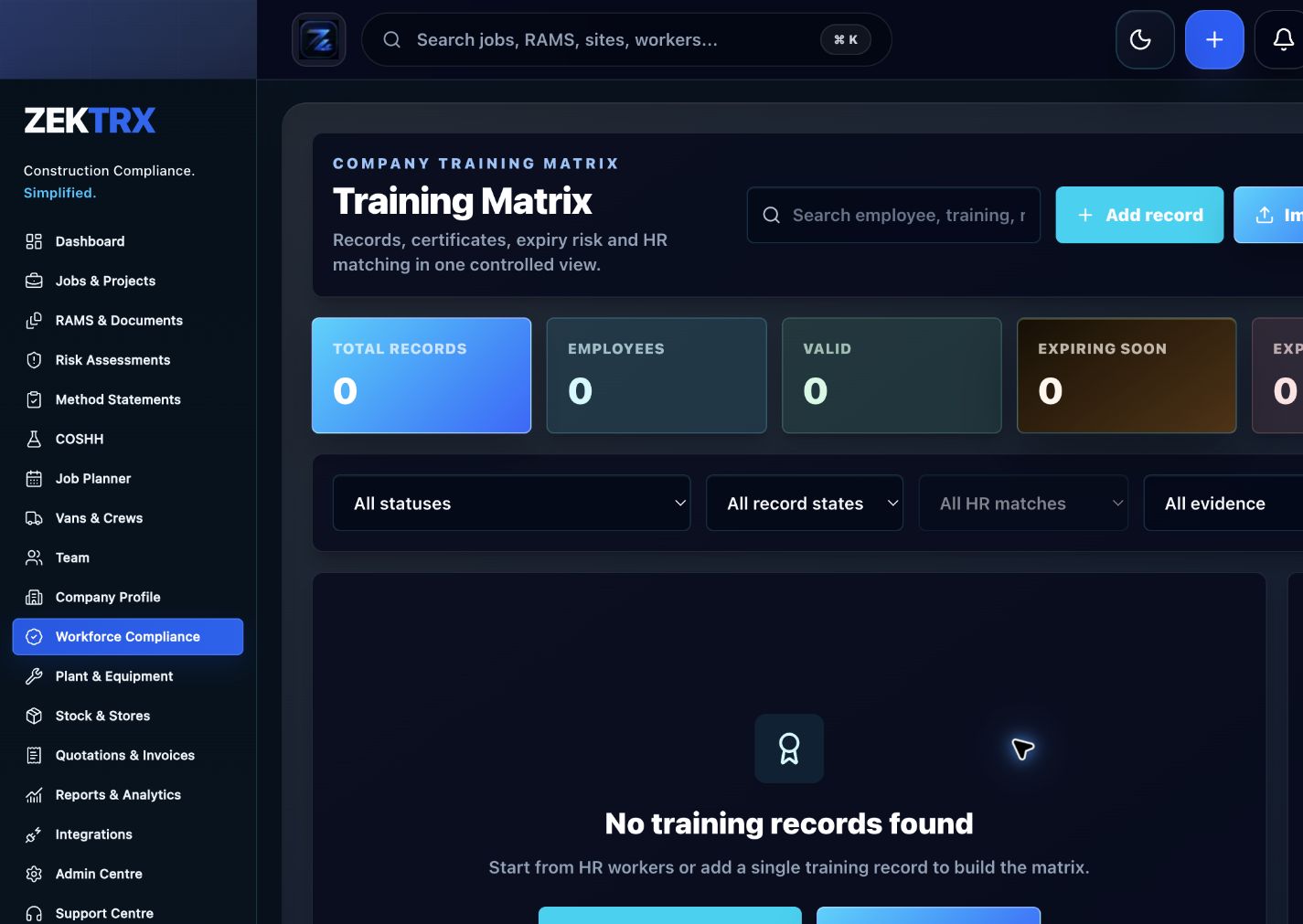
Training
Start with the right workflow screen
Move the guide from reading into the Zektrx area that can carry the checklist, actions and evidence.
Project handover is much easier when evidence is collected during delivery. This checklist helps contractors review whether software can turn live records into cleaner O&M packs, client exports and close-out evidence.
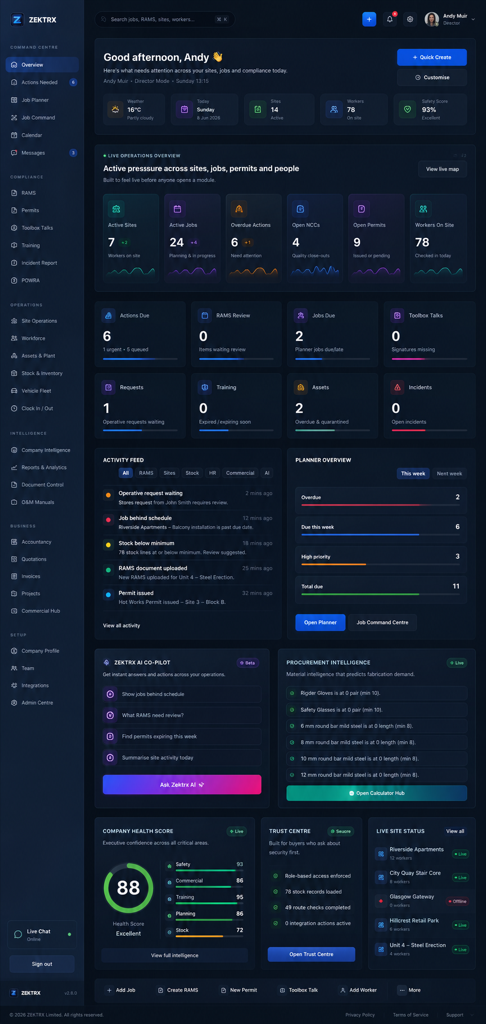
Training
Checklist
Collect drawings, revisions, product data, warranties, certificates and maintenance instructions.
Track inspections, quality checks, NCRs, defects, snags and close-out actions.
Connect site photos, reports, materials, stock evidence and commissioning records to the job.
Review missing evidence before completion rather than after the client asks.
Export client packs, O&M manuals, audit evidence and completion reports.
Keep final handover records linked to job history, approvals and document control.
A project handover software checklist for contractors covering O&M packs, drawings, certificates, warranties, photos, inspections, defects and client exports.
Project handover is much easier when evidence is collected during delivery. This checklist helps contractors review whether software can turn live records into cleaner O&M packs, client exports and close-out evidence.
Collect drawings, revisions, product data, warranties, certificates and maintenance instructions.
Track inspections, quality checks, NCRs, defects, snags and close-out actions.
Connect site photos, reports, materials, stock evidence and commissioning records to the job.
Use live Zektrx screens to manage the checklist, review tasks and supporting evidence.
Training
Move the guide from reading into the Zektrx area that can carry the checklist, actions and evidence.
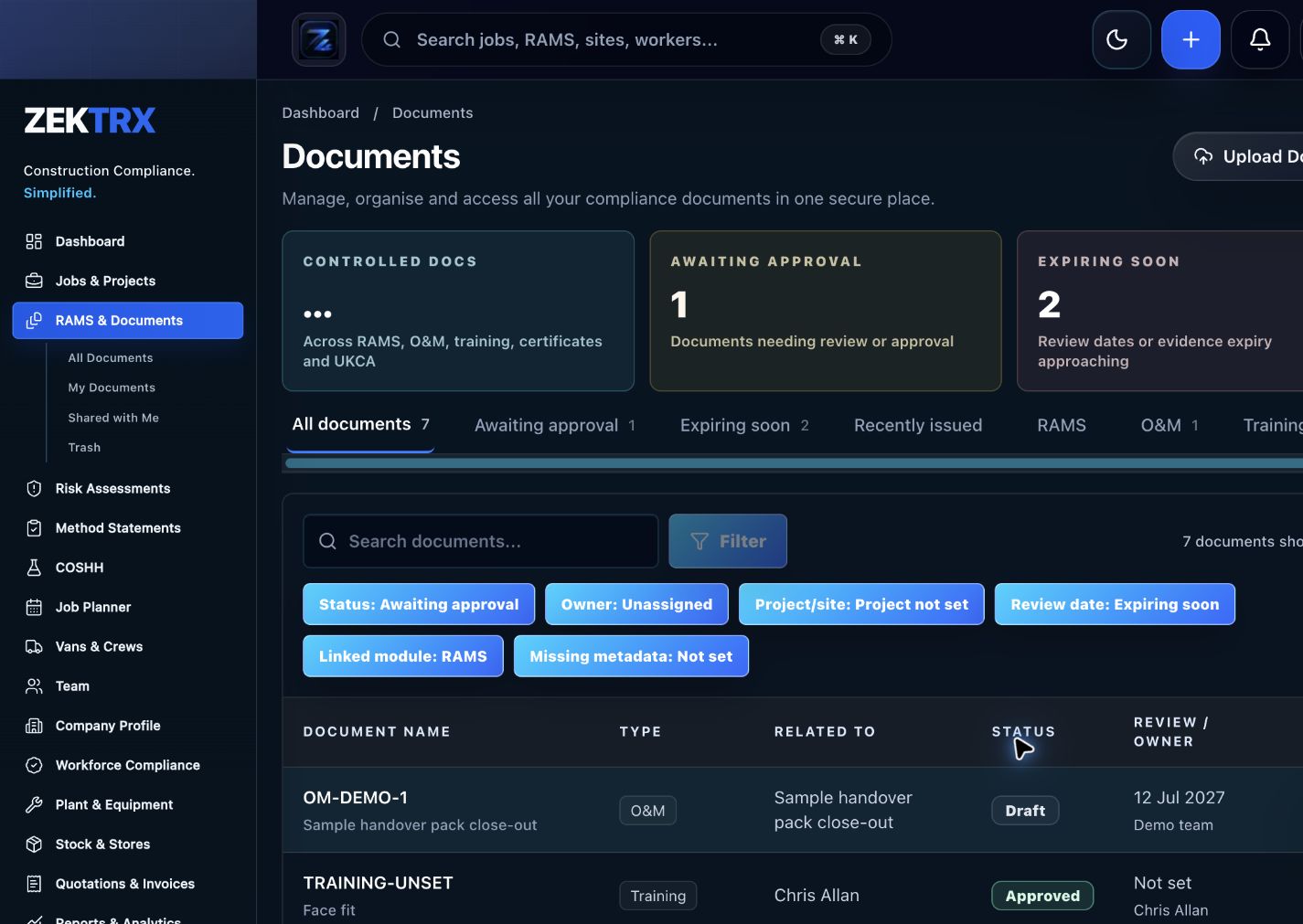
Documents
Keep current versions, review points, approvals and related proof attached to the same process.
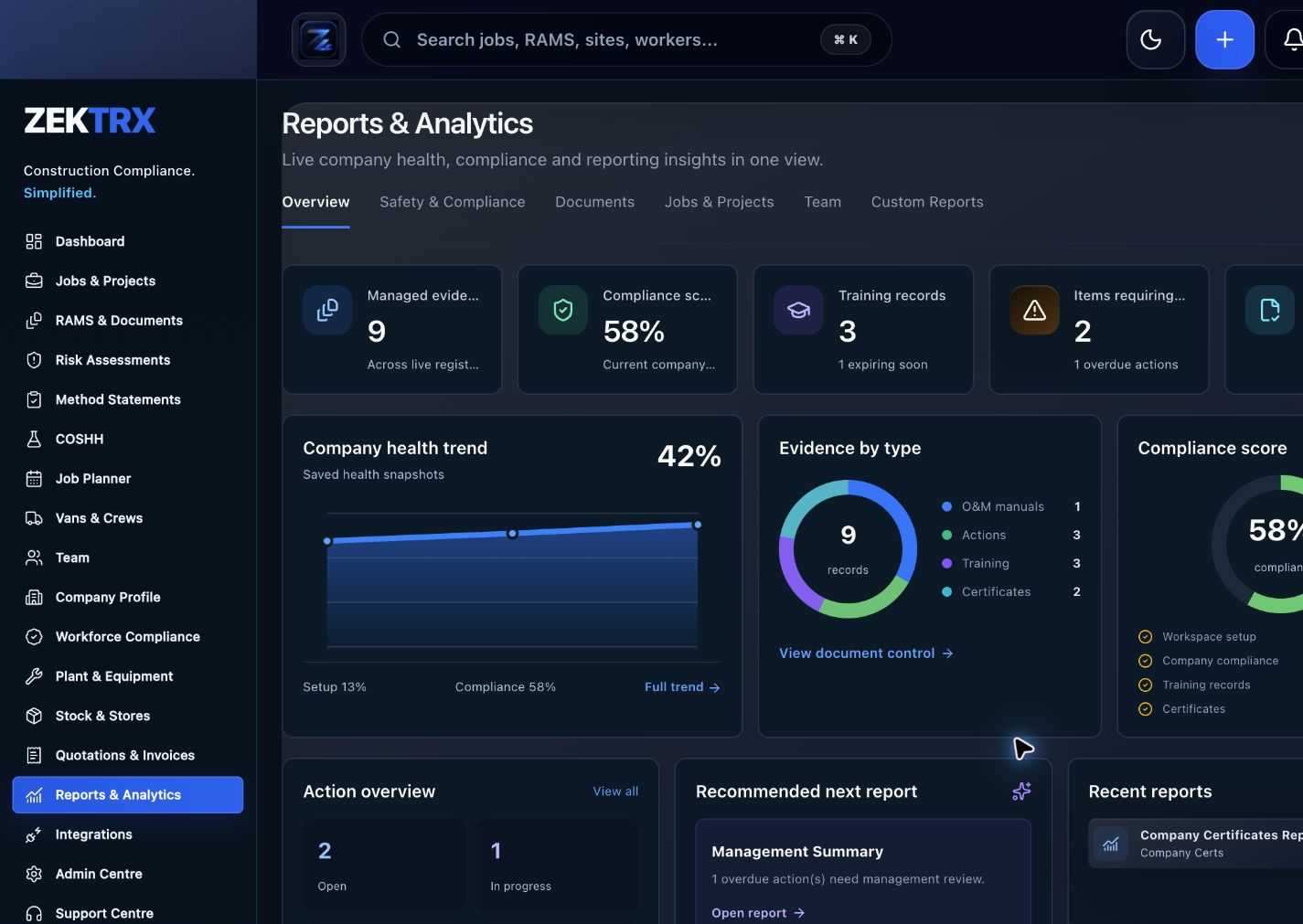
Reports
Use reporting and audit views to turn completed work into a cleaner management or client pack.
See the relevant Zektrx product area, the checks to complete and the practical steps for applying this guidance across your team.
Product area
Zektrx training matrix and competency record preview
Checklist
Collect drawings, revisions, product data, warranties, certificates and maintenance instructions.
Implementation
Start by reading the project handover checklist against one real project or job.
Related resources
O&M Manual Software / O&M Manual Checklist
Connect written guidance with site activity, team briefings and the evidence records that show how the work was controlled.

Plan the work
Use each guide to decide the owners, records and review points before work starts.
Recommended check
Collect drawings, revisions, product data, warranties, certificates and maintenance instructions.

Brief the team
Turn guidance into toolbox talks, instructions and visible actions for the people doing the work.
Recommended check
Track inspections, quality checks, NCRs, defects, snags and close-out actions.

Keep proof
Connect checks, photos, sign-offs and follow-up tasks to the same operating record.
Recommended check
Connect site photos, reports, materials, stock evidence and commissioning records to the job.
When evidence is scattered across phones, folders, email and paper, close-out becomes a scramble. Handover software should collect the right records as the job progresses.
The best handover workflow connects defects, drawings, inspections, photos, certificates and O&M records to the same project history used by managers during delivery.
A handover matrix helps teams list required documents, owners, status, review dates and client expectations before completion. That turns handover into a live checklist instead of an end-of-project scramble.
Software should make missing warranties, drawings, certificates, photos, inspections and close-out evidence visible early enough for teams to fix them before the final client pack is issued.
Zektrx helps turn repeated checks into owned actions, linked evidence and clear reporting.
Start by reading the project handover checklist against one real project or job.
Check whether your current process covers: Collect drawings, revisions, product data, warranties, certificates and maintenance instructions.
Check whether your current process covers: Track inspections, quality checks, NCRs, defects, snags and close-out actions.
Check whether your current process covers: Connect site photos, reports, materials, stock evidence and commissioning records to the job.
Decide which items should become live actions, approvals, signatures, evidence links or reports.
Evidence question 1
Who owns this record when it is created?
Evidence question 2
What proves the latest version was reviewed or approved?
Evidence question 3
Where are photos, signatures, comments and close-out evidence stored?
Evidence question 4
Can the record be exported for a client, auditor or principal contractor without rebuilding it?
See how resources become live compliance, site, document and reporting workflows.
Explore the operating system for trade businesses managing jobs, evidence and admin.
Move from templates and checklists into controlled RAMS creation, issue and signing.
It should help collect drawings, certificates, warranties, product data, photos, inspections, defects, O&M information, approvals and export packs.
Collect evidence throughout the job, link it to project records, review missing items early and export client packs from controlled records.
Yes. Zektrx supports O&M records, project evidence, document control, quality records, photos, stock evidence and handover exports.