
1
Input set
3 fields
Start date / Inspection interval
Calculate upcoming scaffold inspection dates from start date and inspection interval. Use the inputs below to estimate materials, quantities, labour allowances, site checks or planning figures before creating quotes, RAMS, purchase lists or project records.
Inputs
Result area
Check highlighted inputs before calculating.
Input set
Start date / Inspection interval
Outputs
Upcoming inspections
Estimate status
Check highlighted values before using the result.
Explore next
Scaffold Board Count Estimator
Formula notes
The start date is the first inspection in the list. Each following date adds the chosen interval in calendar days. This tool lists dates; it does not send reminders.
Worked example
For a first inspection on 1 January 2026, a 7-day interval and 4 inspections, the dates are 1, 8, 15 and 22 January 2026. Choose the first date and interval appropriate to your work.
Move from estimate to record
Copy a portable summary or print this page to PDF, then carry the checked figure into a controlled project workflow.
Related calculators
Estimate scaffold board count from platform length, width and board size.
Estimate scaffold lift count from building height and lift spacing.
Estimate edge protection length from roof or perimeter lengths.
Score temporary stair tower access planning readiness.
Related Zektrx workflows
FAQ
No. It is an estimating prompt only. Check measurements, supplier specifications, product data, site conditions and competent advice before ordering materials or starting work.
Use Save This Result to keep an estimate in Saved Items on this browser, or copy or print it for your records. Review the figures and assumptions before adding them to a job, quote, RAMS or purchase list in Zektrx.
Scaffold Inspection Reminder Calculator gives the starting number. Zektrx helps turn it into job planning, material control and report-ready evidence for the trade team.

Plan
Trade estimates are more useful when they create a route into owners, dates, readiness checks and delivery context.

Materials
Calculator outputs can support material checks, reservations, purchase notes and job-linked stock evidence.

Report
Saved numbers and linked records help managers review estimates, evidence and close-out without rebuilding context.
Trade calculator results are more useful when they feed the work package: scope checks, material planning and the briefing that keeps delivery aligned.

Check the scope
Use the estimate to confirm measurements, assumptions, labour and site readiness.
Prepare materials
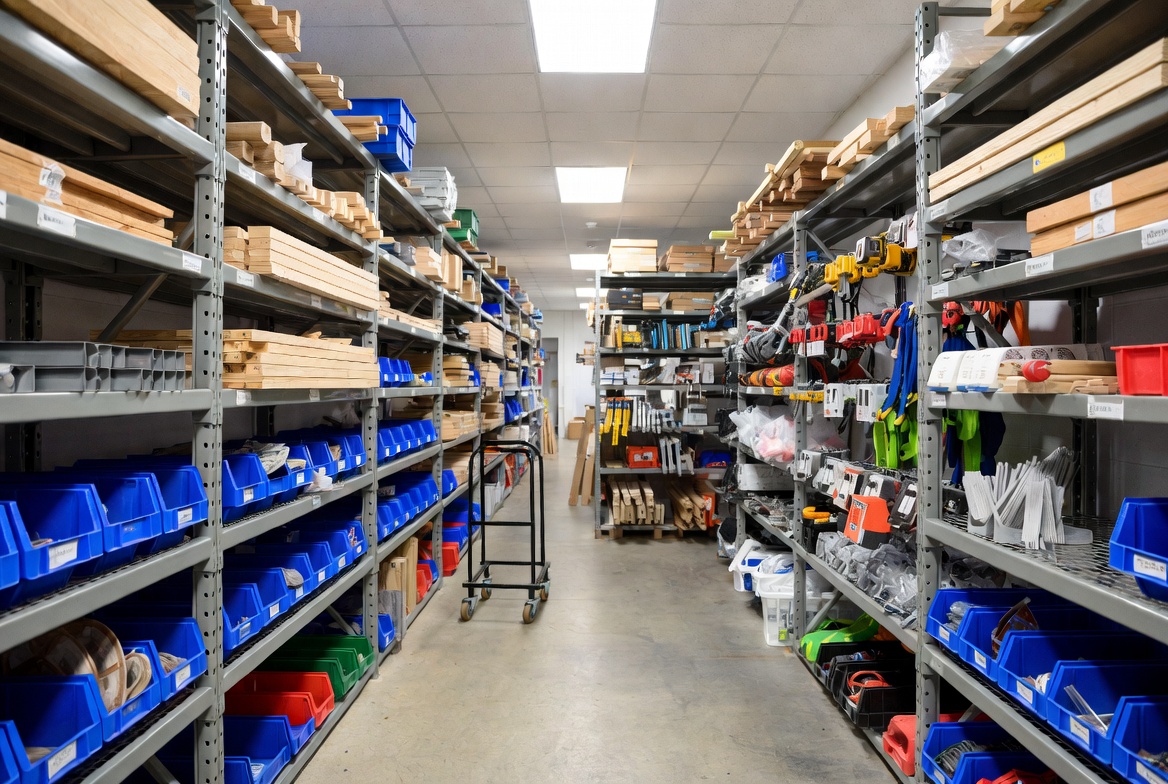
Move quantities into stock checks, purchase notes and job-linked material records.

Brief the work
Share the assumptions, limits and controls with the team before the job starts.