

1
Office and project teams
Plan work without recreating the same job across calendars, folders and trackers.
Set up the job, organise people and subcontractors, prepare documents and controls, then keep changes attached to the live record.
Plan jobs, control RAMS and JHA records, capture site evidence, manage documents, stock and commercial records, then report from one contractor workspace.
For contractors comparing construction management software and needing a practical route from planned work to field evidence, commercial control and client-ready handover.
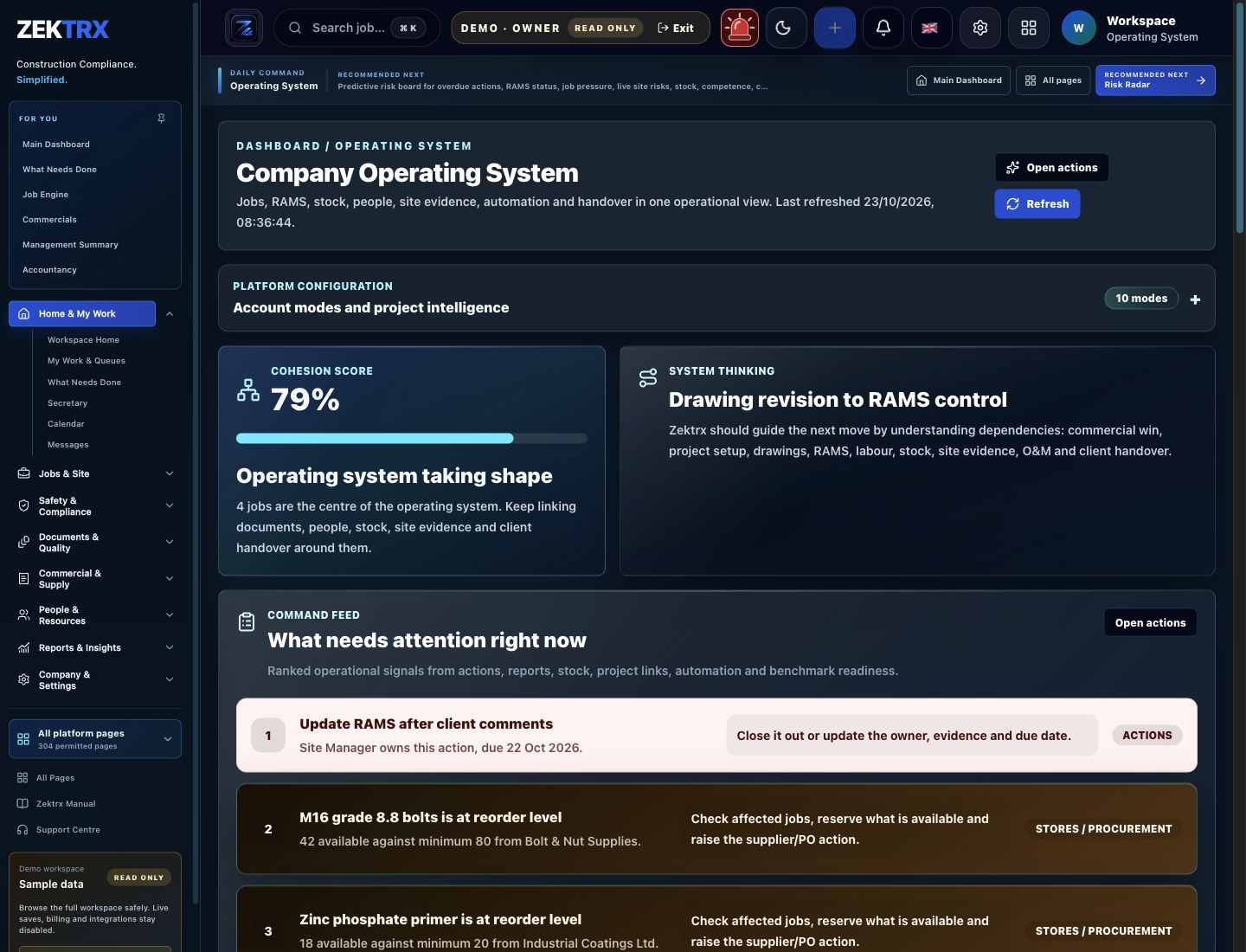
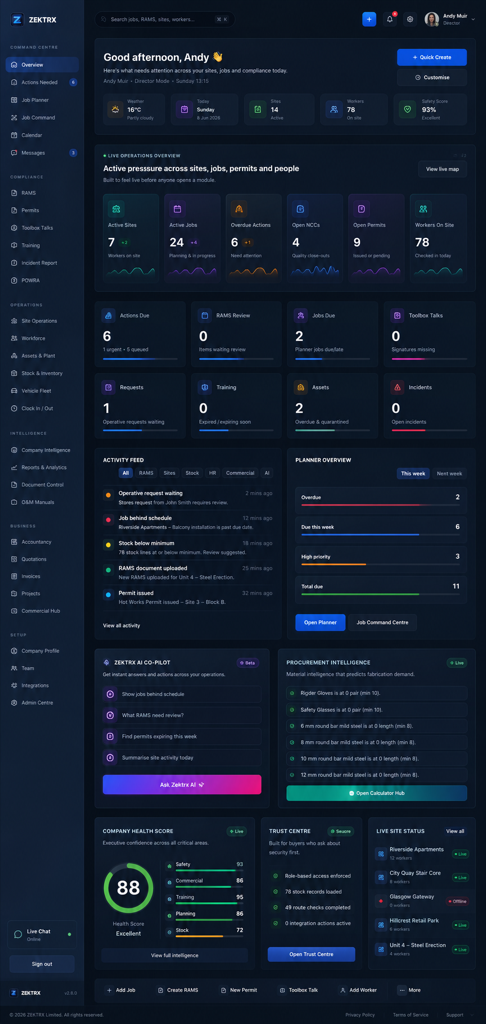
Operating system
Operating system
Office teams plan jobs, people, subcontractors, documents, stock and commercial records around the same work.
Field teams open the job context, complete RAMS or JHA controls, and capture inspections, photos, actions and site reports.
Managers review planned work, live risk, missing evidence, delivery records and reporting needs without rebuilding the story in spreadsheets.
Client and handover records stay linked to the job, including drawings, documents, photos, O&M information and reports.
Plan jobs, control RAMS and JHA records, capture site evidence, manage documents, stock and commercial records, then report from one contractor workspace.
For contractors comparing construction management software and needing a practical route from planned work to field evidence, commercial control and client-ready handover.
Connected construction workflow: Scope and plan -> Prepare people and controls -> Deliver and record.
Office teams plan jobs, people, subcontractors, documents, stock and commercial records around the same work.
Project plans, RAMS or JHA records, photos and commercial updates live in different tools.
Construction management software gives contractors a shared system for planning work, controlling site and safety records, coordinating people and documents, tracking commercial activity, and turning live delivery evidence into reports and handover records. The useful test is whether office decisions and field evidence remain connected to the same job.
Plan work without recreating the same job across calendars, folders and trackers.
Set up the job, organise people and subcontractors, prepare documents and controls, then keep changes attached to the live record.
See what is expected and record what happened while the context is current.
Open the job, review RAMS or JHA controls, complete permits and inspections, add photos and raise actions from site.
Spot delivery, evidence and commercial gaps before they become reporting problems.
Review progress, open actions, stock or asset records, quotes, invoices and job evidence from connected operational views.
Receive the right information without exposing unrelated company records.
Share the relevant project, document and evidence views, then build reports and handover records from the job history.
See the main module, supporting records and wider operating context for this workflow in Zektrx.
Operating System
Open the screen that carries this workflow so the page promise has a concrete product home.
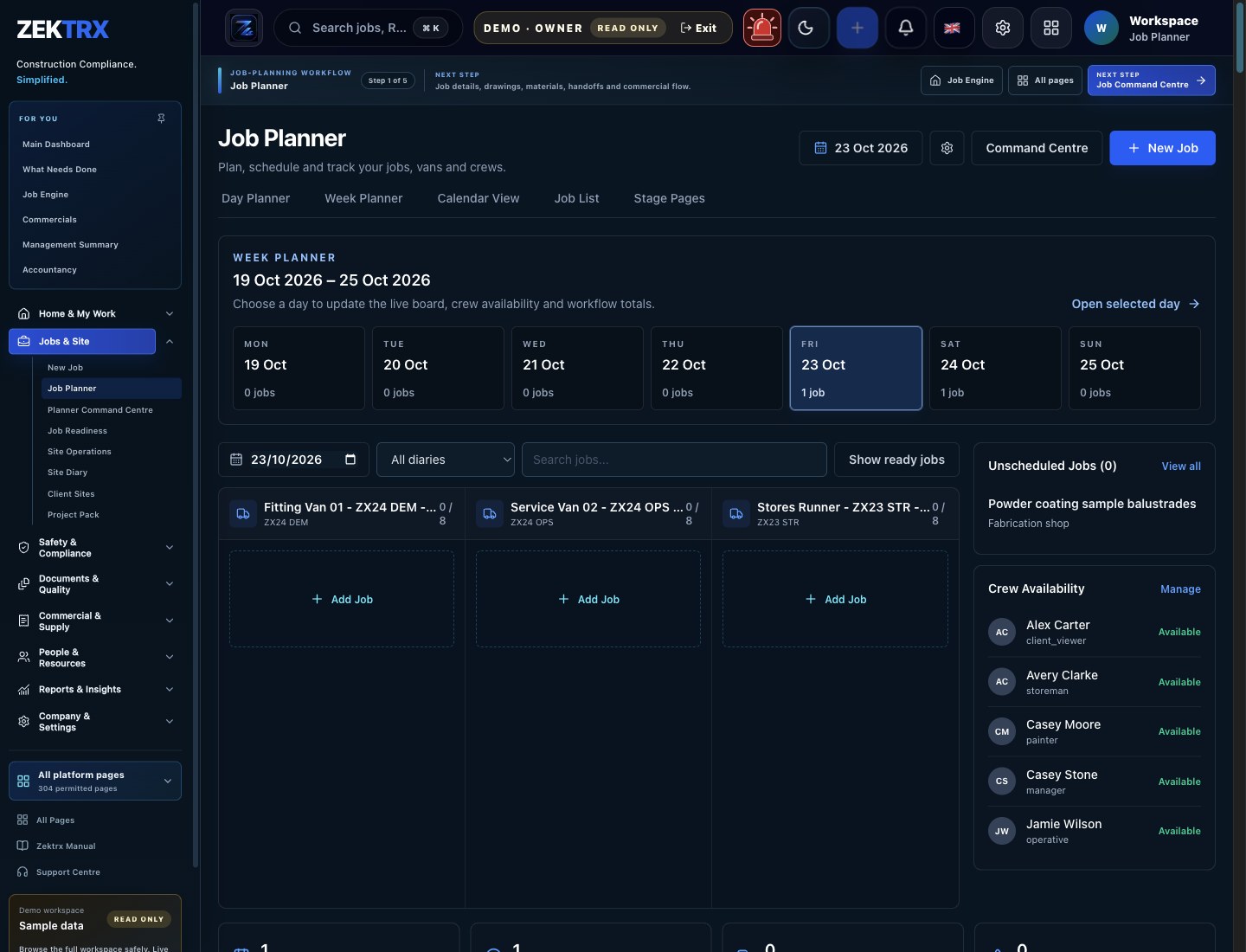
Planner
Tie the related records, approvals and evidence back to the same operating context.
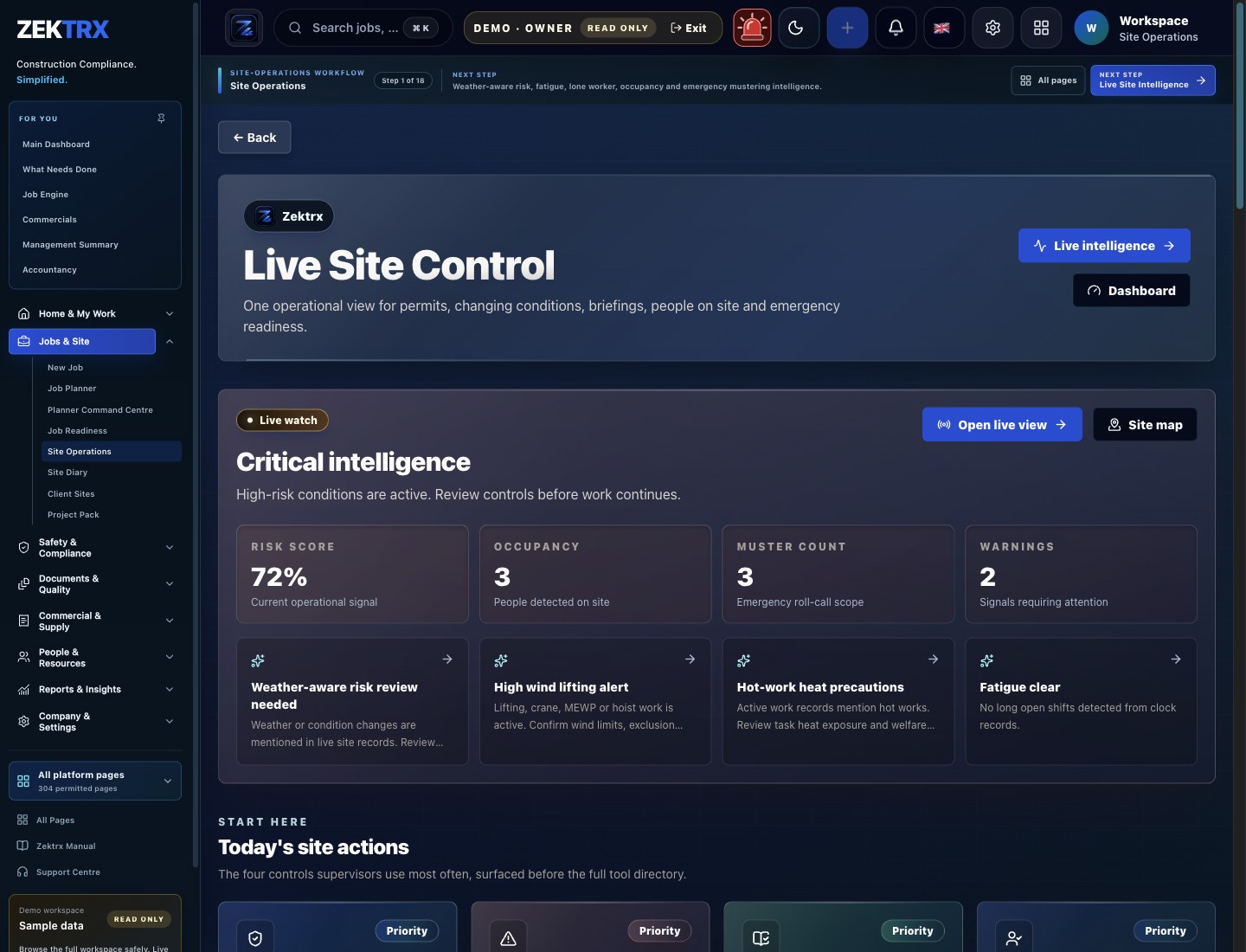
Site Ops
Connect the module to reporting, dashboards and the wider contractor operating system.
Review the main product area, the steps involved and the checks that support the work, then continue to the most relevant Zektrx capability.
Product area
Zektrx company operating system preview
Workflow
Connected construction workflow
Checks included
One operational thread from plan to proof
Explore next
Continue into the connected workflow path.
Keep the same operating thread running across site evidence, office decisions, stock movement and handover records, so every team sees the context behind the next action.

Site planning
Give teams a clear route from job setup, RAMS and documents into the work happening on site.
Connected workflow
Scope and plan

Compliance review
Keep evidence, checks and sign-offs close to the records your office needs to audit.
Connected workflow
Prepare people and controls
Materials control
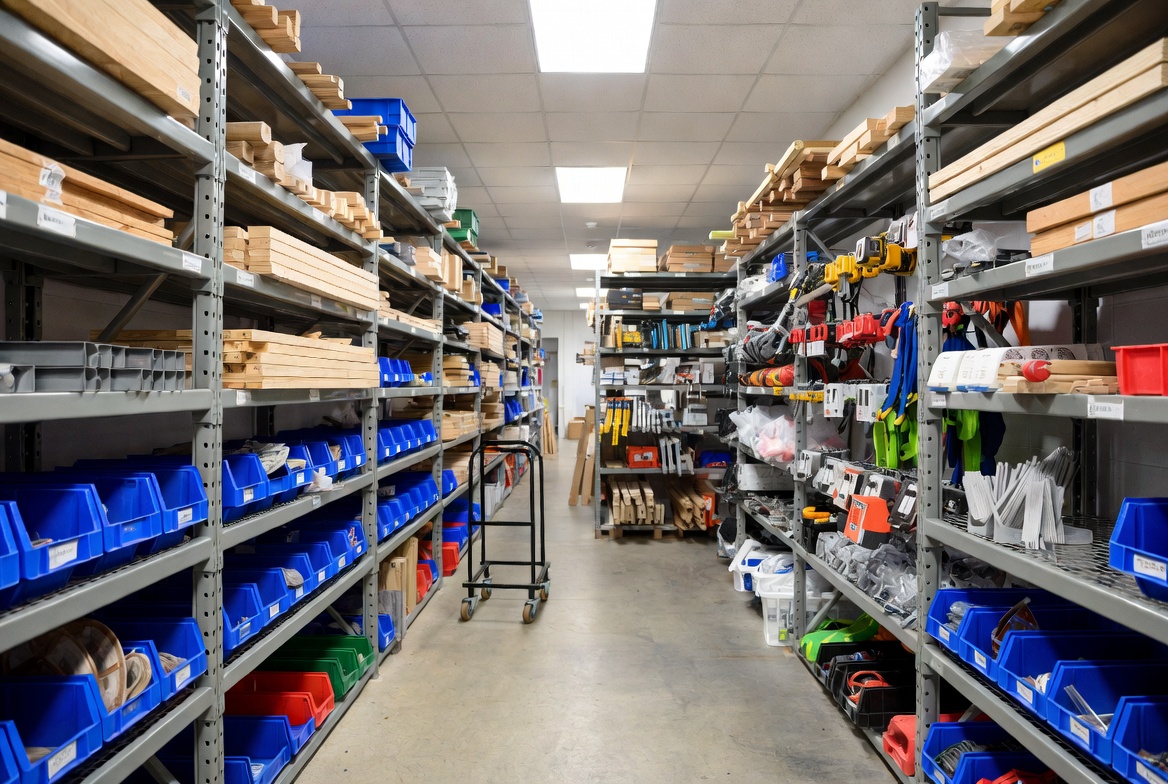
Connect stock, assets and purchase evidence with the jobs that depend on them.
Connected workflow
Deliver and record
Use these checks in demos and trials to see whether a platform can support the handoffs your team makes every day.
Choose one live workflow with a visible problem and accountable owner.
Map the job stages, roles, controls and evidence the team already uses.
Configure a representative project and test it with office and field users.
Review adoption, missing records and reporting time before expanding the scope.
Add connected workflows only after the first process is working consistently.
Can supervisors and operatives reach the job, controls and evidence capture quickly on site?
Do plans, changes, actions and evidence stay attached to one job record?
Can the system manage RAMS, JHA or JSA workflows, permits, toolbox talks, inspections and sign-off?
Can drawings, photos, reports and O&M information build through delivery instead of being chased at the end?
Can job context connect to stock, suppliers, quotes, purchase orders, invoices and reporting?
Can the team start with a priority workflow, assign ownership and expand without a full-platform switch on day one?
Project plans, RAMS or JHA records, photos and commercial updates live in different tools.
Supervisors repeat office updates because the field record does not show the full job context.
Managers cannot see missing evidence, open actions or delivery risk until reporting day.
Client reports and handover packs are assembled after the work instead of building as it progresses.
Step 1
Step 2
Step 3
Step 4
Step 5
RAMS, drawings, revisions, manufacturing planning, quality records and O&M handover evidence.
Permits, isolations, POWRA checks, toolbox talks, certificates, photos and completion reports.
Site fitting plans, installation checks, product data, snagging records and client handover packs.
Trade-specific RAMS prompts, inspection evidence, permits, site reports and operative briefings.
Explore the related Zektrx workflows that connect this process with the wider platform.
Broad hub for compliance, site operations, documents, stock and commercial workflows.
Parent hub for trade businesses connecting jobs, evidence, site teams and admin.
Checklists and templates for RAMS, COSHH, permits, inductions and handover.
Construction management software is a shared system for planning jobs, coordinating teams, controlling safety and site records, managing documents and commercial activity, and producing project reports and handover evidence.
It keeps office plans, documents and controls connected to the work field teams see and the evidence they capture. Managers can then review the same job history without asking teams to rebuild updates in separate reports.
Check field adoption, office-to-field continuity, safety and compliance depth, document control, reporting, commercial connections, permissions and whether the rollout can start with one priority workflow.
Yes. Smaller teams can start with one focused workflow such as RAMS or JHA controls, site reporting, job planning or handover, then add connected processes when the first workflow is established.
Teams can organise upcoming jobs, people, subcontractors, documents, controls and actions around a shared job record, then compare planned work with the evidence and updates captured during delivery.
Zektrx supports contractor safety workflows described with regional terms, including UK RAMS and US JHA or JSA records. Teams should configure their templates and approval process to match local requirements and company procedures.
Yes. Zektrx is a web-based contractor platform designed for office, workshop, site and management teams.