







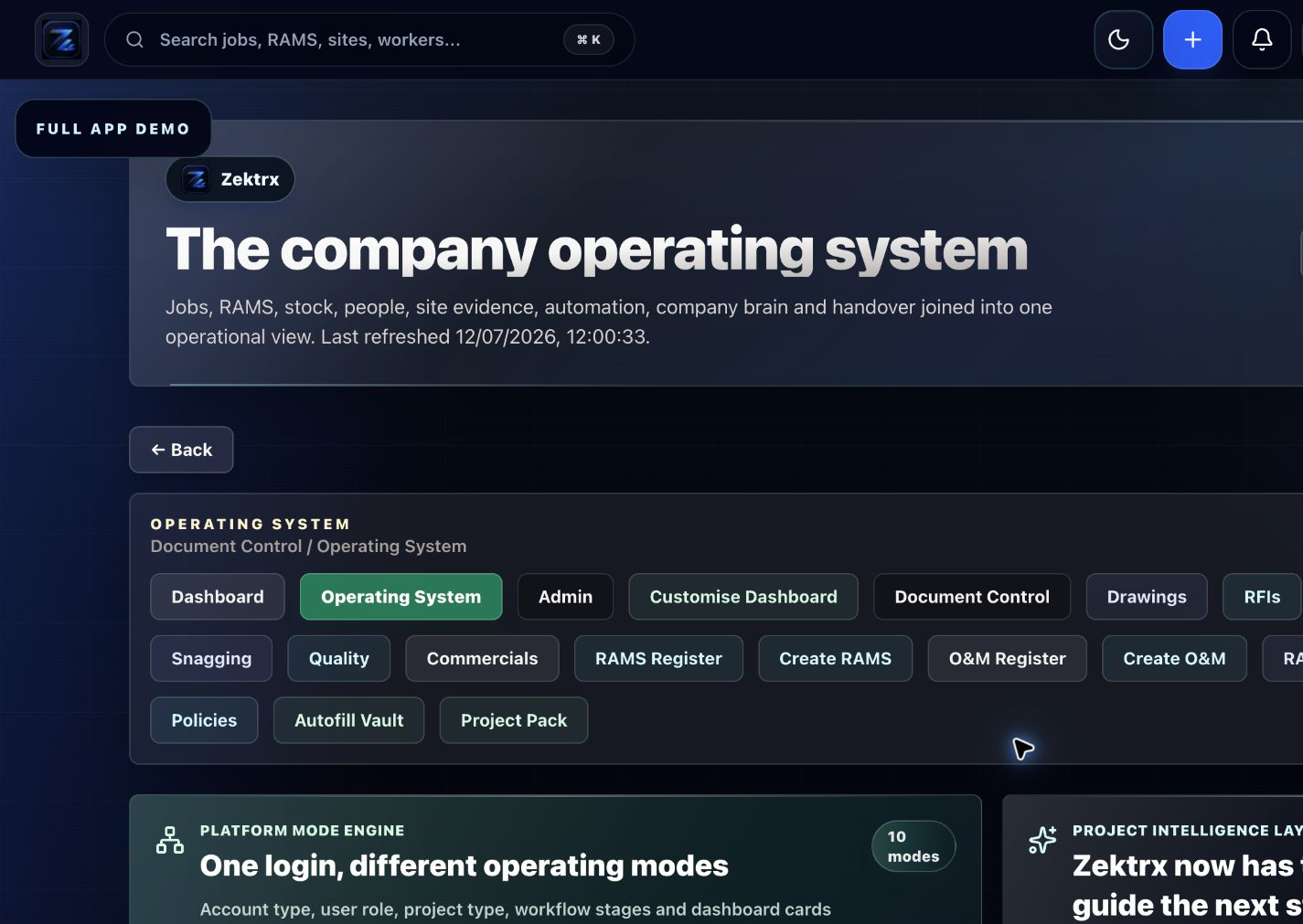
Plan
Move the article into an operating plan.
Good guidance should become owned work, review points and clear next actions inside the contractor workspace.
A practical migration guide for contractors moving from spreadsheets into connected construction software without losing control.
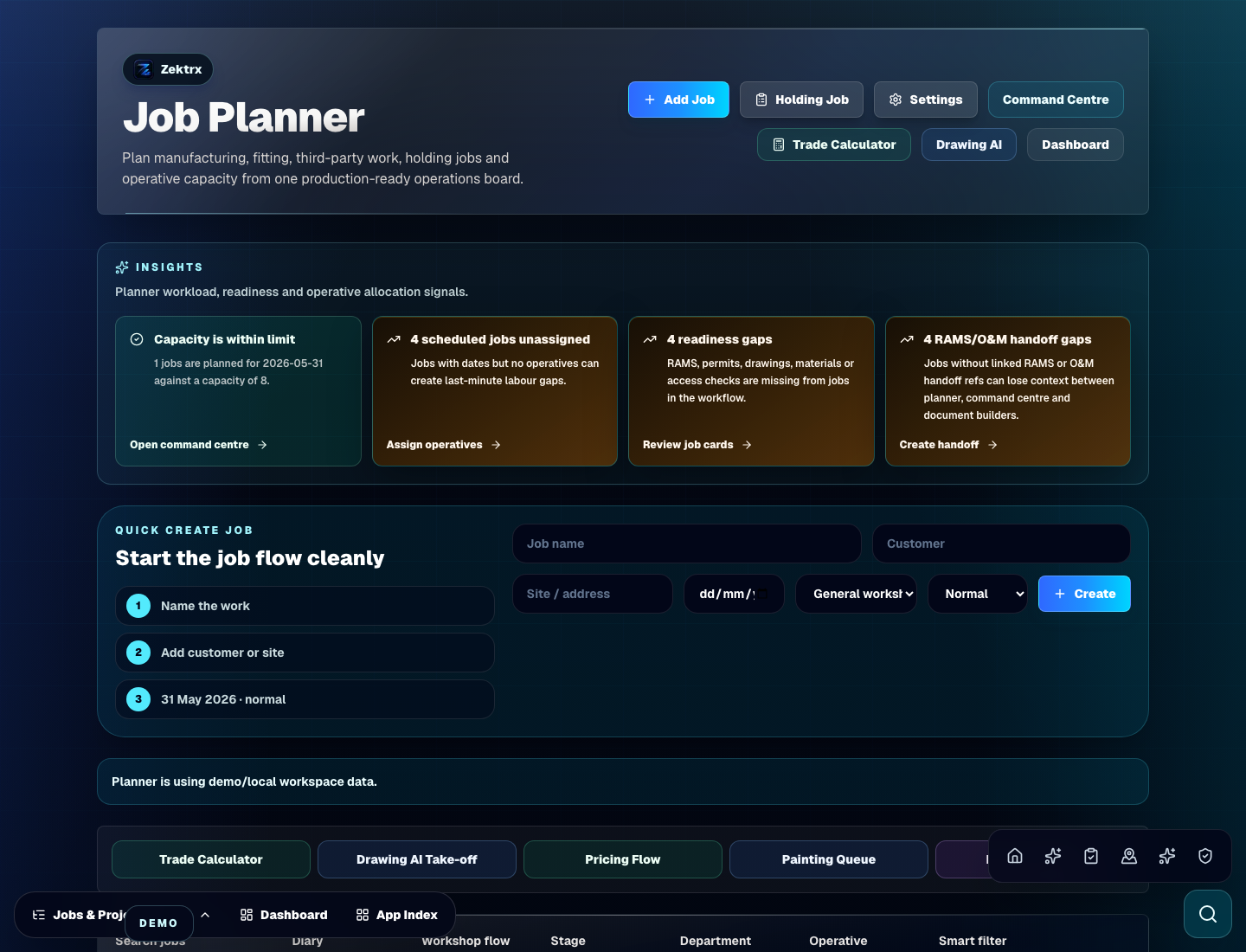
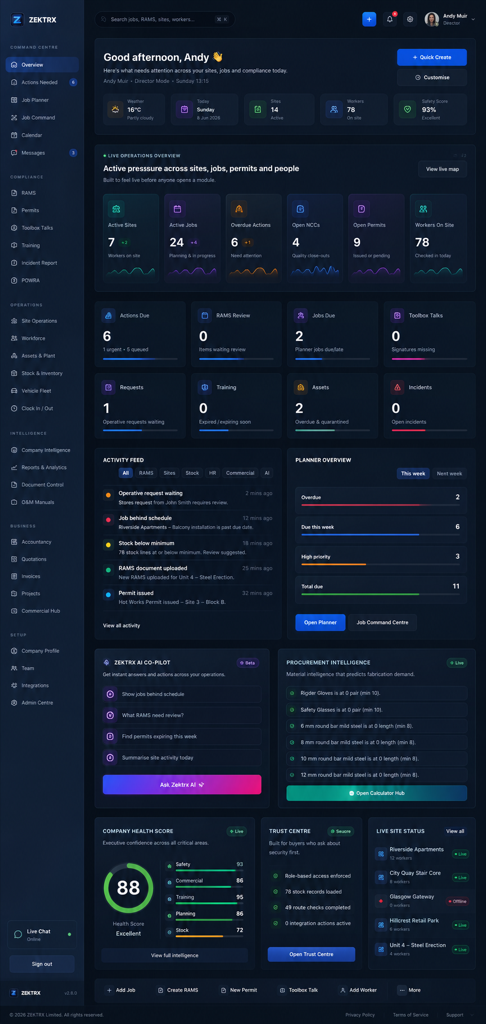
Setup checklists
This resource should not sit apart from the product. Zektrx connects the guidance to planning, controlled records and review-ready evidence so teams can act on it.
Plan
Good guidance should become owned work, review points and clear next actions inside the contractor workspace.
Control
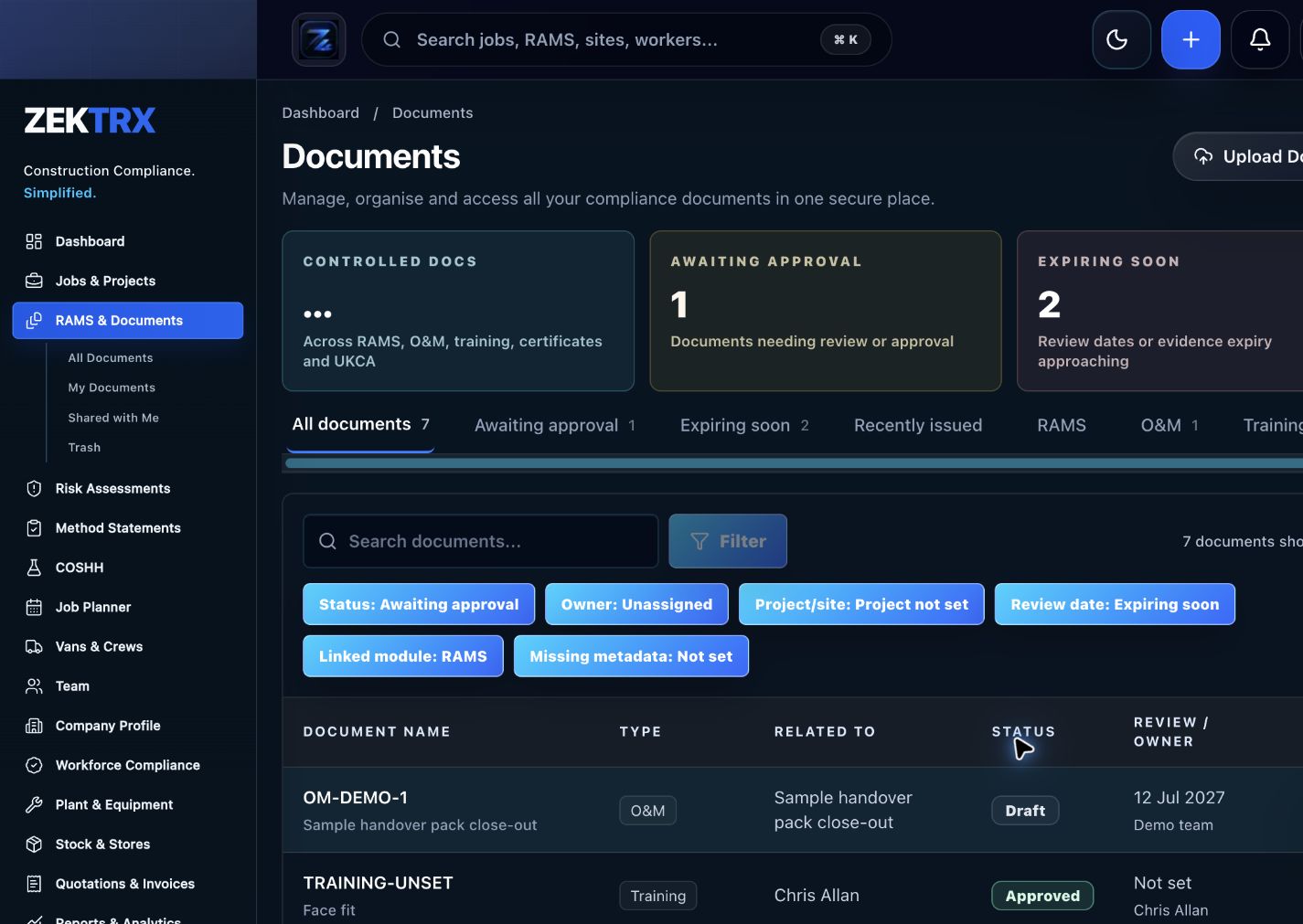
The resource should point into controlled records, current versions, approvals and the proof teams need later.
Review
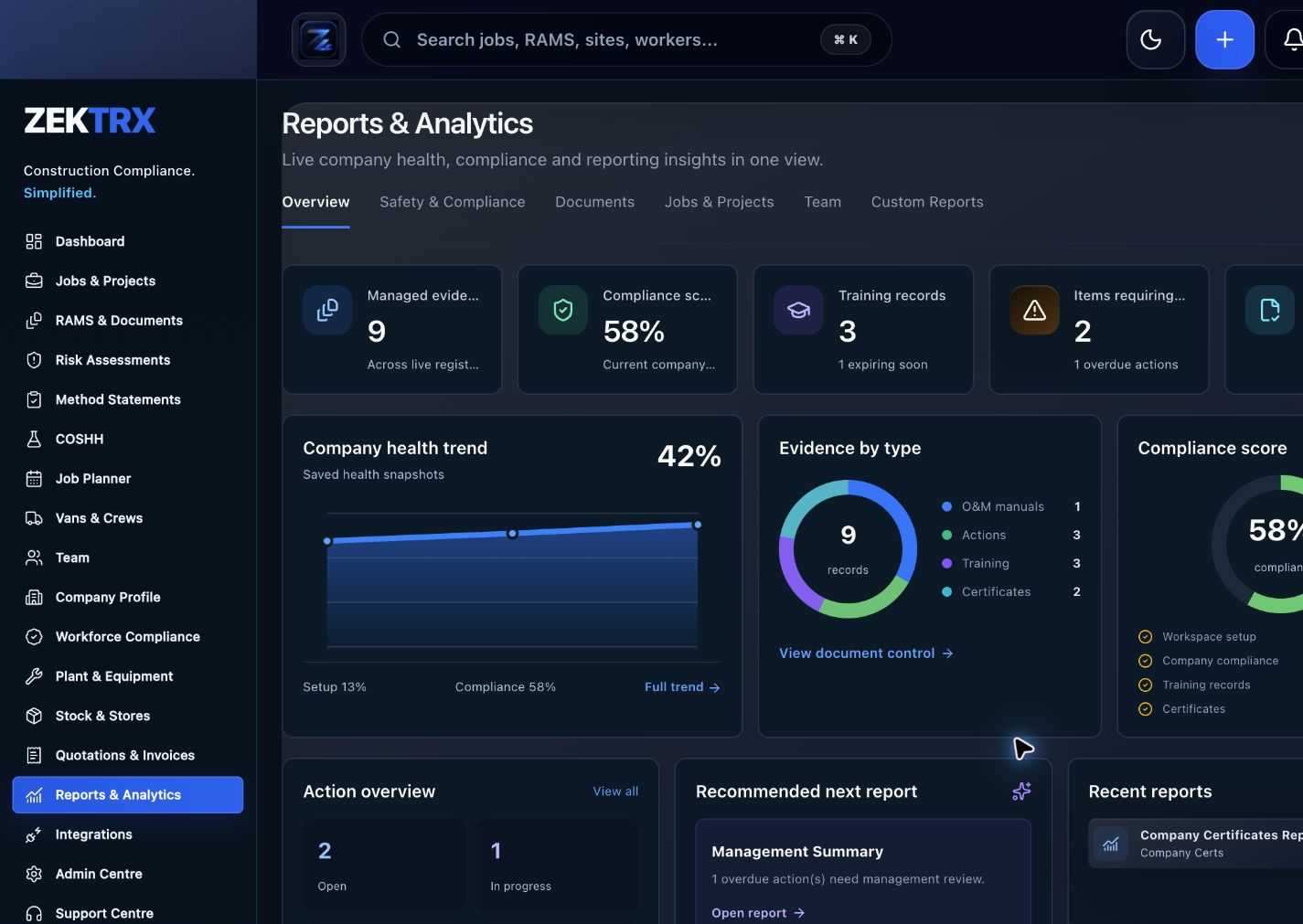
Reports and audit packs make the article practical after the work is complete, not just useful while reading.
Review the topic, reading time, editorial status and related Zektrx workflows before moving into the detailed guidance.
Topic
Setup checklists
Reading path
4 article sections
Review status
Published 28 June 2026
Connected links
Migrate From Spreadsheets
Do not migrate every spreadsheet at once. Pick the workflow that creates the most risk or duplicated effort, such as RAMS, job planning, document control, stock or commercial records.
Keep archived copies of old sheets where needed, but make the new system the source of truth for active jobs.
Zektrx supports Migrate From Spreadsheets, Construction Software Implementation Plan and Contractor Software.
Download the Contractor Setup Pack, request a demo, or start a £5 for 14 days trial.
Related Zektrx workflow
Put it into practice
Start with the £5 for 14 days trial, then connect RAMS, jobs, stock, documents, records and reporting in one place.
1. Learn
A practical guide for small contractors choosing which construction software workflows to set up first across RAMS, jobs, stock and documents.
A practical guide to building a contractor operating system across jobs, RAMS, documents, stock, commercial records and evidence.
A practical guide to choosing contractor software by matching workflows, teams, records, pricing, onboarding and evidence needs.
2. Use
A matching calculator or template is being mapped for this topic.
3. Automate
Turn documents, evidence, actions and reviews into a repeatable workflow.
4. Start
Connect resources, calculators, templates, evidence and software modules around the way your contractor team works with the £5 trial.
Start £5 TrialRelated Guides
A practical guide for small contractors choosing which construction software workflows to set up first across RAMS, jobs, stock and documents.
A practical guide to building a contractor operating system across jobs, RAMS, documents, stock, commercial records and evidence.
A practical guide to choosing contractor software by matching workflows, teams, records, pricing, onboarding and evidence needs.
Related Comparisons
Related FAQs
It can replace many operational spreadsheets, especially where records need owners, evidence, approvals or reporting.
From Zektrx vs Spreadsheets
Start with RAMS, training, document control, actions or site records because those usually carry the most risk.
From Zektrx vs Spreadsheets
A migration plan should map columns into Zektrx workflows before import or manual setup.
From Zektrx vs Spreadsheets
This resource is for contractor, site, compliance and operations teams reviewing how to move from spreadsheets to construction software and deciding which records should become controlled workflows.
Yes. Zektrx is designed to turn recurring construction checklists, documents, actions, signatures and evidence into connected workflows.
No. Use this as practical workflow guidance and keep competent legal, safety, engineering or site-specific review where required.