

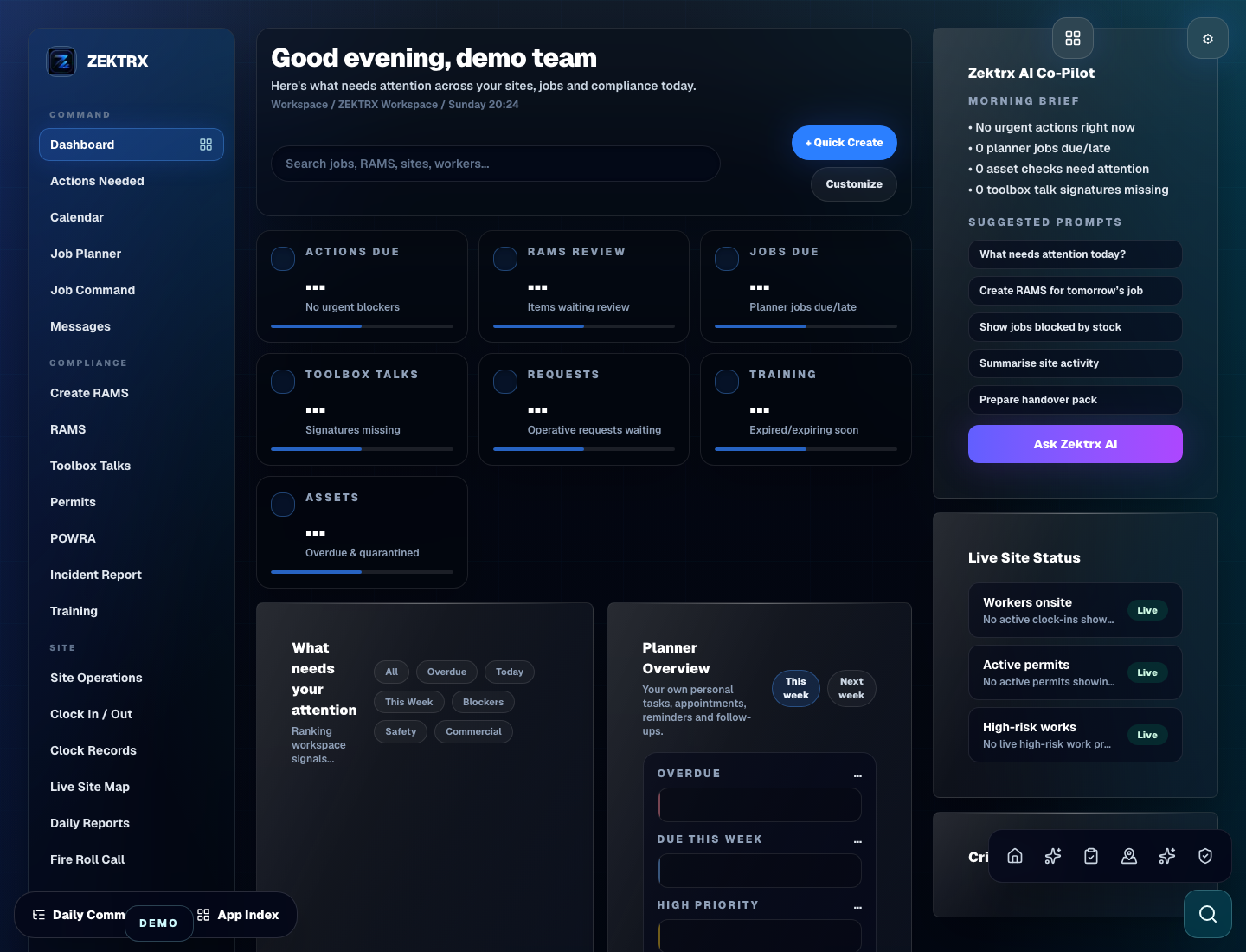
Dashboard
Start with the right workspace mode
Give the team a dashboard shaped around its role, responsibilities and operating priorities.
Run RAMS, COSHH, toolbox talks, drawings, RFIs, site diaries, snagging, workforce tasks, documents and commercial basics in one trade-focused workspace.
Recommended plan
Trade
Workspace mode controls dashboard, terminology, workflows, navigation and AI guidance. The paid plan controls capacity and enterprise features.
Platform account type
tradesperson
After checkout
/dashboard/trades
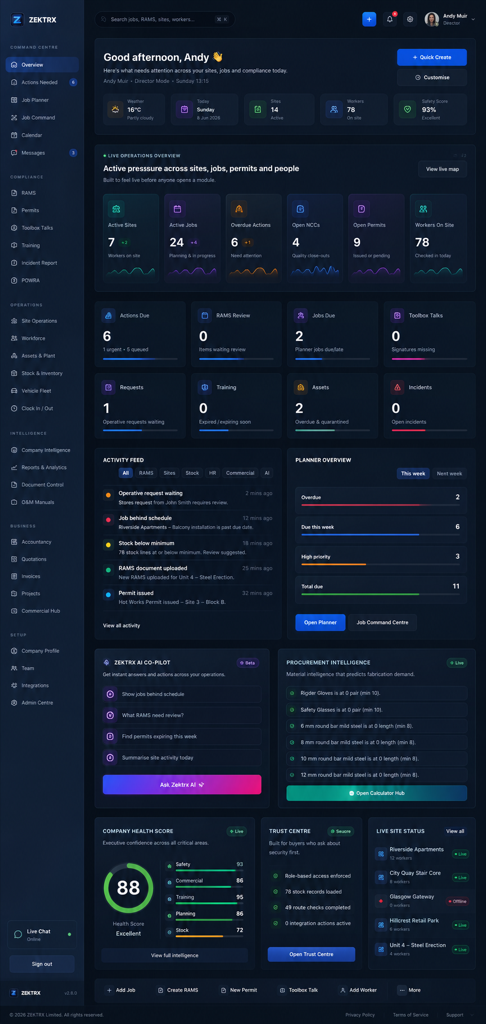
Trade businesses
Dashboard
Trade dashboard for daily jobs, document packs, RAMS status, workforce readiness, site actions and simple commercial control.
/dashboard/trades
Growing trade businesses that want one workspace for compliance, site delivery and customer-ready records.
RAMS, COSHH and toolbox talk records
Drawings, RFIs, documents and site diary
Snagging, workforce tasks and assets
Procurement and commercial basics
Client portal basics for shared records
Trade Contractor Workspace becomes clearer when teams can see the dashboard, planner and reports that support the workflow.
Dashboard
Give the team a dashboard shaped around its role, responsibilities and operating priorities.
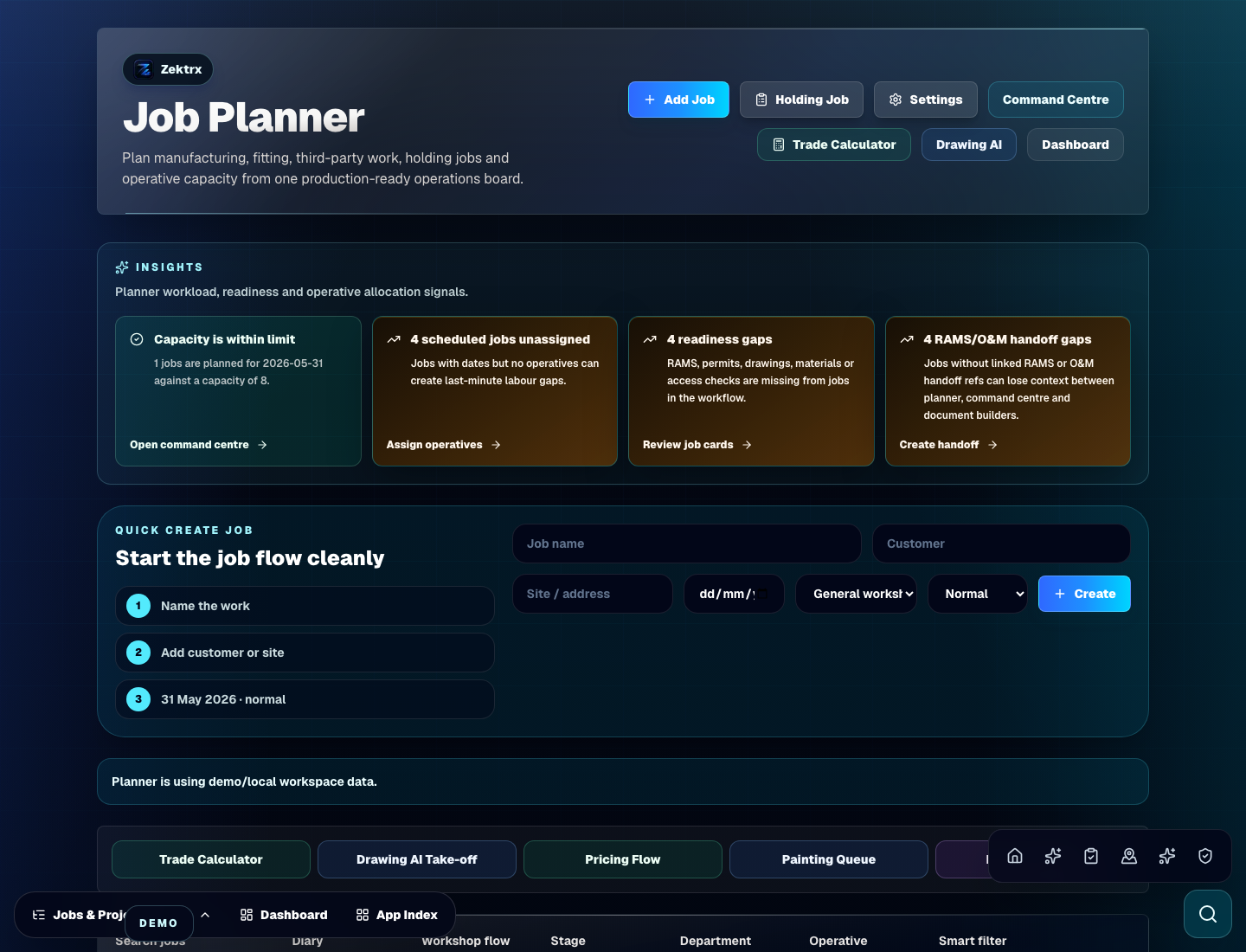
Planner
Connect tasks, people, documents and follow-up in one usable workflow.
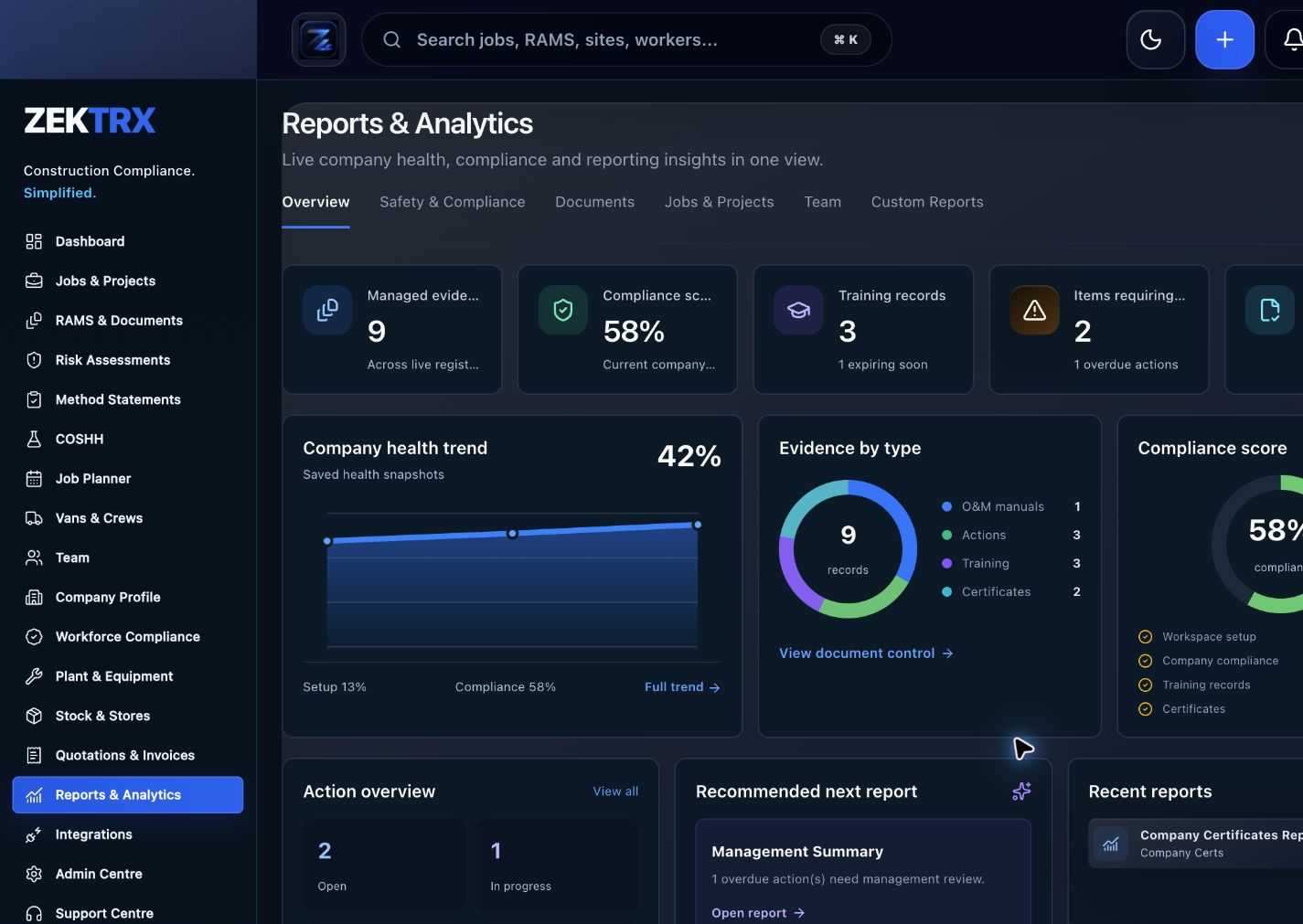
Reports
Turn the workspace activity into status, risk and evidence views leadership can trust.
Compare the recommended plan, account type, available workflows and expected outcomes before choosing a workspace.
Recommended plan
Growing trade businesses that want one workspace for compliance, site delivery and customer-ready records.
Account type
/dashboard/trades
Workflows
RAMS, COSHH and toolbox talk records / Drawings, RFIs, documents and site diary
Expected outcomes
Less repeated paperwork / Faster job readiness
Use Trade Contractor Workspace to plan your rollout, brief your team and share progress and evidence with managers.
 Planning
Step 1
Translate the workspace mode into the first teams, sites, documents and approval queues.
Workspace signal
RAMS, COSHH and toolbox talk records
 Adoption
Step 2
Give site teams a clear reason to use the workspace every day, not another disconnected tool.
Workspace signal
Drawings, RFIs, documents and site diary
 Control
Step 3
Keep leaders close to progress, risk, sign-offs and records without chasing scattered files.
Workspace signal
Snagging, workforce tasks and assets
Less repeated paperwork
Faster job readiness
Cleaner customer evidence
Better site-team adoption
Explore next
Use the solution hub, feature directory and pricing page to confirm workflow coverage and plan fit.
Compare Zektrx workspace modes by team, trade and operational challenge.
View pageSee how compliance, planning, site, stock, documents and commercial records connect.
View pageExplore the product modules, connected workflow and integration coverage.
View pageCheck the recommended plan against the available capacity and feature options.
View page