

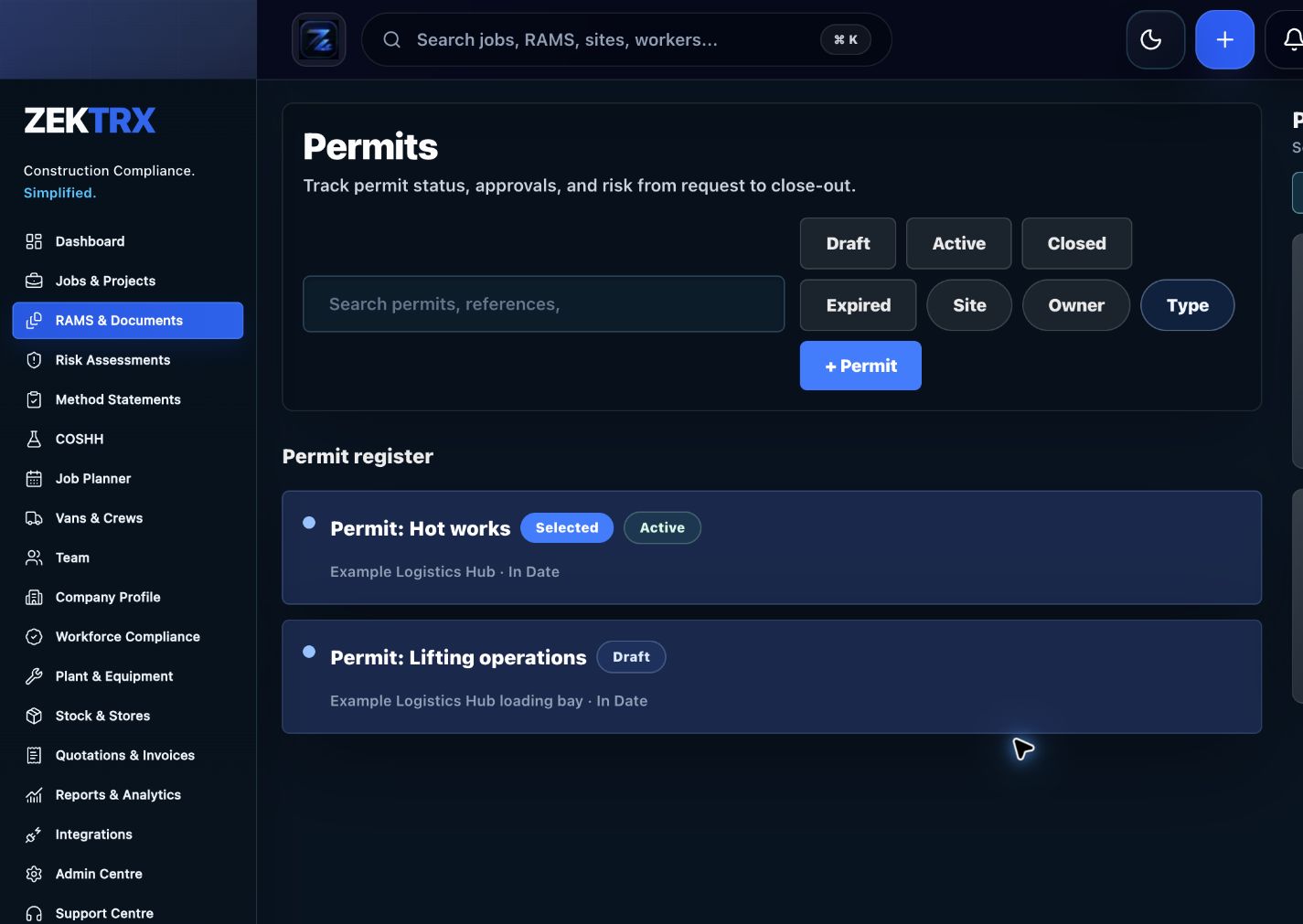
Permits
Start with the right workflow screen
Move the guide from reading into the Zektrx area that can carry the checklist, actions and evidence.
Permits are used to control higher-risk work. The value comes from making the request, approval, signing, expiry and close-out evidence visible before, during and after the task.
Permits
Checklist
Permit type, task, location, requester, supervisor and approver.
Linked RAMS, POWRA, method statement and briefing records.
Hot works, isolations, access, confined areas, lifting or other controlled work.
Hazards, controls, PPE, emergency arrangements and exclusion zones.
Start time, expiry time, extension rules and stop-work conditions.
Signatures, issue status, close-out evidence and audit history.
Photos, comments, site conditions and follow-up actions where needed.
A permit to work checklist covering request, controls, RAMS, isolations, hot works, access, approvals, signatures, expiry and close-out.
Permits are used to control higher-risk work. The value comes from making the request, approval, signing, expiry and close-out evidence visible before, during and after the task.
Permit type, task, location, requester, supervisor and approver.
Linked RAMS, POWRA, method statement and briefing records.
Hot works, isolations, access, confined areas, lifting or other controlled work.
Use live Zektrx screens to manage the checklist, review tasks and supporting evidence.
Permits
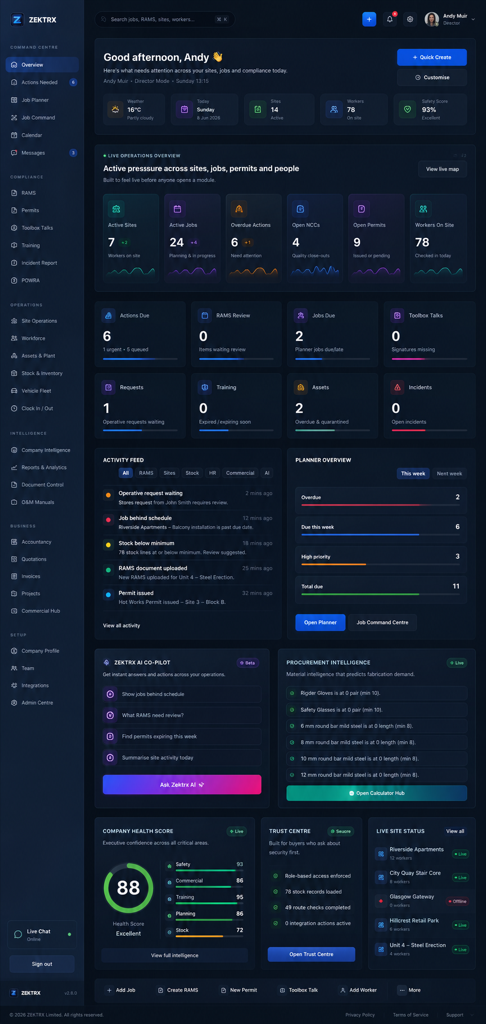
Move the guide from reading into the Zektrx area that can carry the checklist, actions and evidence.
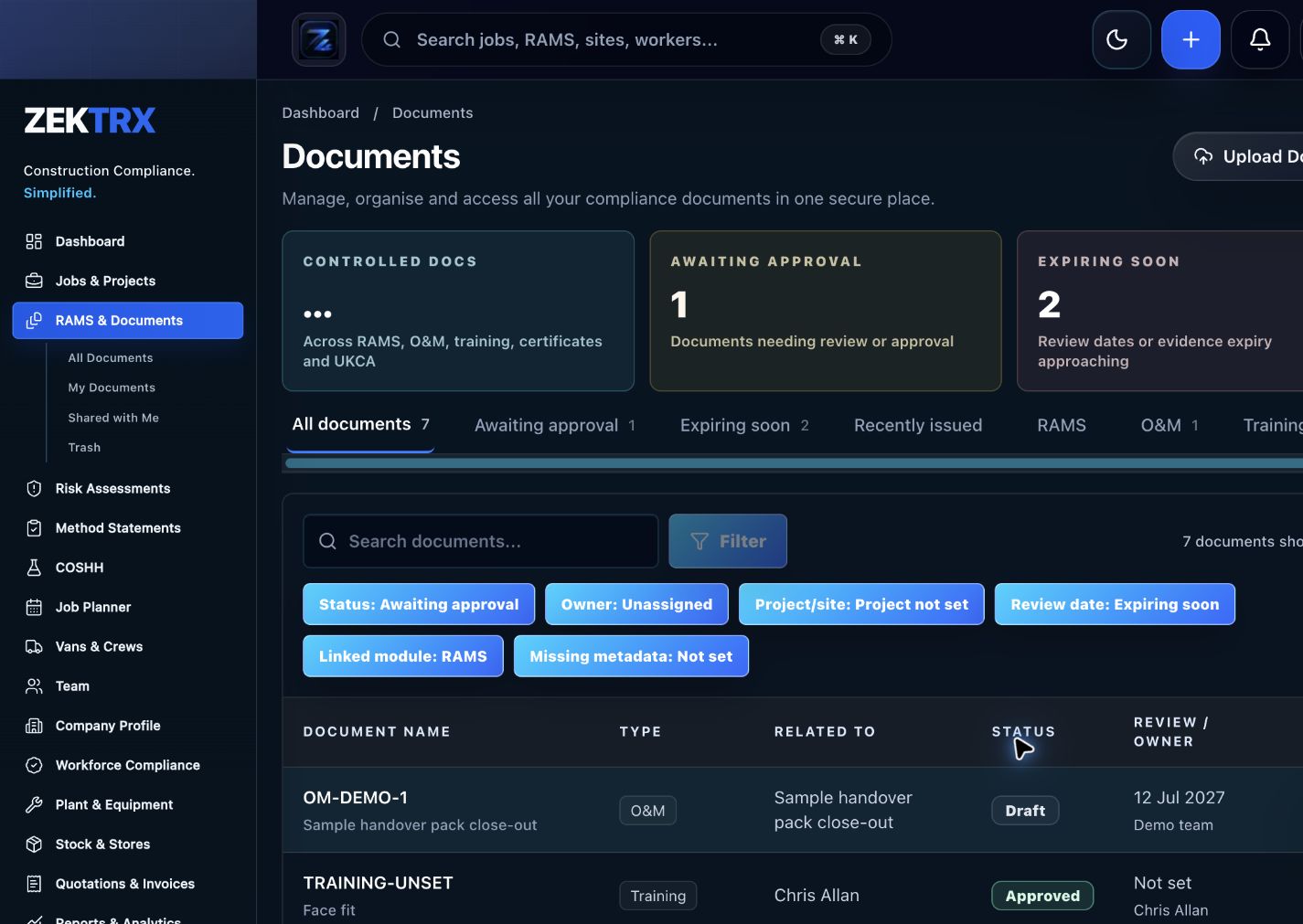
Documents
Keep current versions, review points, approvals and related proof attached to the same process.

Reports
Use reporting and audit views to turn completed work into a cleaner management or client pack.
See the relevant Zektrx product area, the checks to complete and the practical steps for applying this guidance across your team.
Product area
Zektrx permit to work register preview
Checklist
Permit type, task, location, requester, supervisor and approver.
Implementation
Start by reading the permit to work checklist against one real project or job.
Related resources
Permit to Work Software / POWRA Software
Connect written guidance with site activity, team briefings and the evidence records that show how the work was controlled.

Plan the work
Use each guide to decide the owners, records and review points before work starts.
Recommended check
Permit type, task, location, requester, supervisor and approver.

Brief the team
Turn guidance into toolbox talks, instructions and visible actions for the people doing the work.
Recommended check
Linked RAMS, POWRA, method statement and briefing records.

Keep proof
Connect checks, photos, sign-offs and follow-up tasks to the same operating record.
Recommended check
Hot works, isolations, access, confined areas, lifting or other controlled work.
An open permit can become a management blind spot. Close-out confirms that the work finished, the area was checked and any follow-up actions were captured.
Permits are strongest when they sit next to RAMS, POWRA, daily briefings and site reports rather than living as a separate paper form.
Zektrx helps turn repeated checks into owned actions, linked evidence and clear reporting.
Start by reading the permit to work checklist against one real project or job.
Check whether your current process covers: Permit type, task, location, requester, supervisor and approver.
Check whether your current process covers: Linked RAMS, POWRA, method statement and briefing records.
Check whether your current process covers: Hot works, isolations, access, confined areas, lifting or other controlled work.
Decide which items should become live actions, approvals, signatures, evidence links or reports.
Evidence question 1
Who owns this record when it is created?
Evidence question 2
What proves the latest version was reviewed or approved?
Evidence question 3
Where are photos, signatures, comments and close-out evidence stored?
Evidence question 4
Can the record be exported for a client, auditor or principal contractor without rebuilding it?
See how resources become live compliance, site, document and reporting workflows.
Explore the operating system for trade businesses managing jobs, evidence and admin.
Move from templates and checklists into controlled RAMS creation, issue and signing.
A permit to work is a controlled approval process for higher-risk work such as hot works, isolations, access or other controlled site activities.
Yes. Expiry times help keep controlled work visible and stop old approvals being relied on after conditions change.
Yes. Zektrx supports permit workflows, signatures, expiry tracking, close-out and links to site operations.