







Plan
Move the article into an operating plan.
Good guidance should become owned work, review points and clear next actions inside the contractor workspace.
A practical purchase order process for contractors covering requests, approvals, suppliers, delivery checks and job cost records.
Stock/materials
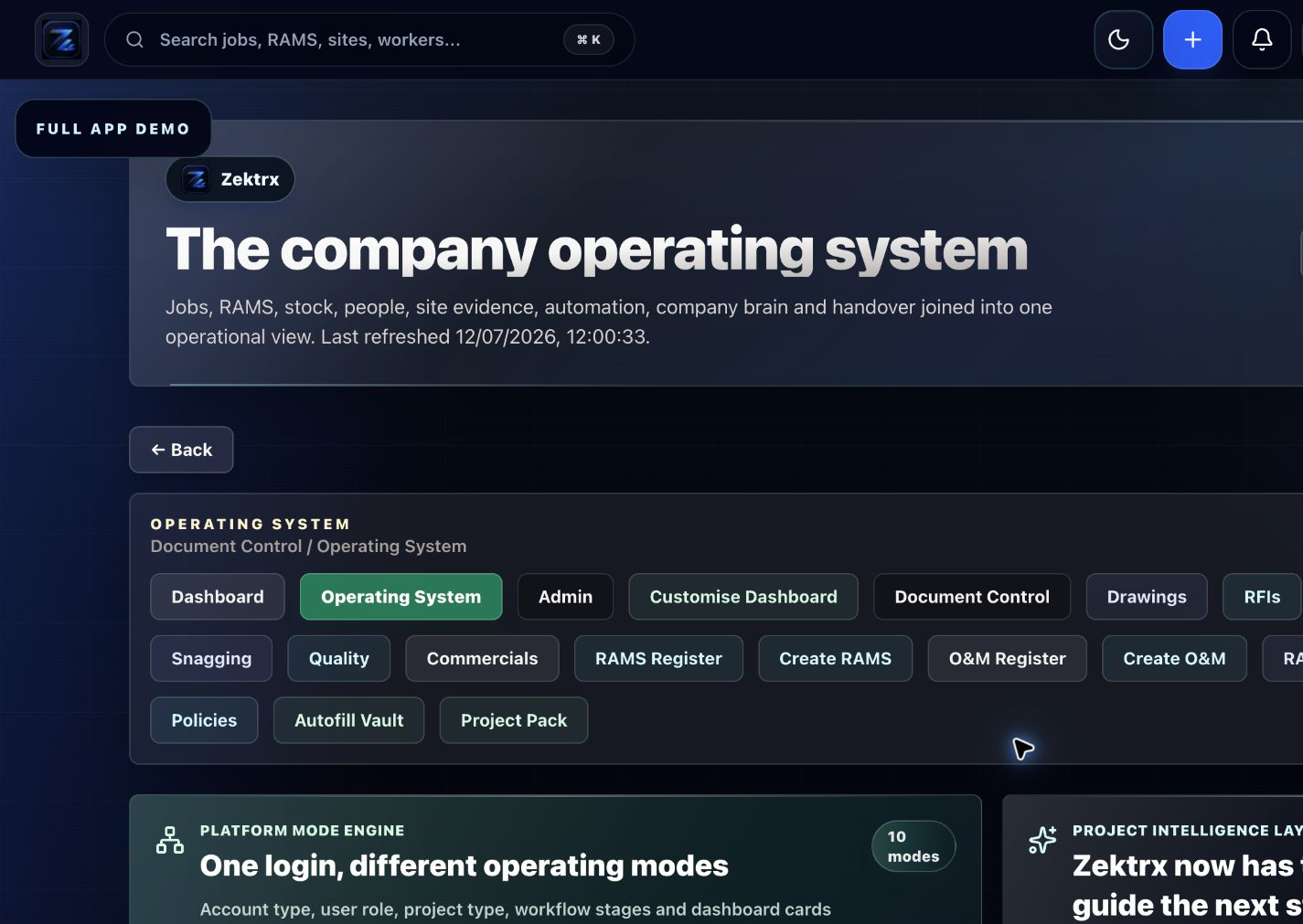
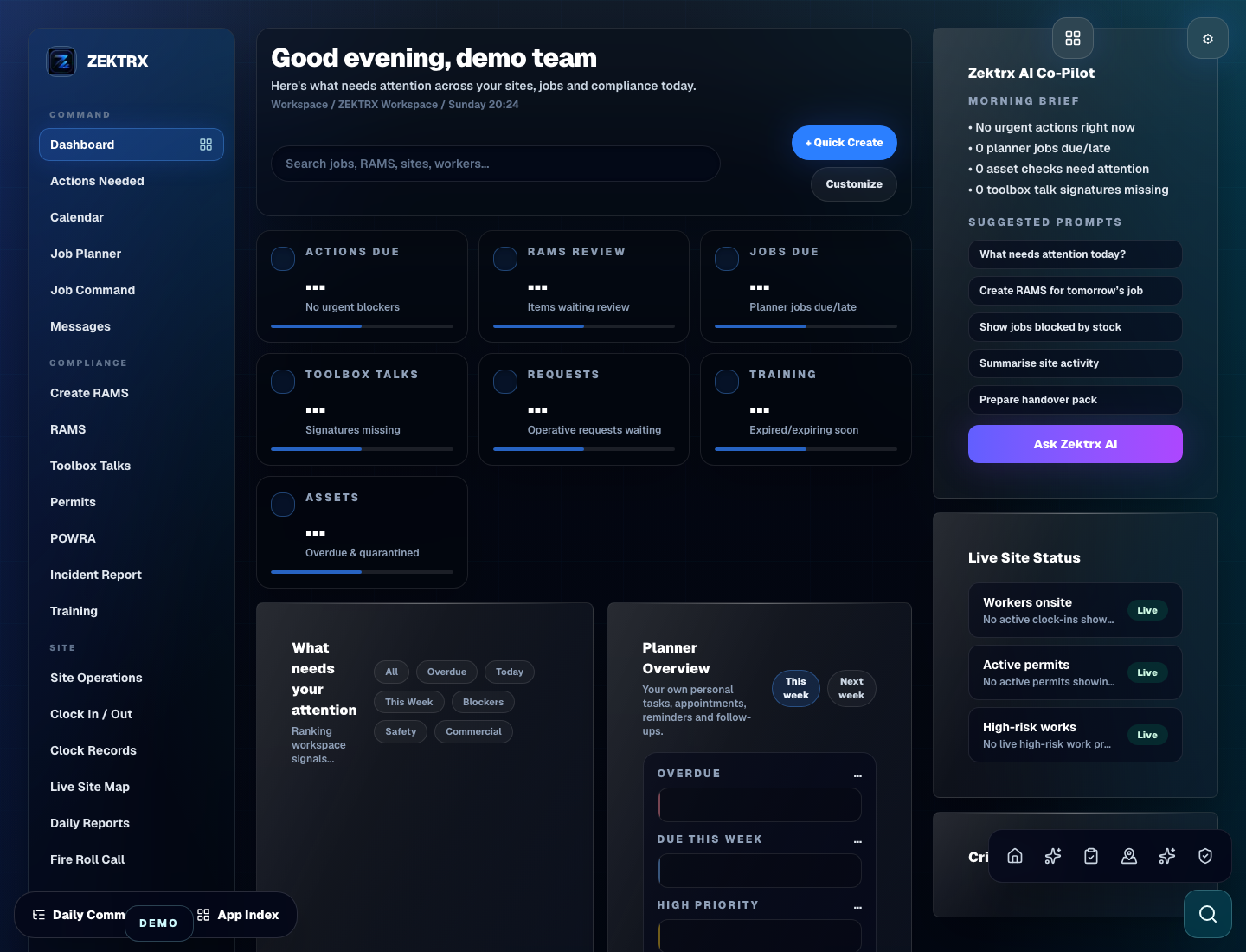
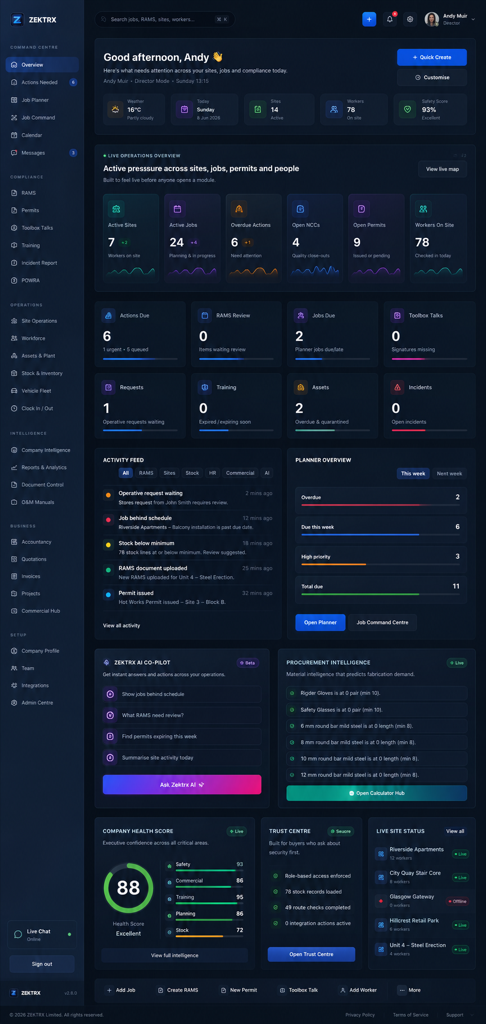
This resource should not sit apart from the product. Zektrx connects the guidance to planning, controlled records and review-ready evidence so teams can act on it.
Plan
Good guidance should become owned work, review points and clear next actions inside the contractor workspace.
Control
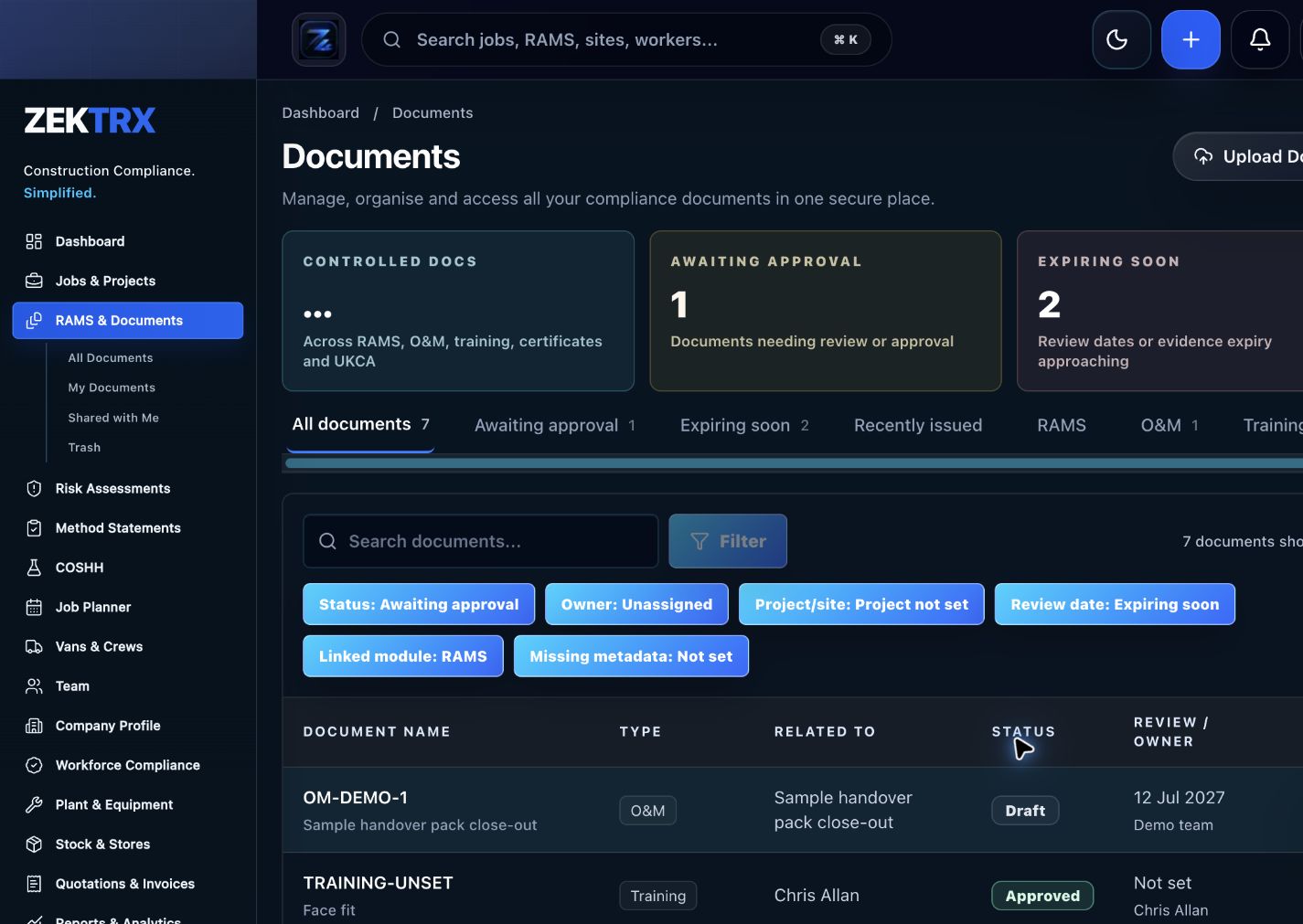
The resource should point into controlled records, current versions, approvals and the proof teams need later.
Review
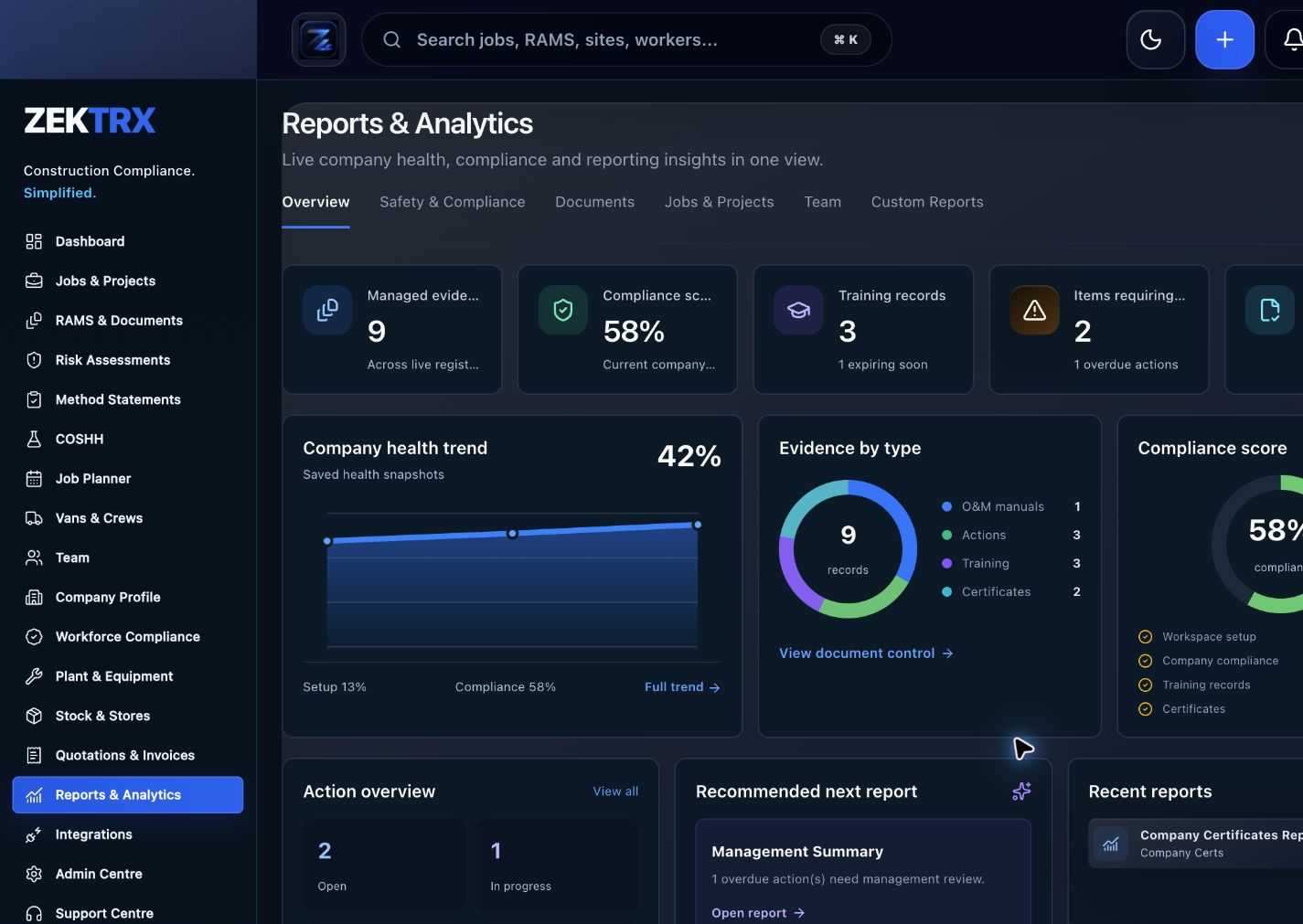
Reports and audit packs make the article practical after the work is complete, not just useful while reading.
Review the topic, reading time, editorial status and related Zektrx workflows before moving into the detailed guidance.
Topic
Stock/materials
Reading path
4 article sections
Review status
Published 28 June 2026
Connected links
Construction Procurement Software
A purchase order process should make it clear what is being bought, who approved it, which supplier will provide it and which job or cost code it belongs to.
Without a controlled PO process, costs can arrive after the work is complete, materials can be ordered twice and job margin becomes hard to explain.
Zektrx connects Construction Procurement Software, Construction Stock Management Software and Construction Project Cost Tracking Software.
Use Construction Commercial Management Software, download the Contractor Setup Pack, or start a £5 for 14 days trial.
Related Zektrx workflow
Put it into practice
Start with the £5 for 14 days trial, then connect RAMS, jobs, stock, documents, records and reporting in one place.
1. Learn
A practical stock management checklist for contractors tracking materials, suppliers, purchase orders, job allocations and evidence.
A practical guide to tracking construction materials from supplier and purchase order through delivery, allocation, use and evidence.
How contractors can link materials evidence to jobs, including purchase orders, delivery notes, photos, stock records and completion packs.
2. Use
Estimate material quantity from area, usage rate and waste allowance. Free online tool for UK construction and trade teams.
Estimate cement bags, sand and aggregate volumes for a simple site-mixed concrete ratio. Free online tool for UK construction and trade teams.
Calculate concrete volume for slabs, pads and rectangular pours. Free online calculator for UK construction and trade teams — fast estimates, no sign-up.
3. Automate
Connect fabrication jobs, materials, drawings, QA and site install evidence.
Manage structural steel RAMS, drawings, fabrication and install records.
Organise structural steel evidence, quality records and EN1090-related workflows.
4. Start
Connect resources, calculators, templates, evidence and software modules around the way your contractor team works with the £5 trial.
Start £5 TrialRelated Guides
A practical stock management checklist for contractors tracking materials, suppliers, purchase orders, job allocations and evidence.
A practical guide to tracking construction materials from supplier and purchase order through delivery, allocation, use and evidence.
How contractors can link materials evidence to jobs, including purchase orders, delivery notes, photos, stock records and completion packs.
Related Calculators
Estimate material quantity from area, usage rate and waste allowance. Free online tool for UK construction and trade teams.
Estimate cement bags, sand and aggregate volumes for a simple site-mixed concrete ratio. Free online tool for UK construction and trade teams.
Calculate concrete volume for slabs, pads and rectangular pours. Free online calculator for UK construction and trade teams — fast estimates, no sign-up.
Related Templates
Check equipment condition, guards, inspections, certificates, defects and safe use controls. Free printable construction template from Zektrx.
Define hold points, witness points, acceptance criteria and evidence for quality control. Free printable construction template from Zektrx.
Record substances, SDS details, exposure routes, PPE, storage and emergency controls. Free printable construction template from Zektrx.
Related Features
Connect fabrication jobs, materials, drawings, QA and site install evidence.
Manage structural steel RAMS, drawings, fabrication and install records.
Organise structural steel evidence, quality records and EN1090-related workflows.
Related Industries
RAMS, drawings, workshop records, install evidence and handover workflows for steel fabricators. One platform for documents, evidence and compliance.
Electrical contractor RAMS, permits, testing evidence, drawings, site records and handover packs. One platform for documents, evidence and compliance.
Groundworks RAMS, permits, site diaries, plant checks, photos, quality records and delay evidence. One platform for documents, evidence and compliance.
Related Comparisons
A site diary software buyer guide for construction teams that need daily records, photos, labour, delays, actions and evidence.
Compare Zektrx with SafetyCulture for contractors that need inspections plus RAMS, permits, documents, actions, site diaries and construction evidence packs.
Related FAQs
Yes for simple area-based rates such as tiles, boards, membranes or rolls.
From Material Quantity Calculator
Yes. Round final ordering quantities to supplier packs, pallets or roll sizes.
From Material Quantity Calculator
It is an estimating factor for dry ingredients. Follow supplier and engineer requirements for actual works.
From Concrete Mix Calculator
For many structural pours, ready-mix with a specified grade is the safer procurement route.
From Concrete Mix Calculator
This resource is for contractor, site, compliance and operations teams reviewing purchase order process for contractors and deciding which records should become controlled workflows.
Yes. Zektrx is designed to turn recurring construction checklists, documents, actions, signatures and evidence into connected workflows.
No. Use this as practical workflow guidance and keep competent legal, safety, engineering or site-specific review where required.