








Plan
Move the article into an operating plan.
Good guidance should become owned work, review points and clear next actions inside the contractor workspace.
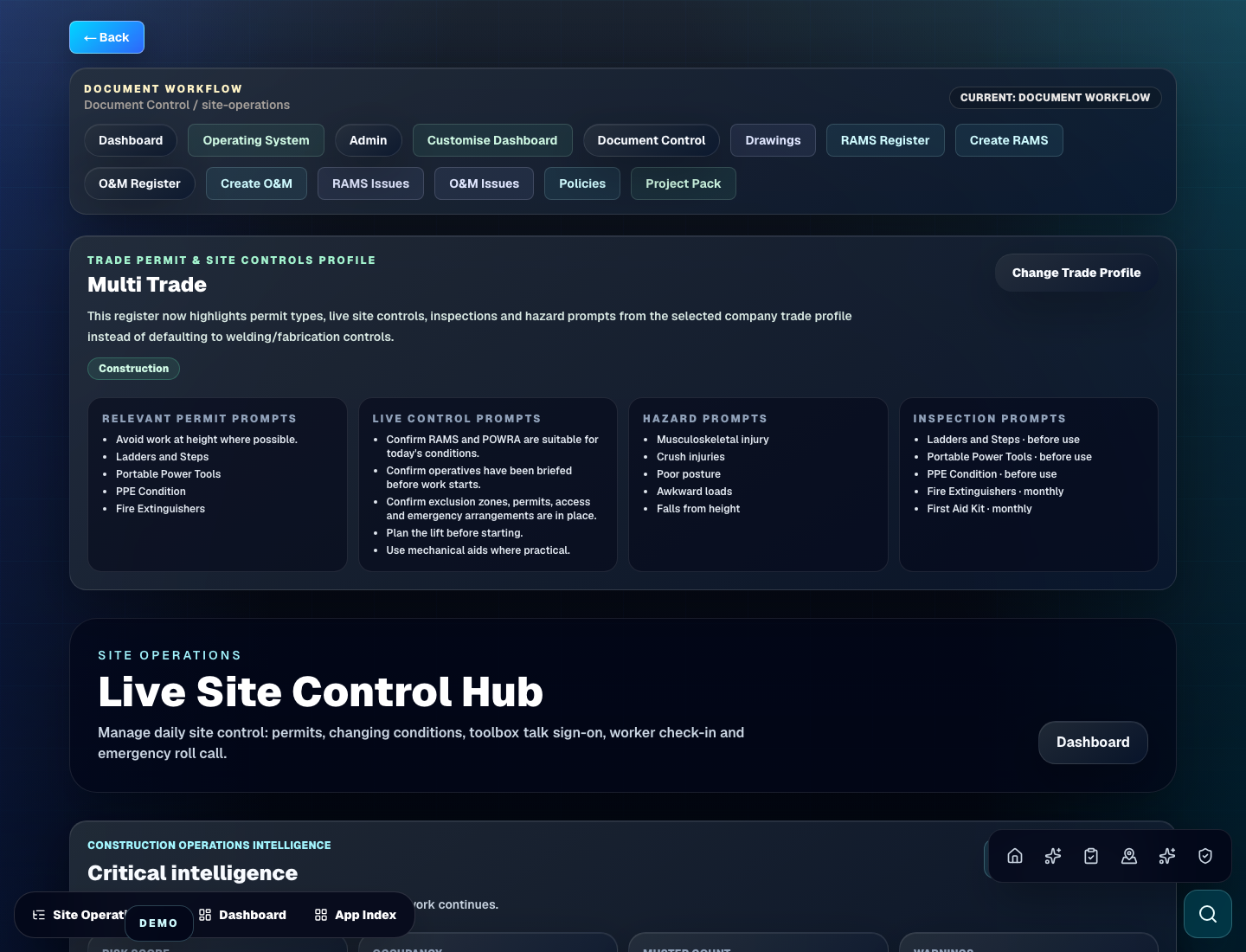
Plan site inspection software around checklists, photos, owners, defects, close-out evidence, reports and handover-ready records.
Site evidence
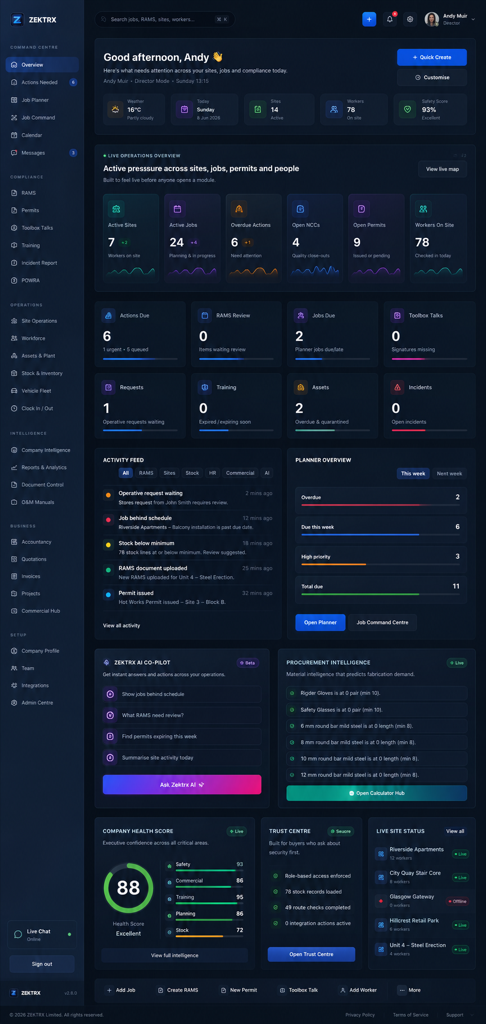
This resource should not sit apart from the product. Zektrx connects the guidance to planning, controlled records and review-ready evidence so teams can act on it.
Plan
Good guidance should become owned work, review points and clear next actions inside the contractor workspace.
Control
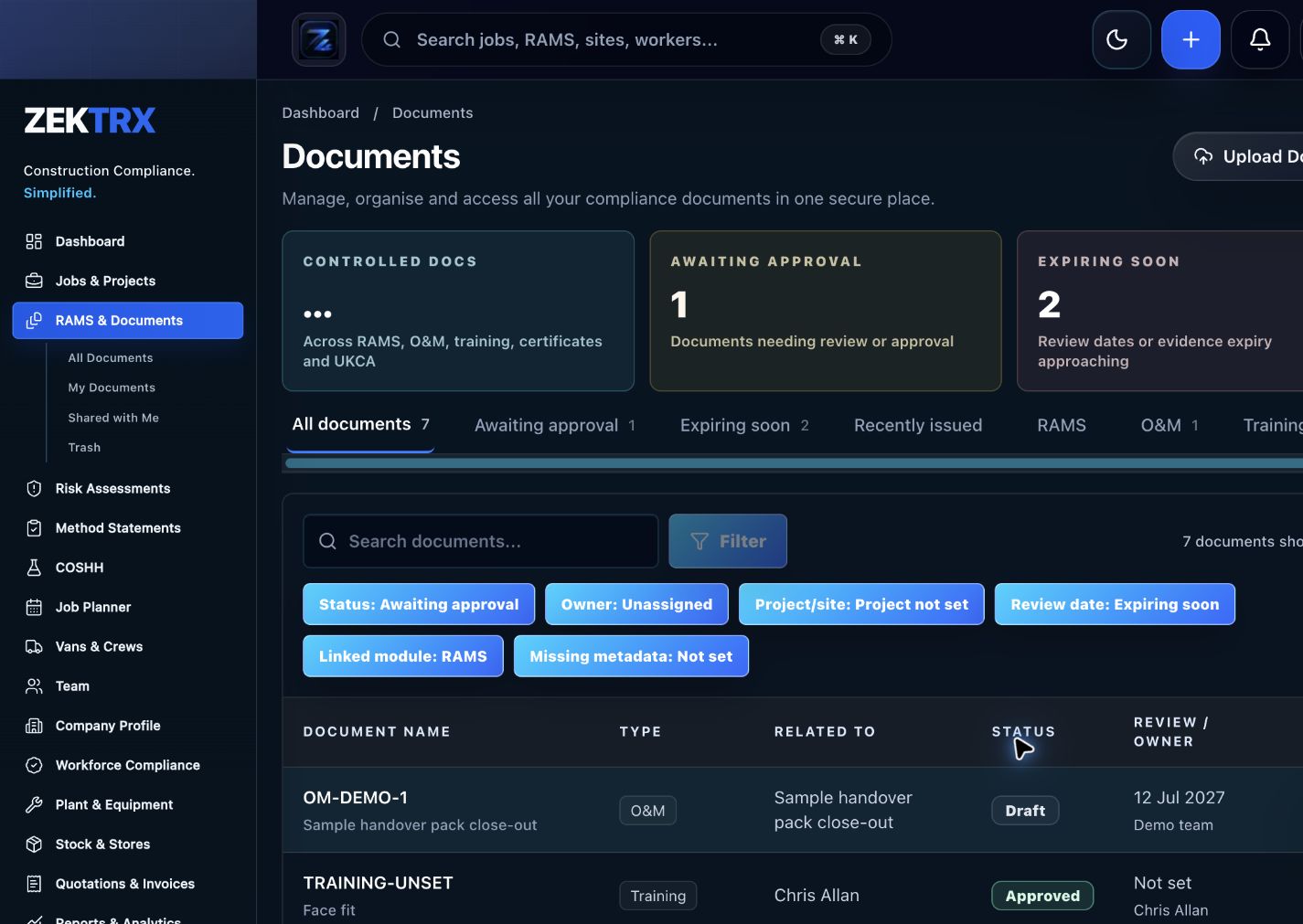
The resource should point into controlled records, current versions, approvals and the proof teams need later.

Review
Reports and audit packs make the article practical after the work is complete, not just useful while reading.
Review the topic, reading time, editorial status and related Zektrx workflows before moving into the detailed guidance.
Topic
Site evidence
Reading path
4 article sections
Review status
Published 1 July 2026
Connected links
Construction Inspection Software
Site inspection software helps contractors turn checks, photos, defects, comments and close-out evidence into controlled records. The best workflow links each inspection to the job, location, responsible person and handover pack.
An inspection is only useful if follow-up work is visible. If defects are captured in one place and actions are tracked somewhere else, managers lose the trail between the finding, the fix and the final evidence.
Zektrx keeps inspection records, action ownership, photos, reports and handover evidence connected so site teams can see what is open, what is ready for review and what has been accepted.
Start with Construction Inspection Software, compare mobile capture in the Inspection App Guide, then use the Site Inspection Photo Evidence Guide to tighten close-out records.
Book a workflow demo to map your inspection checklist, owners and reporting flow inside Zektrx.
Related Zektrx workflow
Put it into practice
Start with the £5 for 14 days trial, then connect RAMS, jobs, stock, documents, records and reporting in one place.
1. Learn
Use snagging software to manage defects, photos, owners, due dates, close-out evidence, inspections and handover readiness.
A construction inspection app guide covering checklists, photos, owners, defects, close-out evidence and contractor reporting workflows.
A construction field management guide for site teams tracking tasks, RAMS, inspections, photos, actions, materials and daily evidence.
2. Use
Calculate bolt counts for repeated rows, plates, brackets and connection schedules. Free online tool for UK construction and trade teams.
Estimate ductwork sheet material from duct surface area, material rate and waste allowance. Free online tool for UK construction and trade teams.
Estimate reinforcement bar count, total length and weight for a simple slab grid. Free online tool for UK construction and trade teams.
3. Automate
Connect mechanical RAMS, plant records, documents, inspections and handover.
Capture inspections, photos, actions, owners and close-out evidence.
Track inspections, snags, actions, evidence and completion quality records.
4. Start
Connect resources, calculators, templates, evidence and software modules around the way your contractor team works with the £5 trial.
Start £5 TrialRelated Guides
Use snagging software to manage defects, photos, owners, due dates, close-out evidence, inspections and handover readiness.
A construction inspection app guide covering checklists, photos, owners, defects, close-out evidence and contractor reporting workflows.
A construction field management guide for site teams tracking tasks, RAMS, inspections, photos, actions, materials and daily evidence.
Related Calculators
Calculate bolt counts for repeated rows, plates, brackets and connection schedules. Free online tool for UK construction and trade teams.
Estimate ductwork sheet material from duct surface area, material rate and waste allowance. Free online tool for UK construction and trade teams.
Estimate reinforcement bar count, total length and weight for a simple slab grid. Free online tool for UK construction and trade teams.
Related Templates
Define hold points, witness points, acceptance criteria and evidence for quality control. Free printable construction template from Zektrx.
Capture inspection checks, photos, defects, actions, owners and close-out evidence. Free printable construction template from Zektrx.
Check waste, spill controls, noise, dust, drainage, storage and environmental actions. Free printable construction template from Zektrx.
Related Features
Connect mechanical RAMS, plant records, documents, inspections and handover.
Capture inspections, photos, actions, owners and close-out evidence.
Track inspections, snags, actions, evidence and completion quality records.
Related Industries
Mechanical contractor RAMS, permits, plant records, drawings, inspections and handover workflows. One platform for documents, evidence and compliance.
Scaffolding contractor RAMS, inspections, handover certificates, permits, photos and site evidence. One platform for documents, evidence and compliance.
RAMS, drawings, workshop records, install evidence and handover workflows for steel fabricators. One platform for documents, evidence and compliance.
Related Comparisons
Compare Zektrx with SafetyCulture for contractors that need inspections plus RAMS, permits, documents, actions, site diaries and construction evidence packs.
A site diary software buyer guide for construction teams that need daily records, photos, labour, delays, actions and evidence.
Compare Zektrx with spreadsheet-based construction admin for RAMS, site records, document control, actions, stock and reporting.
Related FAQs
Yes. O&M, document and evidence workflows can support mechanical handover packs.
From Mechanical Contractors Software
Yes. Equipment and service workflows can keep records visible.
From Mechanical Contractors Software
Yes. Document control can connect revisions and evidence to job records.
From Mechanical Contractors Software
Yes. Inspection workflows can record checks, actions, photos and close-out evidence.
From Scaffolders Software
This resource is for contractor, site, compliance and operations teams reviewing site inspection software guide for contractors and deciding which records should become controlled workflows.
Yes. Zektrx is designed to turn recurring construction checklists, documents, actions, signatures and evidence into connected workflows.
No. Use this as practical workflow guidance and keep competent legal, safety, engineering or site-specific review where required.