







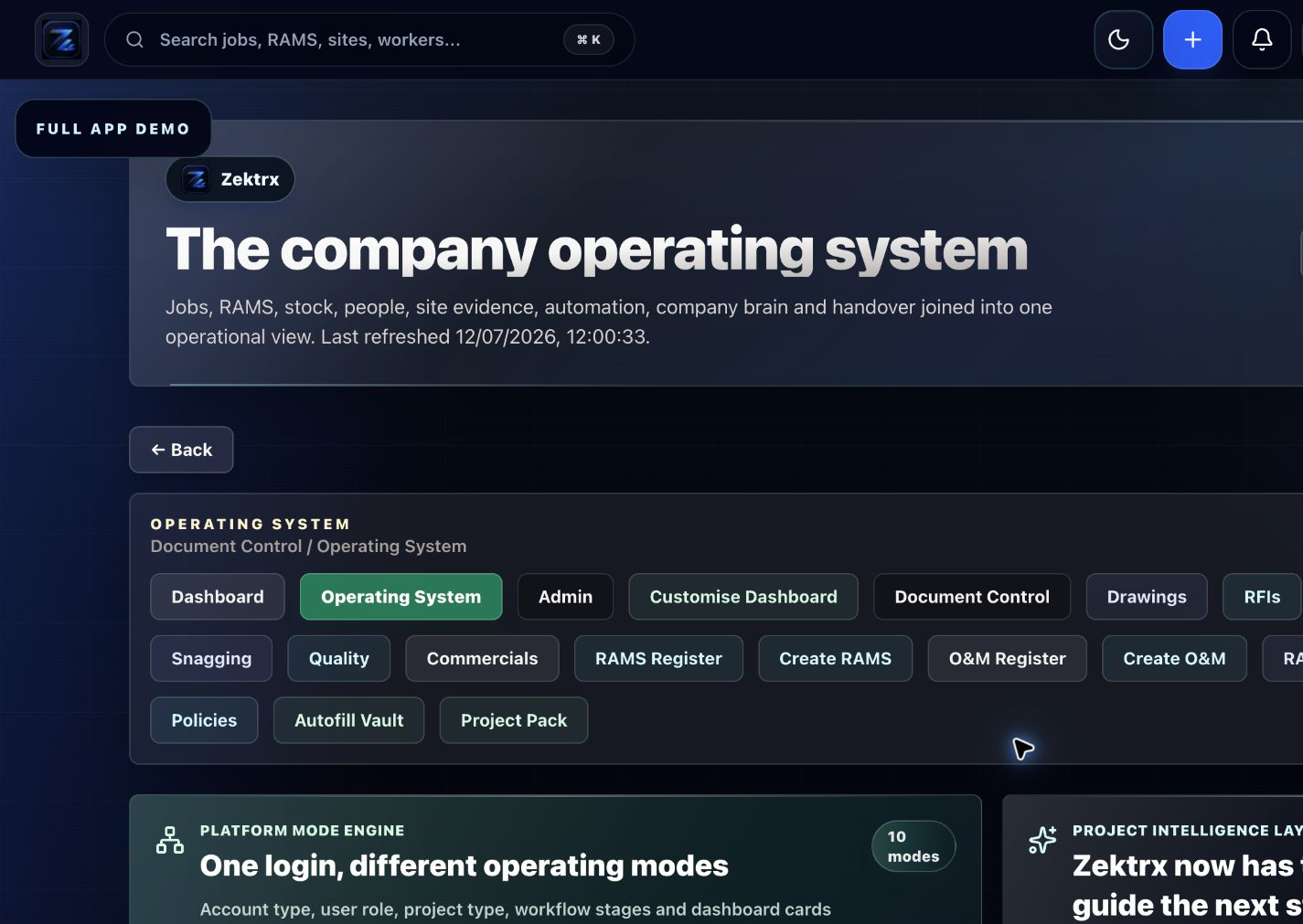
Plan
Move the article into an operating plan.
Good guidance should become owned work, review points and clear next actions inside the contractor workspace.
Connect BIM construction software decisions to drawings, revisions, Digital Twin records, O&M manuals, Golden Thread evidence and handover.
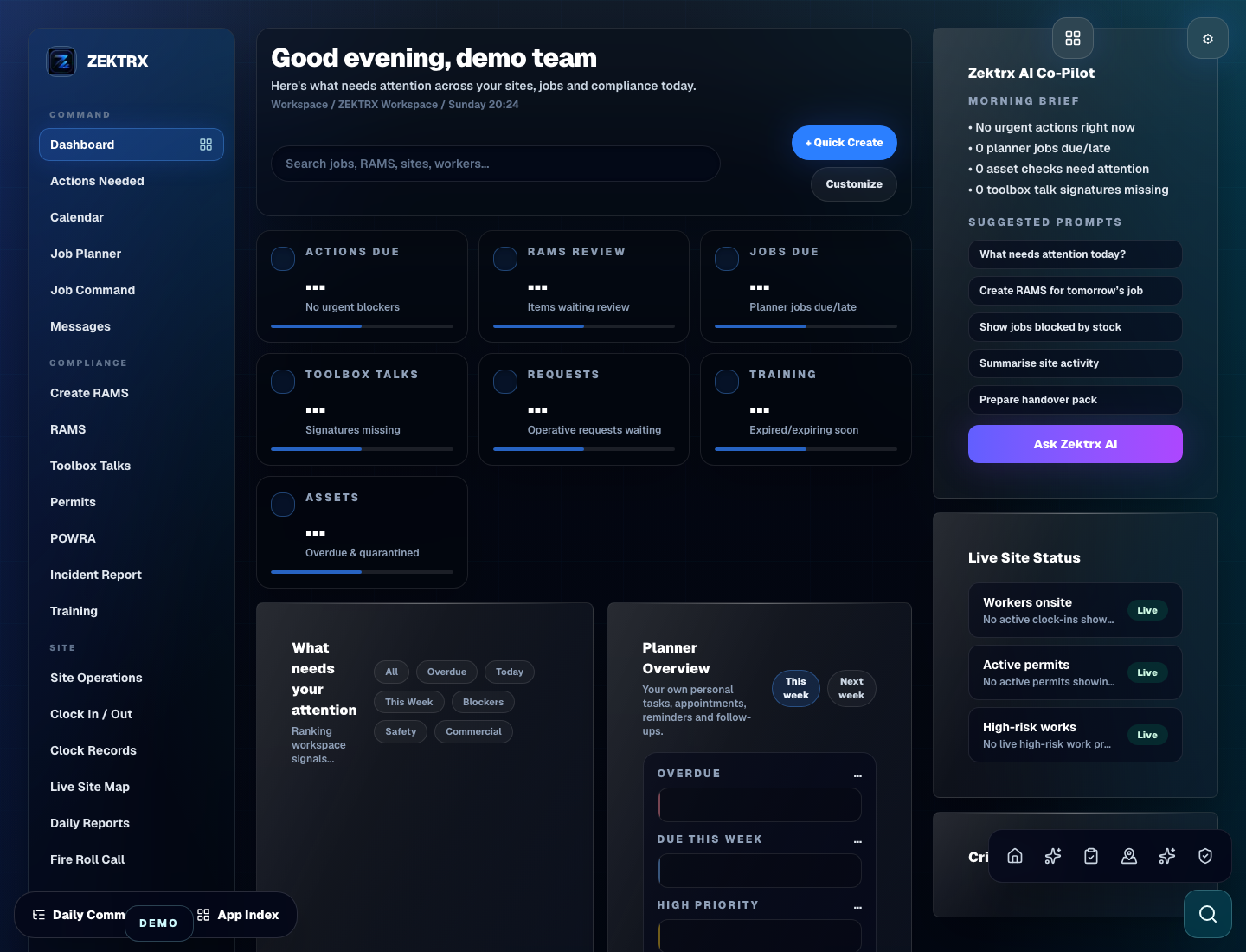
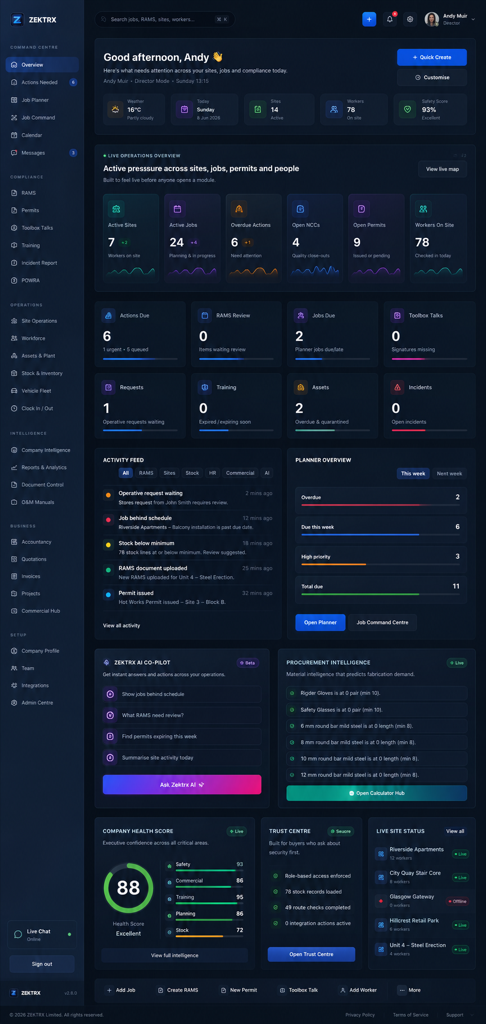
Document control
This resource should not sit apart from the product. Zektrx connects the guidance to planning, controlled records and review-ready evidence so teams can act on it.
Plan
Good guidance should become owned work, review points and clear next actions inside the contractor workspace.
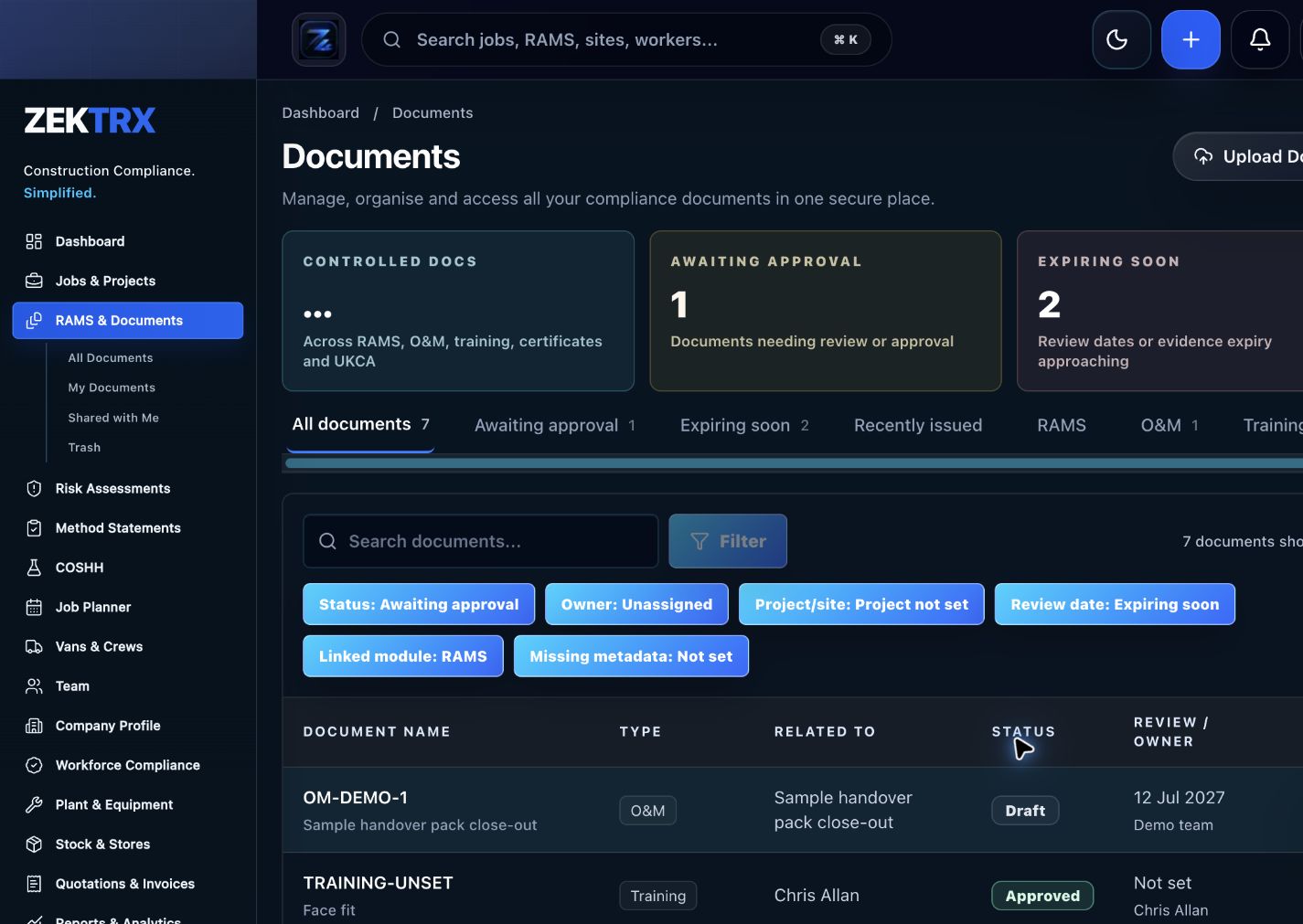
Control
The resource should point into controlled records, current versions, approvals and the proof teams need later.
Review
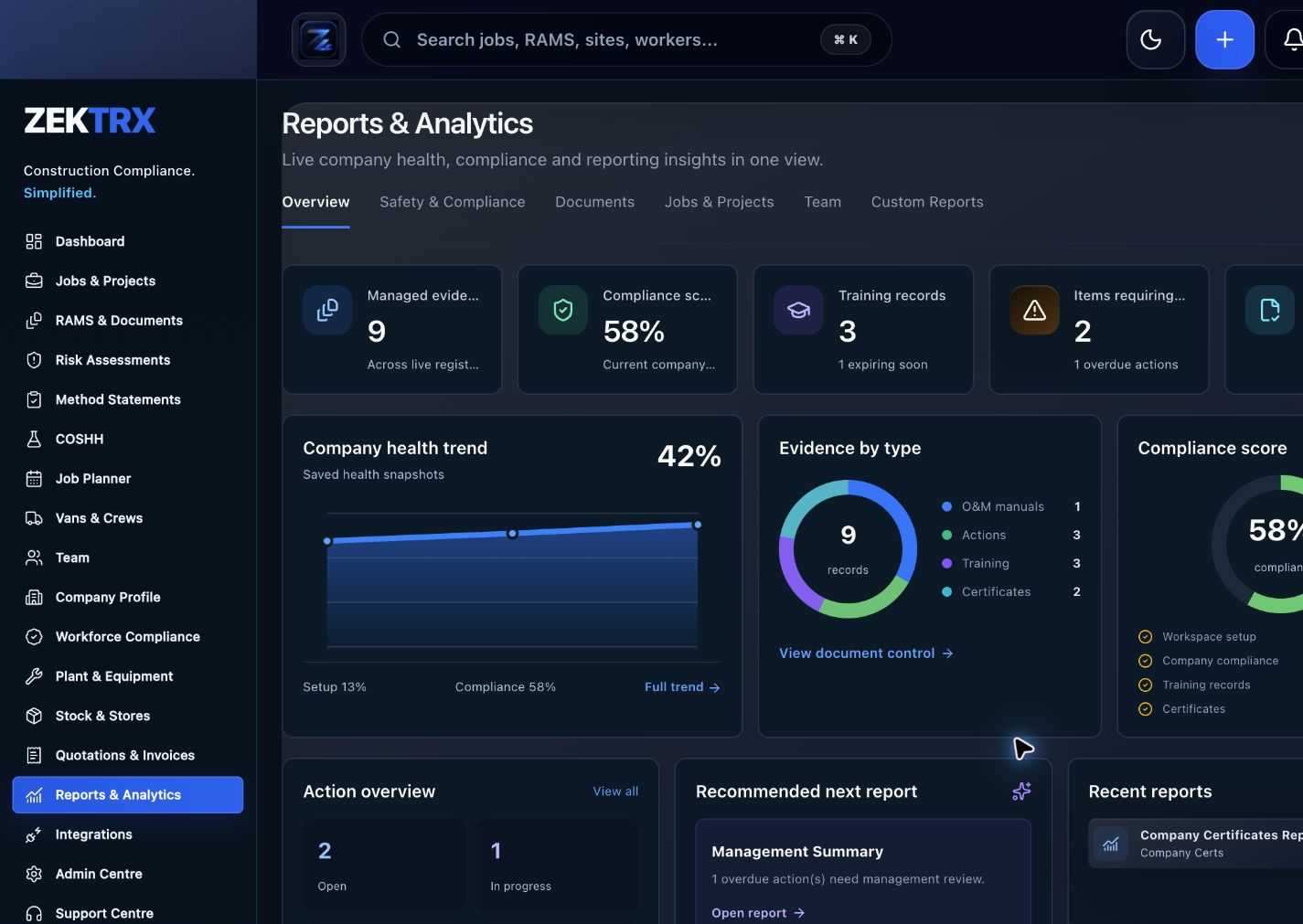
Reports and audit packs make the article practical after the work is complete, not just useful while reading.
Review the topic, reading time, editorial status and related Zektrx workflows before moving into the detailed guidance.
Topic
Document control
Reading path
5 article sections
Review status
Published 30 June 2026
Connected links
Construction Document Control Software
BIM construction software is most useful to contractors when model, drawing and document information stays connected to the evidence created on site. The practical issue is not only model access. Teams also need revision history, approvals, RFIs, photos, O&M records and handover evidence linked to the work.
Before adding another BIM or document tool, check how the information will move into delivery records. Who confirms the current revision? How will site teams find the right drawing? Where do comments, photos, snags and O&M evidence go? Can a manager export a clean project pack without rebuilding the file history?
Those questions matter because contractors often need to prove the operational record, not only view the design information.
If BIM information lives in one system and site evidence lives in another, close-out becomes a chase. Contractors need a clean path from document control to work execution and then to handover.
Zektrx supports the operational layer around BIM through Construction Document Control Software, Construction Drawing Management Software, O&M Manual Software and project evidence workflows.
Read the BIM, Digital Twin and Golden Thread Guide or compare Construction Project Management Software.
Related Zektrx workflow
Put it into practice
Start with the £5 for 14 days trial, then connect RAMS, jobs, stock, documents, records and reporting in one place.
1. Learn
Use this construction document control checklist to manage drawing registers, revisions, approvals, distribution and handover evidence.
A practical construction document control guide for drawings, revisions, approvals, issue records, site evidence and handover workflows.
A practical construction document management guide for controlling drawings, revisions, approvals, site evidence and handover records.
2. Use
Estimate cable length from measured runs, cable count and waste allowance. Free online tool for UK construction and trade teams.
Calculate steel plate weight from length, width, thickness and density. Free online tool for UK construction and trade teams.
Control permit scope, hazards, isolations, approvals, handback and close-out checks. Free printable construction template from Zektrx.
3. Automate
Control drawings, revisions, approvals and handover evidence.
Build operation and maintenance manual packs with connected evidence.
Connect mechanical RAMS, plant records, documents, inspections and handover.
4. Start
Connect resources, calculators, templates, evidence and software modules around the way your contractor team works with the £5 trial.
Start £5 TrialRelated Guides
Use this construction document control checklist to manage drawing registers, revisions, approvals, distribution and handover evidence.
A practical construction document control guide for drawings, revisions, approvals, issue records, site evidence and handover workflows.
A practical construction document management guide for controlling drawings, revisions, approvals, site evidence and handover records.
Related Calculators
Estimate cable length from measured runs, cable count and waste allowance. Free online tool for UK construction and trade teams.
Calculate steel plate weight from length, width, thickness and density. Free online tool for UK construction and trade teams.
Related Templates
Control permit scope, hazards, isolations, approvals, handback and close-out checks. Free printable construction template from Zektrx.
Capture inspection checks, photos, defects, actions, owners and close-out evidence. Free printable construction template from Zektrx.
Track snags, defects, locations, owners, photos, due dates and close-out sign-off. Free printable construction template from Zektrx.
Related Features
Control drawings, revisions, approvals and handover evidence.
Build operation and maintenance manual packs with connected evidence.
Connect mechanical RAMS, plant records, documents, inspections and handover.
Related Industries
Electrical contractor RAMS, permits, testing evidence, drawings, site records and handover packs. One platform for documents, evidence and compliance.
Mechanical contractor RAMS, permits, plant records, drawings, inspections and handover workflows. One platform for documents, evidence and compliance.
RAMS, drawings, workshop records, install evidence and handover workflows for steel fabricators. One platform for documents, evidence and compliance.
Related Comparisons
A site diary software buyer guide for construction teams that need daily records, photos, labour, delays, actions and evidence.
A construction management software buyer guide for teams comparing project controls, site records, documents, compliance and contractor operations.
Compare Zektrx with Procore for contractors that need RAMS, site evidence, document control and day-to-day trade operations without enterprise complexity.
Related FAQs
Yes. RAMS and method statement workflows can be adapted to electrical tasks and site conditions.
From Electrical Contractors Software
Yes. Permit workflows can connect scope, controls, approval and handback evidence.
From Electrical Contractors Software
Yes. Documents, photos, actions and completion evidence can be grouped for handover.
From Electrical Contractors Software
Yes. O&M, document and evidence workflows can support mechanical handover packs.
From Mechanical Contractors Software
This resource is for contractor, site, compliance and operations teams reviewing bim construction software guide for evidence workflows and deciding which records should become controlled workflows.
Yes. Zektrx is designed to turn recurring construction checklists, documents, actions, signatures and evidence into connected workflows.
No. Use this as practical workflow guidance and keep competent legal, safety, engineering or site-specific review where required.