








Plan
Move the article into an operating plan.
Good guidance should become owned work, review points and clear next actions inside the contractor workspace.
Practical site safety tips for turning daily briefings, inspections, actions and evidence into a usable contractor record.
Safety Articles
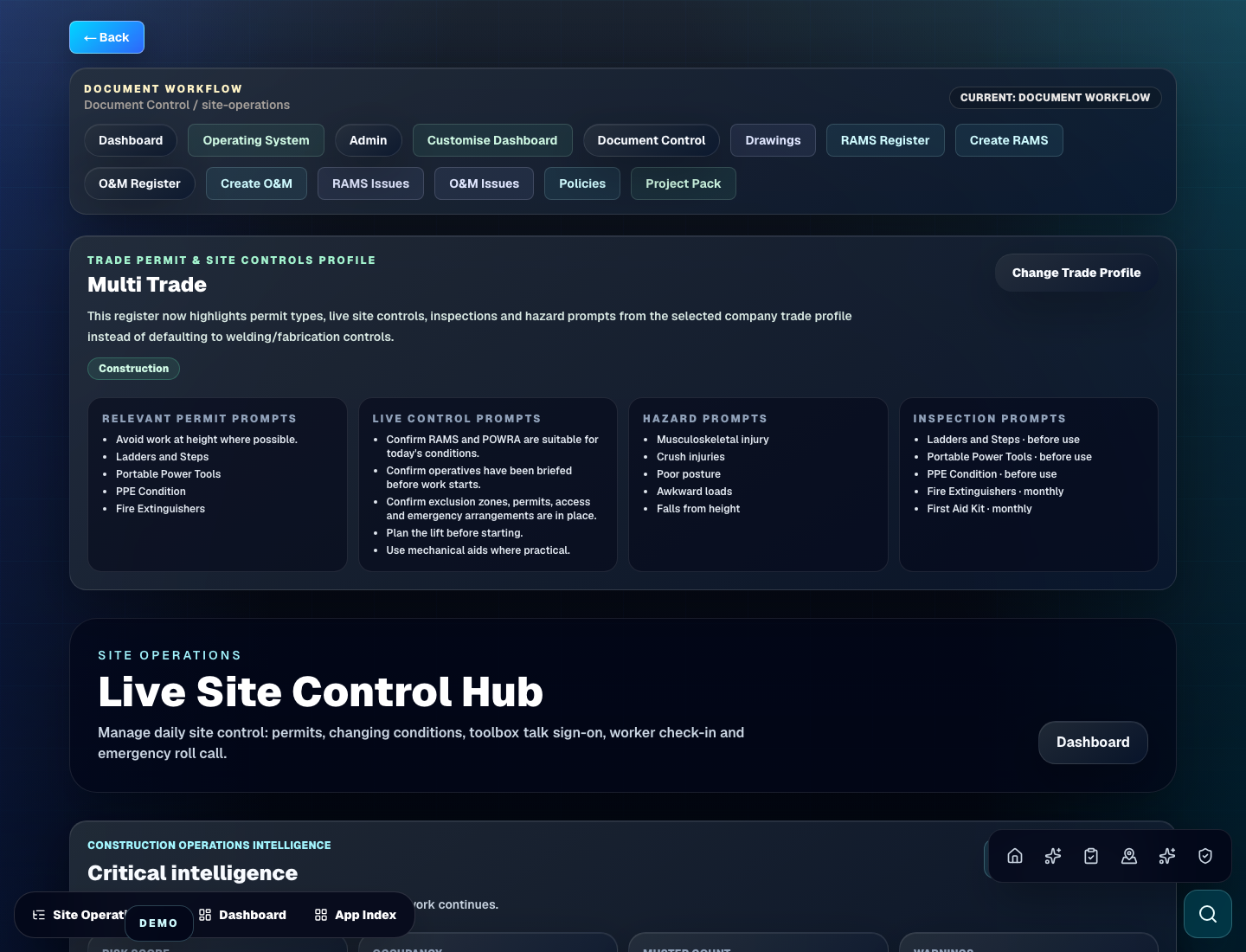
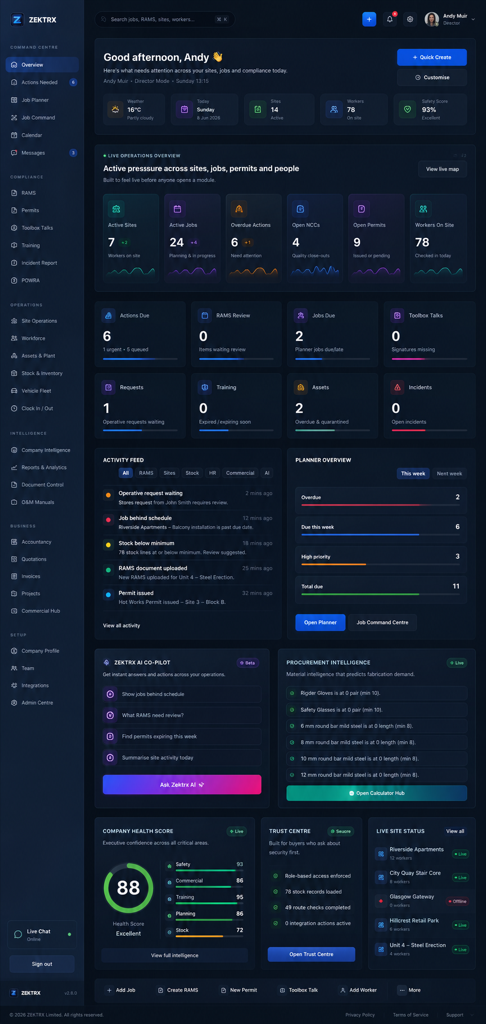
This resource should not sit apart from the product. Zektrx connects the guidance to planning, controlled records and review-ready evidence so teams can act on it.
Plan
Good guidance should become owned work, review points and clear next actions inside the contractor workspace.
Control
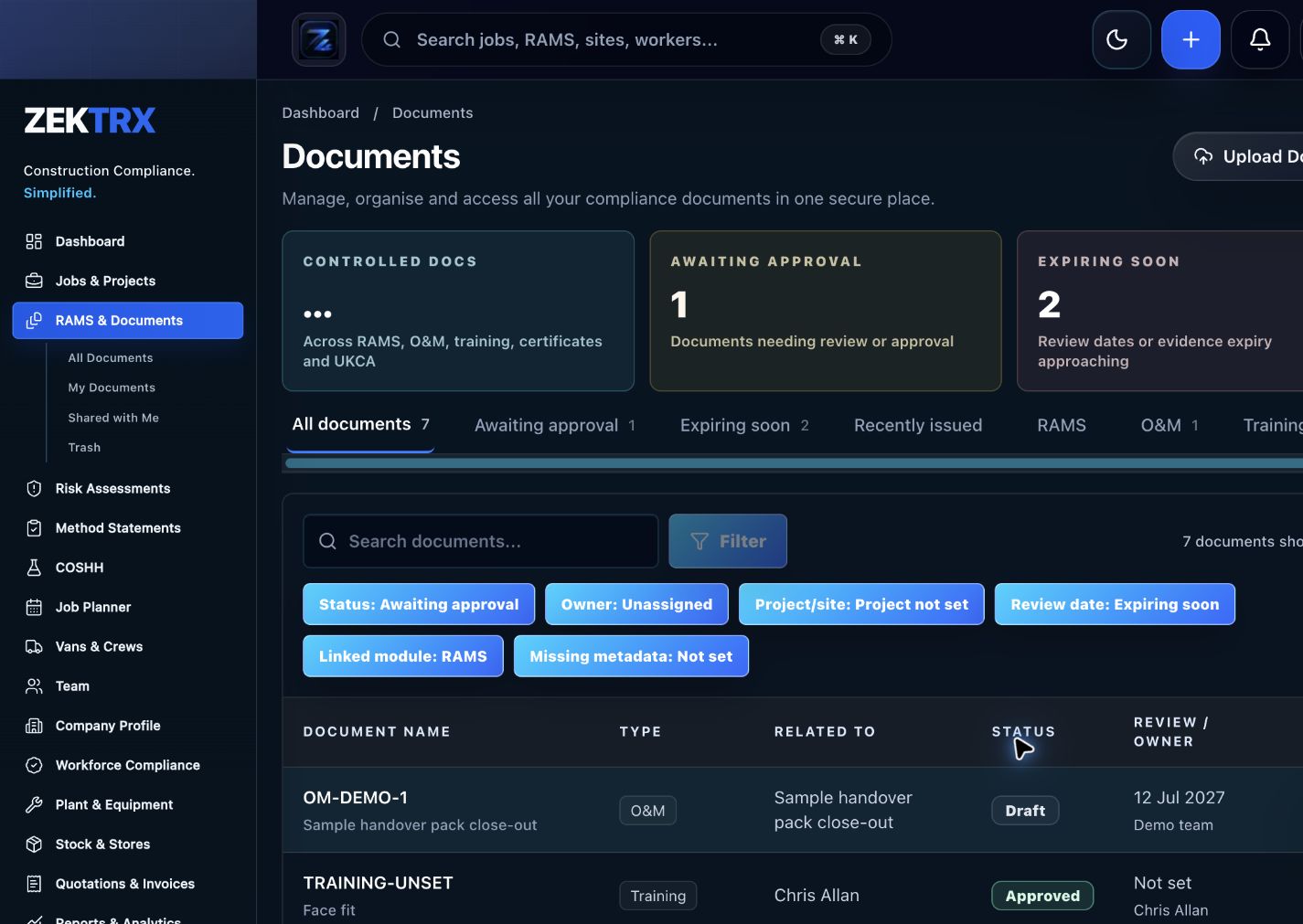
The resource should point into controlled records, current versions, approvals and the proof teams need later.
Review
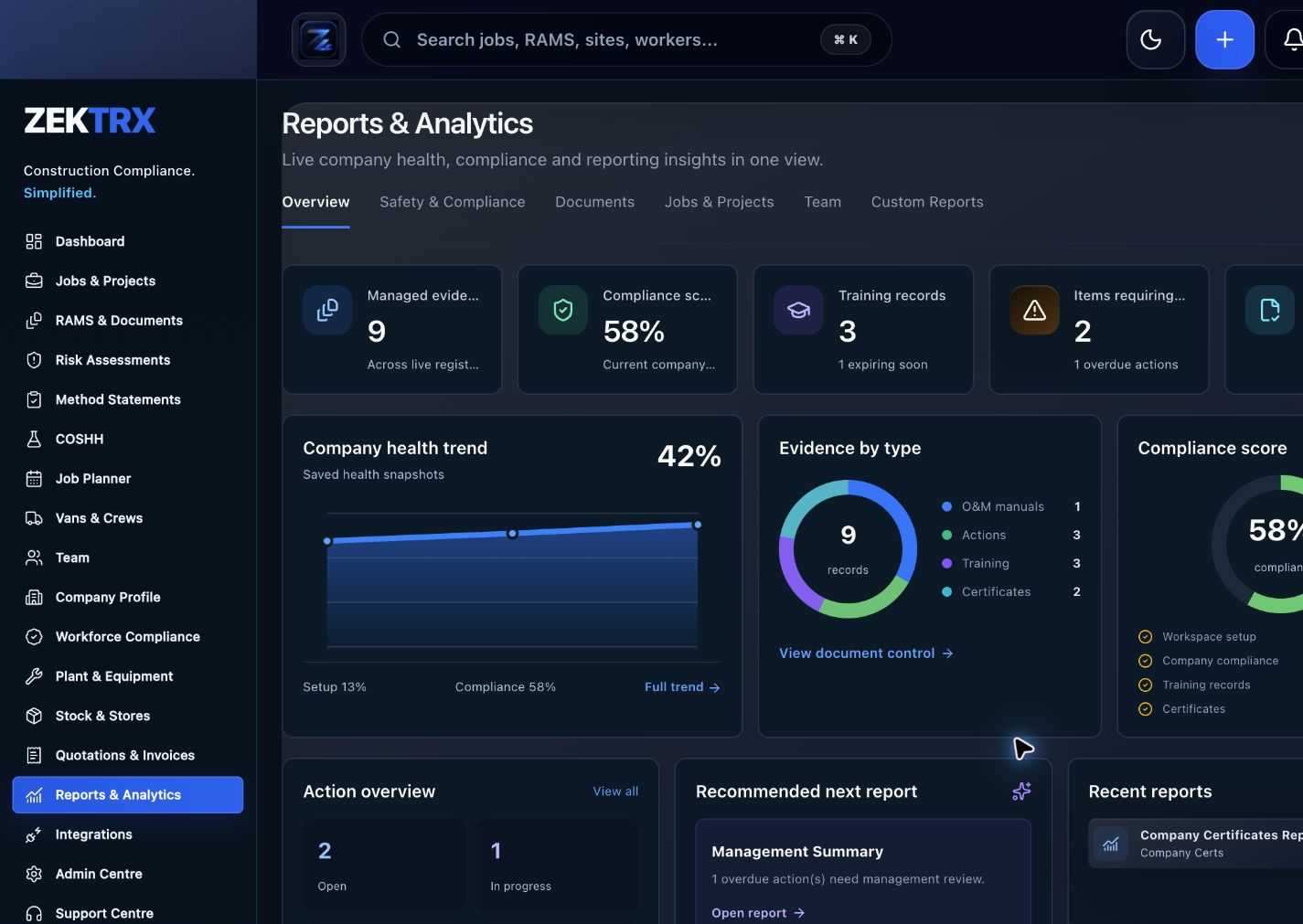
Reports and audit packs make the article practical after the work is complete, not just useful while reading.
Review the topic, reading time, editorial status and related Zektrx workflows before moving into the detailed guidance.
Topic
Safety Articles
Reading path
6 article sections
Review status
Published 5 July 2026
Connected links
Site Operations Software
Daily site safety works best when it is visible, specific and connected to the job. A generic reminder to work safely is weaker than a short briefing that names the actual work areas, people, plant, access routes, weather, deliveries and changes since the last shift.
Use the briefing to confirm what is different today. New operatives, changed access, damaged barriers, late deliveries, wet surfaces, incomplete permits and missing documents can all change the risk profile.
A good site walk should produce more than comments. If a supervisor spots poor housekeeping, missing signage or a blocked walkway, the record should say what was found, who owns the fix and when it was closed.
Near misses also deserve attention. They are useful warning signs, especially where the same issue appears across several jobs or several weeks.
Photos, attendance records, completed checklists and action close-out notes should sit against the project. If evidence is split across phone galleries, notebooks and shared folders, it becomes harder to prove what happened later.
For deeper topic guidance, review HSE construction guidance, HSE slips and trips guidance, HSE work at height guidance and HSE site traffic guidance.
Zektrx helps contractors connect daily briefings, inspections, toolbox talks, incidents, photos and actions to the same project record. That gives supervisors a clearer way to follow up safety issues instead of letting them disappear after the morning briefing.
Related Zektrx workflow
Put it into practice
Start with the £5 for 14 days trial, then connect RAMS, jobs, stock, documents, records and reporting in one place.
1. Learn
A safety checklist app guide for contractors managing RAMS checks, site inspections, toolbox talks, permits, actions and evidence.
A workplace safety software guide for contractor teams managing RAMS, incidents, inspections, training, permits, actions and evidence.
A safety article for capturing site inspection photos, comments, actions and close-out evidence in a usable way.
2. Use
Screen work-at-height task risk using height, duration, people and control rating. Free online tool for UK construction and trade teams.
Estimate daily noise exposure from sound level and exposure duration. Free online tool for UK construction and trade teams.
Calculate bolt counts for repeated rows, plates, brackets and connection schedules. Free online tool for UK construction and trade teams.
3. Automate
Connect RAMS, incidents, training, permits, inspections and safety evidence.
Capture inspections, photos, actions, owners and close-out evidence.
Connect mechanical RAMS, plant records, documents, inspections and handover.
4. Start
Use Zektrx to add owners, review dates, evidence, signatures, actions and reporting.
Start Trial in ZektrxRelated Guides
A safety checklist app guide for contractors managing RAMS checks, site inspections, toolbox talks, permits, actions and evidence.
A workplace safety software guide for contractor teams managing RAMS, incidents, inspections, training, permits, actions and evidence.
A safety article for capturing site inspection photos, comments, actions and close-out evidence in a usable way.
Related Calculators
Screen work-at-height task risk using height, duration, people and control rating. Free online tool for UK construction and trade teams.
Estimate daily noise exposure from sound level and exposure duration. Free online tool for UK construction and trade teams.
Calculate bolt counts for repeated rows, plates, brackets and connection schedules. Free online tool for UK construction and trade teams.
Related Templates
Check equipment condition, guards, inspections, certificates, defects and safe use controls. Free printable construction template from Zektrx.
Check waste, spill controls, noise, dust, drainage, storage and environmental actions. Free printable construction template from Zektrx.
Define hold points, witness points, acceptance criteria and evidence for quality control. Free printable construction template from Zektrx.
Related Features
Connect RAMS, incidents, training, permits, inspections and safety evidence.
Capture inspections, photos, actions, owners and close-out evidence.
Connect mechanical RAMS, plant records, documents, inspections and handover.
Related Industries
Scaffolding contractor RAMS, inspections, handover certificates, permits, photos and site evidence. One platform for documents, evidence and compliance.
Groundworks RAMS, permits, site diaries, plant checks, photos, quality records and delay evidence. One platform for documents, evidence and compliance.
Mechanical contractor RAMS, permits, plant records, drawings, inspections and handover workflows. One platform for documents, evidence and compliance.
Related Comparisons
Compare Zektrx with SafetyCulture for contractors that need inspections plus RAMS, permits, documents, actions, site diaries and construction evidence packs.
A practical buyer guide for choosing RAMS software that supports risk assessments, method statements, revisions, signatures and site evidence.
Compare Zektrx with spreadsheet-based construction admin for RAMS, site records, document control, actions, stock and reporting.
Related FAQs
Yes. Inspection workflows can record checks, actions, photos and close-out evidence.
From Scaffolders Software
Yes. RAMS templates can be adapted for scaffold tasks, access, edge protection and interfaces.
From Scaffolders Software
Yes. Handover records can be connected to site, document and evidence workflows.
From Scaffolders Software
Yes. Site diary workflows can capture labour, weather, progress, conditions, delays and evidence.
From Groundworkers Software
This resource is for contractor, site, compliance and operations teams reviewing construction site safety tips for daily briefings and deciding which records should become controlled workflows.
Yes. Zektrx is designed to turn recurring construction checklists, documents, actions, signatures and evidence into connected workflows.
No. Use this as practical workflow guidance and keep competent legal, safety, engineering or site-specific review where required.