







Plan
Move the article into an operating plan.
Good guidance should become owned work, review points and clear next actions inside the contractor workspace.
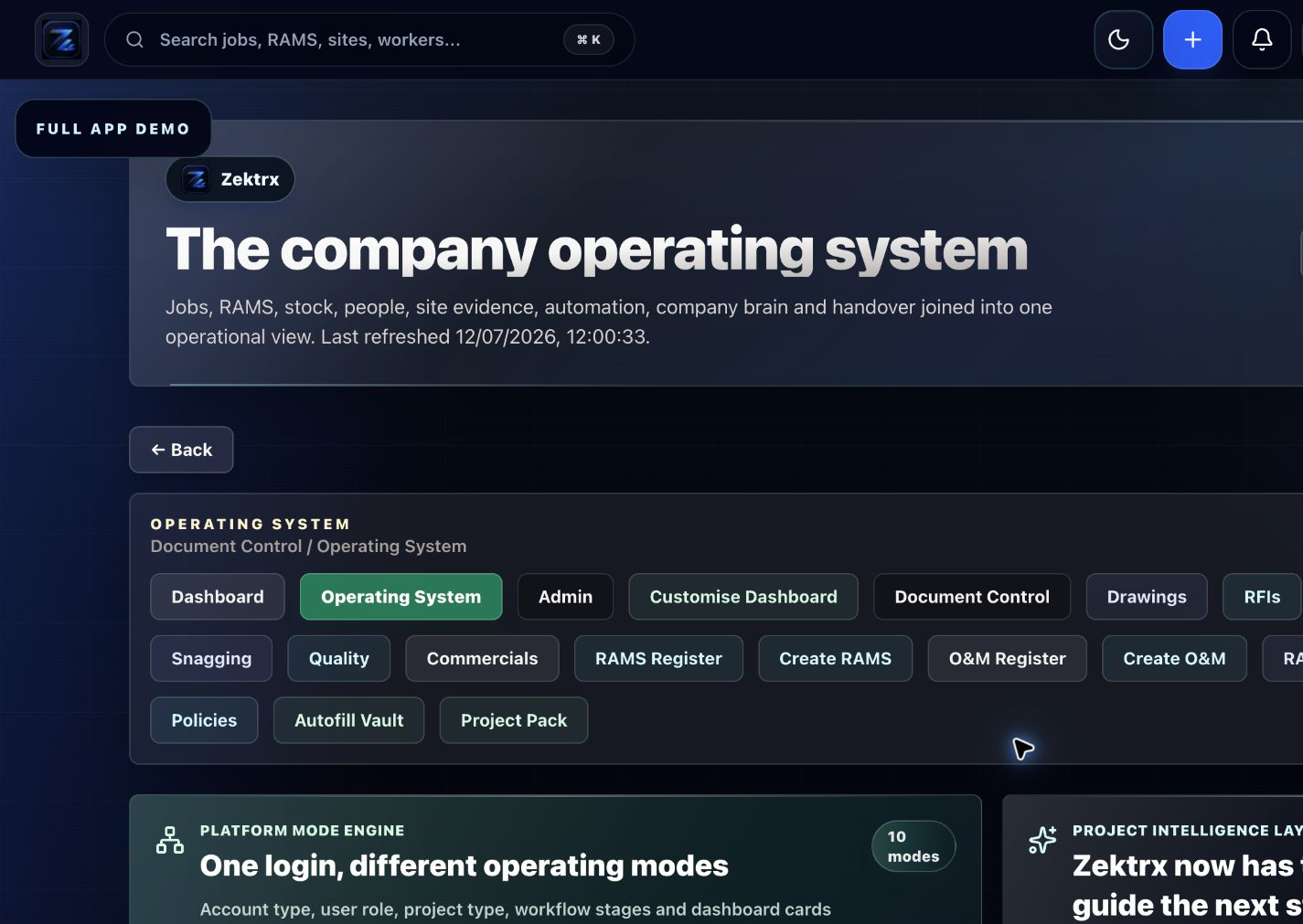
Guide to the Zektrx principal contractor workspace for subcontractors, RAMS approvals, drawings, RFIs, permits, quality and handover.
Compliance Updates
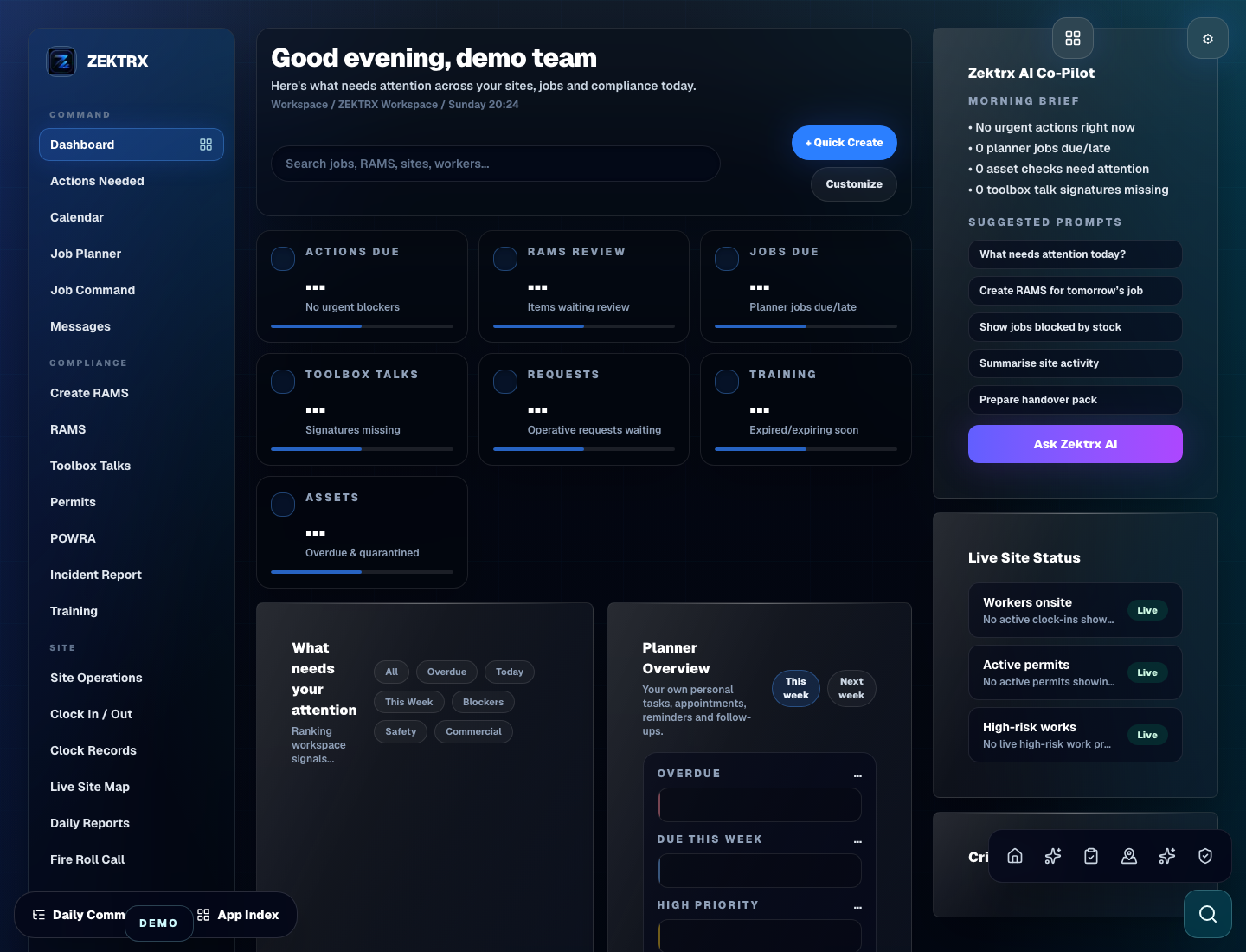
This resource should not sit apart from the product. Zektrx connects the guidance to planning, controlled records and review-ready evidence so teams can act on it.
Plan
Good guidance should become owned work, review points and clear next actions inside the contractor workspace.
Control
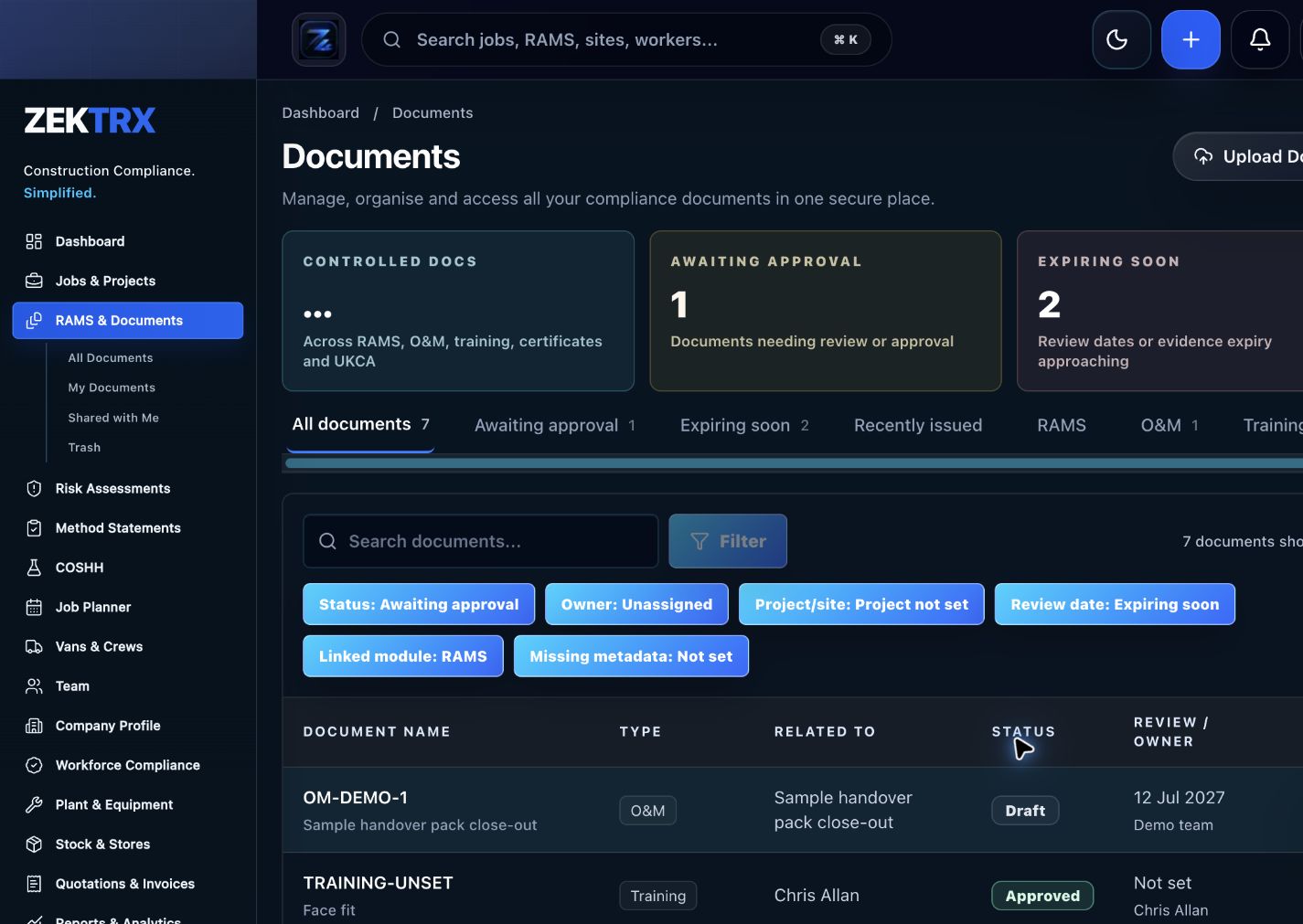
The resource should point into controlled records, current versions, approvals and the proof teams need later.
Review
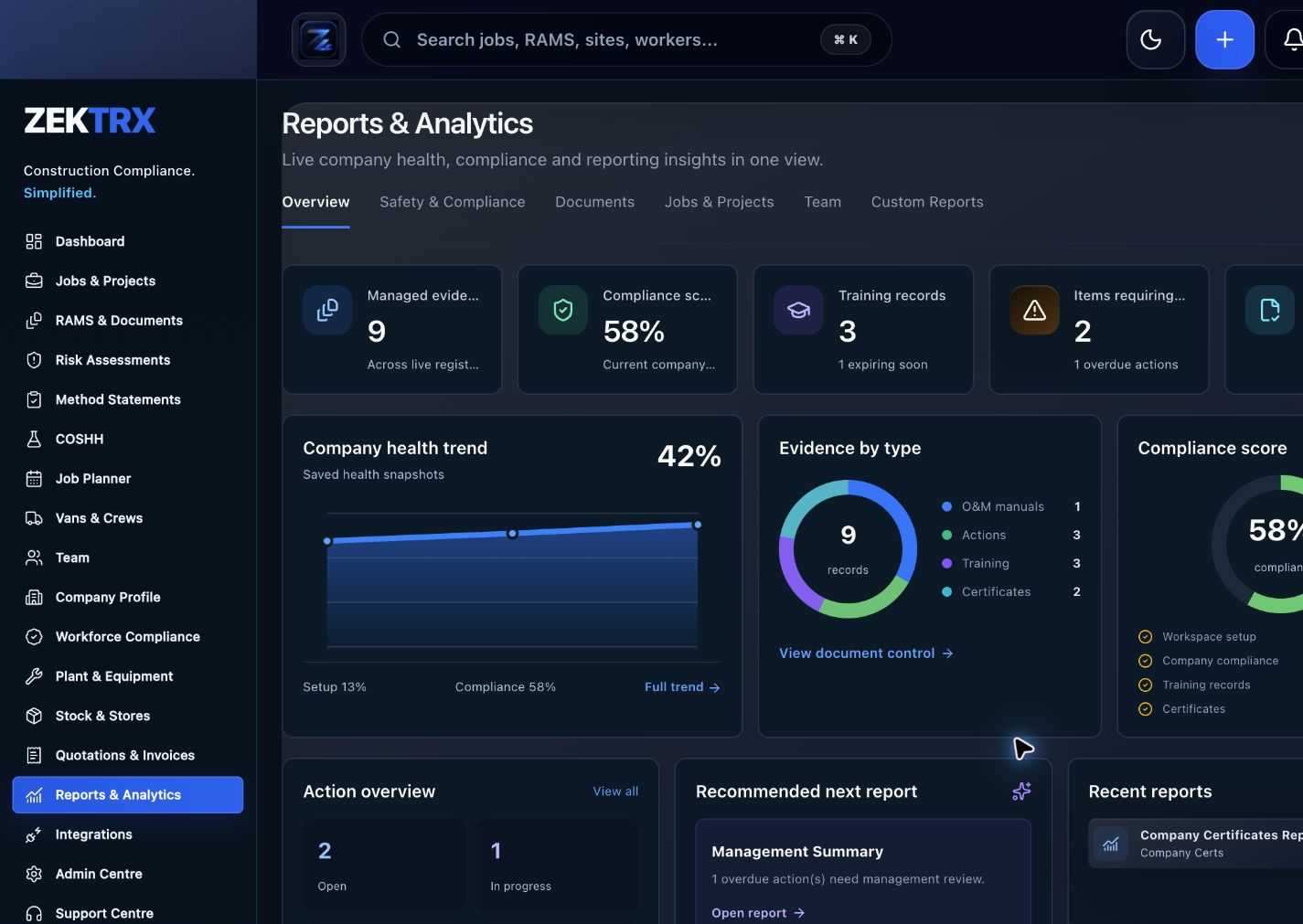
Reports and audit packs make the article practical after the work is complete, not just useful while reading.
Review the topic, reading time, editorial status and related Zektrx workflows before moving into the detailed guidance.
Topic
Compliance Updates
Reading path
5 article sections
Review status
Published 24 June 2026
Connected links
Principal Contractor Workspace
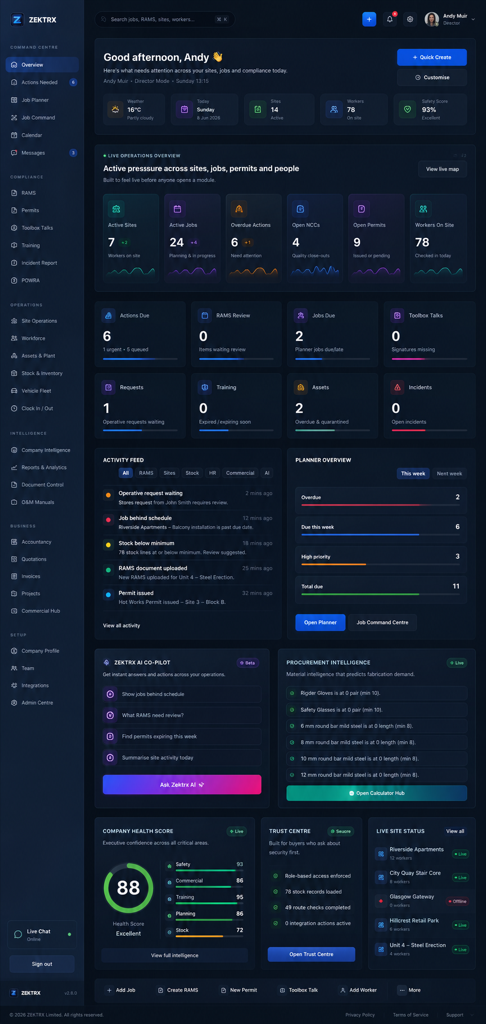
Principal contractors need more than a document store. They need a project workspace that shows subcontractor status, RAMS approvals, drawings, RFIs, permits, inspections, snagging, NCRs, commercial records, client approvals and handover progress together.
The risk is not just missing a document. The bigger risk is that records sit in separate inboxes, portals and spreadsheets, with no clear connection between the package, owner, approval and evidence trail.
Each area should keep ownership visible. A project manager should be able to see which company owns the action, who needs to approve it and whether the record is ready for issue or handover.
Approval workflows are most useful when they show more than a status label. A strong workspace should show what was submitted, who reviewed it, what changed, which version is current and what remains outstanding.
For RAMS and permits, this makes competent review easier to evidence. For drawings and RFIs, it helps the team avoid working from stale information. For quality records, it makes close-out less dependent on memory.
Handover should not be a separate scramble at the end of the project. Principal contractor teams can reduce risk by collecting evidence throughout delivery:
When these records live in the same workspace, the close-out pack becomes easier to validate.
The Zektrx principal contractor workspace is designed to manage the full project workspace across subcontractors, drawings, RFIs, RAMS approvals, permits, inspections, snagging, NCRs, commercial records, client approvals and handover.
Related Zektrx workflow
Put it into practice
Start with the £5 for 14 days trial, then connect RAMS, jobs, stock, documents, records and reporting in one place.
1. Learn
A checklist for fire stopping evidence covering locations, photos, products, installers, inspections, sign-off and handover records.
Guide to tracking subcontractor insurance, certificates, accreditations, RAMS, inductions and expiry actions before work starts.
A guide for health and safety consultants supporting contractors with RAMS, audits, incidents, inspections, actions and evidence packs.
2. Use
Estimate rectangular load weight from length, width, thickness and density before lifting-plan review. Free online tool for UK construction and trade teams.
Screen work-at-height task risk using height, duration, people and control rating. Free online tool for UK construction and trade teams.
Estimate daily noise exposure from sound level and exposure duration. Free online tool for UK construction and trade teams.
3. Automate
Connect mechanical RAMS, plant records, documents, inspections and handover.
Manage electrical RAMS, permits, drawings, testing evidence and handover.
Track subcontractor readiness, documents, expiry dates, actions and evidence.
4. Start
Coordinate subcontractor documents, RAMS, permits, site evidence, actions and audit readiness.
View Principal Contractor WorkflowRelated Guides
A checklist for fire stopping evidence covering locations, photos, products, installers, inspections, sign-off and handover records.
Guide to tracking subcontractor insurance, certificates, accreditations, RAMS, inductions and expiry actions before work starts.
A guide for health and safety consultants supporting contractors with RAMS, audits, incidents, inspections, actions and evidence packs.
Related Calculators
Estimate rectangular load weight from length, width, thickness and density before lifting-plan review. Free online tool for UK construction and trade teams.
Screen work-at-height task risk using height, duration, people and control rating. Free online tool for UK construction and trade teams.
Estimate daily noise exposure from sound level and exposure duration. Free online tool for UK construction and trade teams.
Related Templates
Capture inspection checks, photos, defects, actions, owners and close-out evidence. Free printable construction template from Zektrx.
Capture incident details, injuries, witnesses, photos, immediate actions and investigation notes. Free printable construction template from Zektrx.
Track competence, certificates, expiry dates, refreshers, evidence and worker readiness. Free printable construction template from Zektrx.
Related Features
Connect mechanical RAMS, plant records, documents, inspections and handover.
Manage electrical RAMS, permits, drawings, testing evidence and handover.
Track subcontractor readiness, documents, expiry dates, actions and evidence.
Related Industries
Principal contractor hubs for subcontractor coordination, RAMS, permits, site records, actions and audit evidence.
Mechanical contractor RAMS, permits, plant records, drawings, inspections and handover workflows. One platform for documents, evidence and compliance.
Scaffolding contractor RAMS, inspections, handover certificates, permits, photos and site evidence. One platform for documents, evidence and compliance.
Related Comparisons
Compare Zektrx with SafetyCulture for contractors that need inspections plus RAMS, permits, documents, actions, site diaries and construction evidence packs.
A site diary software buyer guide for construction teams that need daily records, photos, labour, delays, actions and evidence.
A construction management software buyer guide for teams comparing project controls, site records, documents, compliance and contractor operations.
Related FAQs
Yes. Zektrx can organise subcontractor records, documents, actions and evidence.
From Principal Contractors Software
Yes. RAMS, permits and site evidence can be managed as related workflows.
From Principal Contractors Software
Yes. Evidence and action records can be kept easier to retrieve for reviews and audits.
From Principal Contractors Software
Yes. O&M, document and evidence workflows can support mechanical handover packs.
From Mechanical Contractors Software
This resource is for contractor, site, compliance and operations teams reviewing principal contractor workspace feature guide and deciding which records should become controlled workflows.
Yes. Zektrx is designed to turn recurring construction checklists, documents, actions, signatures and evidence into connected workflows.
No. Use this as practical workflow guidance and keep competent legal, safety, engineering or site-specific review where required.