







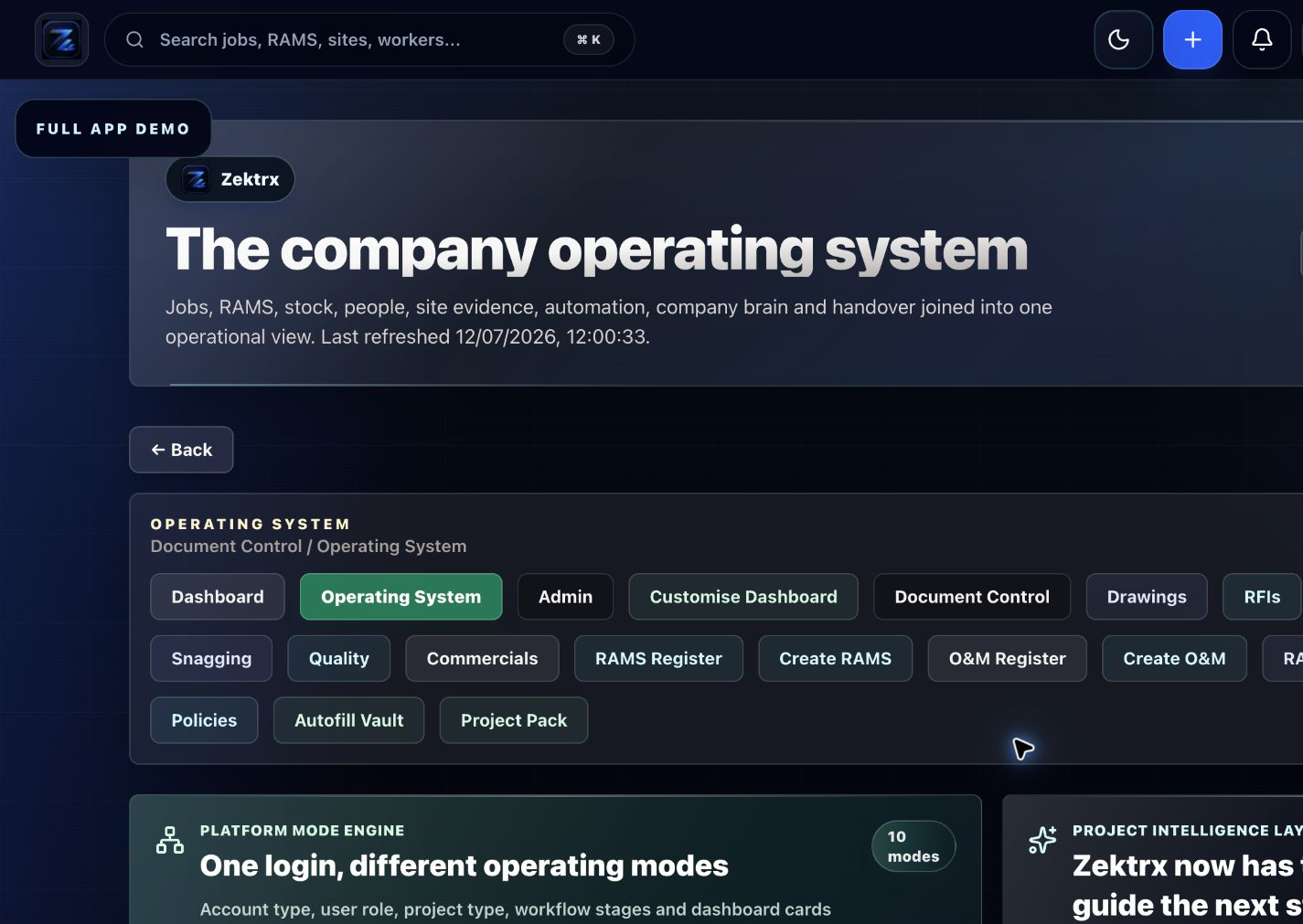
Plan
Move the article into an operating plan.
Good guidance should become owned work, review points and clear next actions inside the contractor workspace.
Review risk assessment software for contractor RAMS, hazards, controls, PPE, residual risk, approvals, signatures and evidence trails.
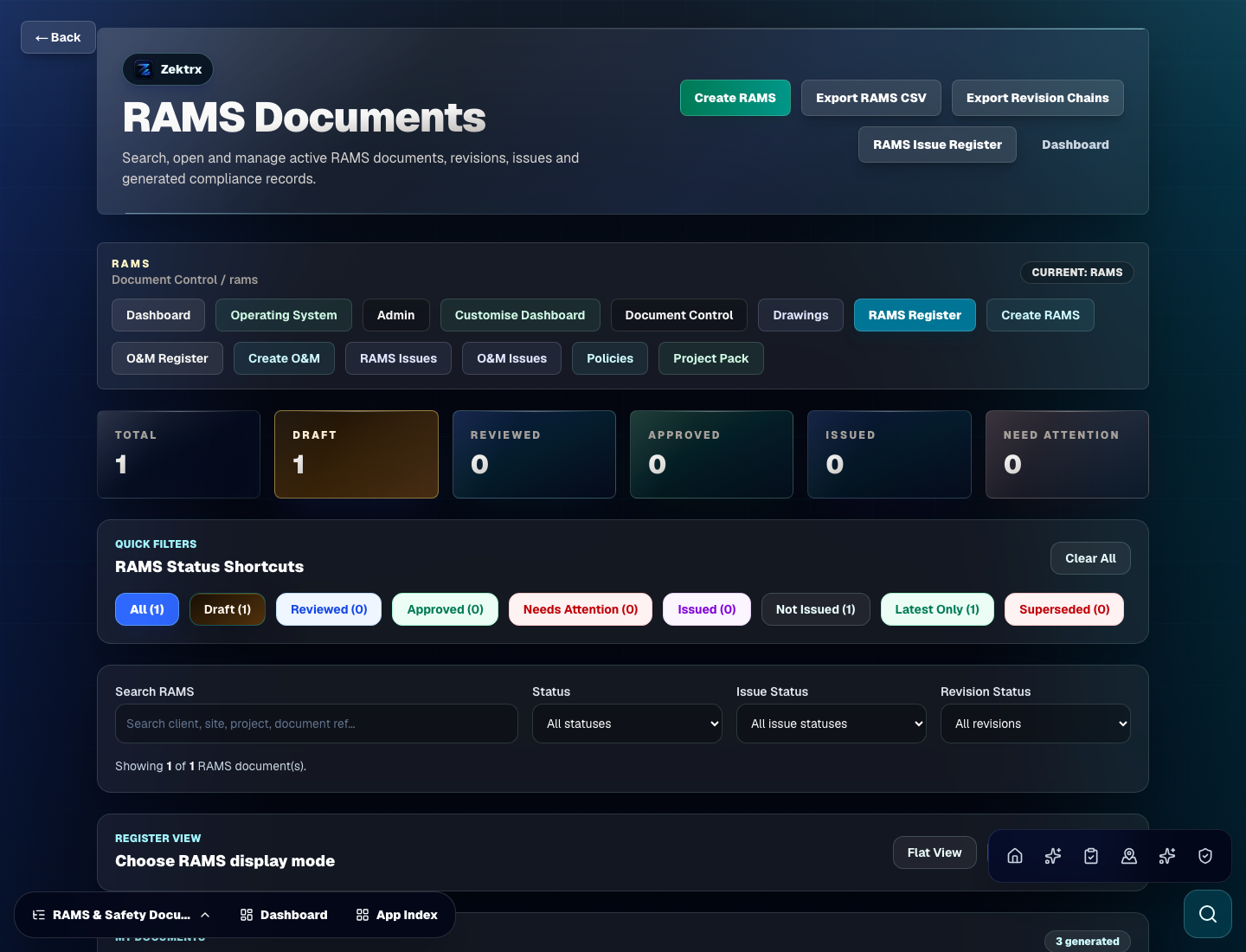
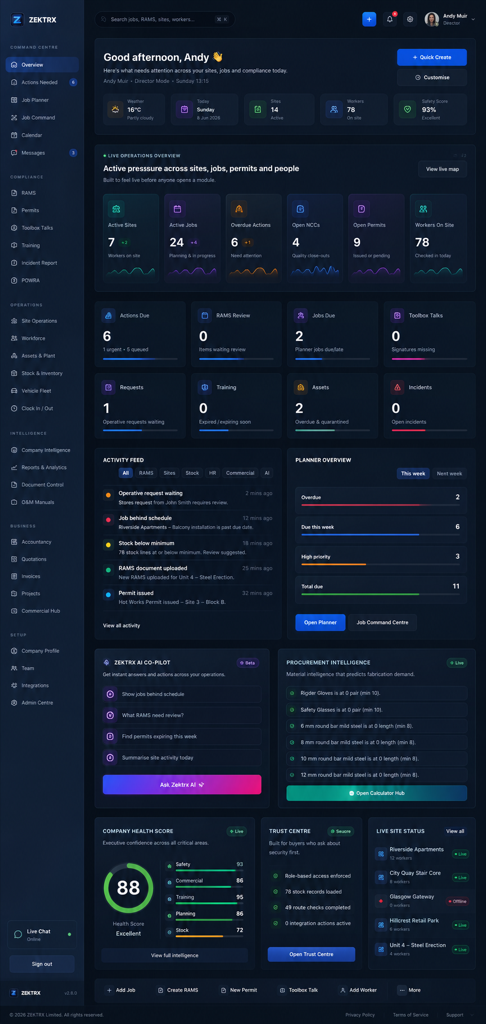
RAMS
This resource should not sit apart from the product. Zektrx connects the guidance to planning, controlled records and review-ready evidence so teams can act on it.
Plan
Good guidance should become owned work, review points and clear next actions inside the contractor workspace.
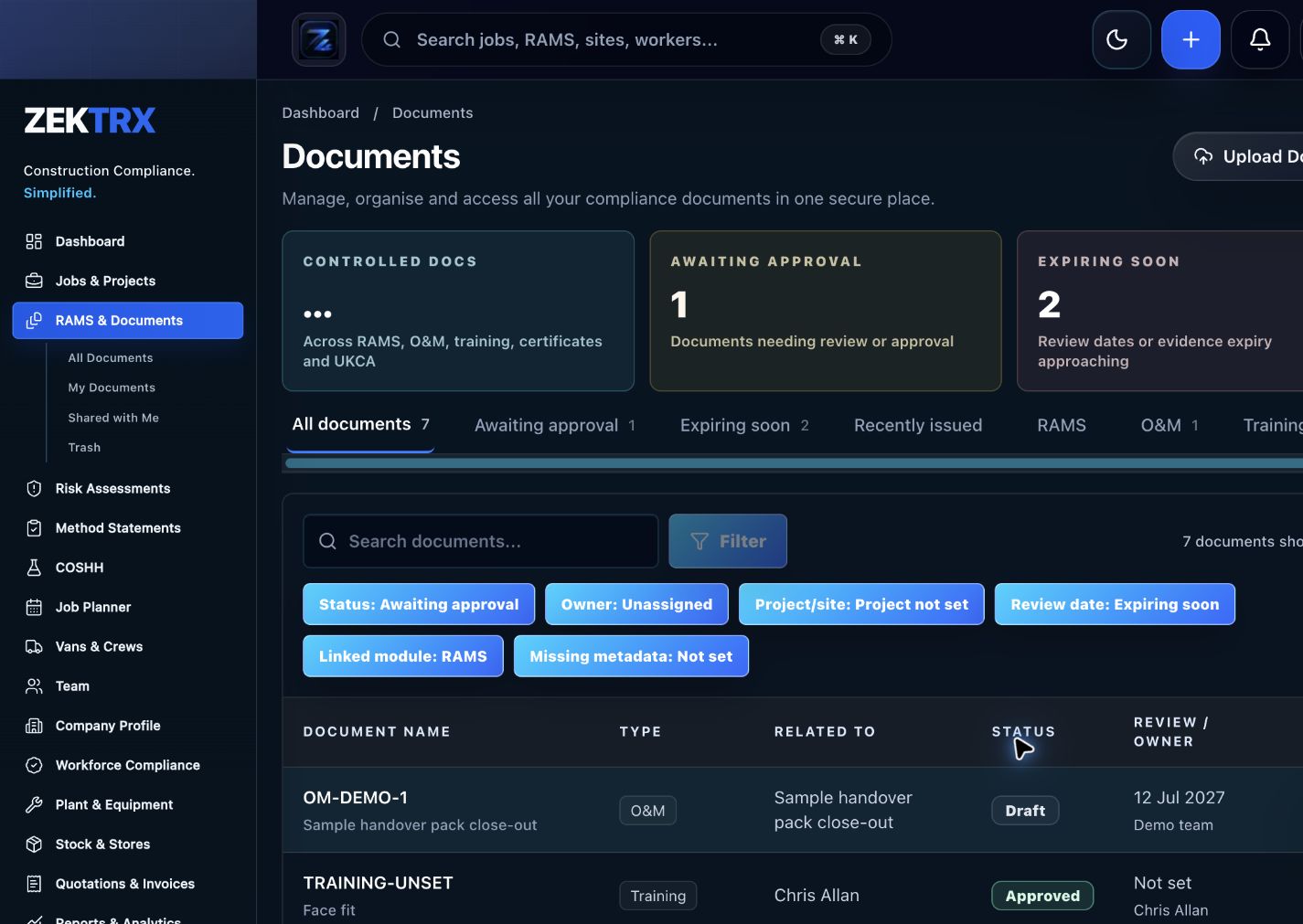
Control
The resource should point into controlled records, current versions, approvals and the proof teams need later.
Review
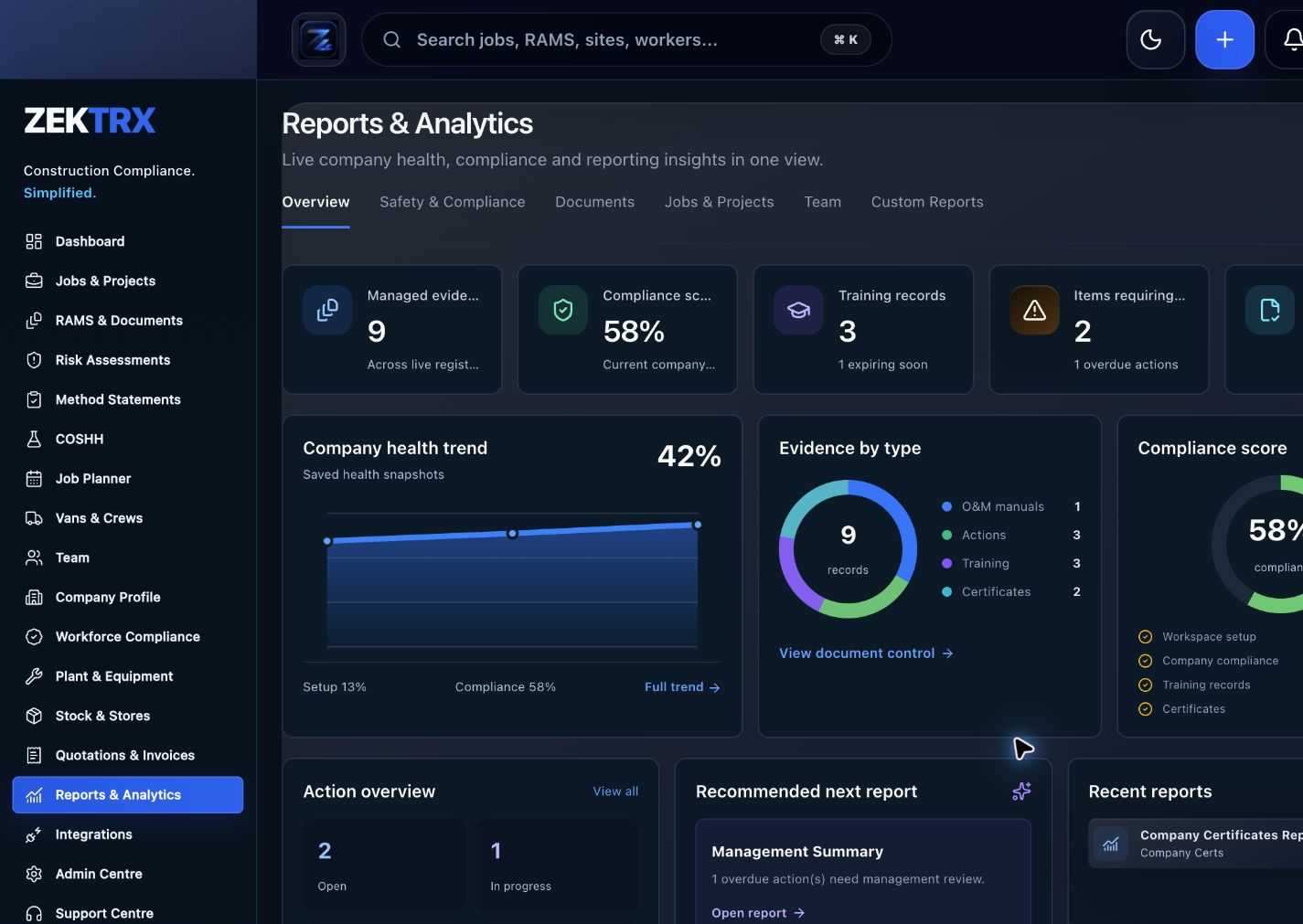
Reports and audit packs make the article practical after the work is complete, not just useful while reading.
Review the topic, reading time, editorial status and related Zektrx workflows before moving into the detailed guidance.
Topic
RAMS
Reading path
5 article sections
Review status
Published 30 June 2026
Connected links
Risk Assessment Software
Risk assessment software should help contractors identify hazards, choose controls, record residual risk and prove that the assessment was reviewed before work started. The value comes from repeatable records and clear evidence, not just another form.
Risk assessments should be reviewed when the work scope changes, site conditions change, new equipment is introduced, an incident occurs or the original controls are no longer practical. Review is also useful when a client rejects a RAMS pack or a supervisor raises a site concern.
The strongest workflow records the reason for review, the updated controls, the reviewer and whether affected workers were re-briefed.
Risk assessments should connect to method statements, COSHH assessments, POWRA checks, toolbox talks and site records. That connection makes it easier to review controls when the task, site or team changes.
Zektrx supports Risk Assessment Software, Construction Risk Assessment Software, RAMS Software and review workflows for contractor teams.
Use the Construction Risk Assessment Template Guide or read RAMS Guide: What to Check Before Work Starts.
Related Zektrx workflow
Put it into practice
Start with the £5 for 14 days trial, then connect RAMS, jobs, stock, documents, records and reporting in one place.
1. Learn
A RAMS app guide for contractors creating, reviewing, issuing, signing and storing RAMS records across office and site workflows.
Review what a risk assessment method statement app should manage, from RAMS drafting to approvals, signatures, revisions and site evidence.
A practical buyer guide to RAMS software features including templates, reviews, signatures, revisions, evidence and reporting.
2. Use
Estimate hand-arm vibration A(8) exposure from vibration magnitude and trigger time. Free online tool for UK construction and trade teams.
Check ladder angle and vertical reach using ladder length and wall distance. Free online tool for UK construction and trade teams.
Create a simple manual handling risk score from load, frequency, distance and twisting. Free online tool for UK construction and trade teams.
3. Automate
Create, review and manage RAMS, method statements, signatures and evidence.
Generate task-ready RAMS from reusable templates and project context.
Build controlled risk assessments with owners, review dates and linked evidence.
4. Start
Turn hazards, controls, owners, reviews and evidence into a controlled risk assessment workflow.
Create Risk AssessmentRelated Guides
A RAMS app guide for contractors creating, reviewing, issuing, signing and storing RAMS records across office and site workflows.
Review what a risk assessment method statement app should manage, from RAMS drafting to approvals, signatures, revisions and site evidence.
A practical buyer guide to RAMS software features including templates, reviews, signatures, revisions, evidence and reporting.
Related Calculators
Estimate hand-arm vibration A(8) exposure from vibration magnitude and trigger time. Free online tool for UK construction and trade teams.
Check ladder angle and vertical reach using ladder length and wall distance. Free online tool for UK construction and trade teams.
Create a simple manual handling risk score from load, frequency, distance and twisting. Free online tool for UK construction and trade teams.
Related Templates
A controlled structure for task hazards, method statement steps, controls, signatures and review evidence.
Identify hazards, people at risk, existing controls, further actions and review dates. Free printable construction template from Zektrx.
Plan the safe sequence of work, people, plant, materials, controls and hold points. Free printable construction template from Zektrx.
Related Features
Create, review and manage RAMS, method statements, signatures and evidence.
Generate task-ready RAMS from reusable templates and project context.
Build controlled risk assessments with owners, review dates and linked evidence.
Related Industries
Electrical contractor RAMS, permits, testing evidence, drawings, site records and handover packs. One platform for documents, evidence and compliance.
Mechanical contractor RAMS, permits, plant records, drawings, inspections and handover workflows. One platform for documents, evidence and compliance.
Roofing contractor RAMS, work-at-height controls, permits, photos, site records and client evidence.
Related Comparisons
Compare Zektrx with paper RAMS and Word/PDF RAMS packs for contractors that need signatures, revisions, review evidence and site acceptance.
A practical buyer guide for choosing RAMS software that supports risk assessments, method statements, revisions, signatures and site evidence.
Compare Zektrx with SafetyCulture for contractors that need inspections plus RAMS, permits, documents, actions, site diaries and construction evidence packs.
Related FAQs
Yes. Create a free Zektrx account to turn the printable structure into reusable RAMS records.
From RAMS Template
Yes. Review RAMS against the actual site, task, people, equipment and controls.
From RAMS Template
Yes. Existing RAMS documents can be used as the starting point for structured digital workflows.
From Zektrx vs Paper RAMS
Yes, but the acceptance evidence can be connected to the correct digital version.
From Zektrx vs Paper RAMS
This resource is for contractor, site, compliance and operations teams reviewing risk assessment software guide for contractors and deciding which records should become controlled workflows.
Yes. Zektrx is designed to turn recurring construction checklists, documents, actions, signatures and evidence into connected workflows.
No. Use this as practical workflow guidance and keep competent legal, safety, engineering or site-specific review where required.