







Plan
Move the article into an operating plan.
Good guidance should become owned work, review points and clear next actions inside the contractor workspace.
Put this into practice
Construction Calculators
A calculator-style resource for estimating upcoming certificate renewals, expiry windows and training matrix admin pressure.
Construction Calculators
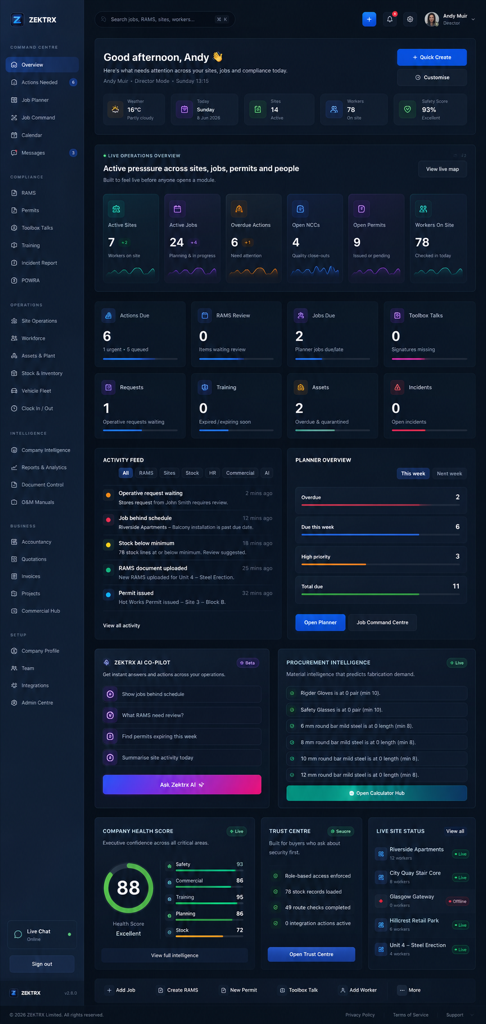
This resource should not sit apart from the product. Zektrx connects the guidance to planning, controlled records and review-ready evidence so teams can act on it.
Plan
Construction Calculators
Control
COSHH Software for Construction
Review
Training Record Template
Plan
Good guidance should become owned work, review points and clear next actions inside the contractor workspace.
Put this into practice
Construction Calculators
Control
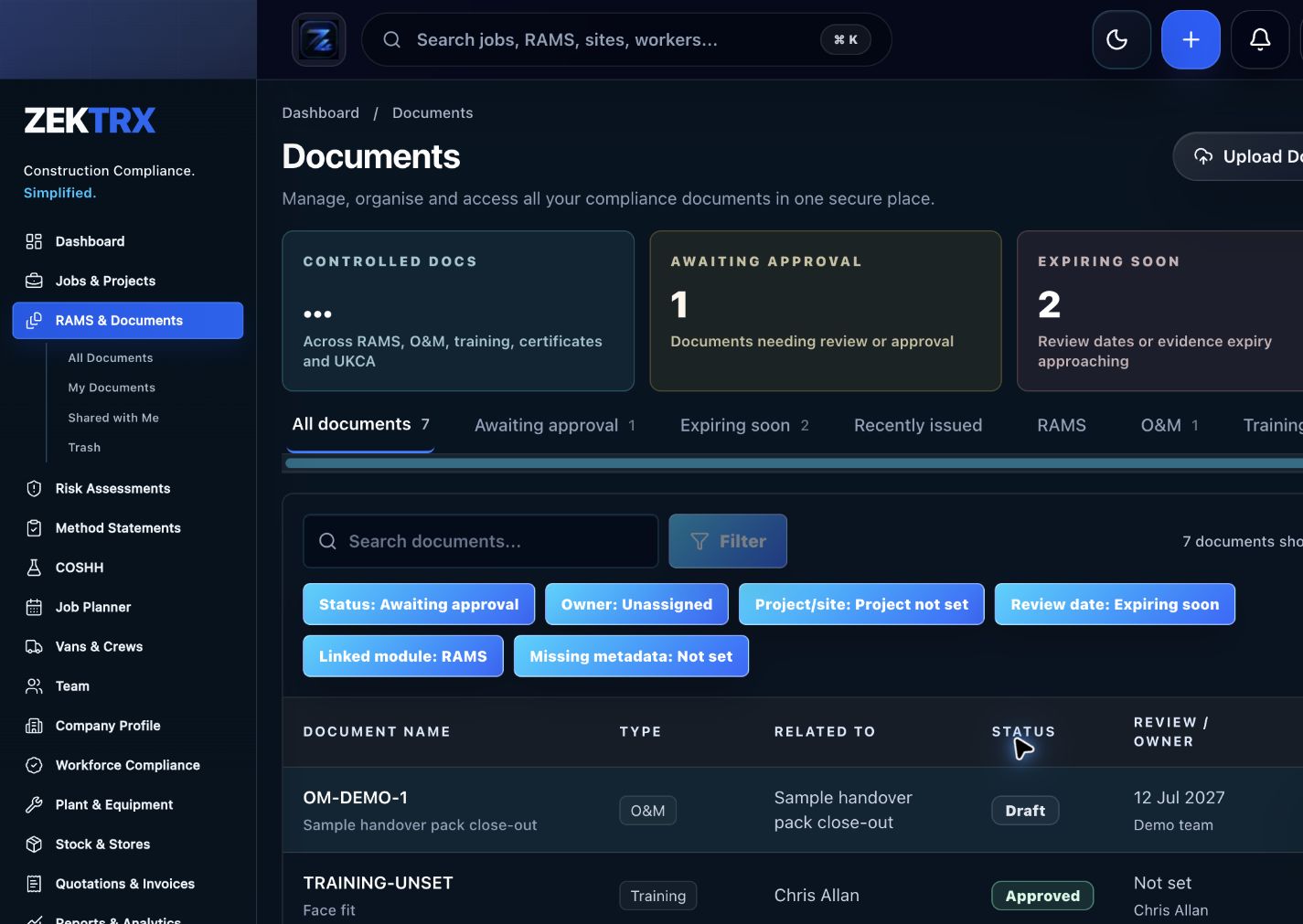
The resource should point into controlled records, current versions, approvals and the proof teams need later.
Put this into practice
COSHH Software for Construction
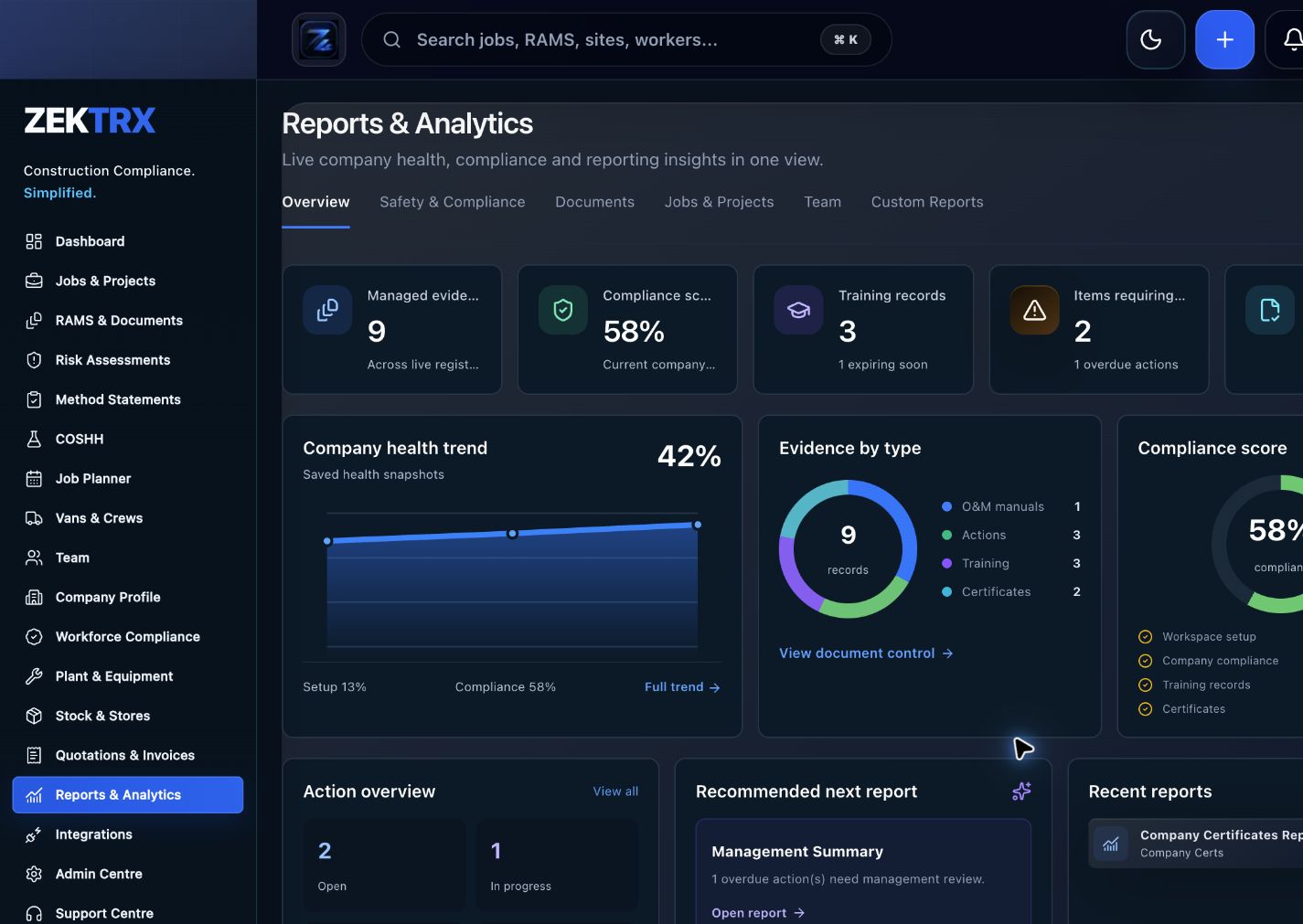
Review
Reports and audit packs make the article practical after the work is complete, not just useful while reading.
Put this into practice
Training Record Template
Review the topic, reading time, editorial status and related Zektrx workflows before moving into the detailed guidance.
Topic
Construction Calculators
Reading path
5 article sections
Review status
Published 18 June 2026
Connected links
Training Matrix Software
Training matrix admin becomes easier when renewals are grouped into clear windows. A simple 30, 60 and 90 day view helps managers see what needs attention before work is affected.
expiring records = certificates with expiry date inside the review window
For example:
Estimate admin effort with:
monthly training admin hours = expiring records x average minutes per renewal / 60
If 18 certificates expire this month and each renewal takes 20 minutes to chase, upload and check, the admin load is:
18 x 20 / 60 = 6 hours
Track the person, role, certificate name, expiry date, evidence file, status and owner. Make sure expired or missing records are visible before they affect site access.
Zektrx helps contractors track training records, certificate expiry, evidence and follow-up actions so teams are not managing renewals from scattered spreadsheets.
Related Zektrx workflow
Put it into practice
Start with the £5 for 14 days trial, then connect RAMS, jobs, stock, documents, records and reporting in one place.
1. Learn
A construction calculator for estimating the weekly cost of chasing RAMS, permits, training, audits and evidence.
A construction calculator for estimating the size, urgency and admin pressure of open audit and inspection actions.
A calculator-style resource for spotting revision control risk across drawings, RAMS, permits and project documents.
2. Use
Estimate daily noise exposure from sound level and exposure duration. Free online tool for UK construction and trade teams.
Estimate hand-arm vibration A(8) exposure from vibration magnitude and trigger time. Free online tool for UK construction and trade teams.
Create a simple manual handling risk score from load, frequency, distance and twisting. Free online tool for UK construction and trade teams.
3. Automate
Connect field operations, job status, actions and evidence records.
Plan projects, coordinate teams and keep actions, evidence and reports visible.
Coordinate schedules, tasks, dependencies and field readiness.
4. Start
Connect resources, calculators, templates, evidence and software modules around the way your contractor team works with the £5 trial.
Start £5 TrialRelated Guides
A construction calculator for estimating the weekly cost of chasing RAMS, permits, training, audits and evidence.
A construction calculator for estimating the size, urgency and admin pressure of open audit and inspection actions.
A calculator-style resource for spotting revision control risk across drawings, RAMS, permits and project documents.
Related Calculators
Estimate daily noise exposure from sound level and exposure duration. Free online tool for UK construction and trade teams.
Estimate hand-arm vibration A(8) exposure from vibration magnitude and trigger time. Free online tool for UK construction and trade teams.
Create a simple manual handling risk score from load, frequency, distance and twisting. Free online tool for UK construction and trade teams.
Related Templates
Plan the safe sequence of work, people, plant, materials, controls and hold points. Free, editable construction template from Zektrx.
Record worker details, company policies, site rules, competence checks and sign-off. Free, editable construction template from Zektrx.
Plan briefing topics, attendance, signatures, follow-up questions and evidence. Free, editable construction template from Zektrx.
Related Features
Connect field operations, job status, actions and evidence records.
Plan projects, coordinate teams and keep actions, evidence and reports visible.
Coordinate schedules, tasks, dependencies and field readiness.
Related Comparisons
A practical buyer guide for choosing RAMS software that supports risk assessments, method statements, revisions, signatures and site evidence.
Compare Zektrx with paper RAMS and Word/PDF RAMS packs for contractors that need signatures, revisions, review evidence and site acceptance.
Compare Zektrx with SafetyCulture for contractors that need inspections plus RAMS, permits, documents, actions, site diaries and construction evidence packs.
Related FAQs
No. Use competent monitoring and legal guidance for exposure assessment and controls.
From Noise Exposure Calculator
Assess each exposure and combine them with a suitable occupational noise method.
From Noise Exposure Calculator
Trigger time is the time the tool is actually vibrating in the worker's hands, not the whole task duration.
From HAVS Calculator
Manufacturer data can be a start, but measured site data is better for risk assessment.
From HAVS Calculator
This resource is for contractor, site, compliance and operations teams reviewing training matrix expiry calculator and deciding which records should become controlled workflows.
Yes. Zektrx is designed to turn recurring construction checklists, documents, actions, signatures and evidence into connected workflows.
No. Use this as practical workflow guidance and keep competent legal, safety, engineering or site-specific review where required.